Page 43 of 406

on the vehicle placard or tire inflation pressure label, you
should determine the proper tire inflation pressure for
those tires.
As an added safety feature, your vehicle has been
equipped with a Tire Pressure Monitoring System
(TPMS) that illuminates a low tire pressure telltale when
one or more of your tires is significantly under-inflated.
Accordingly, when the low tire pressure telltale illumi-
nates, you should stop and check your tires as soon as
possible and inflate them to the proper pressure. Driving
on a significantly under-inflated tire causes the tire to
overheat and can lead to tire failure. Under-inflation also
reduces fuel efficiency and tire tread life, and may affect
the vehicle’s handling and stopping ability.
Please note that the TPMS is not a substitute for proper
tire maintenance, and it is the driver ’s responsibility to
maintain correct tire pressure, even if under-inflation has
not reached the level to trigger illumination of the TPMS
low tire pressure telltale.Your vehicle has also been equipped with a TPMS
malfunction indicator to indicate when the system is not
operating properly. The TPMS malfunction indicator is
combined with the low tire pressure telltale. When the
system detects a malfunction, the telltale will flash for
approximately one minute and then remain continuously
illuminated. This sequence will continue upon subse-
quent vehicle start-ups as long as the malfunction exists.
When the malfunction indicator is illuminated, the sys-
tem may not be able to detect or signal low tire pressure
as intended. TPMS malfunctions may occur for a variety
of reasons, including the installation of replacement or
alternate tires or wheels on the vehicle that prevent the
TPMS from functioning properly. Always check the
TPMS malfunction telltale after replacing one or more
tires or wheels on your vehicle, to ensure that the
replacement or alternate tires and wheels allow the TPMS
to continue to function properly.
3
UNDERSTANDING YOUR INSTRUMENT PANEL 41
Page 45 of 406
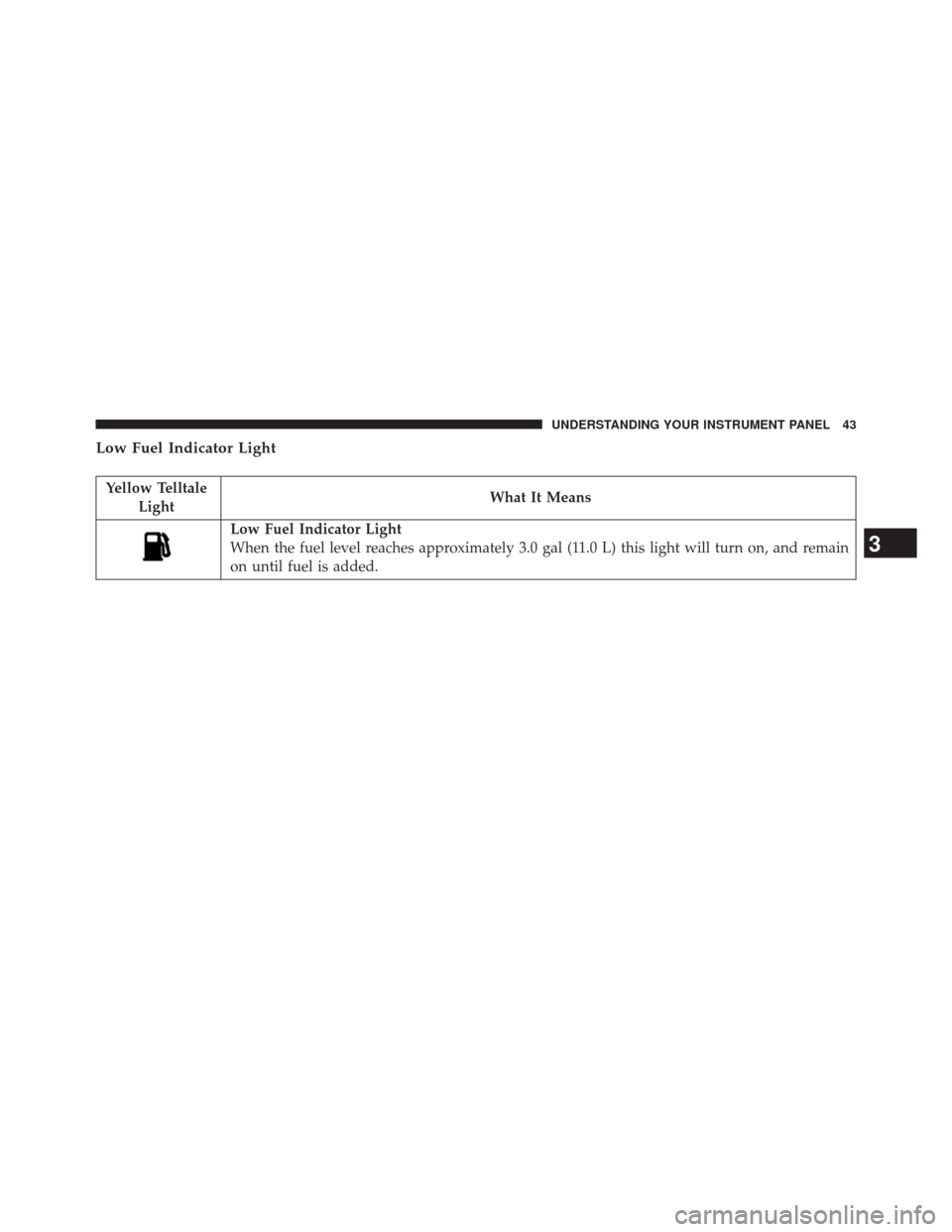
Low Fuel Indicator Light
Yellow TelltaleLight What It Means
Low Fuel Indicator Light
When the fuel level reaches approximately 3.0 gal (11.0 L) this light will turn on, and remain
on until fuel is added.
3
UNDERSTANDING YOUR INSTRUMENT PANEL 43
Page 50 of 406
Cargo Light — If Equipped
Yellow Tell-tale Light What It Means
Cargo Light
The cargo light will illuminate when the cargo light is activated by pressing the cargo light but-
ton on the headlight switch.
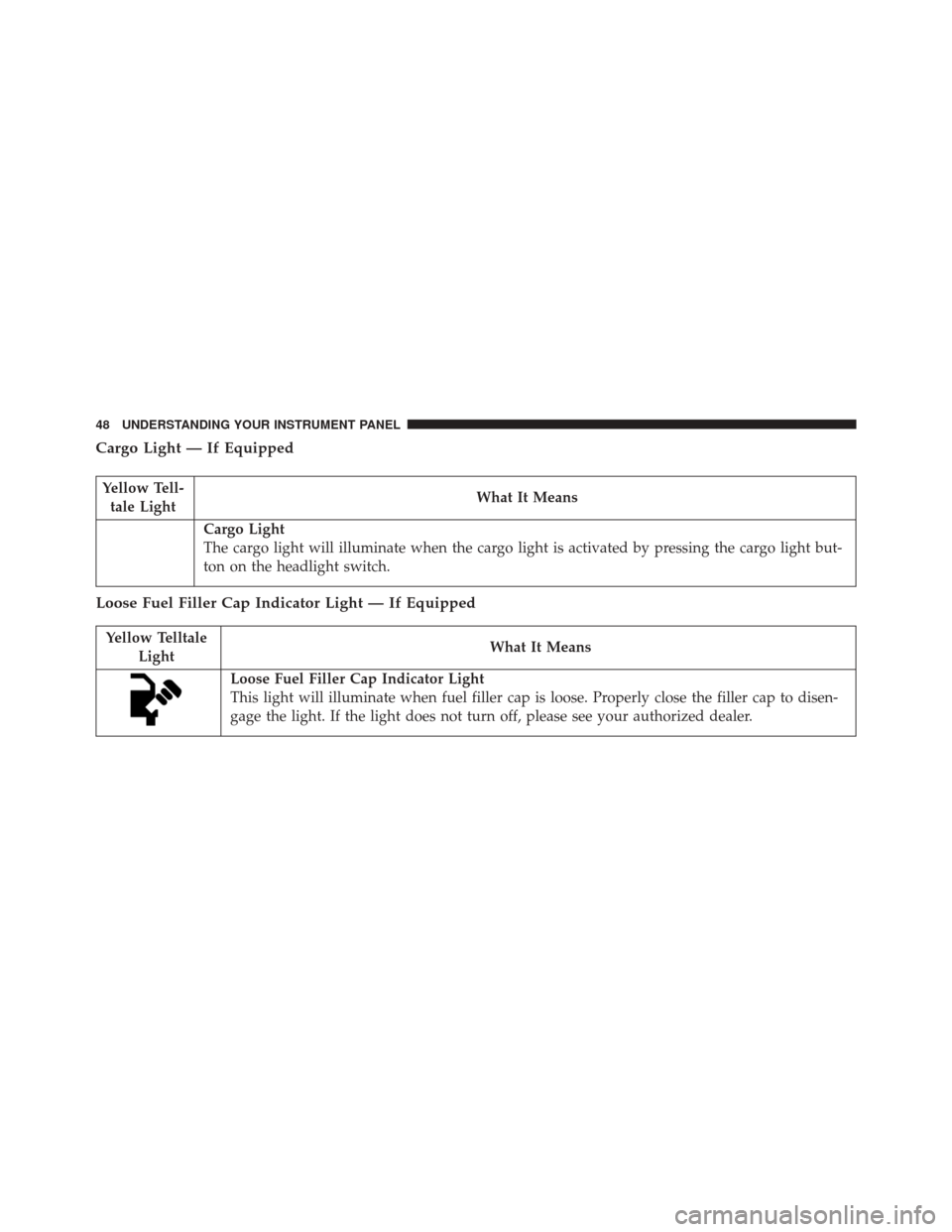
Loose Fuel Filler Cap Indicator Light — If Equipped
Yellow Telltale
Light What It Means
Loose Fuel Filler Cap Indicator Light
This light will illuminate when fuel filler cap is loose. Properly close the filler cap to disen-
gage the light. If the light does not turn off, please see your authorized dealer.
48 UNDERSTANDING YOUR INSTRUMENT PANEL
Page 57 of 406
Water in Fuel Indicator Light — If Equipped
Yellow TelltaleLight What It Means
Water in Fuel Indicator Light
The “Water In Fuel Indicator Light” will illuminate when there is water detected in the fuel
filters. If this light remains on, DO NOT start the vehicle before you drain the water from
the fuel filters to prevent engine damage. Refer to “Maintenance Procedures” in “Maintain-
ing Your Vehicle” for further information.
Low Diesel Exhaust Fluid (DEF) Indicator Light — If Equipped
Yellow Telltale
Light What It Means
Low Diesel Exhaust Fluid (DEF) Indicator Light
The Low Diesel Exhaust Fluid (DEF) Indicator will illuminate if the vehicle is low on Diesel
Exhaust Fluid (DEF). Refer to “Starting And Operating” for further information.
3
UNDERSTANDING YOUR INSTRUMENT PANEL 55
Page 67 of 406

4. EVIC White Telltales
•Electronic Speed Control Ready
This light will turn on when the electronic
speed control is ON. For further information,
refer to “Electronic Speed Control” in “Under-
standing The Features Of Your Vehicle.”
• Electronic Speed Control SET
This light will turn on when the electronic
speed control is SET. For further information,
refer to “Electronic Speed Control” in “Under-
standing The Features Of Your Vehicle.”
• ERS Gear Limit
The highest available transmission gear is displayed in
the lower right corner of the Electronic Vehicle Informa-
tion Center (EVIC) whenever the Electronic Range Select
(ERS) feature is active. Use the +/- selector on the shift
lever or steering wheel to activate ERS. Refer to “Auto-
matic Transmission” in “Starting And Operating” for
further information. 5. EVIC Amber Telltales
•
Low Fuel Telltale
When the fuel level reaches approximately 3.0 gal
(11.0 L) this light will turn on, and remain on until
fuel is added.
• Windshield Washer Fluid Low Indicator
This telltale will turn on to indicate the wind-
shield washer fluid is low.
• Low Coolant Level Indicator
This telltale will turn on to indicate the vehicle
coolant level is low.
• Transmission Temperature Warning Telltale
This telltale indicates that the transmission
fluid temperature is running hot. This may
occur with severe usage, such as trailer towing.
3
UNDERSTANDING YOUR INSTRUMENT PANEL 65
Page 68 of 406

If this telltale turns on, safely pull over and stop the
vehicle. Then, shift the transmission into PARK and run
the engine at idle or faster until the light turns off.
CAUTION!
Continuous driving with the Transmission Tempera-
ture Warning Light illuminated will eventually cause
severe transmission damage or transmission failure.
WARNING!
If you continue operating the vehicle when the
Transmission Temperature Warning Light is illumi-
nated you could cause the fluid to boil over, come in
contact with hot engine or exhaust components and
cause a fire.•
Air Suspension Payload Protection Telltale — If
Equipped This telltale will turn on to indicate that the
maximum payload may have been exceeded or
load leveling cannot be achieved at its current
ride height.
Protection Mode will automatically be selected in
order to “protect” the air suspension system, air
suspension adjustment is limited due to payload.
• Water In Fuel Indicator Light — Diesel Only
The “Water In Fuel Indicator Light” will illu-
minate when there is water detected in the fuel
filters. If this light remains on, DO NOT start
the vehicle before you drain the water from the
fuel filters to prevent engine damage. Refer to “Mainte-
nance Procedures/Draining Fuel/Water Separator Fil-
ters” in “Maintaining Your Vehicle” for further
information.
66 UNDERSTANDING YOUR INSTRUMENT PANEL
Page 80 of 406
Vehicle Information Submenus
•Battery Voltage
Displays the actual battery voltage.
• Fuel Filter Life
Displays the life of the fuel filter. •
Oil Pressure
Displays the actual oil pressure.
• Oil Temperature
Displays the actual oil temperature.
• Trans Temperature
Displays the actual transmission sump temperature.
• Coolant Temp
Displays the actual coolant temperature.
• Tire Pressure Monitor System
Displays the actual tire pressure.
• Engine Hours
Displays the actual engine hours.
Gauge Summary (Coolant Temp, Trans Temp, Oil Temp,
Oil Pressure)
EVIC Controls
78 UNDERSTANDING YOUR INSTRUMENT PANEL
Page 83 of 406

5. Transmission Gear Position Indicator (PRND)
6. Status Menu Icons
7. Telltales/Indicators
8. 4WD Status
9. Selectable Gauge (Trans Temp, Oil Temp, Oil Life,Trailer Brake, Current MPG, Fuel Filter Life, Turbo
Boost, Exhaust Brake, Battery Voltage)
10. Main Menu Items (Digital Speedometer, Vehicle Info, Fuel Economy, Trip A, Trip B, Trailer Tow, Audio,
Stored Messages, Screen Setup, Vehicle Settings)
11. Selectable Gauge (Trans Temp, Oil Temp, Oil Life, Trailer Brake, Current MPG, Fuel Filter Life, Turbo
Boost, Exhaust Brake, Battery Voltage) The main display area will normally display the main
menu or the screens of a selected feature of the main
menu. The main display area also displays “pop up”
messages that consist of approximately 60 possible warn-
ing or information messages. These pop up messages fall
into several categories:
•
Five Second Stored Messages
When the appropriate conditions occur, this type of
message takes control of the main display area for five
seconds and then returns to the previous screen. Most of
the messages of this type are then stored (as long as the
condition that activated it remains active) and can be
reviewed from the “Messages” main menu item. As long
as there is a stored message, an “i” will be displayed in
the DID’s compass/outside temp line. Examples of this
message type are “Right Front Turn Signal Lamp Out”
and “Low Tire Pressure”.
3
UNDERSTANDING YOUR INSTRUMENT PANEL 81