Page 375 of 636
WARNING
●Be sure the parking brake is fully re-
leased before driving. Failure to do so
can cause brake failure and lead to an
accident.
● Do not release the parking brake from
outside the vehicle.
● Do not use the shift lever in place of the
parking brake. When parking, be sure
the parking brake is fully engaged.
● To help avoid risk of injury or death
through unintended operation of the
vehicle and /or its systems, do not leave
children, people who require the assis-
tance of others or pets unattended in
your vehicle. Additionally, the tempera-
ture inside a closed vehicle on a warm
day can quickly become high enough to
cause a significant risk of injury or
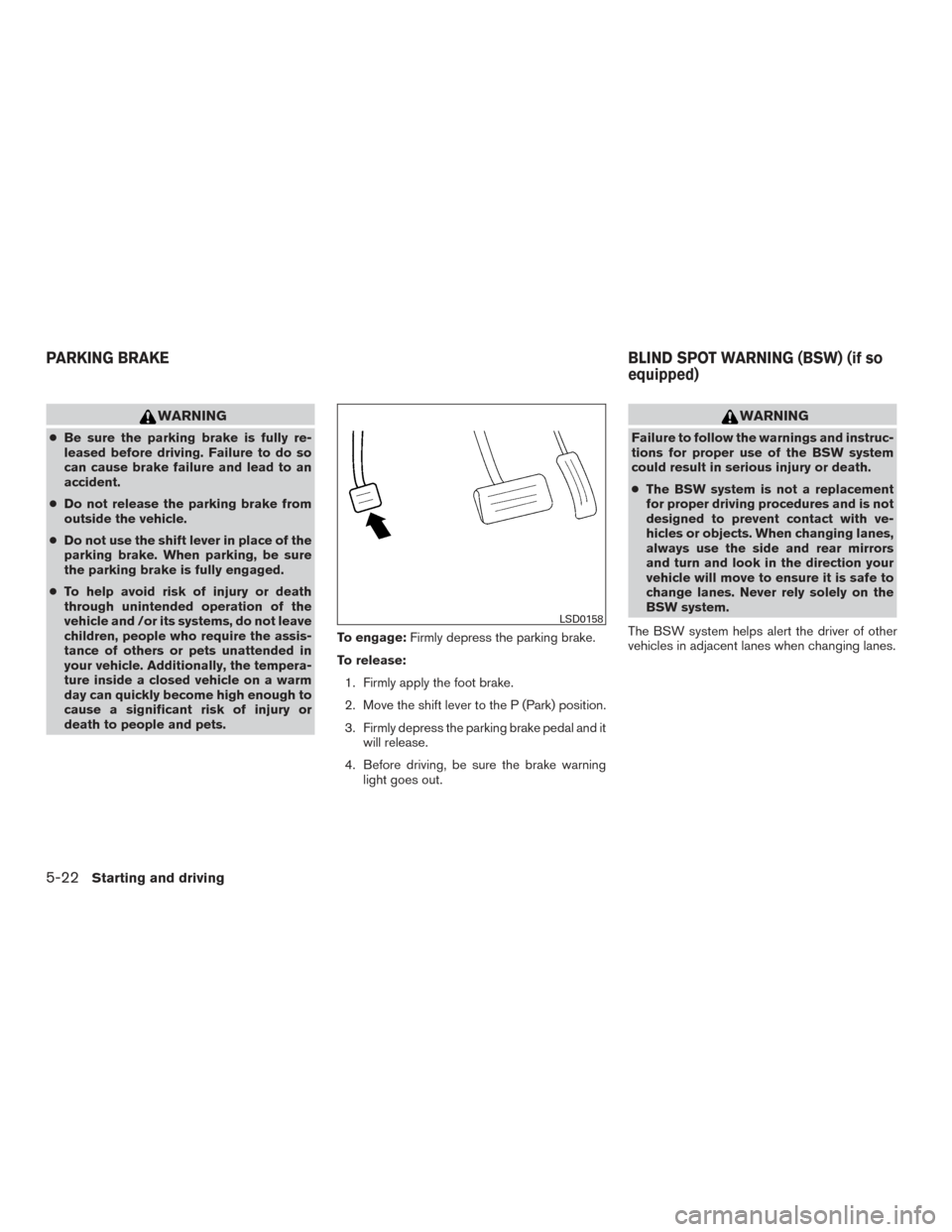
death to people and pets. To engage:
Firmly depress the parking brake.
To release: 1. Firmly apply the foot brake.
2. Move the shift lever to the P (Park) position.
3. Firmly depress the parking brake pedal and it will release.
4. Before driving, be sure the brake warning light goes out.
WARNING
Failure to follow the warnings and instruc-
tions for proper use of the BSW system
could result in serious injury or death.
●The BSW system is not a replacement
for proper driving procedures and is not
designed to prevent contact with ve-
hicles or objects. When changing lanes,
always use the side and rear mirrors
and turn and look in the direction your
vehicle will move to ensure it is safe to
change lanes. Never rely solely on the
BSW system.
The BSW system helps alert the driver of other
vehicles in adjacent lanes when changing lanes.
LSD0158
PARKING BRAKE BLIND SPOT WARNING (BSW) (if so
equipped)
5-22Starting and driving
Page 377 of 636
1. Side BSW/RCTA Indicator Light
2. BSW/RCTA Indicator
BSW SYSTEM OPERATION
The BSW system operates above approximately
20 mph (32km/h) .
If the radar sensors detect a vehicle in the detec-
tion zone, the side BSW/RCTA indicator light (1)
illuminates. If the turn signal is then activated, the
system chimes (twice) and the side BSW/RCTA
indicator light flashes. The BSW/RCTA indicator
light continues to flash until the detected vehicles
leaves the detection zone.
The side BSW/RCTA indicator light illuminates
for a few seconds when the ignition switch is
placed in the ON position.
The brightness of the BSW/RCTA indicator light
is adjusted automatically depending on the
brightness of the ambient light.
If a vehicle comes into the detection zone after
the driver activates the turn signal, then only the
side BSW/RCTA indicator light flashes and no
chime sounds. For additional information, refer to
“BSW driving situations” in this section.
LSD2605
5-24Starting and driving
Page 380 of 636
BSW DRIVING SITUATIONS
Indicator
on
Indicator
off
Indicator
flashing
Another vehicle approaching from
behind
Illustration 1:The side BSW/RCTA indicator
light illuminates if a vehicle enters the detection
zone from behind in an adjacent lane.
Illustration 2:If the driver activates the turn
signal when another vehicle is in the detection
zone, then the system chimes (twice) and the
side indicator light flashes.
NOTE:
● The radar sensors may not detect vehicles
which are approaching rapidly from behind.
● If the driver activates the turn signal before a
vehicle enters the detection zone, the side
indicator light will flash but no chime will
sound when the other vehicle is detected.
Illustration 1 – Approaching from behind
LSD2299
Illustration 2 – Approaching from behind
LSD2300
Starting and driving5-27
Page 381 of 636
Overtaking another vehicle
Illustration 3:The side indicator light illumi-
nates if you overtake a vehicle and that vehicle
stays in the detection zone for approximately
2 seconds. Illustration 4:
If the driver activates the turn
signal while another vehicle is in the detection
zone, then the system chimes (twice) and the
side indicator light flashes.
NOTE:
● When overtaking several vehicles in a row,
the vehicles after the first vehicle may not be
detected if they are traveling close together
● The radar sensors may not detect slower
moving vehicles if they are passed quickly. ●
If the driver activates the turn signal before a
vehicle enters the detection zone, the side
indicator light will flash but no chime will
sound when the other vehicle is detected. .
Illustration 3 – Overtaking another vehicle
LSD2302
Illustration 4 – Overtaking another vehicle
LSD2303
5-28Starting and driving
Page 382 of 636
Entering from the side
Illustration 5:The side indicator light illumi-
nates if a vehicle enters the detection zone from
either side. Illustration 6:
If the driver activates the turn
signal while another vehicle is in the detection
zone, then the system chimes (twice) and the
side indicator light flashes.
NOTE:
● If the driver activates the turn signal before a
vehicle enters the detection zone, the side
indicator light will flash but no chime will
sound when the other vehicle is detected. ●
The radar sensors may not detect a vehicle
which is traveling at about the same speed
as your vehicle when it enters the detection
zone.
Illustration 5 – Entering from the side
LSD2305
Illustration 6 – Entering from the side
LSD2308
Starting and driving5-29
Page 386 of 636
1. Side BSW/RCTA Indicator Light
2. BSW/RCTA Indicator
RCTA SYSTEM OPERATION
The RCTA system can help alert the driver of an
approaching vehicle when the driver is backing
out of a parking space.
When the shift position is in R (Reverse) and the
vehicle speed is less than approximately 5 mph
(8 km/h), the RCTA system is operational.
If the radar detects an approaching vehicle from
the side, the system chimes a sound (single
beep) and the side BSW/RCTA indicator light on
the side of the vehicle is approaching from
flashes.
LSD2605
Starting and driving5-33
Page 394 of 636
●If the cruise control system malfunctions, it
cancels automatically. The
(green) or
SET indicator light illuminates in the vehicle
information display then blinks to warn the
driver. For additional information, refer to
“Vehicle information display” in the “Instru-
ments and controls” section of this manual.
● If the
(green) or SET indicator light
blinks, push the cruise control ON/OFF
switch off and have the system checked. It is
recommended that you visit a NISSAN
dealer for this service.
● The
(green) or SET indicator light may
blink when the cruise control ON/OFF
switch is pushed ON while pushing the
ACCEL/RES, COAST/SET, or CANCEL
switch. To properly set the cruise control
system, use the following procedures.
WARNING
Do not use the cruise control when driving
under the following conditions:
● When it is not possible to keep the
vehicle at a set speed.
● In heavy traffic or in traffic that varies in
speed.
● On winding or hilly roads. ●
On slippery roads (rain, snow, ice, etc.) .
● In very windy areas.
Doing so could cause a loss of vehicle
control and result in an accident.
CRUISE CONTROL OPERATIONS
The cruise control allows driving at a speed be-
tween 25 - 89 mph (40 - 144 km/h) without
keeping your foot on the accelerator pedal.
To turn on the cruise control, push the
ON/OFF switch on. The
(white) or
CRUISE indicator light in the vehicle information
display will illuminate.
To set cruising speed, accelerate the vehicle to
the desired speed, push the COAST/SET switch
and release it. The
(green) or SET indica-
tor light in the vehicle information display will
illuminate. Take your foot off the accelerator
pedal. Your vehicle maintains the set speed.
● To pass another vehicle, depress the ac-
celerator pedal. When you release the
pedal, the vehicle returns to the previously
set speed.
● The vehicle may not maintain the set speed
when going up or down steep hills. If this
happens, drive without the cruise control. To cancel the preset speed,
use one of the
following three methods:
● Push the CANCEL button; the
or SET
indicator light in the vehicle information dis-
play goes out.
● Tap the brake pedal; the
or SET indi-
cator light goes out.
● Push the ON/OFF switch off. The
in-
dicator light or both the CRUISE indicator
light and SET indicator light in the vehicle
information display go out.
The cruise control is automatically canceled and
the
or SET light in the vehicle information
display goes out if:
● You depress the brake pedal while pushing
the ACCEL/RES or SET/COAST switch.
The preset speed is deleted from memory.
● The vehicle slows down more than 8 mph
(13 km/h) below the set speed.
● You move the shift lever to N (Neutral) .
To reset at a faster cruising speed, use one of
the following three methods:
● Depress the accelerator pedal. When the
vehicle attains the desired speed, push and
release the COAST/SET switch.
Starting and driving5-41
Page 395 of 636
●Push and hold the ACCEL/RES switch.
When the vehicle attains the speed you de-
sire, release the switch.
● Push and release the ACCEL/RES switch.
Each time you do this, the set speed in-
creases by about 1 mph (1.6 km/h).
To reset at a slower cruising speed, use one
of the following three methods:
● Lightly tap the brake pedal. When the ve-
hicle attains the desired speed, push the
COAST/SET switch and release it.
● Push and hold the COAST/SET switch. Re-
lease the switch when the vehicle slows to
the desired speed.
● Push and release the COAST/SET switch.
Each time you do this, the set speed de-
creases by about 1 mph (1.6 km/h).
To resume the preset speed, push and re-
lease the ACCEL/RES switch. The vehicle re-
turns to the last set cruising speed when the
vehicle speed is over 25 mph (40 km/h).CAUTION
During the first 1,200 miles (2,000 km),
follow these recommendations to obtain
maximum engine performance and ensure
the future reliability and economy of your
new vehicle. Failure to follow these rec-
ommendations may result in shortened
engine life and reduced engine
performance.
● Avoid driving for long periods at constant
speed, either fast or slow, and do not run the
engine over 4,000 RPM.
● Do not accelerate at full throttle in any gear.
● Avoid quick starts.
● Avoid hard braking as much as possible.
● Do not tow a trailer for the first 500 mi
(805 km) . Your engine, axle or other parts
could be damaged. Follow these easy-to-use Fuel Efficient Driving
Tips to help you achieve the most fuel economy
from your vehicle.
1. Use Smooth Accelerator and Brake
Pedal Application
● Avoid rapid starts and stops.
● Use smooth, gentle accelerator and
brake application whenever possible.
● Maintain constant speed while commut-
ing and coast whenever possible.
2. Maintain Constant Speed
● Look ahead to try and anticipate and mini-
mize stops.
● Synchronizing your speed with traffic
lights allows you to reduce your number
of stops.
● Maintaining a steady speed can minimize
red light stops and improve fuel effi-
ciency.
3. Use Air Conditioning (A/C) at Higher
Vehicle Speeds
● Below 40 mph (64 km/h), it is more effi-
cient to open windows to cool the vehicle
due to reduced engine load.
BREAK-IN SCHEDULE FUEL EFFICIENT DRIVING TIPS
5-42Starting and driving