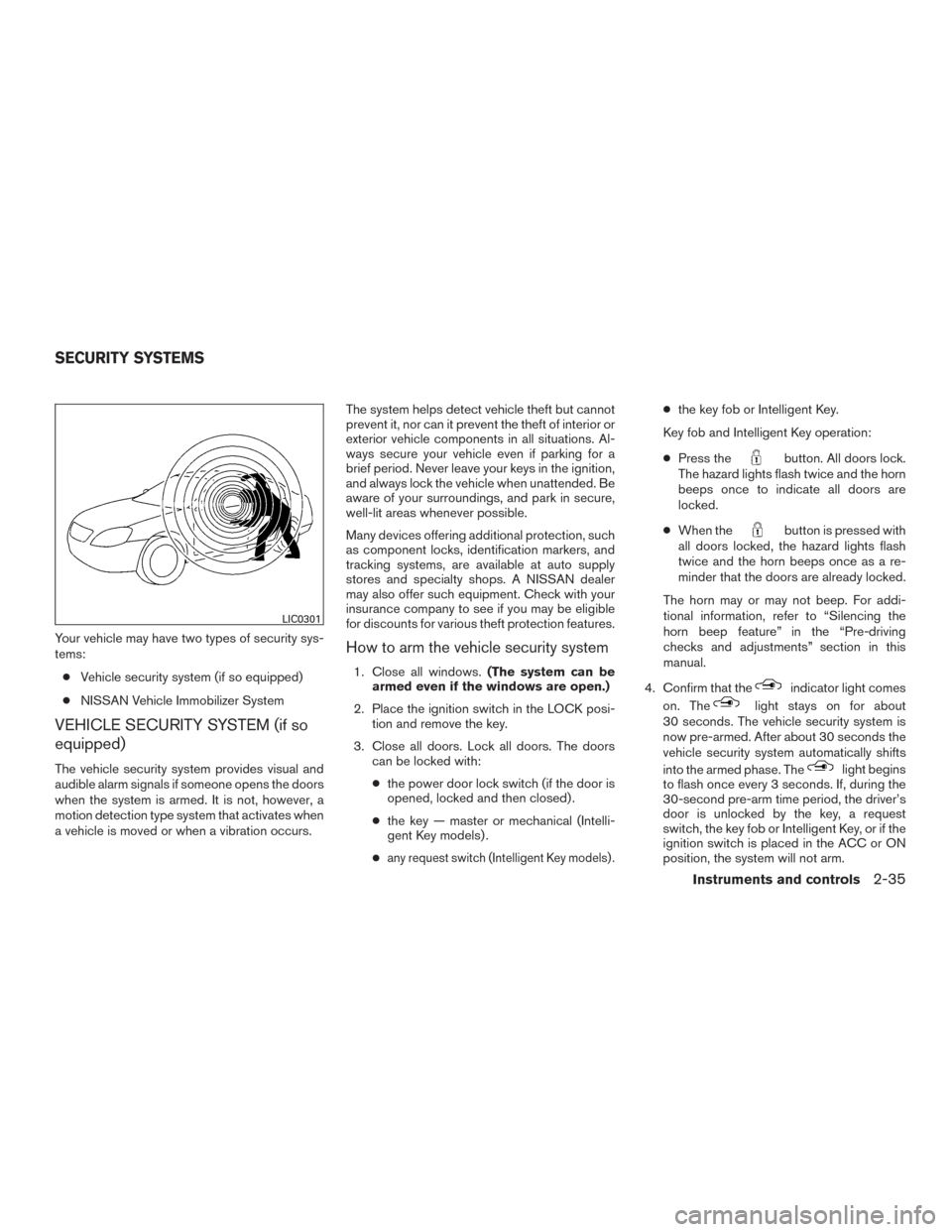
Your vehicle may have two types of security sys-
tems:● Vehicle security system (if so equipped)
● NISSAN Vehicle Immobilizer System
VEHICLE SECURITY SYSTEM (if so
equipped)
The vehicle security system provides visual and
audible alarm signals if someone opens the doors
when the system is armed. It is not, however, a
motion detection type system that activates when
a vehicle is moved or when a vibration occurs. The system helps detect vehicle theft but cannot
prevent it, nor can it prevent the theft of interior or
exterior vehicle components in all situations. Al-
ways secure your vehicle even if parking for a
brief period. Never leave your keys in the ignition,
and always lock the vehicle when unattended. Be
aware of your surroundings, and park in secure,
well-lit areas whenever possible.
Many devices offering additional protection, such
as component locks, identification markers, and
tracking systems, are available at auto supply
stores and specialty shops. A NISSAN dealer
may also offer such equipment. Check with your
insurance company to see if you may be eligible
for discounts for various theft protection features.
How to arm the vehicle security system
1. Close all windows.
(The system can be
armed even if the windows are open.)
2. Place the ignition switch in the LOCK posi- tion and remove the key.
3. Close all doors. Lock all doors. The doors can be locked with:
● the power door lock switch (if the door is
opened, locked and then closed) .
● the key — master or mechanical (Intelli-
gent Key models) .
●
any request switch (Intelligent Key models) .
● the key fob or Intelligent Key.
Key fob and Intelligent Key operation:
● Press the
button. All doors lock.
The hazard lights flash twice and the horn
beeps once to indicate all doors are
locked.
● When the
button is pressed with
all doors locked, the hazard lights flash
twice and the horn beeps once as a re-
minder that the doors are already locked.
The horn may or may not beep. For addi-
tional information, refer to “Silencing the
horn beep feature” in the “Pre-driving
checks and adjustments” section in this
manual.
4. Confirm that the
indicator light comes
on. The
light stays on for about
30 seconds. The vehicle security system is
now pre-armed. After about 30 seconds the
vehicle security system automatically shifts
into the armed phase. The
light begins
to flash once every 3 seconds. If, during the
30-second pre-arm time period, the driver’s
door is unlocked by the key, a request
switch, the key fob or Intelligent Key, or if the
ignition switch is placed in the ACC or ON
position, the system will not arm.
LIC0301
SECURITY SYSTEMS
Instruments and controls2-35
Mechanical key
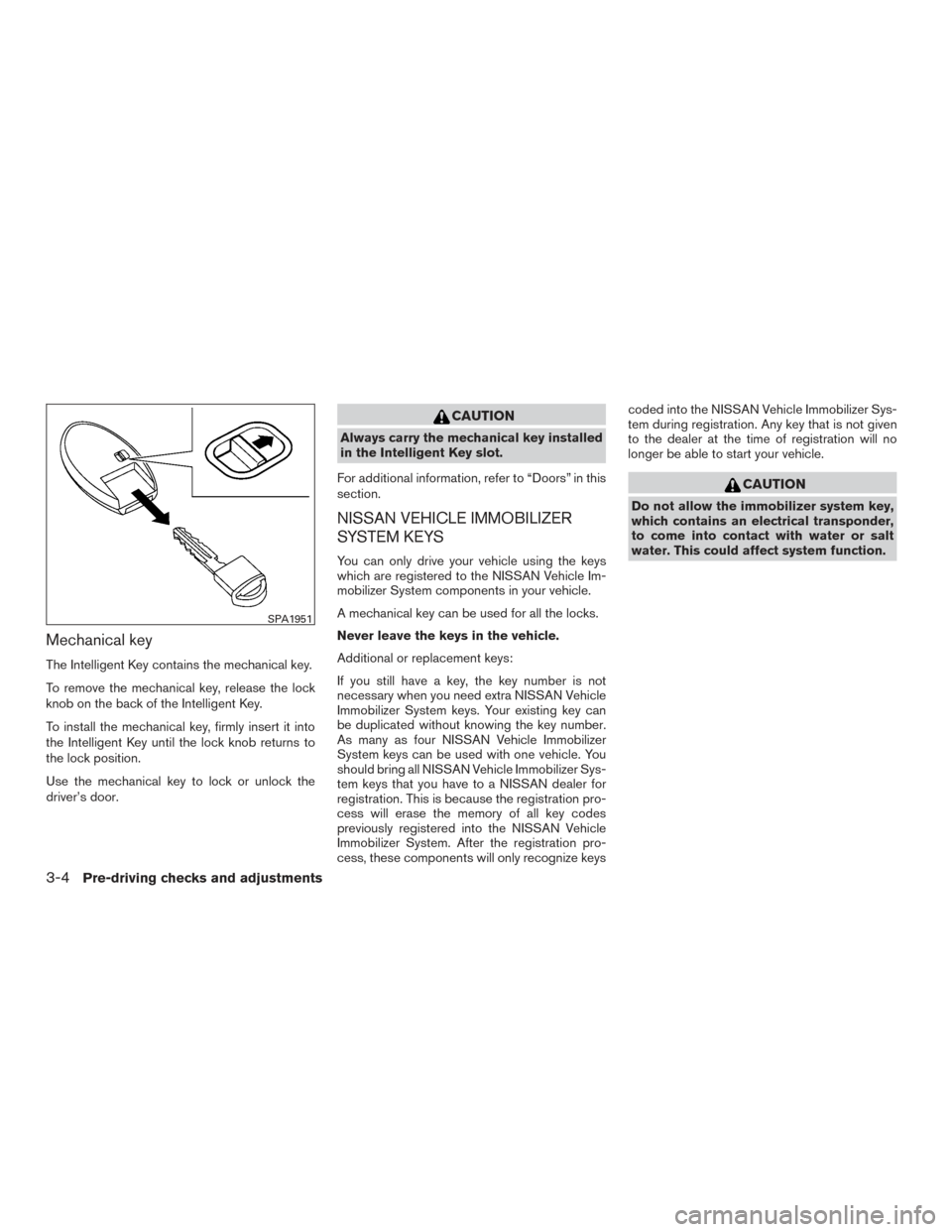
The Intelligent Key contains the mechanical key.
To remove the mechanical key, release the lock
knob on the back of the Intelligent Key.
To install the mechanical key, firmly insert it into
the Intelligent Key until the lock knob returns to
the lock position.
Use the mechanical key to lock or unlock the
driver’s door.
CAUTION
Always carry the mechanical key installed
in the Intelligent Key slot.
For additional information, refer to “Doors” in this
section.
NISSAN VEHICLE IMMOBILIZER
SYSTEM KEYS
You can only drive your vehicle using the keys
which are registered to the NISSAN Vehicle Im-
mobilizer System components in your vehicle.
A mechanical key can be used for all the locks.
Never leave the keys in the vehicle.
Additional or replacement keys:
If you still have a key, the key number is not
necessary when you need extra NISSAN Vehicle
Immobilizer System keys. Your existing key can
be duplicated without knowing the key number.
As many as four NISSAN Vehicle Immobilizer
System keys can be used with one vehicle. You
should bring all NISSAN Vehicle Immobilizer Sys-
tem keys that you have to a NISSAN dealer for
registration. This is because the registration pro-
cess will erase the memory of all key codes
previously registered into the NISSAN Vehicle
Immobilizer System. After the registration pro-
cess, these components will only recognize keys coded into the NISSAN Vehicle Immobilizer Sys-
tem during registration. Any key that is not given
to the dealer at the time of registration will no
longer be able to start your vehicle.
CAUTION
Do not allow the immobilizer system key,
which contains an electrical transponder,
to come into contact with water or salt
water. This could affect system function.
SPA1951
3-4Pre-driving checks and adjustments
NISSAN INTELLIGENT KEY® (if so
equipped)
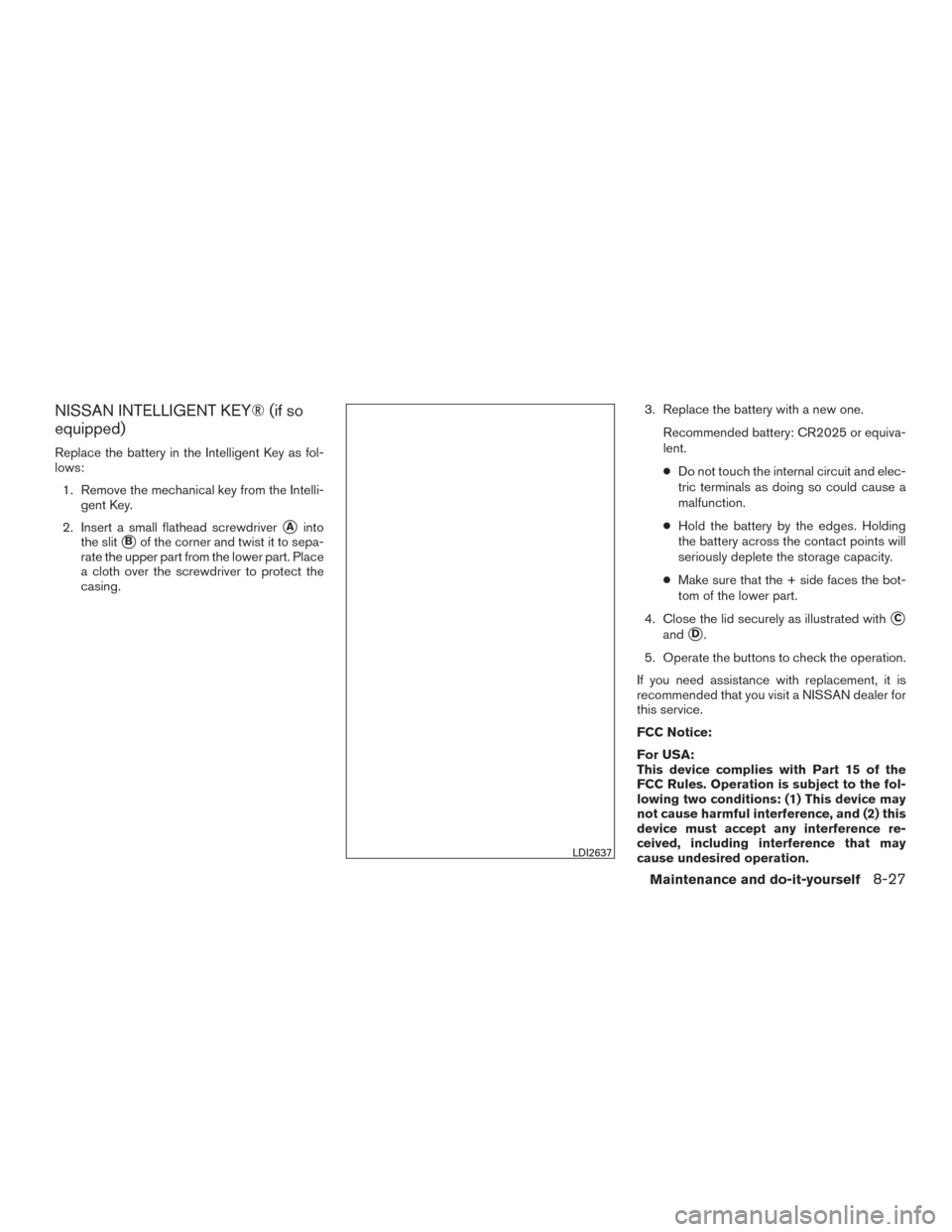
Replace the battery in the Intelligent Key as fol-
lows:1. Remove the mechanical key from the Intelli- gent Key.
2. Insert a small flathead screwdriver
�Ainto
the slit
�Bof the corner and twist it to sepa-
rate the upper part from the lower part. Place
a cloth over the screwdriver to protect the
casing. 3. Replace the battery with a new one.
Recommended battery: CR2025 or equiva-
lent.
●Do not touch the internal circuit and elec-
tric terminals as doing so could cause a
malfunction.
● Hold the battery by the edges. Holding
the battery across the contact points will
seriously deplete the storage capacity.
● Make sure that the + side faces the bot-
tom of the lower part.
4. Close the lid securely as illustrated with
�C
and�D.
5. Operate the buttons to check the operation.
If you need assistance with replacement, it is
recommended that you visit a NISSAN dealer for
this service.
FCC Notice:
For USA:
This device complies with Part 15 of the
FCC Rules. Operation is subject to the fol-
lowing two conditions: (1) This device may
not cause harmful interference, and (2) this
device must accept any interference re-
ceived, including interference that may
cause undesired operation.
LDI2637
Maintenance and do-it-yourself8-27