Page 139 of 558
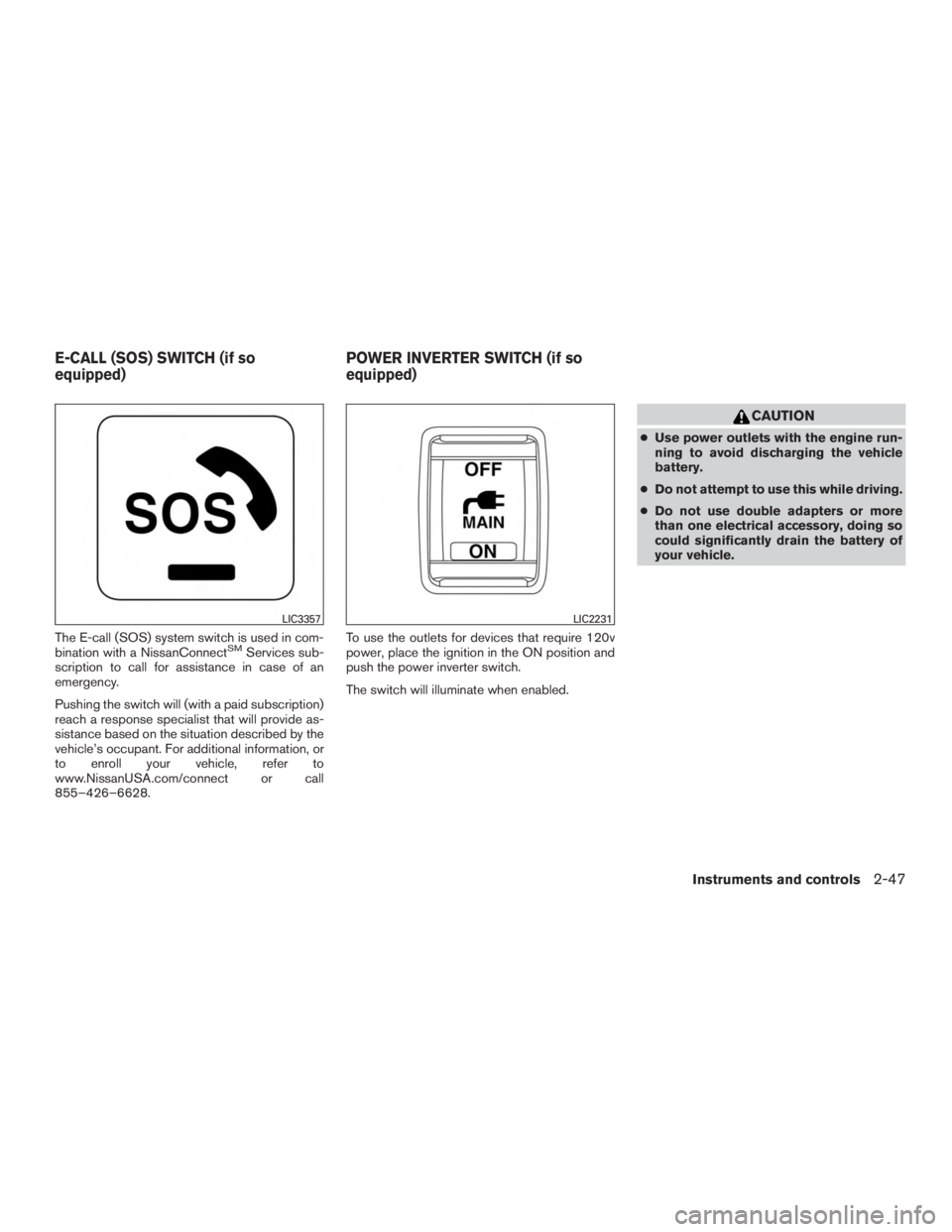
The E-call (SOS) system switch is used in com-
bination with a NissanConnectSMServices sub-
scription to call for assistance in case of an
emergency.
Pushing the switch will (with a paid subscription)
reach a response specialist that will provide as-
sistance based on the situation described by the
vehicle’s occupant. For additional information, or
to enroll your vehicle, refer to
www.NissanUSA.com/connect or call
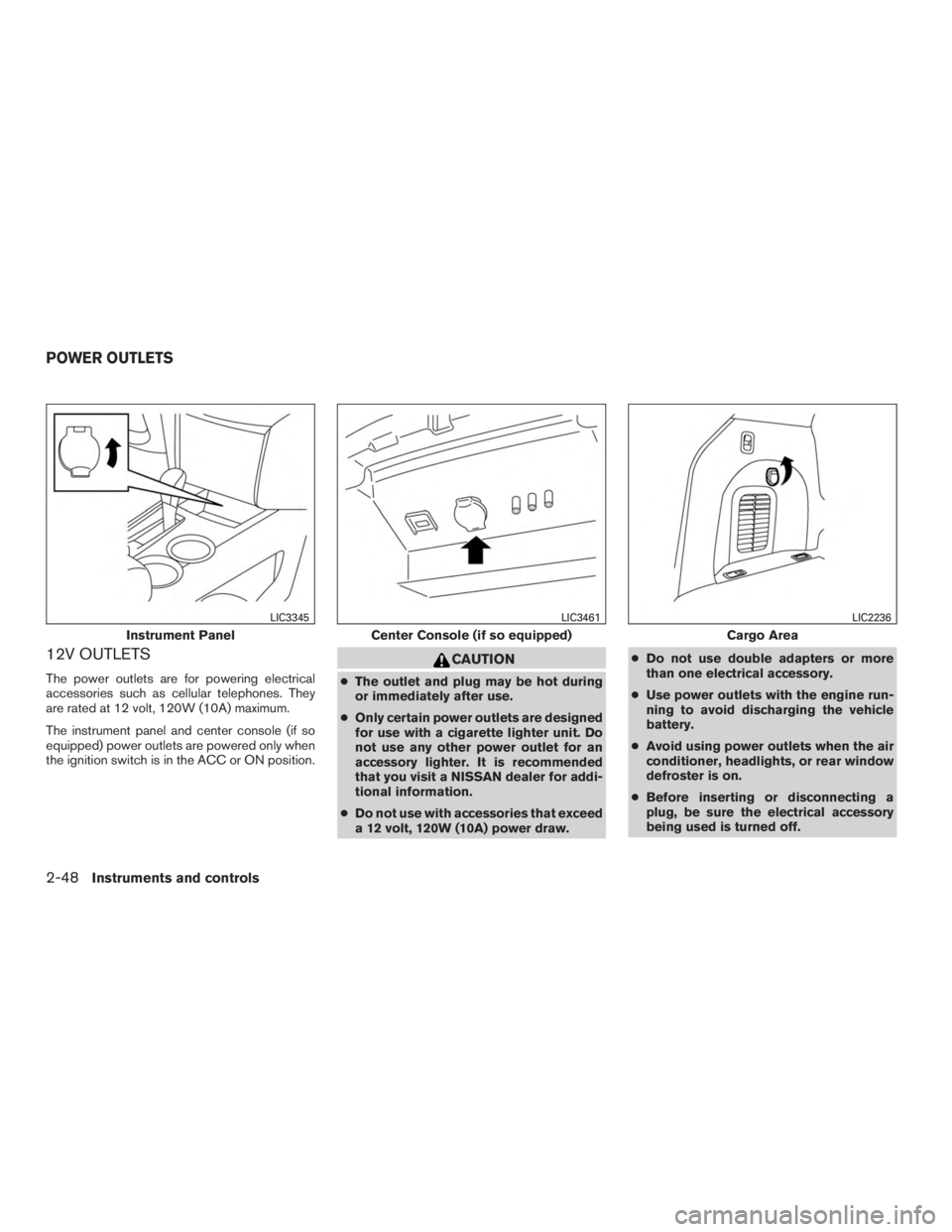
855–426–6628. To use the outlets for devices that require 120v
power, place the ignition in the ON position and
push the power inverter switch.
The switch will illuminate when enabled.
Page 140 of 558
12V OUTLETS
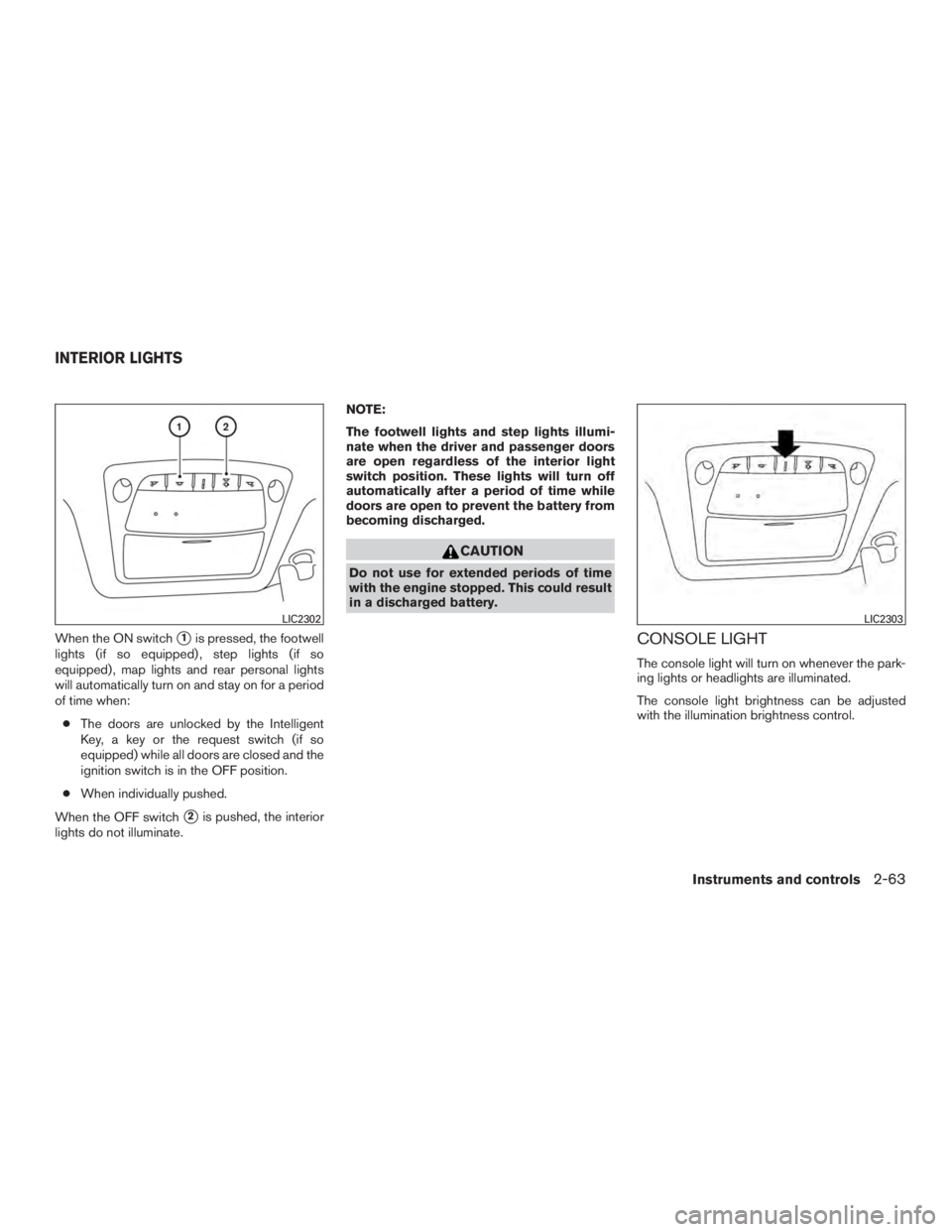
The power outlets are for powering electrical
accessories such as cellular telephones. They
are rated at 12 volt, 120W (10A) maximum.
The instrument panel and center console (if so
equipped) power outlets are powered only when
the ignition switch is in the ACC or ON position.
Page 153 of 558
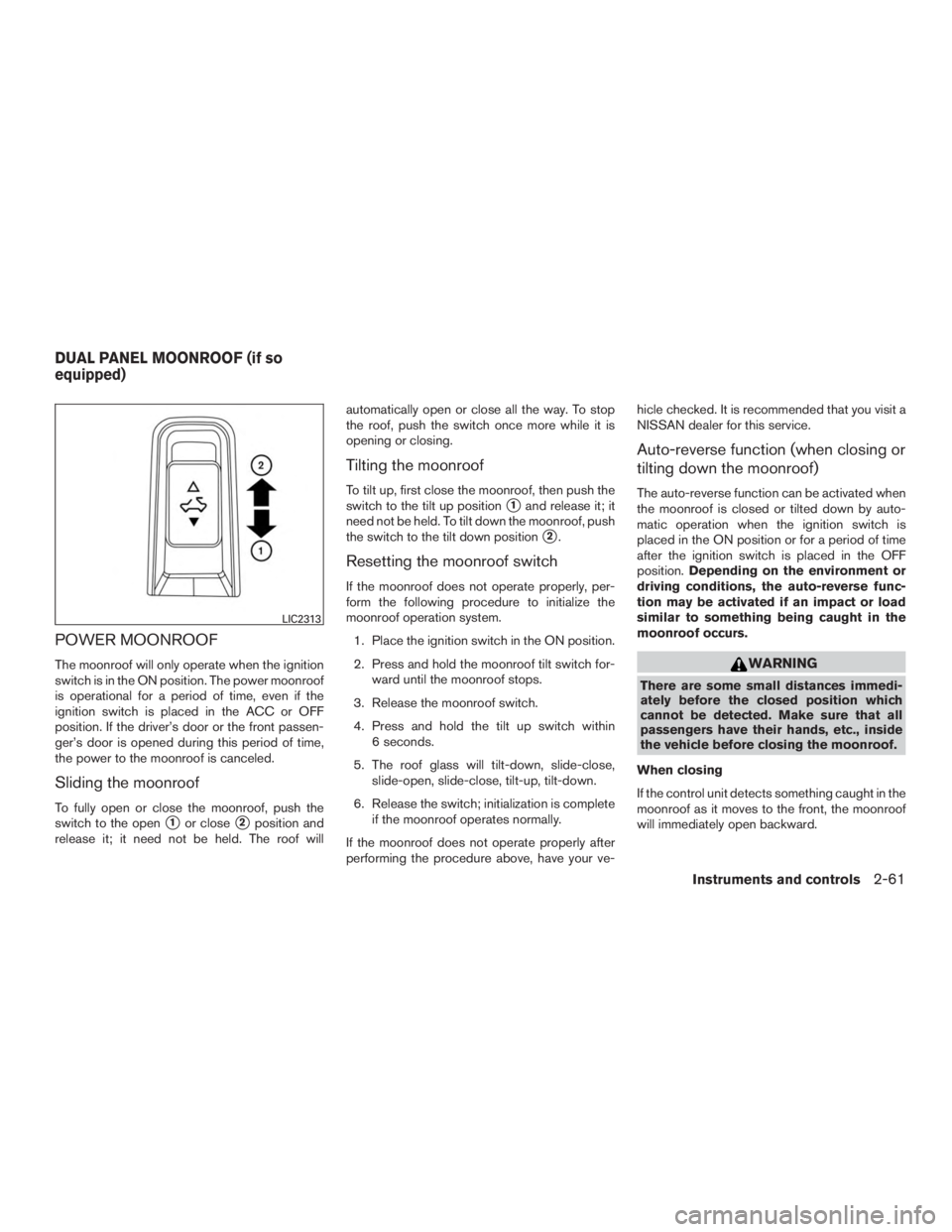
POWER MOONROOF
The moonroof will only operate when the ignition
switch is in the ON position. The power moonroof
is operational for a period of time, even if the
ignition switch is placed in the ACC or OFF
position. If the driver’s door or the front passen-
ger’s door is opened during this period of time,
the power to the moonroof is canceled.
Sliding the moonroof
To fully open or close the moonroof, push the
switch to the open
�1or close�2position and
release it; it need not be held. The roof will automatically open or close all the way. To stop
the roof, push the switch once more while it is
opening or closing.
Tilting the moonroof
To tilt up, first close the moonroof, then push the
switch to the tilt up position
�1and release it; it
need not be held. To tilt down the moonroof, push
the switch to the tilt down position
�2.
Resetting the moonroof switch
If the moonroof does not operate properly, per-
form the following procedure to initialize the
moonroof operation system.
1. Place the ignition switch in the ON position.
2. Press and hold the moonroof tilt switch for- ward until the moonroof stops.
3. Release the moonroof switch.
4. Press and hold the tilt up switch within 6 seconds.
5. The roof glass will tilt-down, slide-close, slide-open, slide-close, tilt-up, tilt-down.
6. Release the switch; initialization is complete if the moonroof operates normally.
If the moonroof does not operate properly after
performing the procedure above, have your ve- hicle checked. It is recommended that you visit a
NISSAN dealer for this service.
Auto-reverse function (when closing or
tilting down the moonroof)
The auto-reverse function can be activated when
the moonroof is closed or tilted down by auto-
matic operation when the ignition switch is
placed in the ON position or for a period of time
after the ignition switch is placed in the OFF
position.
Depending on the environment or
driving conditions, the auto-reverse func-
tion may be activated if an impact or load
similar to something being caught in the
moonroof occurs.
Page 155 of 558
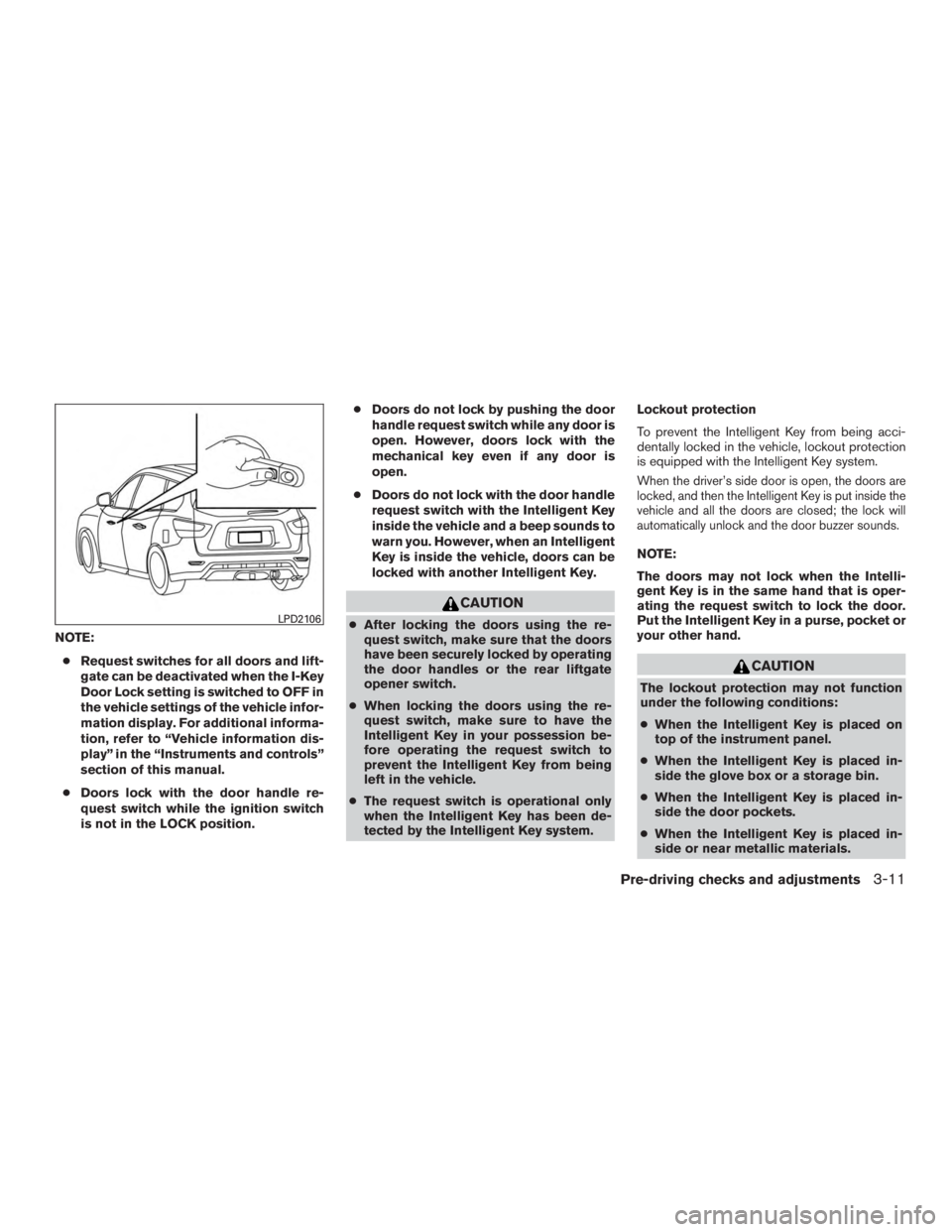
When the ON switch�1is pressed, the footwell
lights (if so equipped) , step lights (if so
equipped) , map lights and rear personal lights
will automatically turn on and stay on for a period
of time when:
● The doors are unlocked by the Intelligent
Key, a key or the request switch (if so
equipped) while all doors are closed and the
ignition switch is in the OFF position.
● When individually pushed.
When the OFF switch
�2is pushed, the interior
lights do not illuminate. NOTE:
The footwell lights and step lights illumi-
nate when the driver and passenger doors
are open regardless of the interior light
switch position. These lights will turn off
automatically after a period of time while
doors are open to prevent the battery from
becoming discharged.
Page 173 of 558
NOTE:● Request switches for all doors and lift-
gate can be deactivated when the I-Key
Door Lock setting is switched to OFF in
the vehicle settings of the vehicle infor-
mation display. For additional informa-
tion, refer to “Vehicle information dis-
play” in the “Instruments and controls”
section of this manual.
● Doors lock with the door handle re-
quest switch while the ignition switch
is not in the LOCK position. ●
Doors do not lock by pushing the door
handle request switch while any door is
open. However, doors lock with the
mechanical key even if any door is
open.
● Doors do not lock with the door handle
request switch with the Intelligent Key
inside the vehicle and a beep sounds to
warn you. However, when an Intelligent
Key is inside the vehicle, doors can be
locked with another Intelligent Key.
Page 194 of 558
CAUTION
For vehicles with automatic drive posi-
tioner: Failure to reset the tilt and tele-
scoping functions of the steering wheel,
after the vehicle’s battery has been dis-
charged, may prevent the steering wheel
position from being adjusted.
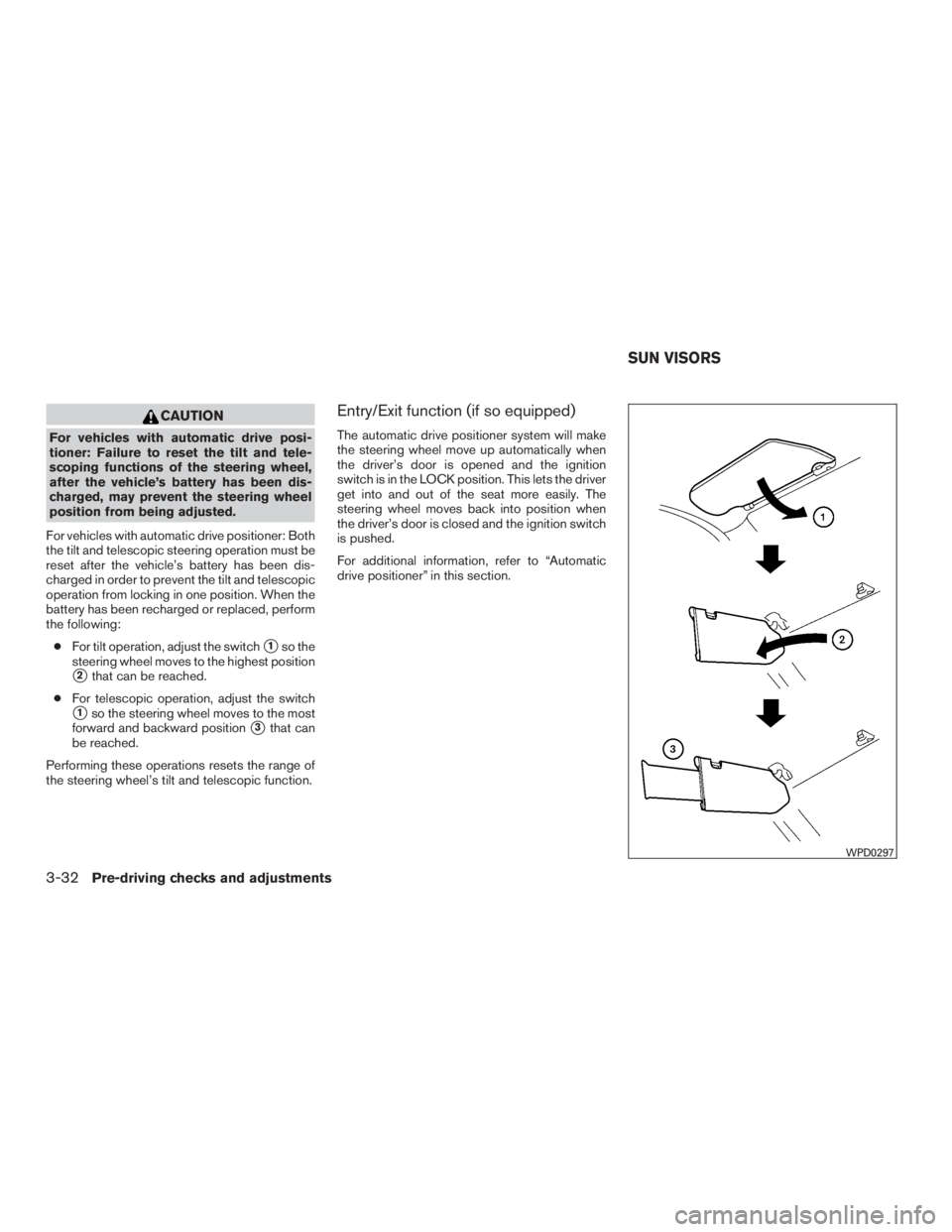
For vehicles with automatic drive positioner: Both
the tilt and telescopic steering operation must be
reset after the vehicle’s battery has been dis-
charged in order to prevent the tilt and telescopic
operation from locking in one position. When the
battery has been recharged or replaced, perform
the following: ● For tilt operation, adjust the switch
�1so the
steering wheel moves to the highest position
�2that can be reached.
● For telescopic operation, adjust the switch
�1so the steering wheel moves to the most
forward and backward position
�3that can
be reached.
Performing these operations resets the range of
the steering wheel’s tilt and telescopic function.
Entry/Exit function (if so equipped)
The automatic drive positioner system will make
the steering wheel move up automatically when
the driver’s door is opened and the ignition
switch is in the LOCK position. This lets the driver
get into and out of the seat more easily. The
steering wheel moves back into position when
the driver’s door is closed and the ignition switch
is pushed.
For additional information, refer to “Automatic
drive positioner” in this section.
Page 197 of 558
For additional information on the compass dis-
play
�3(if so equipped) , refer to “Compass dis-
play” in the “Instruments and controls” section of
this manual.
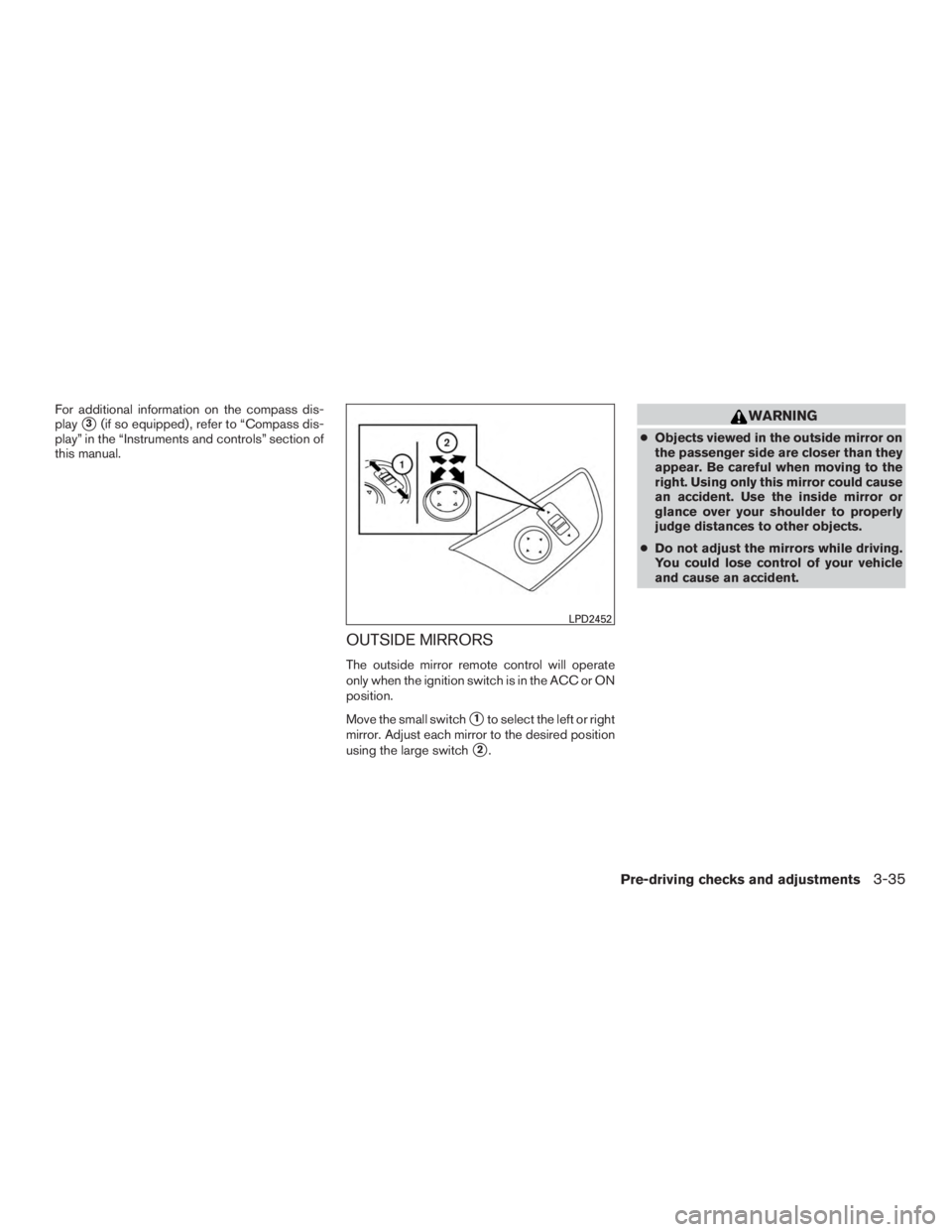
OUTSIDE MIRRORS
The outside mirror remote control will operate
only when the ignition switch is in the ACC or ON
position.
Move the small switch
�1to select the left or right
mirror. Adjust each mirror to the desired position
using the large switch
�2.
Page 234 of 558
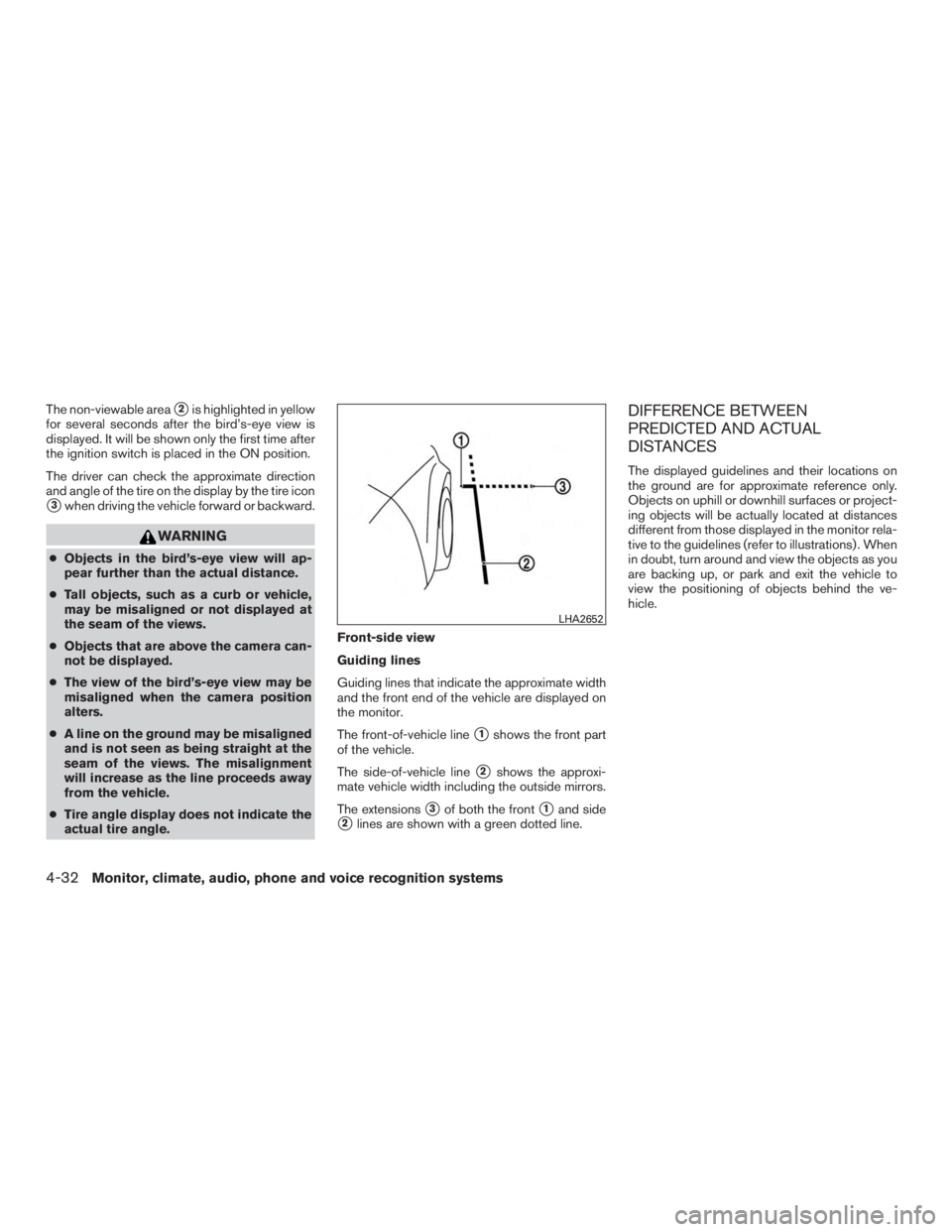
The non-viewable area�2is highlighted in yellow
for several seconds after the bird’s-eye view is
displayed. It will be shown only the first time after
the ignition switch is placed in the ON position.
The driver can check the approximate direction
and angle of the tire on the display by the tire icon
�3when driving the vehicle forward or backward.