Page 224 of 401
WARNING
When the high fluid temperature protec-
tion mode or fail-safe operation occurs,
vehicle speed may be gradually reduced.
The reduced speed may be lower than
other traffic, which could increase the
chance of a collision. Be especially careful
when driving. If necessary, pull to the side
of the road at a safe place and allow the
transmission to return to normal opera-
tion, or have it repaired if necessary.
WARNING
●Be sure the parking brake is fully re-
leased before driving. Failure to do so
can cause brake failure and lead to an
accident.
● Do not release the parking brake from
outside the vehicle.
● Do not use the shift lever in place of the
parking brake. When parking, be sure
the parking brake is fully engaged.
● To help avoid risk of injury or death
through unintended operation of the
vehicle and /or its systems, do not leave
children, people who require the assis-
tance of others or pets unattended in
your vehicle. Additionally, the tempera-
ture inside a closed vehicle on a warm
day can quickly become high enough to
cause a significant risk of injury or
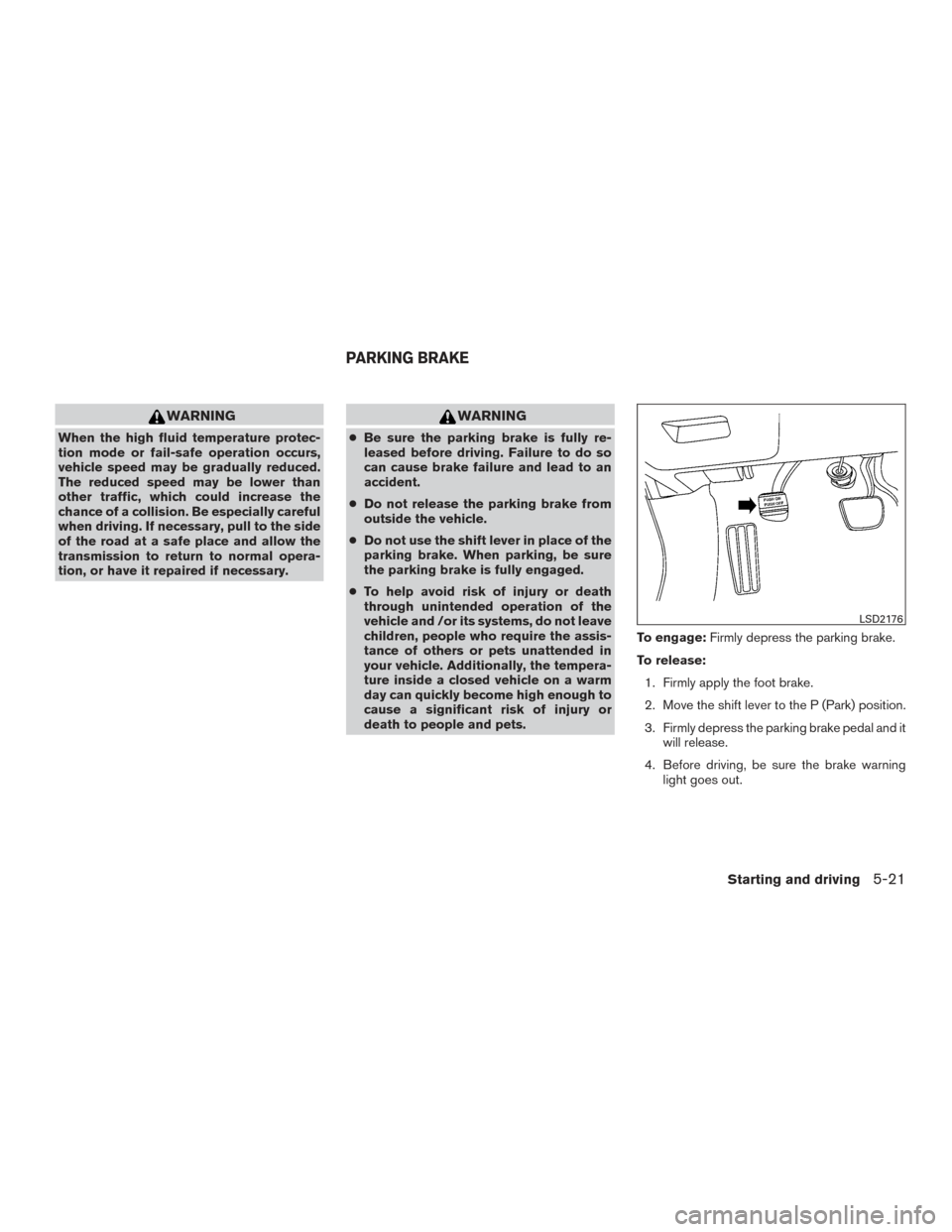
death to people and pets. To engage:
Firmly depress the parking brake.
To release: 1. Firmly apply the foot brake.
2. Move the shift lever to the P (Park) position.
3. Firmly depress the parking brake pedal and it will release.
4. Before driving, be sure the brake warning light goes out.
LSD2176
PARKING BRAKE
Starting and driving5-21
Page 227 of 401
1. Side BSW/RCTA Indicator Light
2. BSW/RCTA Indicator
BSW SYSTEM OPERATION
The BSW system operates above approximately
20 mph (32km/h) .
If the radar sensors detect a vehicle in the detec-
tion zone, the side BSW/RCTA indicator light (1)
illuminates. If the turn signal is then activated, the
system chimes (twice) and the side BSW/RCTA
indicator light flashes. The side BSW/RCTA indi-
cator light continues to flash until the detected
vehicle leaves the detection zone.
The side BSW/RCTA indicator light illuminates
for a few seconds when the ignition switch is
placed in the ON position.
The brightness of the side BSW/RCTA indicator
light is adjusted automatically depending on the
brightness of the ambient light.
If a vehicle comes into the detection zone after
the driver activates the turn signal, then only the
side BSW/RCTA indicator light flashes and no
chime sounds. For additional information, refer to
“BSW driving situations” in this section.
The BSW system automatically turns on every
time the engine is started, as long as it is acti-
vated using the settings menu on the vehicle
information display.
LSD2417
5-24Starting and driving
Page 230 of 401
BSW DRIVING SITUATIONS
Indicator
on
Indicator
off
Indicator
flashing
Another vehicle approaching from
behind
Illustration 1:The side BSW/RCTA indicator
light illuminates if a vehicle enters the detection
zone from behind in an adjacent lane.Illustration 2:If the driver activates the turn sig-
nal when another vehicle is in the detection zone,
then the system chimes (twice) and the side
indicator light flashes.
NOTE:● The radar sensors may not detect vehicles
which are approaching rapidly from behind.
● If the driver activates the turn signal before a
vehicle enters the detection zone, the side
indicator light will flash but no chime will
sound when the other vehicle is detected.
Illustration 1 – Approaching from behind
LSD2299
Illustration 2 – Approaching from behind
LSD2300
Starting and driving5-27
Page 231 of 401
Overtaking another vehicle
Illustration 3:The side indicator light illuminates
if you overtake a vehicle and that vehicle stays in
the detection zone for approximately 2 seconds.Illustration 4:If the driver activates the turn sig-
nal while another vehicle is in the detection zone,
then the system chimes (twice) and the side
indicator light flashes.
NOTE:
● When overtaking several vehicles in a row,
the vehicles after the first vehicle may not be
detected if they are traveling close together
● The radar sensors may not detect slower
moving vehicles if they are passed quickly. ●
If the driver activates the turn signal before a
vehicle enters the detection zone, the side
indicator light will flash but no chime will
sound when the other vehicle is detected. .
Illustration 3 – Overtaking another vehicle
LSD2302
Illustration 4 – Overtaking another vehicle
LSD2303
5-28Starting and driving
Page 232 of 401
Entering from the side
Illustration 5:The side indicator light illuminates
if a vehicle enters the detection zone from either
side.Illustration 6:If the driver activates the turn sig-
nal while another vehicle is in the detection zone,
then the system chimes (twice) and the side
indicator light flashes.NOTE:
● If the driver activates the turn signal before a
vehicle enters the detection zone, the side
indicator light will flash but no chime will
sound when the other vehicle is detected.
● The radar sensors may not detect a vehicle
which is traveling at about the same speed
as your vehicle when it enters the detection
zone.
Illustration 5 – Entering from the side
LSD2305
Illustration 6 – Entering from the side
LSD2308
Starting and driving5-29
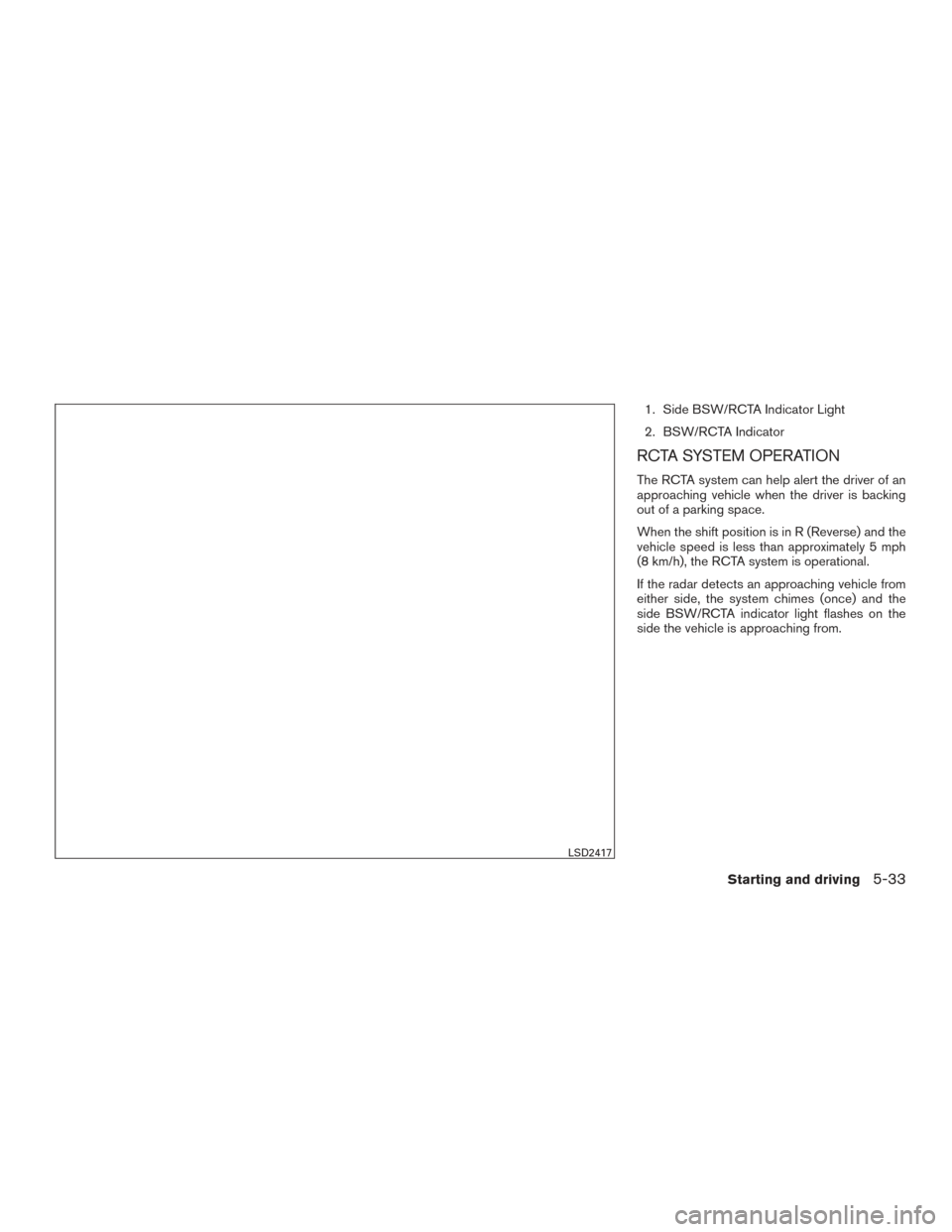
Page 236 of 401
1. Side BSW/RCTA Indicator Light
2. BSW/RCTA Indicator
RCTA SYSTEM OPERATION
The RCTA system can help alert the driver of an
approaching vehicle when the driver is backing
out of a parking space.
When the shift position is in R (Reverse) and the
vehicle speed is less than approximately 5 mph
(8 km/h), the RCTA system is operational.
If the radar detects an approaching vehicle from
either side, the system chimes (once) and the
side BSW/RCTA indicator light flashes on the
side the vehicle is approaching from.
LSD2417
Starting and driving5-33
Page 244 of 401
WARNING
Do not use the cruise control when driving
under the following conditions:
●When it is not possible to keep the
vehicle at a set speed.
● In heavy traffic or in traffic that varies in
speed.
● On winding or hilly roads.
● On slippery roads (rain, snow, ice, etc.) .
● In very windy areas.
Doing so could cause a loss of vehicle
control and result in an accident.
CRUISE CONTROL OPERATIONS
The cruise control allows driving at a speed be-
tween 25 - 89 MPH (40 - 144 km/h) without
keeping your foot on the accelerator pedal.
To turn on the cruise control, push the
switch on. The CRUISE indicator light in the
instrument panel will illuminate.
To set cruising speed,accelerate the vehicle to
the desired speed, push the SET switch and
release it. Take your foot off the accelerator pedal.
Your vehicle maintains the set speed. ●
To pass another vehicle, depress the ac-
celerator pedal. When you release the
pedal, the vehicle returns to the previously
set speed.
● The vehicle may not maintain the set speed
when going up or down steep hills. If this
happens, drive without the cruise control.
To cancel the preset speed, use one of the
following three methods.
● Push the CANCEL button.
● Tap the brake pedal.
● Push the
switch off. The CRUISE in-
dicator light in the instrument panel goes
out.
The cruise control is automatically canceled if:
● you depress the brake pedal while pushing
the RES or SET switch. The preset speed is
deleted from memory.
● the vehicle slows down more than 8 MPH
(13 km/h) below the set speed.
● you move the shift lever to N (Neutral) .
To reset at a faster cruising speed, use one of
the following three methods. ●
Depress the accelerator pedal. When the
vehicle attains the desired speed, push and
release the SET switch.
● Push and hold the RES switch. When the
vehicle attains the speed you desire, release
the switch.
● Push and release the RES switch. Each time
you do this, the set speed increases by
about 1 MPH (1.6 km/h).
To reset at a slower cruising speed, use one
of the following three methods.
● Lightly tap the brake pedal. When the ve-
hicle attains the desired speed, push the
SET switch and release it.
● Push and hold the SET switch. Release the
switch when the vehicle slows to the desired
speed.
● Push and release the SET switch. Each time
you do this, the set speed decreases by
about 1 MPH (1.6 km/h).
To resume the preset speed, push and re-
lease the RES switch. The vehicle returns to the
last set cruising speed when the vehicle speed is
over 25 MPH (40 km/h).
To turn off the cruise control, use one of the
following three methods.
Starting and driving5-41
Page 245 of 401
●Push the CANCEL button.
● Tap the brake pedal.
● Push the
switch off. The CRUISE in-
dicator light in the instrument panel goes
out.
WARNING
Failure to follow the warnings and instruc-
tions for proper use of the ICC system
could result in serious injury or death.
● ICC is not a collision avoidance or warn-
ing technology. It is the driver’s respon-
sibility to stay alert, drive safely, and be
in control of the vehicle at all times.
● Always observe posted speed limits
and do not set the speed over them.
● Always drive carefully and attentively
when using the ICC system. Read and
understand the Owner’s Manual thor-
oughly before using the ICC system. To
avoid serious injury or death, do not rely
on the system to prevent accidents or to
control the vehicle’s speed in emer-
gency situations. Do not use the ICC
system except in appropriate road and
traffic conditions. The ICC system is intended to enhance the op-
eration of the vehicle when following a vehicle
traveling in the same lane and direction.
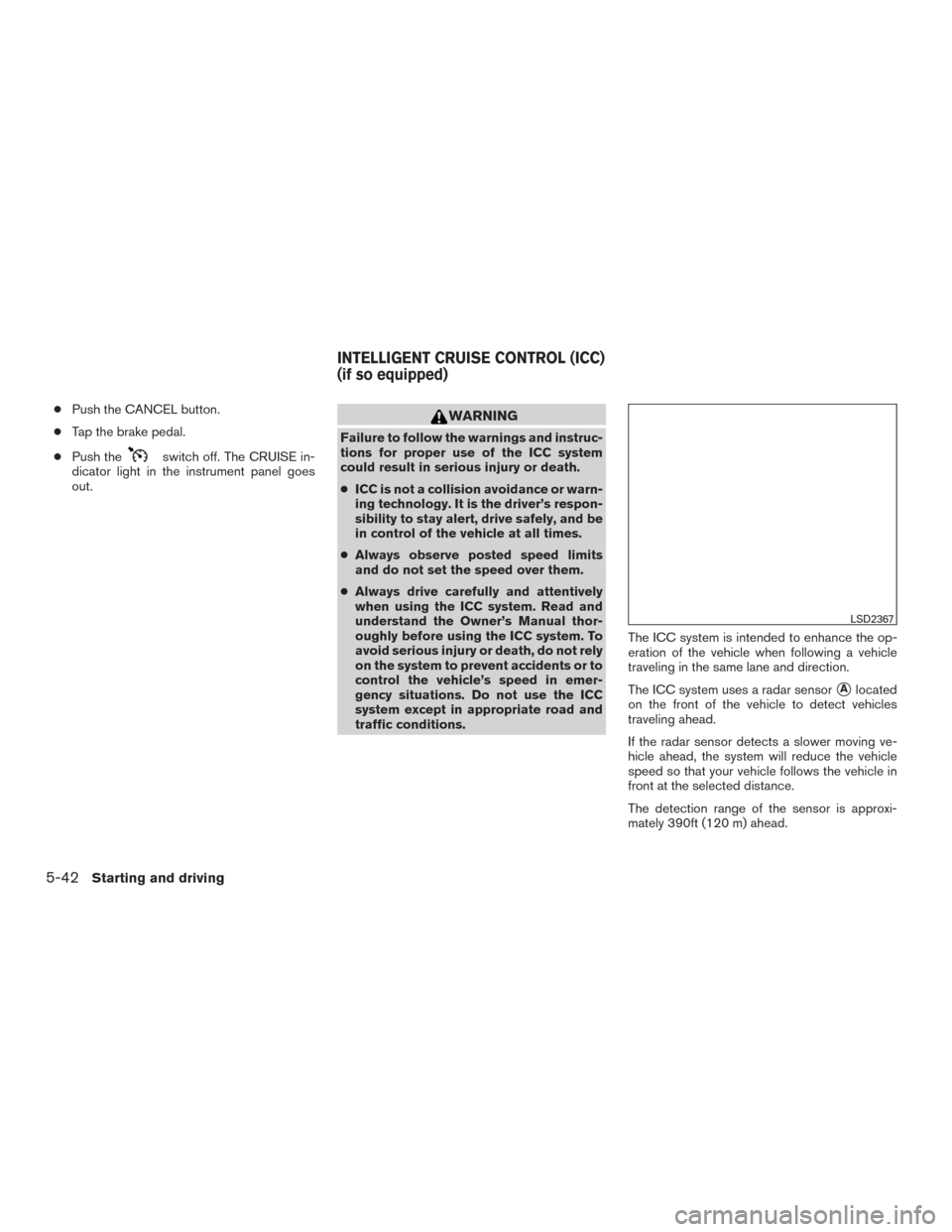
The ICC system uses a radar sensor
�Alocated
on the front of the vehicle to detect vehicles
traveling ahead.
If the radar sensor detects a slower moving ve-
hicle ahead, the system will reduce the vehicle
speed so that your vehicle follows the vehicle in
front at the selected distance.
The detection range of the sensor is approxi-
mately 390ft (120 m) ahead.
LSD2367
INTELLIGENT CRUISE CONTROL (ICC)
(if so equipped)
5-42Starting and driving