Page 68 of 437
AUTO mode
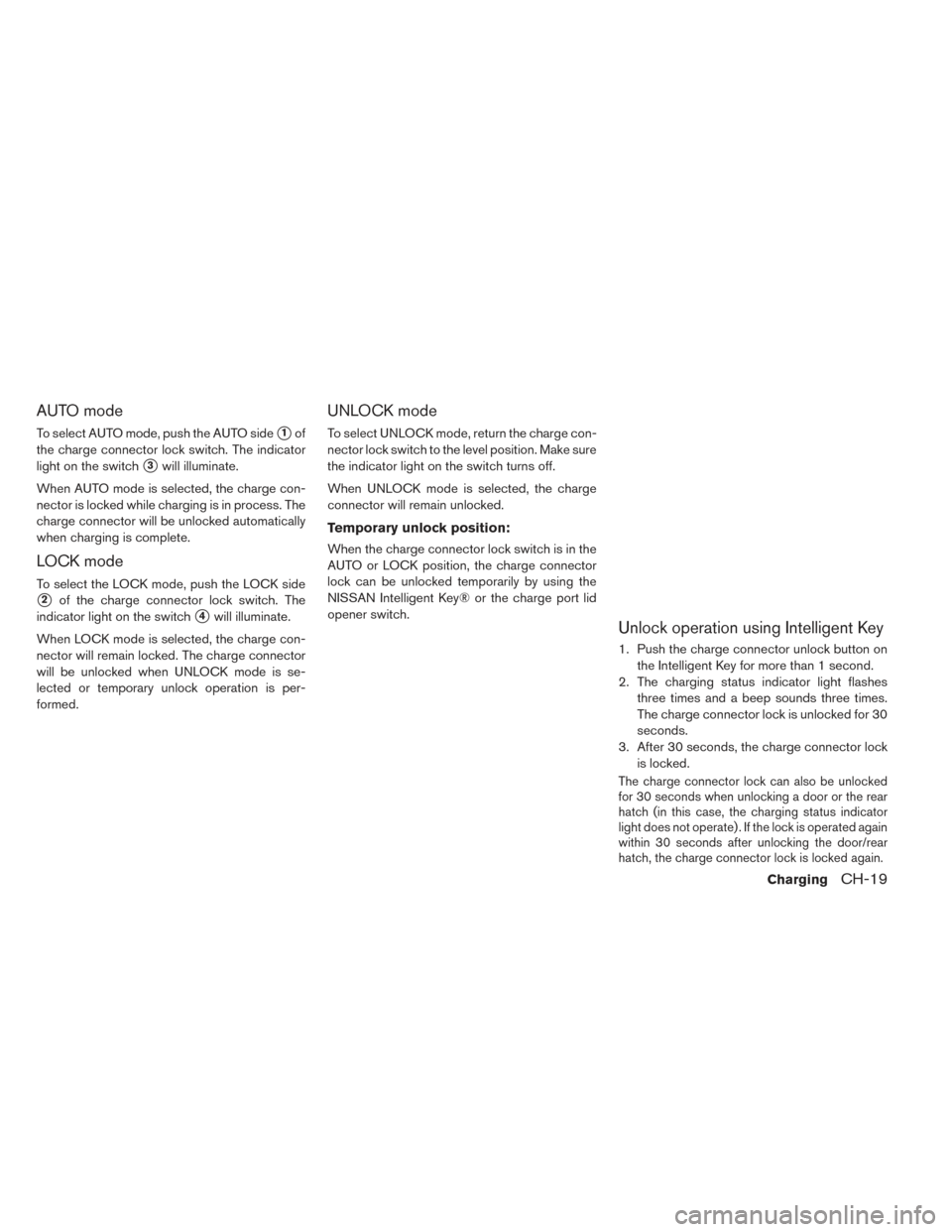
To select AUTO mode, push the AUTO side�1of
the charge connector lock switch. The indicator
light on the switch
�3will illuminate.
When AUTO mode is selected, the charge con-
nector is locked while charging is in process. The
charge connector will be unlocked automatically
when charging is complete.
LOCK mode
To select the LOCK mode, push the LOCK side
�2of the charge connector lock switch. The
indicator light on the switch
�4will illuminate.
When LOCK mode is selected, the charge con-
nector will remain locked. The charge connector
will be unlocked when UNLOCK mode is se-
lected or temporary unlock operation is per-
formed.
UNLOCK mode
To select UNLOCK mode, return the charge con-
nector lock switch to the level position. Make sure
the indicator light on the switch turns off.
When UNLOCK mode is selected, the charge
connector will remain unlocked.
Temporary unlock position:
When the charge connector lock switch is in the
AUTO or LOCK position, the charge connector
lock can be unlocked temporarily by using the
NISSAN Intelligent Key® or the charge port lid
opener switch.
Unlock operation using Intelligent Key
1. Push the charge connector unlock button on the Intelligent Key for more than 1 second.
2. The charging status indicator light flashes three times and a beep sounds three times.
The charge connector lock is unlocked for 30
seconds.
3. After 30 seconds, the charge connector lock is locked.
The charge connector lock can also be unlocked
for 30 seconds when unlocking a door or the rear
hatch (in this case, the charging status indicator
light does not operate) . If the lock is operated again
within 30 seconds after unlocking the door/rear
hatch, the charge connector lock is locked again.
ChargingCH-19
Page 69 of 437
Unlock operation using charge port
lid opener switch
1. Push the charge port lid opener switch.
2. The charging status indicator light flashesthree times and a beep sounds three times.
The charge connector lock is unlocked for 30
seconds.
3. After 30 seconds, the charge connector lock is locked.
NOTE:
•Depending on the charging station, the
lock mechanism established by local
standards may not be compatible with
your vehicle. It may not be possible for the
charge connector to lock to your vehicle.
• When the power source is cut off while
charging in AUTO mode, the connector
will be continuously locked for 5 minutes,
then it will be released.
• When timer charging is set with AUTO
mode, the connector will not lock until
charging is started.
• In AUTO mode, the charge connector lock
will only lock during normal charging.
• When the following systems are operated
individually or the 12-volt battery is being
charged, the charging connector lock will
not lock:
• Climate Ctrl. Timer
• Remote climate control (if so equipped)
• Li-ion battery warmer (if so equipped)
If the charge connector can not be
unlocked
1. Place power switch in the OFF position.
2. Open the hood.
3. Insert a flat head screwdriver or suitable tool
into the screw that is located on the front of
hood lock.
4. Turn it clockwise to release the charge con- nector lock.
5. Remove the charge connector.
CH-20Charging
Page 74 of 437
To turn the timer on or off, use theswitch
to highlight “On” or “Off” and then push the
switch. If “On” is selected, an additional
screen is displayed that allows you to change
the time of the charging timer. 4. The hour portion of the time is highlighted on
the screen. Push the
switch to change
the hour field in increments of one hour. Push
the
switch to move to the minutes field.
5. Push the
switch to change the minute
field in increments of ten minutes. Push the
switch to finish setting the charging
timer.
IMMEDIATE CHARGE
When a charging timer is not turned on, charging
automatically starts when a normal or trickle
charge connector is connected to the vehicle.
Use the immediate charge mode anytime you
want to start charging when a charging timer is
turned on by performing the following:
1. Place the power switch in the OFF position.
ChargingCH-25
Page 77 of 437
When the normal charge connector lock is
unlocked
All of the indicator lights,
�1to�3, will flash and
a beep will sound three times when the normal
charge connector lock switch on the Intelligent
Key or the charge port lid opener switch is
pushed.
When the normal charge connector is con-
nected incorrectly
All of the indicator lights,
�1to�3, will flash and
a beep will sound three times within 30 seconds
when the charge connector is connected incor-
rectly to the normal charge port. Ready for charging timer
If the charging timer is set, the indicator lights
illuminate in order from
�1to�3. The indicator
lights turn off after approximately 5 minutes. Ready for immediate charge
When the power switch is off and if the immedi-
ate charge switch is pressed while the charge
cable is not connected, the indicator light
�2
illuminates.
This indicator light
�2illuminates when the ve-
hicle is ready for immediate charge. You have 15
minutes to connect the charge connector to the
vehicle. If the charge connector is not connected
within 15 minutes, the indicator light
�2turns off
and you must start the immediate charge mode
again to charge the Li-ion battery.
CH-28Charging
Page 161 of 437
Power switch reminder chime
The power switch reminder chime will sound
when the driver’s door is opened while the power
switch is in the ON or READY to drive position.
Push the power switch to the OFF position.
Seat belt warning chime
The seat belt warning chime will sound for about
6 seconds unless the driver’s seat belt is securely
fastened.
12-volt battery charge warning chime
If the 12-volt battery charge warning light illumi-
nates, the chime will sound when a warning mes-
sage is displayed on the vehicle information dis-
play on the lower display.
When the chime sounds, immediately stop the
vehicle in a safe location and push the P (Park)
position switch on the shift lever and apply the
parking brake. The 12-volt battery charge warn-
ing light turns off on the lower display and the
chime will stop when the parking brake is applied
or the vehicle is placed in the P (Park) position.
Contact a NISSAN certified LEAF dealer for sup-
port. For additional information, refer to “12-volt
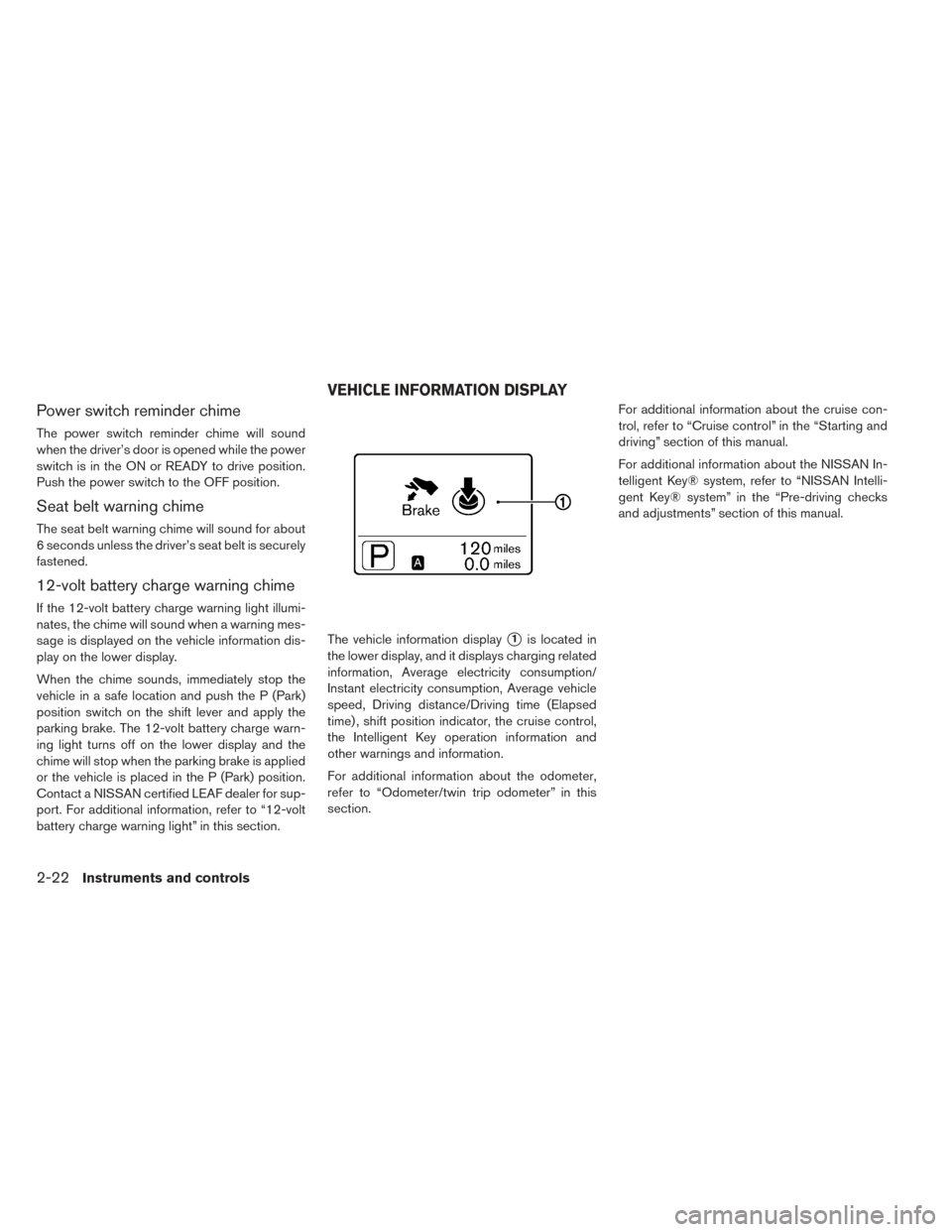
battery charge warning light” in this section.The vehicle information display
�1is located in
the lower display, and it displays charging related
information, Average electricity consumption/
Instant electricity consumption, Average vehicle
speed, Driving distance/Driving time (Elapsed
time) , shift position indicator, the cruise control,
the Intelligent Key operation information and
other warnings and information.
For additional information about the odometer,
refer to “Odometer/twin trip odometer” in this
section. For additional information about the cruise con-
trol, refer to “Cruise control” in the “Starting and
driving” section of this manual.
For additional information about the NISSAN In-
telligent Key® system, refer to “NISSAN Intelli-
gent Key® system” in the “Pre-driving checks
and adjustments” section of this manual.
VEHICLE INFORMATION DISPLAY
2-22Instruments and controls
Page 188 of 437
Push the VDC OFF switch again to turn on the
VDC system, or the VDC is automatically turned
back on when the power switch is placed in the
OFF position and then placed back in the READY
to drive position. For additional information, refer
to “Vehicle Dynamic Control (VDC) system” in
the “Starting and driving” section of this manual.To open the charge port lid, push the charge port
lid switch. For additional information, refer to
“Charge port lid” in the “Pre-driving checks and
adjustments” section of this manual.To lock or unlock the charge connector, push the
charge connector lock switch. For additional in-
formation, refer to “Charge connector lock
switch” in the “Charging” section of this manual.
CHARGE PORT LID SWITCH
CHARGE CONNECTOR LOCK SWITCH
Instruments and controls2-49
Page 223 of 437
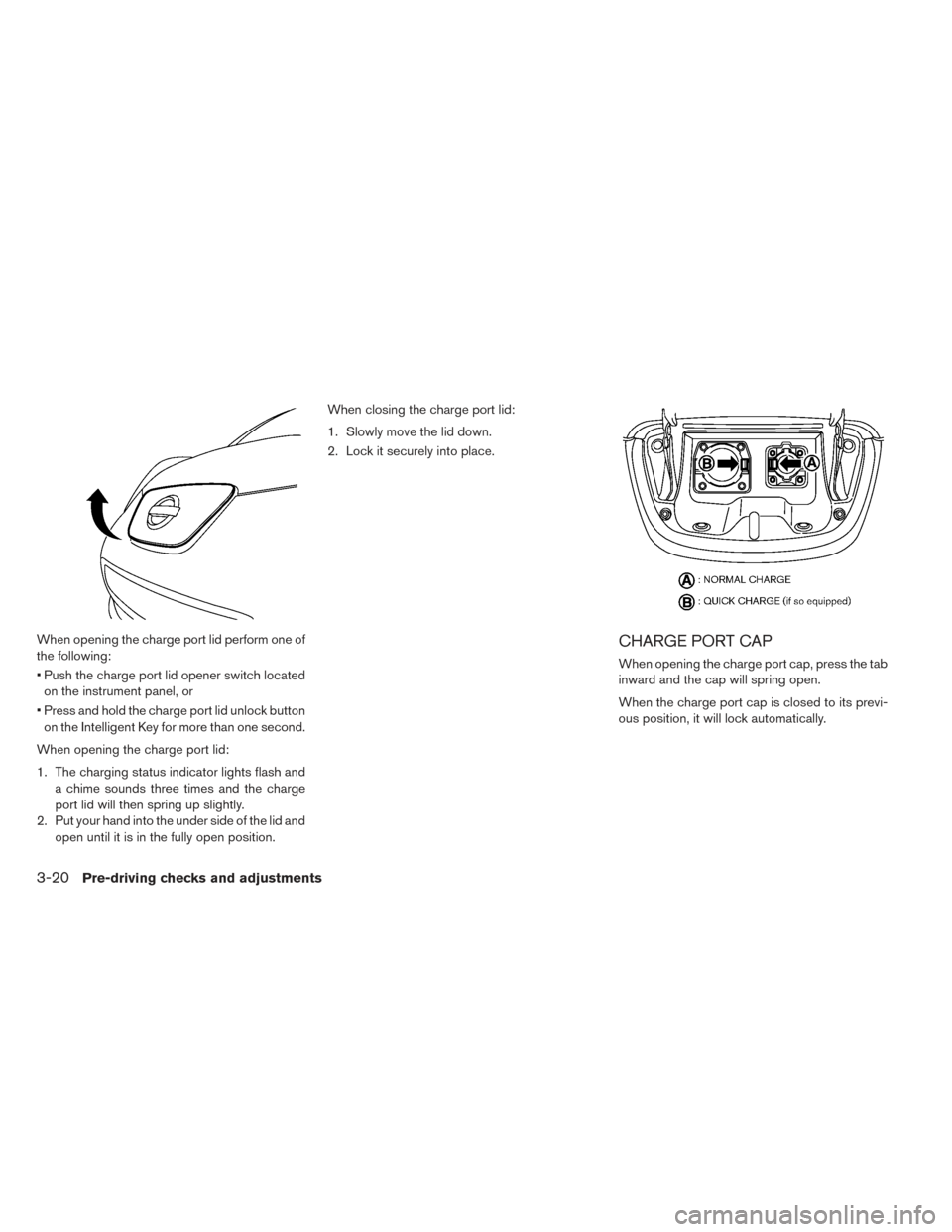
When opening the charge port lid perform one of
the following:
• Push the charge port lid opener switch locatedon the instrument panel, or
• Press and hold the charge port lid unlock button on the Intelligent Key for more than one second.
When opening the charge port lid:
1. The charging status indicator lights flash and a chime sounds three times and the charge
port lid will then spring up slightly.
2. Put your hand into the under side of the lid and open until it is in the fully open position. When closing the charge port lid:
1. Slowly move the lid down.
2. Lock it securely into place.CHARGE PORT CAP
When opening the charge port cap, press the tab
inward and the cap will spring open.
When the charge port cap is closed to its previ-
ous position, it will lock automatically.
3-20Pre-driving checks and adjustments
Page 224 of 437
CAUTION
• When charging is finished, be sure to close the charge port cap. If water or
dust gets inside the charge port, this
may cause a malfunction.
• Pay particular attention when using the normal charge port as the charge
port lid can be closed even when the
normal charge port cap is open.
• Close the quick charge (if so equipped) port cap before closing the charging
lid. The quick charge port cap can be
damaged if it is open when closing the
charge port lid.WARNING
• Do not adjust the steering wheel while driving. You could lose control of your
vehicle and cause an accident.
• Do not adjust the steering wheel any closer to you than is necessary for
proper steering operation and comfort.
The driver’s air bag inflates with great
force. If you are unrestrained, leaning
forward, sitting sideways or out of po-
sition in any way, you are at greater
risk of injury or death in a crash. You
may also receive serious or fatal inju-
ries from the air bag if you are up
against it when it inflates. Always sit
back against the seatback and as far
away as practical from the steering
wheel. Always use the seat belts.
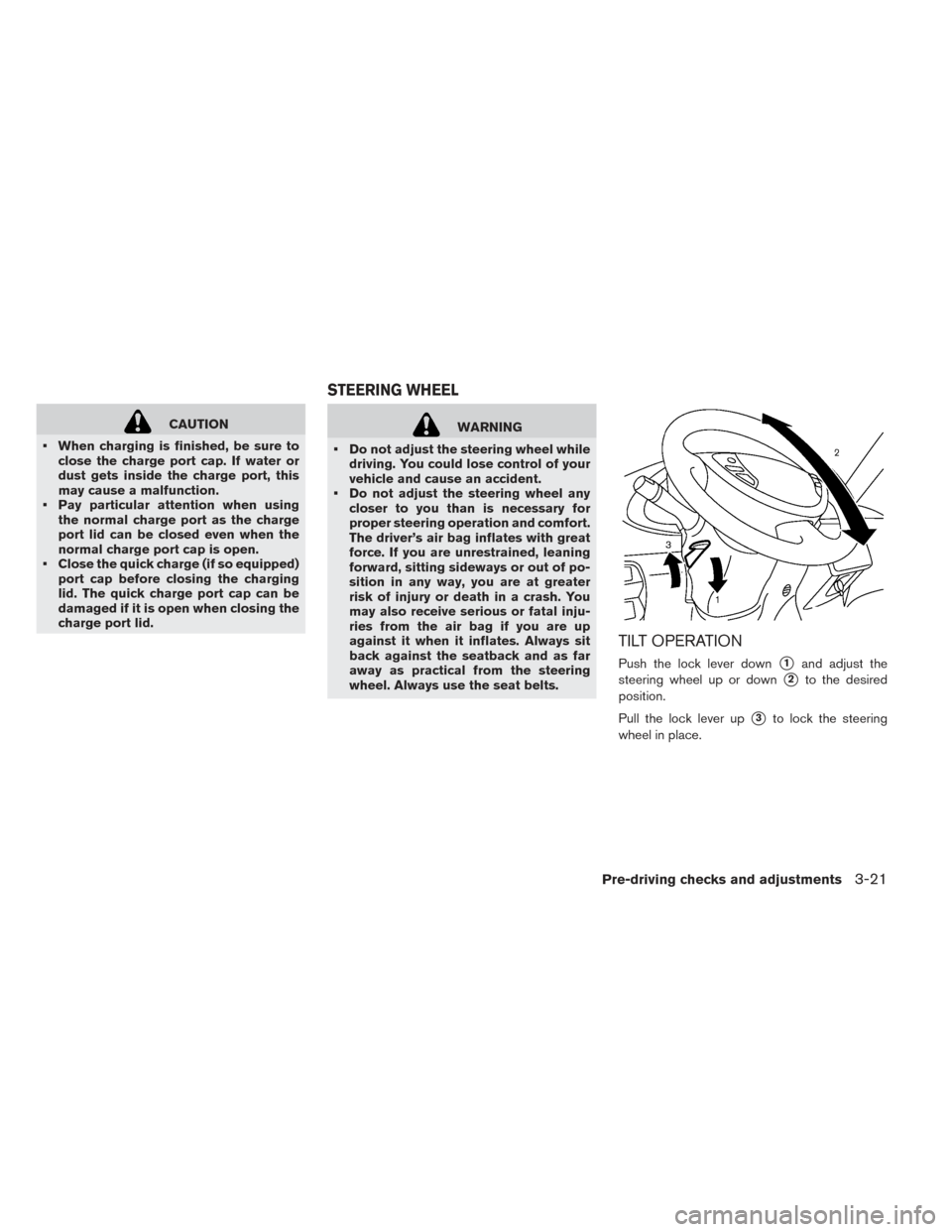
TILT OPERATION
Push the lock lever down�1and adjust the
steering wheel up or down
�2to the desired
position.
Pull the lock lever up
�3to lock the steering
wheel in place.
STEERING WHEEL
Pre-driving checks and adjustments3-21