Page 607 of 660
607
RX450h_U_OM0E013U
8
Vehicle specifications
8-2. Customization
When customizing vehicle features, ensure that the vehicle is parked in a safe
place with the shift lever in P and the parking brake set.
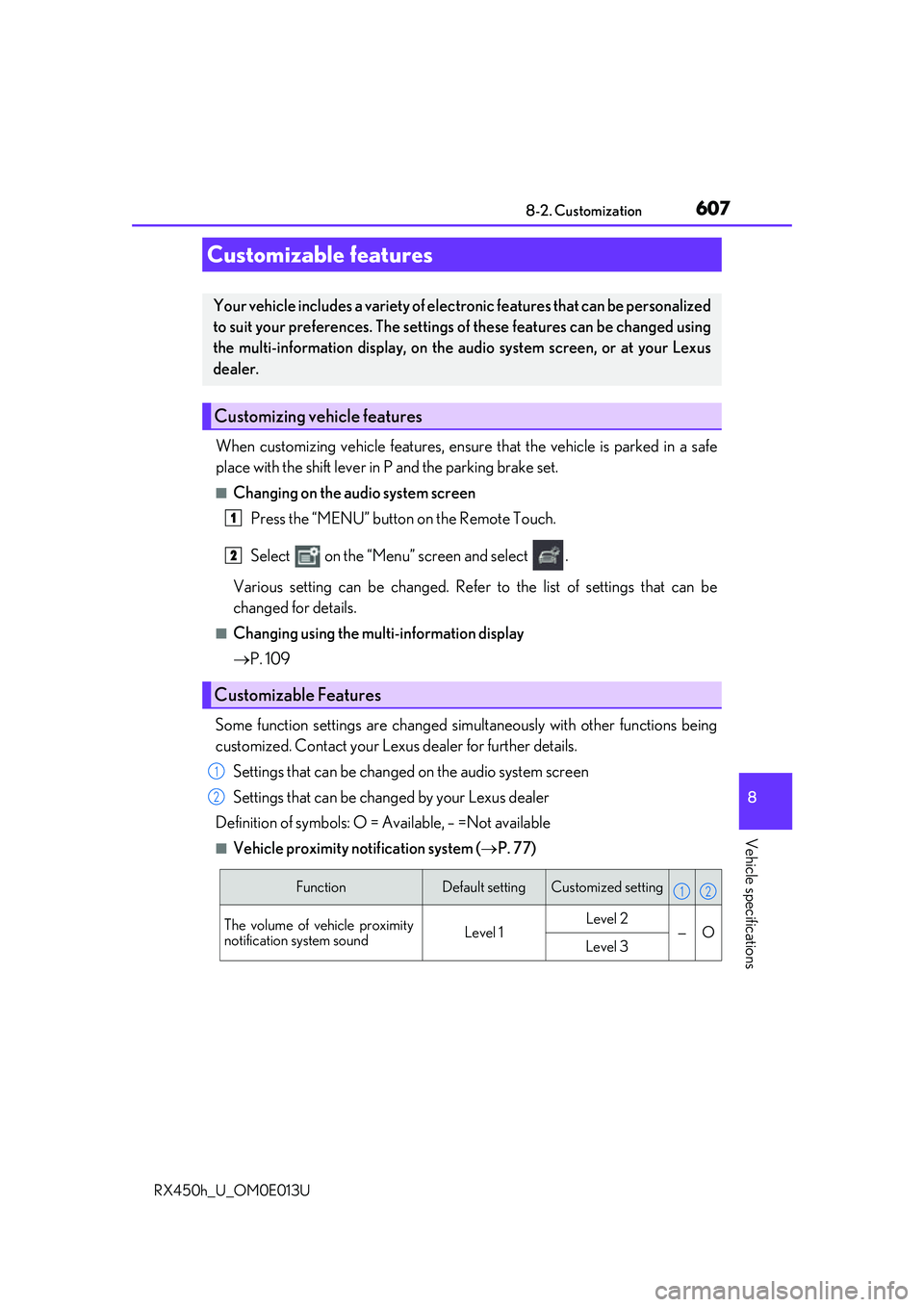
■Changing on the audio system screen
Press the “MENU” button on the Remote Touch.
Select on the “Menu” screen and select .
Various setting can be changed. Refer to the list of settings that can be
changed for details.
■Changing using the multi-information display
P. 109
Some function settings are changed simultaneously with other functions being
customized. Contact your Lexu s dealer for further details.
Settings that can be changed on the audio system screen
Settings that can be changed by your Lexus dealer
Definition of symbols: O = Available, – =Not available
■Vehicle proximity no tification system (P. 77)
Customizable features
Your vehicle includes a variety of elec tronic features that can be personalized
to suit your preferences. The settings of these features can be changed using
the multi-information display, on the audio system screen, or at your Lexus
dealer.
Customizing vehicle features
Customizable Features
1
2
1
2
FunctionDefault settingCustomized setting
The volume of vehicle proximity
notification system soundLevel 1Level 2—OLevel 3
12
Page 618 of 660

6188-2. Customization
RX450h_U_OM0E013U
■Seat belt reminder ( P. 538)
■Vehicle customization
●When the smart access system with push-button start is off, the entry unlock function
cannot be customized.
●When the doors remain closed after unlocking the doors and the timer activated auto-
matic door lock function activates, signals will be generated in accordance with the
operation buzzer volume and operational si gnal (Emergency flashers) function set-
tings.
●Some settings can be changed using a switch or the audio system screen. If a setting is
changed using a switch, the changed setting will not be reflected on the audio system screen until the power switch is turned off and then to ON mode.
FunctionDefault settingCustomized setting
Vehicle speed linked seat belt
reminder buzzerOnOff—O
WARNING
■Cautions during customization
As the hybrid system needs to be operating during customization, ensure that the vehi-
cle is parked in a place with adequate ventil ation. In a closed area such as a garage,
exhaust gases including harmful carbon mo noxide (CO) may collect and enter the
vehicle. This may lead to death or a serious health hazard.
NOTICE
■During customization
To prevent 12-volt battery discharge, ensure that the hybrid system is operating while
customizing features.
12
Page 635 of 660
635
Index
RX450h_U_OM0E013U
What to do if... (Troubleshooting) ............................... 636
Alphabetical index.................................640
Refer to the “NAVIGATION SYSTEM OWNER’S MANUAL” for
information regarding the equipment listed below.
• Navigation system
• Audio/visual system
• Rear seat entertainment sys- tem • Panoramic view monitor
•Lexus Enform
Page 641 of 660

641Alphabetical index
RX450h_U_OM0E013U
Anchor brackets ........................................ 61
AntennaSmart access system with push-button start ................... 158
Anti-lock Brake System (ABS)........ 381 Warning light .......................................537
Approach warning.....................318, 330
Armrest .................................................... 443
Assist grips .............................................. 444
Audio system
*
Automatic air conditioning system .................................................... 405 Air conditioning filter......................... 501
Automatic air conditioning system ................................................. 405
S-FLOW mode ............................... 406
Automatic headlight leveling system .................................................... 253
Automatic High Beam ....................... 255
Automatic light control system.........251
Auxiliary boxes ...........................426, 430
Back door Power back door .................................142
Touchless power back door ......... 144
Wireless remote control ..................142
Back-up lights Replacing light bulbs ......................... 513
Wattage ................................................. 590 Battery (12-volt battery)
Battery checking ................................483
If the 12-volt battery is discharged........................................ 568
Preparing and checking before winter....................................................390
Warning light .......................................536
Battery (traction battery) ..................... 80
Blind Spot Monitor (BSM) ............... 363 Blind Spot Monitor function ............................................367
Rear Cross Traffic Alert function ............................................. 371
Bottle holders .........................................425
Brake Brake Hold ........................................... 249
Fluid ......................................................... 588
Parking brake ...................................... 245
Regenerative braking ......................... 78
Warning light .......................................536
Brake assist ...............................................381
Brake Hold...............................................249 Warning light ....................................... 537
Break-in tips ........................................... 206
Brightness control Instrument panel light control ........ 99
BSM (Blind Spot Monitor) ............... 363 Blind Spot Monitor function......... 367
Rear Cross Traffic Alert function.................................................. 371
B
*: Refer to the “NAVIGATION SYSTEM OWNER’S MANUAL”.
