2016 LEXUS RX450H stop start
[x] Cancel search: stop startPage 225 of 660

2254-1. Before driving
4
Driving
RX450h_U_OM0E013U ●
To maintain engine braking efficiency and charging system performance
when using engine braking, do no t put the transmission in D. ( P. 2 3 9 )●
Instability happens more frequently when descending steep or long downhill
grades. Before descending, slow down and downshift. Do not make sudden
downshifts while descending steep or long downhill grades. ●
Avoid holding the brake pedal down too long or applying the brakes too fre-
quently. This could cause the brakes to overheat and result in reduced braking
efficiency. ●
Due to the added load of the trailer, yo ur vehicle’s engine may overheat on hot
days (at temperatures over 85 F [30 C]) when driving up a long or steep
grade. If the engine coolant temperat ure gauge indicates overheating, imme-
diately turn off the air cond itioning (if in use), pull your vehicle off the road and
stop in a safe spot. ( P. 5 74 )●
Always place wheel blocks under both the vehicle’s and the trailer’s wheels
when parking. Put the transmission in P and apply the parking brake. Avoid
parking on a slope, but if unavoidable, do so only after performing the follow-
ing:
Apply the brakes and keep them applied.
Have someone place wheel blocks under both the vehicle’s and trailer’s
wheels.
When the wheel blocks are in place, release the brakes slowly until the
blocks absorb the load.
Shift into P and apply the parking brake.
Turn off the hybrid system.●
When restarting after parking on a slope:
With the transmission in P, start the hybrid system. Be sure to keep the
brake pedal depressed.
Shift into a forward gear. If reversing, shift into R.
If the parking brake is in manual mode, release the parking brake.
( P. 2 4 6 )
Release the brake pedal, and slowly pull or back away from the wheel
blocks. Stop and apply the brakes.
Have someone retrieve the blocks. 1
2
3
4
5
1
2
3
4
5
Page 227 of 660

2274-1. Before driving
4
Driving
RX450h_U_OM0E013U ■
Break-in schedule
If your vehicle is new or equipped with any new power train components (such as an
engine, hybrid transmission, rear differenti al (AWD models) or wheel bearing), Lexus
recommends that you do not tow a trailer until the vehicle has been driven for over 500
miles (800 km).
After the vehicle has been driven for over 500 miles (800 km), you can start towing.
However, for the next 500 miles (800 km), drive the vehicle at a speed of less than
50 mph (80 km/h) when towing a trailer, and avoid full throttle acceleration.■
Maintenance ●
If you tow a trailer, your vehicle will requir e more frequent maintenance due to the addi-
tional load. (See “Warranty and Services Guide”, “Owner’s Manual Supplement” or
“Scheduled Maintenance”.) ●
Retighten the fixing bolts of the towing ba ll and bracket after approximately 600 miles
(1000 km) of trailer towing. ■
If trailer sway occurs
One or more factors (crosswinds, passing vehicles, rough roads, etc.) can adversely
affect handling of your vehicle and trailer, causing instability.●
If trailer swaying occurs:
• Firmly grip the steering wheel. Steer straight ahead.
Do not try to control trailer sway ing by turning the steering wheel.
• Begin releasing the accelerator pedal i mmediately but very gradually to reduce
speed.
Do not increase speed. Do not apply vehicle brakes.
If you make no extreme correction with the steering or brakes, your vehicle and trailer
should stabilize. (if enabled, Trailer Sway Cont rol can also help to stabilize the vehicle and
trailer.) ●
After the trailer sw aying has stopped:
• Stop in a safe place. Get all occupants out of the vehicle.
• Check the tires of the vehicle and the trailer.
• Check the load in the trailer.
Make sure the load has not shifted.
Make sure the tongue weight is appropriate, if possible.
• Check the load in the vehicle.
Make sure the vehicle is not overloaded after occupants get in.
If you cannot find any problems, the speed at which trailer swaying occurred is beyond
the limit of your particular vehicle-trailer combination.
Drive at a lower speed to prevent instability. Remember that swaying of the towing vehi-
cle-trailer increases as speed increases.
Page 234 of 660
234 4-2. Driving procedures
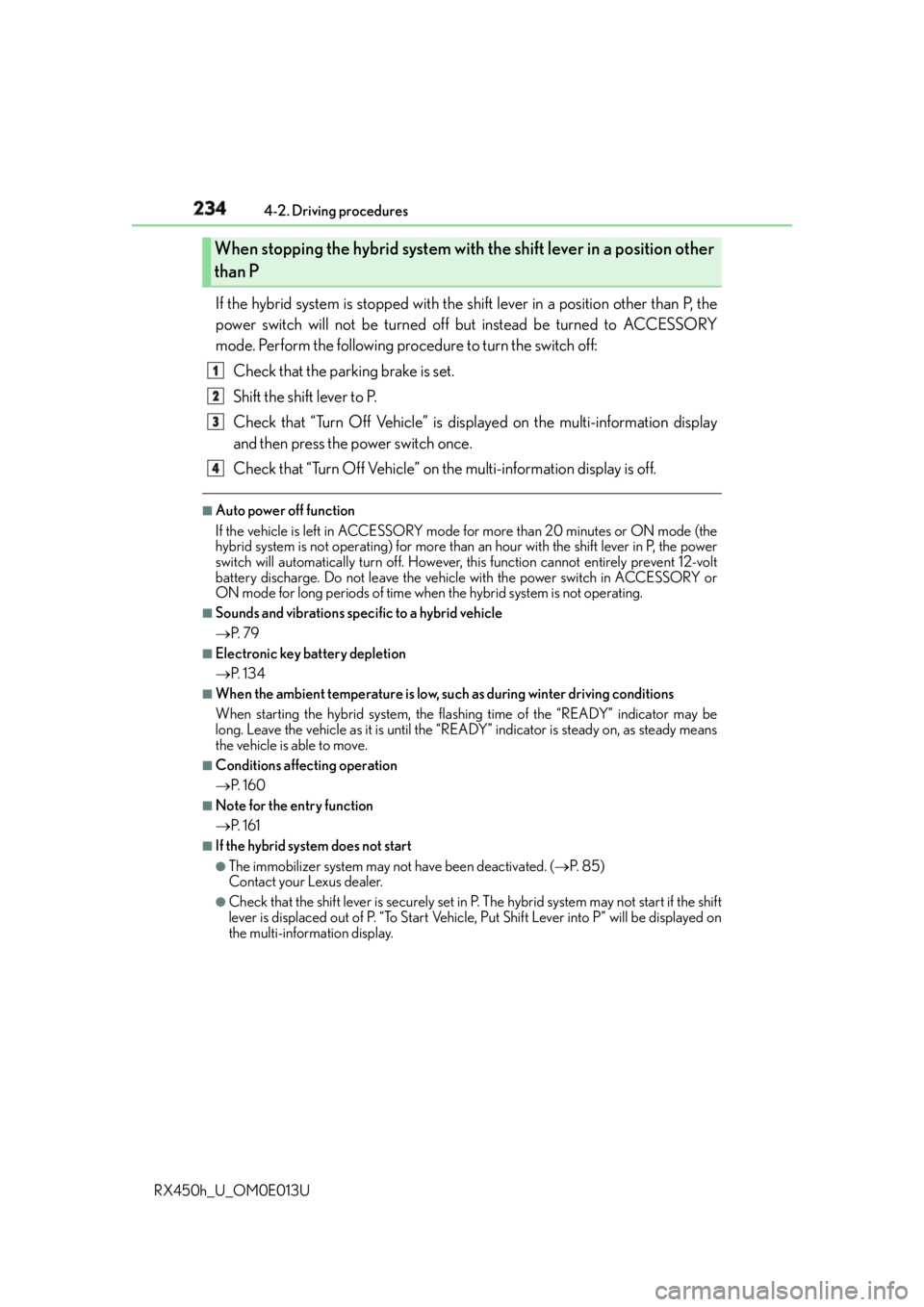
RX450h_U_OM0E013U If the hybrid system is stopped with the shift lever in a position other than P, the
power switch will not be turned off but instead be turned to ACCESSORY
mode. Perform the following procedure to turn the switch off:
Check that the parking brake is set.
Shift the shift lever to P.
Check that “Turn Off Vehicle” is displayed on the multi-information display
and then press the power switch once.
Check that “Turn Off Vehicle” on the multi-information display is off. ■
Auto power off function
If the vehicle is left in ACCESSORY mode for more than 20 minutes or ON mode (the
hybrid system is not operating) for more than an hour with the shift lever in P, the power
switch will automatically turn off. However, this function cannot entirely prevent 12-volt
battery discharge. Do not leave the vehicle with the power switch in ACCESSORY or
ON mode for long periods of time when the hybrid system is not operating.■
Sounds and vibrations spec ific to a hybrid vehicle
P. 7 9 ■
Electronic key battery depletion
P. 1 3 4 ■
When the ambient temperature is low, such as during winter driving conditions
When starting the hybrid system, the flas hing time of the “READY” indicator may be
long. Leave the vehicle as it is until the “REA DY” indicator is steady on, as steady means
the vehicle is able to move. ■
Conditions affe cting operation
P. 1 6 0 ■
Note for the entry function
P. 1 6 1 ■
If the hybrid system does not start ●
The immobilizer system may no t have been deactivated. ( P. 8 5 )
Contact your Lexus dealer. ●
Check that the shift lever is se curely set in P. The hybrid sy stem may not start if the shift
lever is displaced out of P. “To Start Vehicle, Put Shift Lever into P” will be displayed on
the multi-information display.When stopping the hybrid system with the shift lever in a position other
than P 1
2
3
4
Page 236 of 660
236 4-2. Driving procedures
RX450h_U_OM0E013U WA R N I N G ■
When starting the hybrid system
Always start the hybrid system while sittin g in the driver’s seat. Do not depress the
accelerator pedal while starting the hy brid system under any circumstances.
Doing so may cause an accident resu lting in death or serious injury.■
Caution while driving
If hybrid system failure occurs while the vehicle is moving, do not lock or open the
doors until the vehicle reaches a safe and comp lete stop. Activation of the steering lock
in this circumstance may lead to an acci dent, resulting in death or serious injury.■
Stopping the hybrid system in an emergency
If you want to stop the hybrid system in an emergency while driving the vehicle, press
and hold the power switch for more than 2 se conds, or press it briefly 3 times or more
in succession. ( P. 5 2 9 )
However, do not touch the power switch whil e driving except in an emergency. Turning
the hybrid system off while driving will not cause loss of steering or braking control,
however, power assist to the steering will be lost. This will make it more difficult to steer
smoothly, so you should pull over and stop the vehicle as soon as it is safe to do so.
NOTICE ■
To prevent 12-volt battery discharge ●
Do not leave the power switch in ACCESSORY or ON mode for long periods of
time without the hybrid system on. ●
If “ACCESSORY” or “IGNITION ON” is displayed on the meters while the hybrid
system is not operating, the power switch is not off. Exit the vehicle after turning the
power switch off. ●
Do not stop the hybrid system when the shift lever is in a position other than P. If the
hybrid system is stopped in another shift lever position, the power switch will not be
turned off but instead be turned to ACCESSORY mode. If the vehicle is left in
ACCESSORY mode, 12-volt battery discharge may occur. ■
When starting the hybrid system
If the hybrid system becomes difficult to start, have your vehicle checked by your Lexus
dealer immediately. ■
Symptoms indicating a malfunction with the power switch
If the power switch seems to be operating so mewhat differently than usual, such as the
switch sticking slightly, there may be a malf unction. Contact your Lexus dealer immedi-
ately.
Page 239 of 660

2394-2. Driving procedures
4
Driving
RX450h_U_OM0E013U While the power switch is in ON mode, move the shift lever with the brake
pedal depressed. When shifting the shift lever between P and D, make sure that the vehicle is com-
pletely stopped.
* 1
: To improve fuel efficiency and reduce noise, shift the shift lever to D for normal driv-
ing.
* 2
: By selecting shift ranges using S mode, yo u can control accelerating force and engine
braking force.Hybrid transmission Shifting the shift lever
Shift position purpose Shift position Objective or function
P Parking the vehicle/starting the hybrid system
R Reversing
N Neutral
D Normal driving
* 1
S S mode driving
* 2
( P. 2 4 1 )
Page 242 of 660

242 4-2. Driving procedures
RX450h_U_OM0E013U ■
When the “-” paddle shift switch is operated with the shift lever in the D position (vehi-
cles with paddle shift switches)
The shift range is downshifted to a range that enables engine braking force that is suit-
able to driving conditions. ■
Automatic deactivation of shift range select ion in the D position (vehicles with paddle
shift switches)
Shift range selection in the D position will be deactivated in the following situations:●
When the vehicle comes to a stop ●
If the accelerator pedal is depressed for more than a certain period of time ●
When the shift lever is shifted to a position other than D ■
S mode ●
When the shift range is S4 or lower, holdin g the shift lever toward “+” sets the shift
range to S6. ●
Automatically selects a higher shift range before the engine speed becomes too high. ■
Downshifting restriction warning buzzer
To help ensure safety and driving performa nce, downshifting operation may sometimes
be restricted. In some circumstances, downshifting may not be possible even when the
shift lever or paddle shift switch (if equipped ) is operated. (A buzzer will sound twice.)■
When driving with cruise control, dynamic radar cruise control or dynamic radar
cruise control with full -speed range activated
Even when performing the following actions with the intent of enabling engine braking,
engine braking will not activate because cruise control, dynamic radar cruise control or
dynamic radar cruise control with full-speed range will not be canceled.●
Vehicles without paddle shift switches: While driving in S mode, downshifting to 5 or 4.
( P. 311, 323, 335) ●
Vehicles with paddle shift switches: While dr iving in D or S mode, downshifting to 5 or
4. ( P. 311, 323, 335)●
When switching the driving mode to sp ort mode while driving in D position.
( P. 377)■
Restraining sudden start (Drive-Start Control)
When the following unusual operation is pe rformed, the hybrid system output may be
restrained. ●
When the shift lever is shifted from R to D, D to R, N to R, P to D, or P to R (D includes S)
with the accelerator pedal depressed, a wa rning message appears on the multi-infor-
mation display. If a warning message is show n on the multi-information display, read the
message and follow the instructions.●
When the accelerator pedal is depresse d too while the vehicle is in reverse.■
If the shift lever cannot be shifted from P
P. 5 6 3
Page 249 of 660

2494-2. Driving procedures
4
Driving
RX450h_U_OM0E013U Turns the brake hold system on The brake hold standby indicator
(green) comes on. While the system is
holding the brake, the brake hold oper-
ated indicator (yellow) comes on. ■
Brake hold system operating conditions
The brake hold system cannot be turn ed on in the following conditions:●
The driver’s door is not closed. ●
The driver is not wearing the seat belt.
If any of the conditions above are detected when the brake hold system is enabled, the
system will turn off and the brake hold standby in dicator light will go of f. In addition, if any
of the conditions are detected while the sy stem is holding the brake, a warning buzzer
will sound and a message will be shown on th e multi-information display. The parking
brake will then be set automatically. ■
Brake hold function ●
If the brake pedal is left released for a period of about 3 minutes after the system has
started holding the brake, the parking brake w ill be set automatically. In this case, a
warning buzzer sounds and a message is shown on the multi-information display.●
To turn the system off while the system is holding the brake, firmly depress the brake
pedal and press the button again. ●
The brake hold function may not hold the vehicle when the vehicle is on a steep incline.
In this situation, it may be necessary fo r the driver to apply the brakes. A warning
buzzer will sound and the multi-information di splay will inform the dr iver of this situa-
tion. If a warning message is shown on the multi-information displa y, re a d t h e m e s s a g e
and follow the instructions.Brake Hold The brake hold system keeps the brake applied when the shift lever is in D, S or
N with the system on and the brake pedal has been depressed to stop the vehi-
cle. The system releases the brake when the accelerator pedal is depressed
with the shift lever in D or S to allow smooth start off.
Page 314 of 660

314 4-5. Using the driving support systems
RX450h_U_OM0E013U This mode employs a radar sensor to detect the presence of vehicles up to
approximately 400 ft. (120 m) ahead, determines the current vehicle-to-vehicle
following distance, and operates to main tain a suitable following distance from
the vehicle ahead. Note that vehicle-to-vehicle distance will close in when traveling on long downhill
slopes.
Example of constant speed cruising
When there are no vehicles ahead The vehicle travels at the speed set by the driver. The desired vehicle-to-vehicle dis-
tance can also be set by operating th e vehicle-to-vehicle distance button.
Example of deceleration cruising and follow-up cruising
When a preceding vehicle driving slower than the set speed appears When a vehicle is detected running ahead of you, the system automatically deceler-
ates your vehicle. When a greater reduction in vehicle speed is necessary, the system
applies the brakes (the stop lights will come on at this time). The system will respond to
changes in the speed of the vehicle ahead in order to maintain the vehicle-to-vehicle
distance set by the driver. Approach wa rning warns you when the system cannot
decelerate sufficiently to prevent your ve hicle from closing in on the vehicle ahead.
When the vehicle ahead of you stops, your ve hicle will also stop (vehicle is stopped by
system control). After the vehicle ahead starts off, pushing the cruise control lever up
or depressing the accelerator peda l will resume follow-up cruising.
Example of acceleration
When there are no longer any preceding vehicles driving slower than the set
speed The system accelerates until the set speed is reached. The system then returns to con-
stant speed cruising.Driving in vehicle-to-vehicle distance control mode
1
2
3