2016 LEXUS NX200T PARK
[x] Cancel search: PARKPage 608 of 660

6089-1. Specifications
NX200t_OM_USA_OM78081U
Glossary of tire terminology
Tire related termMeaning
Cold tire inflation pressure
Tire pressure when the vehicle has been parked for
three hours or more, or has not been driven more than 1
mile or 1.5 km un der that condition
Maximum inflation pres-
sureThe maximum cold inflated pressure to which a tire may
be inflated, shown on the sidewall of the tire
Recommended inflation
pressureCold tire inflation pressure recommended by a manu-
facturer
Accessory weight
The combined weight (in excess of those standard items
which may be replaced) of transmission, power steer-
ing, power brakes, power wi ndows, power seats, radio
and heater, to the extent that these items are available as
factory-installed equipment (whether installed or not)
Curb weight
The weight of a motor vehicle with standard equipment,
including the maximum capacity of fuel, oil and coolant,
and if so equipped, air co nditioning and additional
weight optional engine
Maximum loaded vehicle
weight
The sum of:
(a) Curb weight
(b) Accessory weight
(c) Vehicle capacity weight
(d) Production options weight
Normal occupant weight150 lb. (68 kg) times the numb er of occupants specified
in the second column of Table 1
* that follows
Occupant distributionDistribution of occupants in a vehicle as specified in the
third column of Table 1* below
Page 614 of 660

6149-2. Customization
NX200t_OM_USA_OM78081U
Customizable features
Some function settings are changed simultaneously with other functions being
customized. Contact your Lexus dealer.
When customizing vehicle features, ensure that the vehicle is parked in a safe
place with the shift lever in P and the parking brake set.
■Changing using the Remote Touch Press the “MENU” button on the Remote Touch.
Select “Setup” on the “MENU” screen and select “Vehicle”.
Various setting can be changed. Refer to the list of settings that can be
changed for details.
■Changing using the Lexus Display Audio controller Press the “MENU” button on the Lexus Display Audio controller.
Select “Setup” on the “MENU” screen and select “Vehicle”.
Various setting can be changed. Refer to the list of settings that can be
changed for details.
■Changing using the multi-information display
Press or of the meter control switches, select , and then
press .
Press or of the meter control switches, select the item, and then
press .
Press or of the meter control switches, select the desired setting,
and then press .
To go back to the previous screen or exit the customize mode, press .
Your vehicle includes a variety of electronic features that can be personalized
to suit your preferences. The settings of these features can be changed using
the multi-information display, the Remo te Touch or Lexus Display Audio con-
troller, or at your Lexus dealer.
Customizing vehicle features
1
2
1
2
1
2
3
Page 621 of 660

6219-2. Customization
9
Vehicle specifications
NX200t_OM_USA_OM78081U
■Intuitive parking assist* ( P. 2 7 0 )
*:If equipped
■Driving position memory* ( P. 1 4 5 )
*:If equipped
■Outside rear view mirrors ( P. 1 5 5 )
FunctionDefault
settingCustomized setting
Detection distance of the
front center sensorLongShortO–O–
Detection distance of the rear
center sensorLongShortO–O–
Display setting (When intui-
tive parking assist is operat-
ing)
OnOffO–O–
Buzzer volume31 to 5O–O–
1234
FunctionDefault settingCustomized setting
Driver’s seat movement when
exiting the vehicleStandardOffO–O–Pa r t i a l
Selection the door linking
driving position memory with
door unlock operation
Driver’s doorAll doors––O–
1234
FunctionDefault settingCustomized setting
Linked mirror function when
reversingOnOff––O–
1234
Page 623 of 660

6239-2. Customization
9
Vehicle specifications
NX200t_OM_USA_OM78081U
■Vehicle customization
●When the speed linked door locking function and shift position linked door locking
function are both on, the door lock operates as follows.
• When shifting the shift lever to any position other than P, all th e doors will be locked.
• If the vehicle is started with all the door s locked, the speed linked door locking func-
tion would not operate.
• If the vehicle is started with any door un locked, the speed linked door locking func-
tion will operate.
●When the smart access system with push-but ton start is off, smart door unlocking can-
not be customized.
●When the doors remain closed after unloc king the doors and the automatic door lock
function is activated, the signals will be generated in accordance with the Operation
signal (buzzer) and the Operation si gnal (emergency flashers) settings.
■In the following situations, customize mo de in which the settings can be changed
through the multi-in formation display will automatically be turned off.
●A warning message appears after the cu stomize mode screen is displayed.
●The engine switch is turned off.
●The vehicle begins to move while the customize mode screen is displayed.
WA R N I N G
■Cautions during customization
As the engine needs to be running during customization, ensure that the vehicle is
parked in a place with adequate ventilation. In a closed area such as a garage, exhaust
gases including harmful carbon monoxide (CO) may collect and enter the vehicle. This
may lead to death or a serious health hazard.
NOTICE
■During customization
To prevent battery discharge, ensure that the engine is running while customizing fea-
tures.
Page 637 of 660

637
Index
NX200t_OM_USA_OM78081U
What to do if... (Troubleshooting)................................638
Alphabetical index................................. 642
For vehicles with a navigation system, refer to the “NAVIGATION
SYSTEM OWNER’S MANUAL” for information regarding the equip-
ment listed below.
• Navigation system
• Lexus parking assist monitor
• Audio/visual system
• Lexus Enform with Safety Connect
Page 640 of 660

640What to do if... (Troubleshooting)
NX200t_OM_USA_OM78081U
●The seat belt reminder light is flashing
Are the driver and the front passenger wearing the seat belts? ( P. 5 5 2 )
●The parking brake indicator is on
Is the parking brake released? ( P. 2 0 4 )
Depending on the situation, other type s of warning buzzer may also sound.
( P. 550, 557)
●Did anyone inside the vehicle open a door during setting the alarm?
The sensor detects it and the alarm sounds. ( P. 7 7 )
To stop the alarm, turn the engine switch to IGNITION ON mode or start the
engine.
●Is the message displayed on the multi-information display?
Check the message on the multi-information display. ( P. 5 5 7 )
●When a warning light turns on or a warning message is displayed, refer to
P. 5 5 0 , 5 5 7 . A warning buzzer sounds during driving
An alarm is activated and the horn sounds
A warning buzzer sounds when leaving the vehicle
A warning light turns on or a warning message is displayed
Page 643 of 660
643Alphabetical index
NX200t_OM_USA_OM78081U
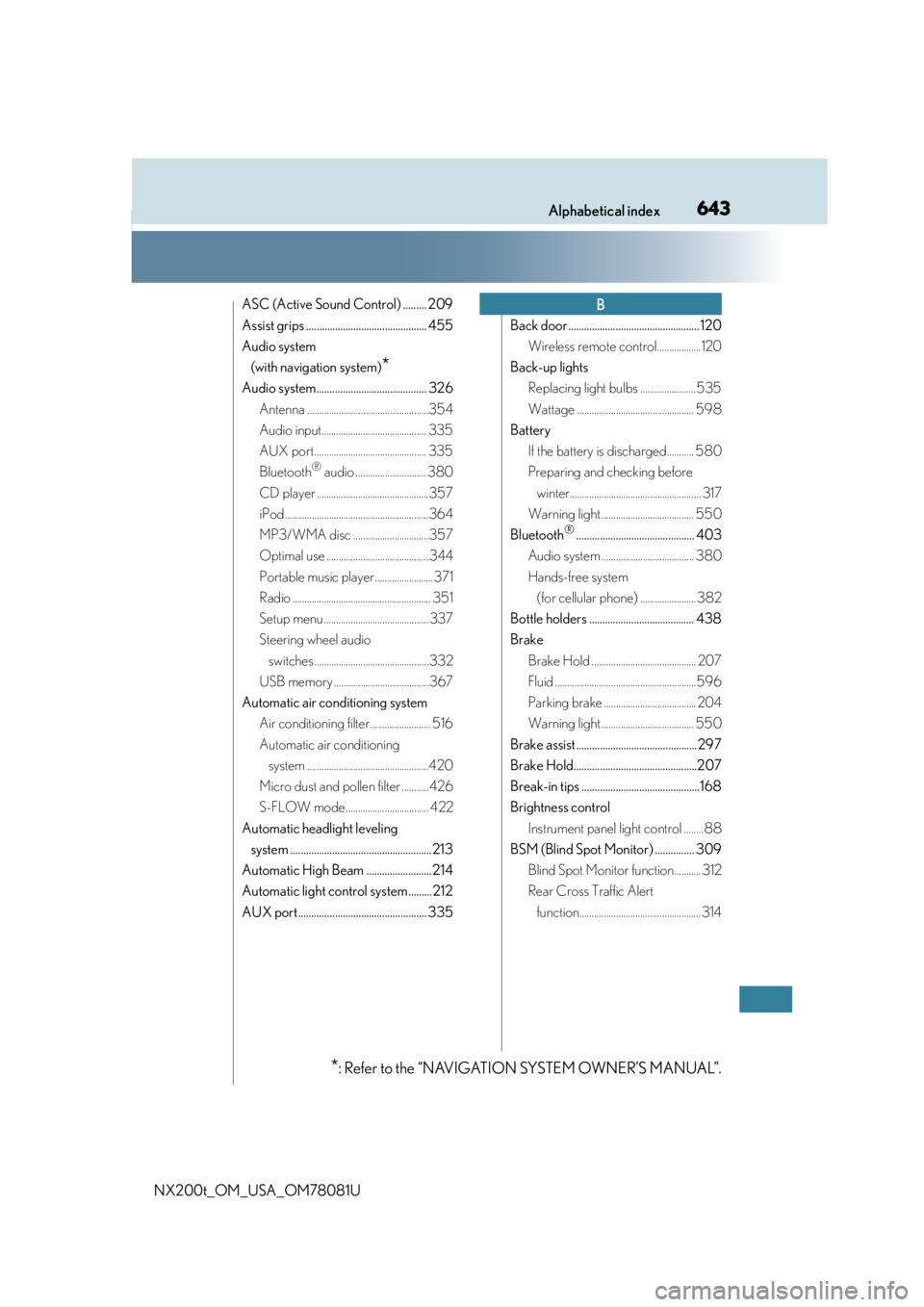
ASC (Active Sound Control) ......... 209
Assist grips .............................................. 455
Audio system (with navigation system)
*
Audio system.......................................... 326 Antenna ..................................................354
Audio input........................................... 335
AUX port.............................................. 335
Bluetooth
® audio ............................. 380
CD player ..............................................357
iPod ...........................................................364
MP3/WMA disc ...............................357
Optimal use ..........................................344
Portable music player ........................371
Radio ......................................................... 351
Setup menu ........................................... 337
Steering wheel audio switches ............................................... 332
USB memory .......................................367
Automatic air conditioning system Air conditioning filter......................... 516
Automatic air conditioning system ..................................................420
Micro dust and pollen filter ...........426
S-FLOW mode .................................. 422
Automatic headlight leveling system ......................................................213
Automatic High Beam ......................... 214
Automatic light control system......... 212
AUX port................................................. 335 Back door .................................................. 120
Wireless remote control..................120
Back-up lights Replacing light bulbs .......................535
Wattage ................................................ 598
Battery If the battery is discharged........... 580
Preparing and checking before winter...................................................... 317
Warning light ...................................... 550
Bluetooth
®............................................. 403
Audio system ...................................... 380
Hands-free system (for cellular phone) ....................... 382
Bottle holders ........................................ 438
Brake Brake Hold ........................................... 207
Fluid ..........................................................596
Parking brake ...................................... 204
Warning light ...................................... 550
Brake assist .............................................. 297
Brake Hold...............................................207
Break-in tips .............................................168
Brightness control Instrument panel light control ........88
BSM (Blind Spot Monitor) ............... 309 Blind Spot Monitor function........... 312
Rear Cross Traffic Alert function.................................................. 314
B
*: Refer to the “NAVIGATION SYSTEM OWNER’S MANUAL”.
Page 649 of 660

649Alphabetical index
NX200t_OM_USA_OM78081U
I/M test ..................................................... 485
IdentificationEngine ......................................................592
Vehicle ..................................................... 591
Ignition switch (Engine switch) .........193
Illuminated entry system .................... 435
Immobilizer system ................................. 75
Indicators .................................................... 82
Initialization Engine oil maintenance data........492
Items to initialize.................................. 624
Tire pressure warning system .... 504
Inside rear view mirror ........................ 153
Instrument panel light control ............ 88
Interior lights........................................... 433 Switch.......................................................434
Wattage ................................................. 598
Intuitive parking assist Function ..................................................270
Warning message .............................557 Jack
Positioning a floor jack....................489
Vehicle-equipped jack .....................561
Jack handle ............................................... 561
Jam protection function Moon roof ............................................... 162
Power back door openerand closer ............................................ 129
Power windows....................................159
Keyless entry Smart access system with push-button start ................................131
Wireless remote control................. 108
Keys ............................................................ 108 Battery-saving function .................... 132
Electronic key ....................................... 108
Engine switch ........................................193
If the electronic key does not operate properly ............................ 576
If you lose your keys....................110, 112
Key number plate ............................... 108
Keyless entry ......................................... 108
Mechanical key.................................... 108
Replacing the battery ....................... 518
Warning buzzer................................... 132
Wireless remote control key ........ 108
Knee airbags ............................................. 38
IJ
K