Page 644 of 688
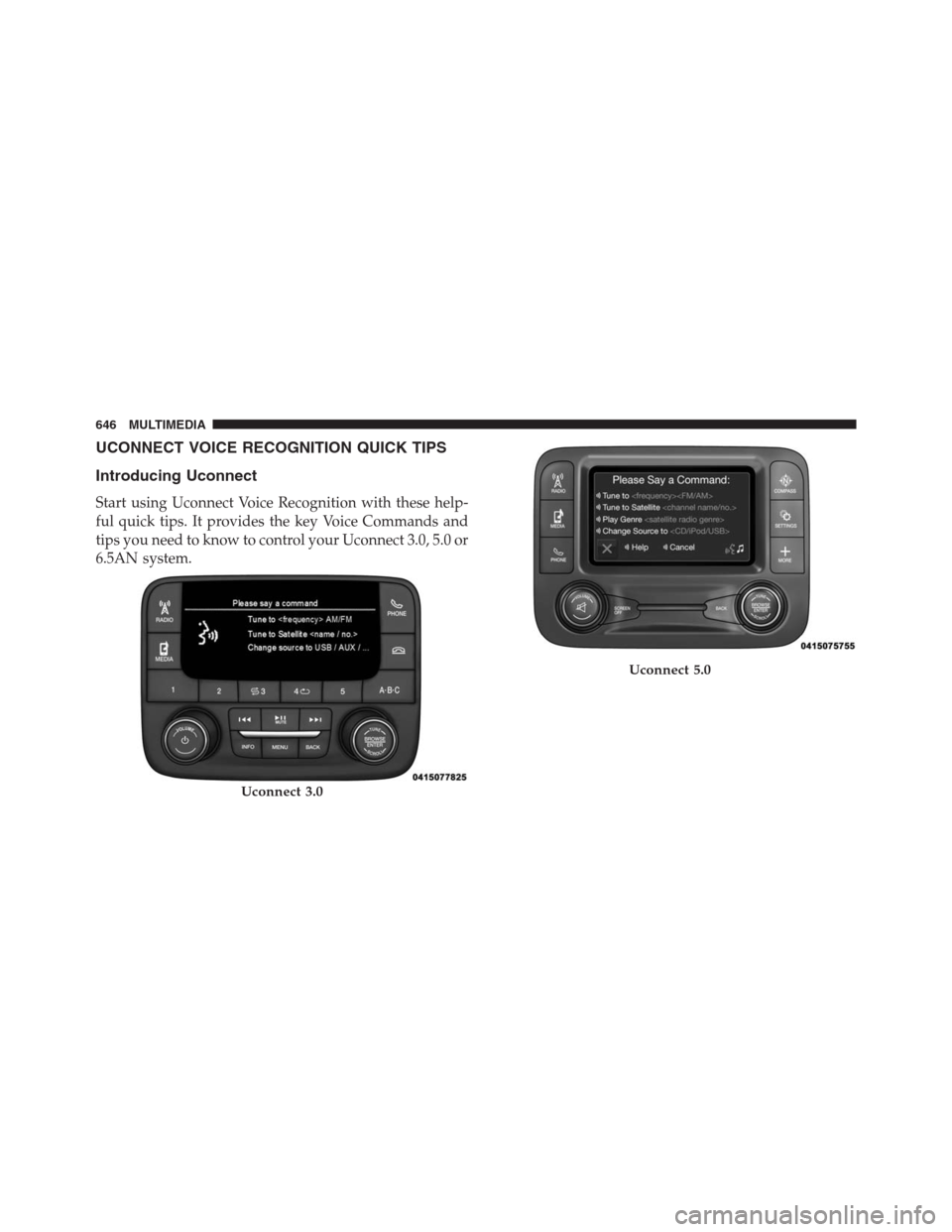
Center Console USB Port
Located in the center console is a second USB port.
NOTE:Depending on vehicle configuration, the USB
port may be charge only, or media file capable.STEERING WHEEL AUDIO CONTROLS
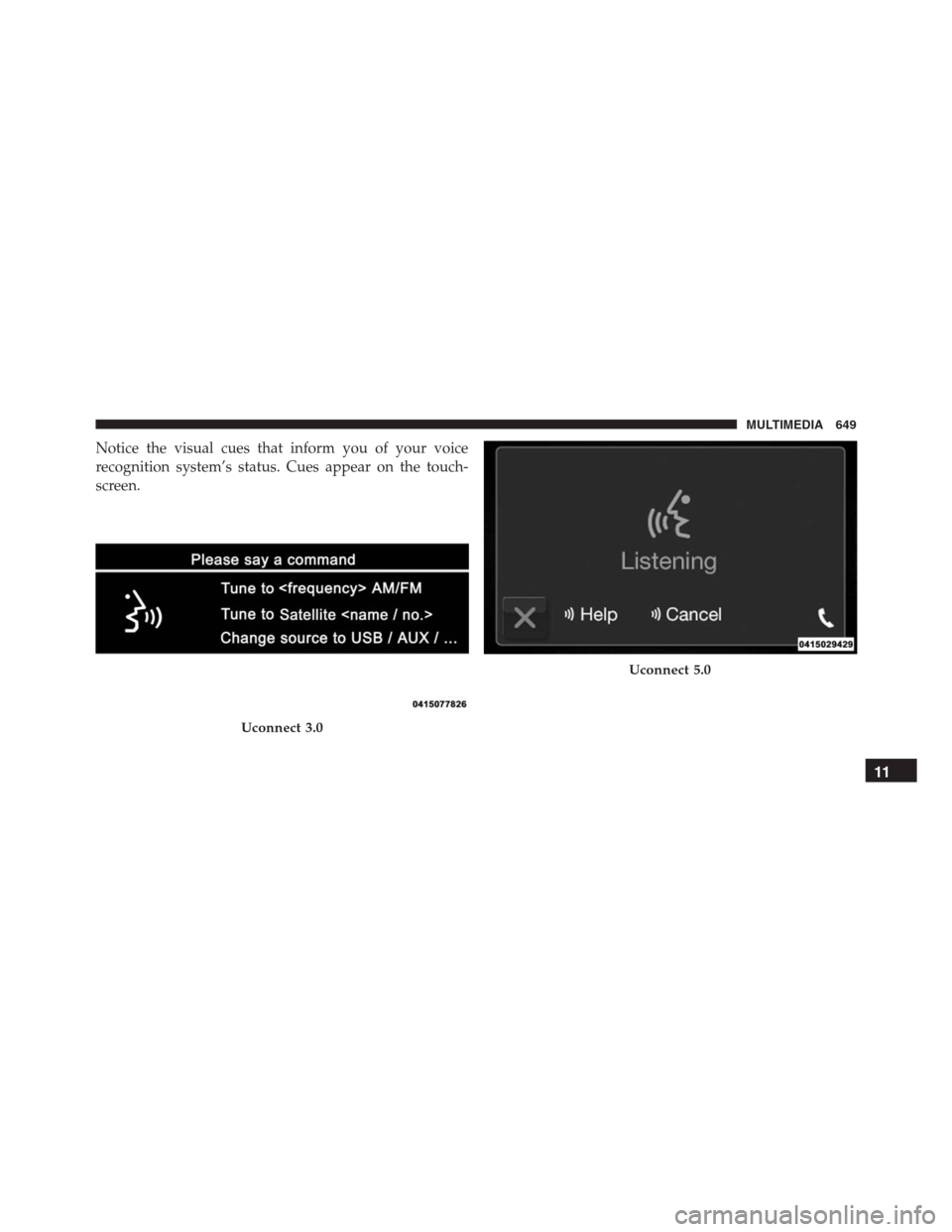
The remote sound system controls are located at the rear
of the steering wheel. Reach behind the wheel to access
the switches.
Center Console USB (Charge Only) Port — If Equipped
Remote Sound System Controls
(Back View Of Steering Wheel)
642 MULTIMEDIA
Page 645 of 688

The right-hand control is a rocker-type switch with a
pushbutton in the center and controls the volume and
mode of the sound system. Pushing the top of the rocker
switch will increase the volume, and pushing the bottom
of the rocker switch will decrease the volume.
Pushing the center button will make the radio switch
between the various modes available (AM/FM/SAT/
AUX/Media Player, etc.) and can also be used to select/
enter an item while scrolling through menu.
The left-hand control is a rocker-type switch with a
pushbutton in the center. The function of the left-hand
control is different depending on which mode you are in.
The following describes the left-hand control operation in
each mode.Radio Operation
Pushing the top of the switch will “Seek” up for the next
listenable station and pushing the bottom of the switch
will “Seek” down for the next listenable station.
The button located in the center of the left-hand control
will tune to the next preset station that you have pro-
grammed in the radio preset button.
Media Mode
Pushing the top of the switch once will go to the next
track on the selected media (AUX/USB, Bluetooth).
Pushing the bottom of the switch once will go to the
beginning of the current track, or to the beginning of the
previous track if it is within eight seconds after the
current track begins to play.
If you push the switch up or down twice, it plays the
second track; three times, it will play the third, etc.
11
MULTIMEDIA 643
Page 646 of 688
RADIO OPERATION AND MOBILE DEVICES
Under certain conditions, the mobile device being on in
your vehicle can cause erratic or noisy performance from
your radio. This condition may be lessened or eliminated
by relocating the mobile device antenna. This condition is
not harmful to the radio. If your radio performance does
not satisfactorily “clear” by the repositioning of the
antenna, it is recommended that the radio volume be
turned down or off during mobile device operation when
not using Uconnect (if equipped).
Regulatory And Safety Information
USA/CANADA
Exposure to Radio Frequency Radiation
The radiated output power of the internal wireless radio
is far below the FCC radio frequency exposure limits.Nevertheless, the wireless radio will be used in such a
manner that the radio is 20 cm or further from the human
body.
The internal wireless radio operates within guidelines
found in radio frequency safety standards and recom-
mendations, which reflect the consensus of the scientific
community.
The radio manufacturer believes the internal wireless
radio is safe for use by consumers. The level of energy
emitted is far less than the electromagnetic energy emit-
ted by wireless devices such as mobile phones. However,
the use of wireless radios may be restricted in some
situations or environments, such as aboard airplanes. If
you are unsure of restrictions, you are encouraged to ask
for authorization before turning on the wireless radio.
644 MULTIMEDIA
Page 648 of 688
UCONNECT VOICE RECOGNITION QUICK TIPS
Introducing Uconnect
Start using Uconnect Voice Recognition with these help-
ful quick tips. It provides the key Voice Commands and
tips you need to know to control your Uconnect 3.0, 5.0 or
6.5AN system.
Uconnect 3.0
Uconnect 5.0
646 MULTIMEDIA
Page 649 of 688
Get Started
All you need to control your Uconnect system with your
voice are the buttons on your steering wheel.
1. VisitUconnectPhone.com to check mobile device and
feature compatibility and to find phone pairing
instructions.
2. Reduce background noise. Wind and passenger con-
versations are examples of noise that may impact
recognition.
3. Speak clearly at a normal pace and volume while
facing straight ahead. The microphone is positioned
on the rearview mirror and aimed at the driver.
4. Each time you give a Voice Command, you must first
push either the VR or Phone button, wait untilafter
the beep, then say your Voice Command.
Uconnect 6.5AN
11
MULTIMEDIA 647
Page 651 of 688
Notice the visual cues that inform you of your voice
recognition system’s status. Cues appear on the touch-
screen.
Uconnect 3.0
Uconnect 5.0
11
MULTIMEDIA 649
Page 658 of 688
Navigation (6.5AN)
The Uconnect navigation feature helps you save time and
become more productive when you know exactly how to
get to where you want to go.
1. To enter a destination, push the VR button
. After
the beep, say:
•For the 6.5AN Uconnect System, say:“Navigate to
800 Chrysler Drive Auburn Hills, Michigan.”
2. Then follow the system prompts.
TIP:To start a POI search, push the VR button
. After
the beep, say: “Find nearestcoffee shop.”Uconnect 6.5AN Navigation
656 MULTIMEDIA
Page 668 of 688

About Your Brakes........................239
ABS (Anti-Lock Brake System)................241
Adding Engine Coolant (Antifreeze)............549
Adding Fuel.............................405
Adding Washer Fluid......................545
Additives, Fuel...........................403
AirBag ................................274
Advance Front Air Bag................274, 276
Air Bag Operation.......................277
Air Bag Warning Light...................287
Driver Knee Air Bag.....................279
Event Data Recorder (EDR)................290
FrontAirBag ..........................274
If A Deployment Occurs..................284
Knee Impact Bolsters.....................278
Maintaining Your Air Bag System............289
Redundant Air Bag Warning Light...........289
Side Air Bags..........................279
Transporting Pets.......................312Air Bag Deployment.......................274
Air Bag Light.....................187, 287, 314
Air Bag Maintenance.......................289
Air Cleaner, Engine (Engine Air Cleaner Filter). . . .539
Air Conditioner Maintenance..........122, 135, 540
Air Conditioning......................119,132
Air Conditioning Controls...................119
Air Conditioning Filter.....................541
Air Conditioning Refrigerant..............540, 541
Air Conditioning System.................119,540
Air Pressure, Tires.........................580
Air Recirculation......................122, 131
Alarm
Arm The System........................52
Alarm (Security Alarm)..................51, 190
Alarm System (Security Alarm)................51
Alterations/Modifications, Vehicle...............7
Antifreeze (Engine Coolant)...............548, 600
Disposal
..............................551
666 INDEX