Page 52 of 723

•If the liftgate is not fully open, push the Liftgate button
on the RKE Key Fob twice to operate the liftgate.
• If the electronic liftgate release is pushed while the
power liftgate is closing, the liftgate will reverse to the
full open position.
• If the electronic liftgate release is pushed while the
power liftgate is opening, the liftgate motor will dis-
engage to allow manual operation.
• If the power liftgate encounters multiple obstructions
within the same cycle, the system will automatically
stop and the liftgate must be opened or closed manu-
ally.
WARNING!
• Driving with the liftgate open can allow poisonous
exhaust gases into your vehicle. You and your
(Continued)
WARNING! (Continued)
passengers could be injured by these fumes. Keep
the liftgate closed when you are operating the
vehicle.
• If you are required to drive with the liftgate open,
make sure that all windows are closed, and the
climate control blower switch is set at high speed.
Do not use the recirculation mode.
OCCUPANT RESTRAINT SYSTEMS
Some of the most important safety features in your
vehicle are the restraint systems:
• Seat Belt Systems
• Supplemental Restraint Systems (SRS) Air Bags
• Supplemental Active Head Restraints
• Child Restraints
50 THINGS TO KNOW BEFORE STARTING YOUR VEHICLE
Page 112 of 723

Exhaust Gas
WARNING!
Exhaust gases can injure or kill. They contain carbon
monoxide (CO), which is colorless and odorless.
Breathing it can make you unconscious and can
eventually poison you. To avoid breathing (CO),
follow these safety tips:
•Do not run the engine in a closed garage or in
confined areas any longer than needed to move
your vehicle in or out of the area.
•
If you are required to drive with the trunk/liftgate/rear
doors open, make sure that all windows are closed and
the climate control BLOWER switch is set at high
speed. DO NOT use the recirculation mode.
• If it is necessary to sit in a parked vehicle with the
engine running, adjust your heating or cooling
WARNING! (Continued)
controls to force outside air into the vehicle. Set the
blower at high speed.
The best protection against carbon monoxide entry into
the vehicle body is a properly maintained engine exhaust
system.
Whenever a change is noticed in the sound of the exhaust
system, when exhaust fumes can be detected inside the
vehicle, or when the underside or rear of the vehicle is
damaged, have a competent mechanic inspect the com-
plete exhaust system and adjacent body areas for broken,
damaged, deteriorated, or mispositioned parts. Open
seams or loose connections could permit exhaust fumes
to seep into the passenger compartment. In addition,
inspect the exhaust system each time the vehicle is raised
for lubrication or oil change. Replace as required.
110 THINGS TO KNOW BEFORE STARTING YOUR VEHICLE
Page 153 of 723
WARNING!(Continued)
even at low temperatures, especially if used for
long periods of time.
• Do not place anything on the seat or seatback that
insulates against heat, such as a blanket or cushion.
This may cause the seat heater to overheat. Sitting
in a seat that has been overheated could cause
serious burns due to the increased surface tempera-
ture of the seat.
Front Heated Seats
The front heated seats control buttons are located within
the climate or controls screen of the touchscreen.
You can choose from HI, LO or OFF heat settings. The
indicator arrows in touchscreen buttons indicate the level
of heat in use. Two indicator arrows will illuminate for
HI, one for LO and none for OFF. •
Press the heated seat button
once to turn the HI
setting ON.
• Press the heated seat buttona second time to turn
the LO setting ON.
• Press the heated seat buttona third time to turn
the heating elements OFF.
If the HI-level setting is selected, the system will auto-
matically switch to LO-level after approximately 60 min-
utes of continuous operation. At that time, the display
will change from HI to LO, indicating the change. The
LO-level setting will turn OFF automatically after ap-
proximately 45 minutes.
NOTE:
• Once a heat setting is selected, heat will be felt within
two to five minutes.
3
UNDERSTANDING THE FEATURES OF YOUR VEHICLE 151
Page 156 of 723
WARNING!
•Persons who are unable to feel pain to the skin
because of advanced age, chronic illness, diabetes,
spinal cord injury, medication, alcohol use, exhaus-
tion or other physical condition must exercise care
when using the seat heater. It may cause burns
even at low temperatures, especially if used for
long periods of time.
• Do not place anything on the seat or seatback that
insulates against heat, such as a blanket or cushion.
This may cause the seat heater to overheat. Sitting
in a seat that has been overheated could cause
serious burns due to the increased surface tempera-
ture of the seat.
Front Ventilated Seats — If Equipped
Located in the seat cushion and seat back are fans that
draw the air from the passenger compartment and move air through fine perforations in the seat cover to help
keep the driver and front passenger cooler in higher
ambient temperatures. The fans operate at two speeds,
HI and LO.
The front ventilated seats control buttons are located
within the Uconnect system. You can gain access to the
control buttons through the climate screen or the controls
screen.
•
Press the ventilated seat button
once to choose HI.
•Press the ventilated seat buttona second time to
choose LO.
• Press the ventilated seat buttona third time to
turn the ventilated seat OFF.
NOTE: The engine must be running for the ventilated
seats to operate.
154 UNDERSTANDING THE FEATURES OF YOUR VEHICLE
Page 187 of 723
NOTE:For vehicles equipped with Driver Memory Seat,
you can use your Remote Keyless Entry (RKE) Key Fob
or the memory switch on the driver’s door trim panel to
return the tilt/telescopic steering column to pre-
programmed positions. Refer to “Driver Memory Seat”
in this section for further information.
WARNING!
Do not adjust the steering column while driving.
Adjusting the steering column while driving or driv-
ing with the steering column unlocked, could cause
the driver to lose control of the vehicle. Failure to
follow this warning may result in serious injury or
death.
HEATED STEERING WHEEL — IF EQUIPPED
The steering wheel contains a heating element that helps
warm your hands in cold weather. The heated steering
wheel has only one temperature setting. Once the heated
steering wheel has been turned on it will operate for up
to 80 minutes before automatically shutting off. The
heated steering wheel can shut off early or may not turn
on when the steering wheel is already warm.
The heated steering wheel control button is located
within the Uconnect system. You can gain access to the
control button through the climate screen or the controls
screen.
• Press the heated steering wheel button
once to
turn the heating element ON.
• Press the heated steering wheel buttona second
time to turn the heating element OFF. 3
UNDERSTANDING THE FEATURES OF YOUR VEHICLE 185
Page 282 of 723
Rotate the center portion of the lever upward to
the first detent for intermittent operation and to
the second detent for continuous rear wiper operation.
Rotating the center portion upward once more
will activate the washer pump which will con-
tinue to operate as long as the switch is held. Upon release of the switch, the wipers will resume the continu-
ous rear wiper operation. When this rotary control is in
the OFF position, rotating it downward will activate the
rear washer pump which will continue to operate as long
as the switch is held. Once the switch is released it will
return to the OFF position and the wipers will cycle
several times before returning to the parked position.
NOTE:
As a protective measure, the pump will stop if the
switch is held for more than 20 seconds. Once the switch
is released the pump will resume normal operation.
If the rear wiper is operating when the ignition is turned
OFF, the wiper will automatically return to the “park”
position.
Rear Window Defroster
The rear window defroster button is located on
the climate control panel. Push this button to turn
on the rear window defroster and the heated outside
Rear Wiper/Washer Control
280 UNDERSTANDING THE FEATURES OF YOUR VEHICLE
Page 289 of 723

�STEERING WHEEL AUDIO CONTROLS — IF
EQUIPPED .......................... .421
▫ Radio Operation ..................... .422
▫ CD Player .......................... .423
� CD/DVD DISC MAINTENANCE ...........423
� RADIO OPERATION AND MOBILE PHONES . .424
▫ Regulatory And Safety Information .........424
� CLIMATE CONTROLS ...................425
▫ General Overview .....................426
▫ Climate Control Functions ...............431
▫ Automatic Temperature Control (ATC) ......433
▫ Operating Tips ...................... .434
� PERSONALIZED MENU BAR ..............438�
UCONNECT VOICE RECOGNITION
QUICK TIPS ......................... .438
▫ Introducing Uconnect ...................438
▫ Get Started ......................... .439
▫ Basic Voice Commands ..................441
▫ Radio ............................. .442
▫ Media ............................. .442
▫ Phone ............................. .443
▫ Voice Text Reply ..................... .444
▫ Climate (8.4A/8.4AN) ..................446
▫ Navigation (8.4A/8.4AN) ................447
▫ Uconnect Access (8.4A/8.4AN) ............448
▫ Vehicle Health Alert ...................449
4
UNDERSTANDING YOUR INSTRUMENT PANEL 287
Page 291 of 723
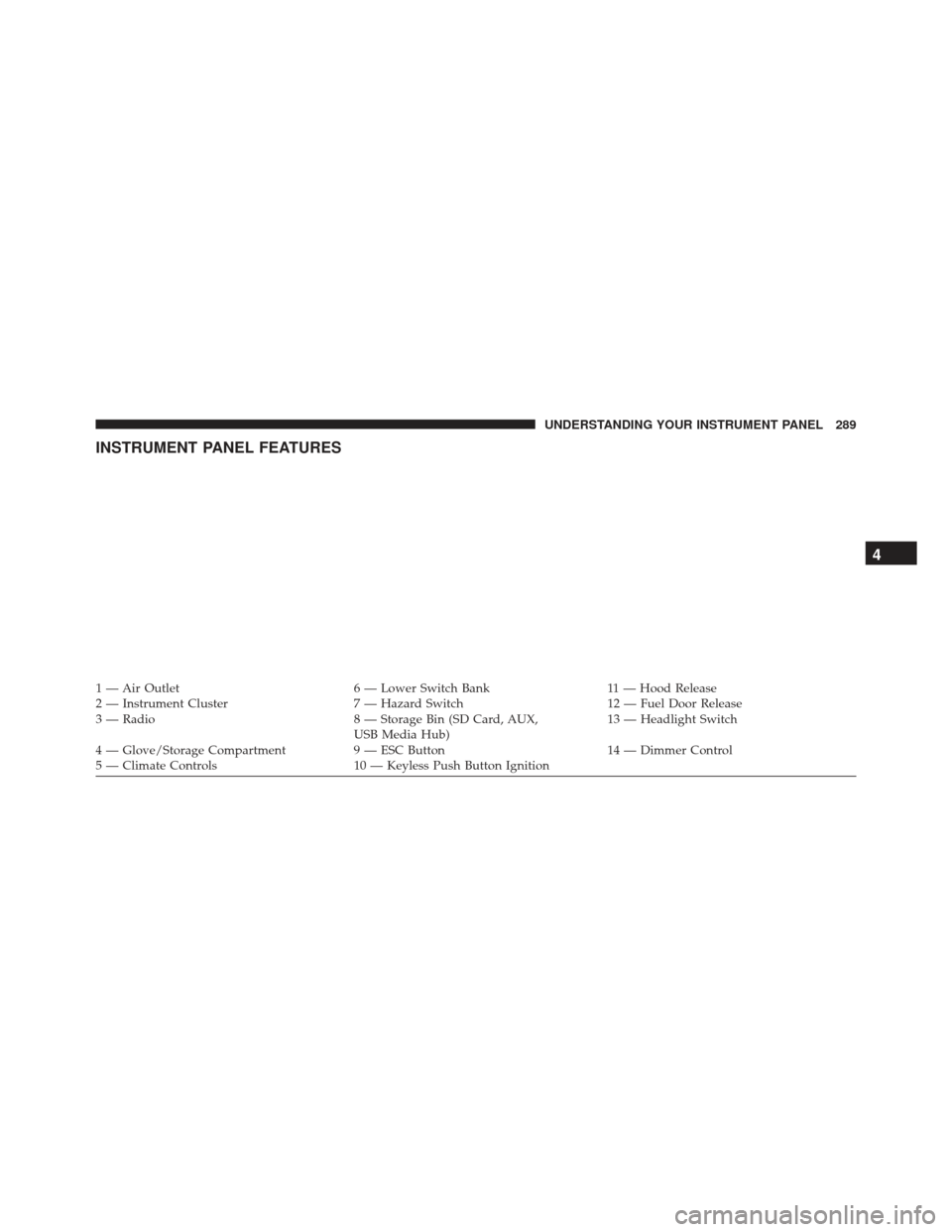
INSTRUMENT PANEL FEATURES
1 — Air Outlet6 — Lower Switch Bank11 — Hood Release
2 — Instrument Cluster 7 — Hazard Switch12 — Fuel Door Release
3 — Radio 8 — Storage Bin (SD Card, AUX,
USB Media Hub) 13 — Headlight Switch
4 — Glove/Storage Compartment 9 — ESC Button14 — Dimmer Control
5 — Climate Controls 10 — Keyless Push Button Ignition
4
UNDERSTANDING YOUR INSTRUMENT PANEL 289