Page 343 of 723
Favorite Menus
•Tachometer
• Vehicle Info
• Terrain
• Performance
• Driver Assist
• Fuel Economy
• Trip
• Audio
• Navigation
• Stored Messages
• Screen Setup
• Diagnostic Codes •
Speed Warning
Gear Display
• Full (default setting)
• Single
Defaults (Restores All Settings To Default Settings)
• Restore
• Cancel
Screen Setup — If Equipped
Diagnostics — If Equipped
Push and release the UPorDOWNar-
row button until the Diagnostics display
icon/title is highlighted in the DID. Push
and release and release the OKbutton to
display the diagnostic trouble codes and descriptions.
4
UNDERSTANDING YOUR INSTRUMENT PANEL 341
Page 344 of 723
When the end of the list is reached,�No or End of
Diagnostic Code� will appear in the DID.
Speed Warning — If Equipped
Push and release the UPorDOWNar-
row button until the Speed Warning Menu
icon/title is highlighted in the DID. Push
and release the OKbutton to enter speed
warning. Use the UP
orDOWNarrow button to
select a desired speed, then push and release the OK
button to set the speed. The Speed Warning telltale
will display in the DID, and a chime will sound with
a pop up warning message when the set speed is
exceeded. Battery Saver On/Battery Saver Mode Message —
Electrical Load Reduction Actions — If Equipped
This vehicle is equipped with an Intelligent Battery
Sensor (IBS) to perform additional monitoring of the
electrical system and status of the vehicle battery.
In cases when the IBS detects charging system failure, or
the vehicle battery conditions are deteriorating, electrical
load reduction actions will take place to extend the
driving time and distance of the vehicle. This is done by
reducing power to or turning off non-essential electrical
loads.
Load reduction is only active when the engine is running.
It will display a message if there is a risk of battery
depletion to the point where the vehicle may stall due to
lack of electrical supply, or will not restart after the
current drive cycle.
342 UNDERSTANDING YOUR INSTRUMENT PANEL
Page 345 of 723
When load reduction is activated, the message “Battery
Saver On” or “Battery Saver Mode” will appear in the
Electronic Vehicle Information Center (EVIC) or Driver
Information Display (DID).
These messages indicate the vehicle battery has a low
state of charge and continues to lose electrical charge at a
rate that the charging system cannot sustain.
NOTE:
•The charging system is independent from load reduc-
tion. The charging system performs a diagnostic on the
charging system continuously.
• If the Battery Charge Warning Light is on it may
indicate a problem with the charging system. Refer to
“Battery Charge Warning Light” in “Understanding
Your Instrument Panel” for further information. The electrical loads that may be switched off (if
equipped), and vehicle functions which can be effected
by load reduction:
•
Heated Seat/Vented Seats/Heated Wheel
• Heated/Cooled Cup Holders — If Equipped
• Rear Defroster And Heated Mirrors
• HVAC System
• 115V AC Power Inverter System
• Audio and Telematics System
Loss of the battery charge may indicate one or more of
the following conditions:
• The charging system cannot deliver enough electrical
power to the vehicle system because the electrical
loads are larger than the capability of charging system.
The charging system is still functioning properly.
4
UNDERSTANDING YOUR INSTRUMENT PANEL 343
Page 395 of 723
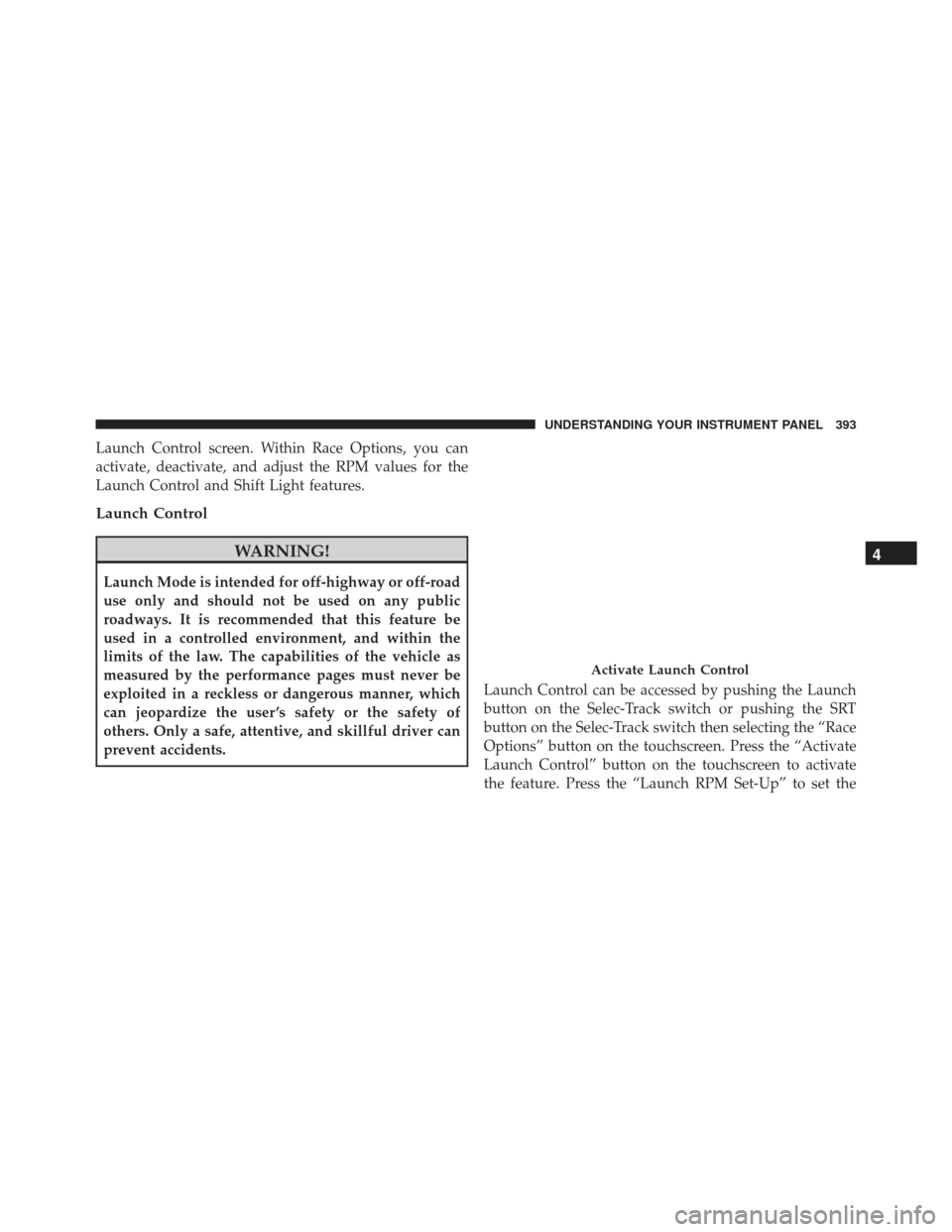
Launch Control screen. Within Race Options, you can
activate, deactivate, and adjust the RPM values for the
Launch Control and Shift Light features.
Launch Control
WARNING!
Launch Mode is intended for off-highway or off-road
use only and should not be used on any public
roadways. It is recommended that this feature be
used in a controlled environment, and within the
limits of the law. The capabilities of the vehicle as
measured by the performance pages must never be
exploited in a reckless or dangerous manner, which
can jeopardize the user ’s safety or the safety of
others. Only a safe, attentive, and skillful driver can
prevent accidents.Launch Control can be accessed by pushing the Launch
button on the Selec-Track switch or pushing the SRT
button on the Selec-Track switch then selecting the “Race
Options” button on the touchscreen. Press the “Activate
Launch Control” button on the touchscreen to activate
the feature. Press the “Launch RPM Set-Up” to set the
Activate Launch Control
4
UNDERSTANDING YOUR INSTRUMENT PANEL 393
Page 462 of 723
▫Launch Control — If Equipped ............489
▫ Guidelines For Track Use ................491
� DRIVING THROUGH WATER .............494
▫ Flowing/Rising Water ..................495
� ELECTRIC POWER STEERING .............496
� FUEL SAVER TECHNOLOGY — IF EQUIPPED .497
� PARKING BRAKE ..................... .498
� BRAKE SYSTEM ...................... .500
� ELECTRONIC BRAKE CONTROL SYSTEM . . . .501
▫ Electronic Brake Force Distribution (EBD) . . . .501
▫ Brake System Warning Light ..............501
▫ Anti-Lock Brake System (ABS) ............502
▫ Anti-Lock Brake Warning Light ............503▫
Brake Assist System (BAS) ...............504
▫ Hill Start Assist (HSA) .................504
▫ Traction Control System (TCS) ............507
▫ Electronic Stability Control (ESC) ..........508
▫ Electronic Roll Mitigation (ERM) ..........513
▫ Trailer Sway Control (TSC) ..............513
▫ Ready Alert Braking (RAB) ...............514
▫ Rain Brake Support (RBS) ................514
▫ Dynamic Steering Torque (DST) ...........514
▫ Hill Descent Control (HDC) — If Equipped . . .515
▫ Selec Speed Control (SSC) — If Equipped . . . .518
� TIRE SAFETY INFORMATION .............522
▫ Tire Markings ....................... .522
460 STARTING AND OPERATING
Page 497 of 723
Flowing/Rising Water
WARNING!
Do not drive on, or cross, a road or a path where
water is flowing and/or rising (as in storm run-off).
Flowing water can wear away the road or path’s
surface and cause your vehicle to sink into deeper
water. Furthermore, flowing and/or rising water can
carry your vehicle away swiftly. Failure to follow this
warning may result in injuries that are serious or
fatal to you, your passengers, and others around you.
Shallow Standing Water
Although your vehicle is capable of driving through
shallow standing water, consider the following Cautions
and Warnings before doing so.
WARNING!
•Driving through standing water limits your vehi-
cle’s traction capabilities. Do not exceed 5 mph
(8 km/h) when driving through standing water.
• Driving through standing water limits your vehi-
cle’s braking capabilities, which increases stopping
distances. Therefore, after driving through stand-
ing water, drive slowly and lightly press on the
brake pedal several times to dry the brakes.
• Failure to follow these warnings may result in
injuries that are serious or fatal to you, your pas-
sengers, and others around you.
CAUTION!
• Always check the depth of the standing water
before driving through it. Never drive through
(Continued)
5
STARTING AND OPERATING 495
Page 499 of 723
Alternate electric power steering efforts can be selected
through the Uconnect System. Refer to ”Customer Pro-
grammable Features” within “Uconnect Settings” in “Un-
derstanding Your Instrument Panel” for further informa-
tion.
WARNING!
Continued operation with reduced assist could pose
a safety risk to yourself and others. Service should be
obtained as soon as possible.If the Electric Power Steering warning icon is
displayed and the “SERVICE POWER STEER-
ING” or the “POWER STEERING ASSIST OFF
– SERVICE SYSTEM” message is displayed
within the Driver Information Display (DID), this indi-
cates the vehicle needs to be taken to the dealer for service. Refer to “Driver Information Display (DID)” in
“Understanding Your Instrument Panel” for further in-
formation.
NOTE:
•
Even if the power steering assistance is no longer
operational, it is still possible to steer the vehicle.
Under these conditions there will be a substantial
increase in steering effort, especially at low speeds and
during parking maneuvers.
• If the condition persists, see your authorized dealer for
service.
FUEL SAVER TECHNOLOGY — IF EQUIPPED
This feature offers improved fuel economy by shutting
off four of the engine’s eight cylinders during light load
and cruise conditions. The system is automatic with no
driver inputs or additional driving skills required.
5
STARTING AND OPERATING 497
Page 500 of 723
NOTE:This system may take some time to return to full
functionality after a battery disconnect.
PARKING BRAKE
Before leaving the vehicle, make sure that the parking
brake is fully applied and place the gear selector in the
PARK position.
The foot operated parking brake is located below the
lower left corner of the instrument panel. To apply the
park brake, firmly push the park brake pedal fully. To
release the parking brake, press the park brake pedal a
second time and let your foot up as you feel the brake
disengage. When the parking brake is applied with the ignition
switch in the ON position, the “Brake” Warning Light in
the instrument cluster will illuminate.
Parking Brake
498 STARTING AND OPERATING