Page 350 of 770
CAUTION!
Continuous driving with the Transmission Tempera-
ture Warning Light illuminated will eventually cause
severe transmission damage or transmission failure.
WARNING!
If you continue operating the vehicle when the
Transmission Temperature Warning Light is illumi-
nated you could cause the fluid to boil over, come in
contact with hot engine or exhaust components and
cause a fire.
Service Stop/Start System Indicator Light — If Equipped
Yellow TelltaleLight What It Means
Service Stop/Start System Indicator Light
This telltale will turn on to indicate the Stop/Start system is not functioning properly and
service is required.
348 UNDERSTANDING YOUR INSTRUMENT PANEL
Page 353 of 770
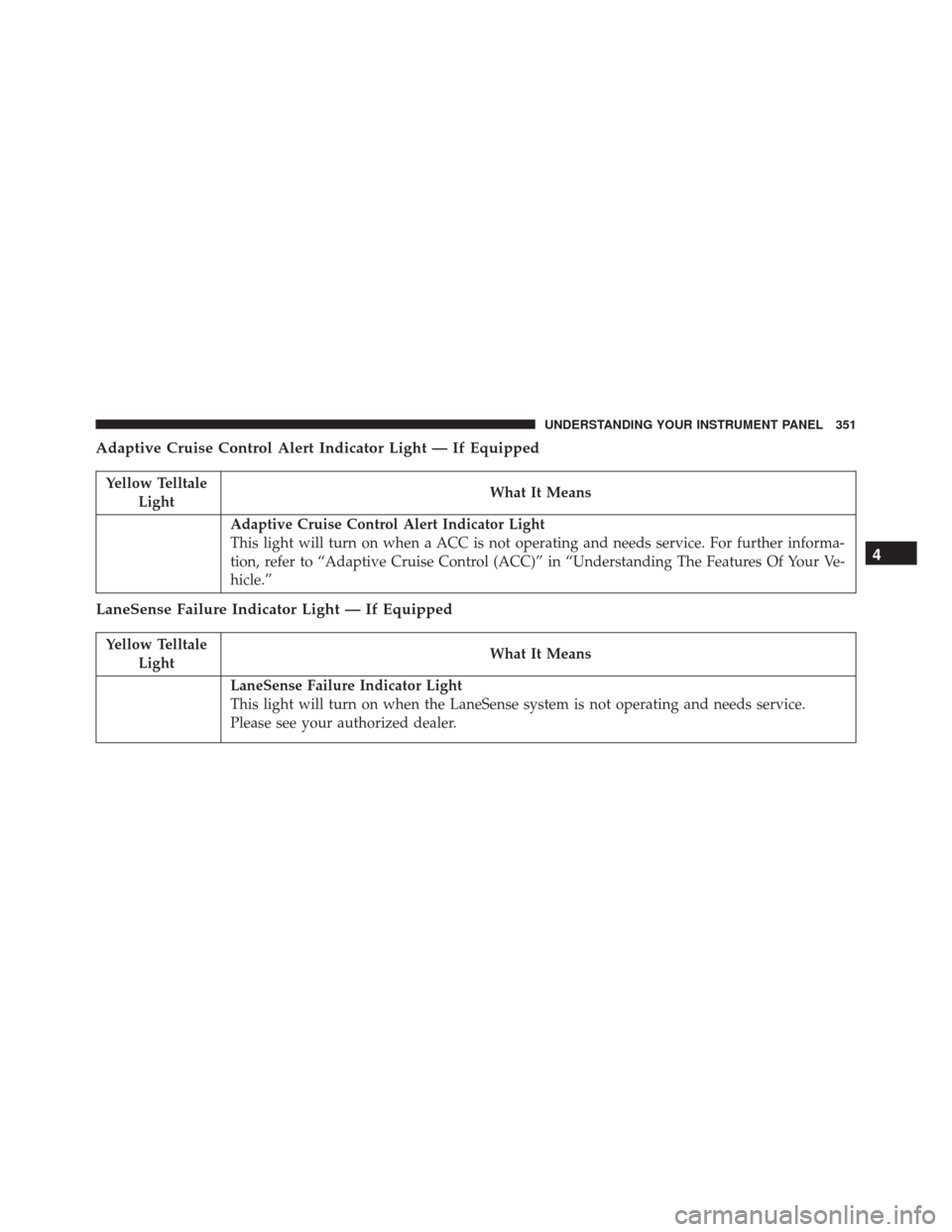
Adaptive Cruise Control Alert Indicator Light — If Equipped
Yellow TelltaleLight What It Means
Adaptive Cruise Control Alert Indicator Light
This light will turn on when a ACC is not operating and needs service. For further informa-
tion, refer to “Adaptive Cruise Control (ACC)” in “Understanding The Features Of Your Ve-
hicle.”
LaneSense Failure Indicator Light — If Equipped
Yellow Telltale
Light What It Means
LaneSense Failure Indicator Light
This light will turn on when the LaneSense system is not operating and needs service.
Please see your authorized dealer.
4
UNDERSTANDING YOUR INSTRUMENT PANEL 351
Page 354 of 770
Service 4WD Indicator Light — If Equipped
Yellow TelltaleLight What It Means
Service 4WD Indicator Light
If the light stays on or comes on during driving, it means that the 4WD system is not func-
tioning properly and that service is required. We recommend you drive to the nearest ser-
vice center and have the vehicle serviced immediately.
4WD Low Indicator Light — If Equipped
Yellow Telltale
Light What It Means
4WD Low Indicator Light
This light alerts the driver that the vehicle is in the four-wheel drive LOW mode. The front
and rear driveshafts are mechanically locked together forcing the front and rear wheels to
rotate at the same speed. Low range provides a greater gear reduction ratio to provide in-
creased torque at the wheels.
352 UNDERSTANDING YOUR INSTRUMENT PANEL
Page 367 of 770

•Tire Pressure
Push and release the UPorDOWN arrow button until
“Tire Pressure” is highlighted in the EVIC. Push and
release the RIGHTarrow button and one of the following
will be displayed:
If tire pressure is OKfor all tires, a vehicle ICON is
displayed with tire pressure values in each corner of the
ICON.
If one or more tires have low pressure, “Inflate Tire To
XX” is displayed with the vehicle ICON, and the tire
pressure values in each corner of the ICON with the
pressure value of the low tire displayed in a different
color than the other tire pressure value.
If the Tire Pressure system requires service, “Service Tire
Pressure System” is displayed.
• Tire PSI is an information only function and cannot be
reset. Push and release the LEFTarrow button to
return to the main menu. •
Refer to “Tire Pressure Monitoring System (TPMS)”
under “Starting and Operating” for further informa-
tion.
• Coolant Temp
Displays the actual coolant temperature.
• Transmission Temp
Displays the actual transmission temperature.
• Oil Temp
Displays the actual oil temperature.
• Oil Life
Displays the remaining oil life.
• Battery Voltage
Displays the actual battery voltage.
4
UNDERSTANDING YOUR INSTRUMENT PANEL 365
Page 376 of 770

the pressure value of the low tire displayed in a
different color than the other tire pressure value.
• If the Tire Pressure system requires service, “Service
Tire Pressure System” is displayed.
• Tire PSI is an information only function and cannot
be reset. Push and release the LEFTarrow button to
return to the main menu.
• Refer to “Tire Pressure Monitoring System (TPMS)”
under “Starting and Operating” for further informa-
tion.
2. Coolant Temperature
Displays the actual coolant temperature.
3. Transmission Temp — Automatic Transmission Only
Displays the actual transmission temperature.
4. Oil Temp
Displays the actual oil temperature. 5.
Oil Life
Displays the remaining oil life.
6. Battery Voltage
Displays the actual battery voltage
Driver Assist
Adaptive Cruise Control (ACC) Menu — If Equipped
The DID displays the current ACC system settings. The
information displayed depends on ACC system status.
Push the ADAPTIVE CRUISE CONTROL (ACC) ON/
OFF button (located on the steering wheel) until one of
the following displays in the DID:
Adaptive Cruise Control Off
When ACC is deactivated, the display will read “Adap-
tive Cruise Control Off.”
374 UNDERSTANDING YOUR INSTRUMENT PANEL
Page 390 of 770

•ParkView Backup Camera Fixed Guide Lines — If
Equipped
When this feature is enabled, fixed (static) grid lines are
overlaid on the Rear Backup Camera image to illustrate
the width of the vehicle.
• ParkView Backup Camera Delay
When this feature is enabled, it will allow the ParkView
Backup Camera display to remain on while in drive for
up to 10 seconds, or 8 mph (13 km/h).
• Rain Sensing Auto Wipers
When this feature is selected, the system will automati-
cally activate the windshield wipers if it senses moisture
on the windshield. To make your selection, press the
“Rain Sensing” button on the touchscreen, and select
“On” or “Off.” •
Electric Park Brake Service Mode
This feature provides a means for a technician or vehicle
owner to utilize a vehicle integrated, menu driven sys-
tem, to command the electric park brake retraction, to
service the rear foundation brakes (brake pads, calipers,
rotors, etc.).
For further information, refer to “Electric Parking Brake
(EPD)” in “Starting and Operating.”
Lights
After pressing the “Lights” button on the touchscreen the
following settings will be available.
• Headlights Off Delay
When this feature is selected, it allows the adjustment of
the amount of time the headlights remain on after the
engine is shut off. To change the Headlights Off Delay
388 UNDERSTANDING YOUR INSTRUMENT PANEL
Page 399 of 770

•Subscription Information
New vehicle purchasers or lessees will receive a free
limited time subscription to SiriusXM Satellite Radio
with your radio. Following the expiration of the free
services, it will be necessary to access the information on
the Subscription Information screen to re-subscribe.
Press the “Subscription Info” button on the touchscreen
to access the Subscription Information screen.
Write down the SIRIUS ID numbers for your receiver. To
reactivate your service, either call the number listed on
the screen or visit the provider online.
NOTE: SiriusXM Travel Link is a separate subscription
and is available for U.S. residents only.Restore Settings
After pressing the “Restore Settings” button on the
touchscreen the following settings will be available:
• Restore Settings
When this feature is selected it will reset the Display,
Clock, Audio, and Radio Settings to their default settings.
To restore the settings to their default setting, press the
Restore Settings button. A pop-up will appear asking
�Are you sure you want to reset your settings to default?”
select “Yes” to restore, or “Cancel” to exit. Once the
settings are restored, a pop up appears stating �settings
reset to default.�
4
UNDERSTANDING YOUR INSTRUMENT PANEL 397
Page 408 of 770

center line overlay indicates the center of the vehicle to
assist with parking or aligning to a hitch/receiver.
•ParkView Backup Camera Fixed Guide Lines — If
Equipped
When this feature is enabled, fixed (static) grid lines are
overlaid on the Rear Backup Camera image to illustrate
the width of the vehicle.
• ParkView Backup Camera Delay
When this feature is enabled, it will allow the ParkView
Backup Camera display to remain on while in drive for
up to 10 seconds, or 8 mph (13 km/h).
• Rain Sensing Auto Wipers
When this feature is selected, the system will automati-
cally activate the windshield wipers if it senses moisture
on the windshield. To make your selection, press the “Rain Sensing” button on the touchscreen, until a check-
mark appears next to setting, showing that setting has
been selected.
•
Electric Park Brake Service Mode
This feature provides a means for a technician or vehicle
owner to utilize a vehicle integrated, menu driven sys-
tem, to command the electric park brake retraction, to
service the rear foundation brakes (brake pads, calipers,
rotors, etc.).
For further information, refer to “Electric Parking Brake
(EPD)” in “Starting and Operating.”
Lights
After pressing the Lights button on the touchscreen the
following settings will be available.
406 UNDERSTANDING YOUR INSTRUMENT PANEL