Page 215 of 770

•If the button is continually pushed, the set speed will
continue to decrease in 10 km/h decrements until the
button is released. The decrease in set speed is re-
flected in the EVIC/DID display.
To Cancel
The following conditions will cancel the Normal (Fixed
Speed) Electronic Speed Control without clearing the
memory:
• The brake pedal is applied.
• The CANCEL button is pushed.
• The Electronic Stability Control/Traction Control Sys-
tem (ESC/TCS) activates.
• The vehicle parking brake is applied.
• The braking temperature exceeds normal range (over-
heated). •
The shift lever/gear selector is removed from the
Drive position.
To Resume Speed
To resume a previously set speed, push the RES button
and release. Resume can be used at any speed above
20 mph (32 km/h).
To Turn Off
The system will turn off and erase the set speed in
memory if:
• The Normal (Fixed Speed) Electronic Speed Control
ON/OFF button is pushed.
• The ignition is turned off.
• You engage Four-Wheel Drive Low.
• The Adaptive Cruise Control (ACC) On/Off button is
pushed.
3
UNDERSTANDING THE FEATURES OF YOUR VEHICLE 213
Page 322 of 770
INSTRUMENT PANEL FEATURES
1 — Air Demister Outlet 5 — Instrument Cluster 9 — Passenger Air Bag 13 — Start/Stop Ignition Button
2 — Air Outlet 6 — Cruise Controls 10 — Glove Compartment 14 — Liftgate Release Button
3 — EVIC/DID Display Controls 7 — Storage Compartment 11 — Lower Switch Bank 15 — Dimmer Switches
4 — Horn/Driver Air Bag 8 — Radio 12 — Uconnect Feature Con-trols — If Equipped16 — Headlight Switch
320 UNDERSTANDING YOUR INSTRUMENT PANEL
Page 353 of 770
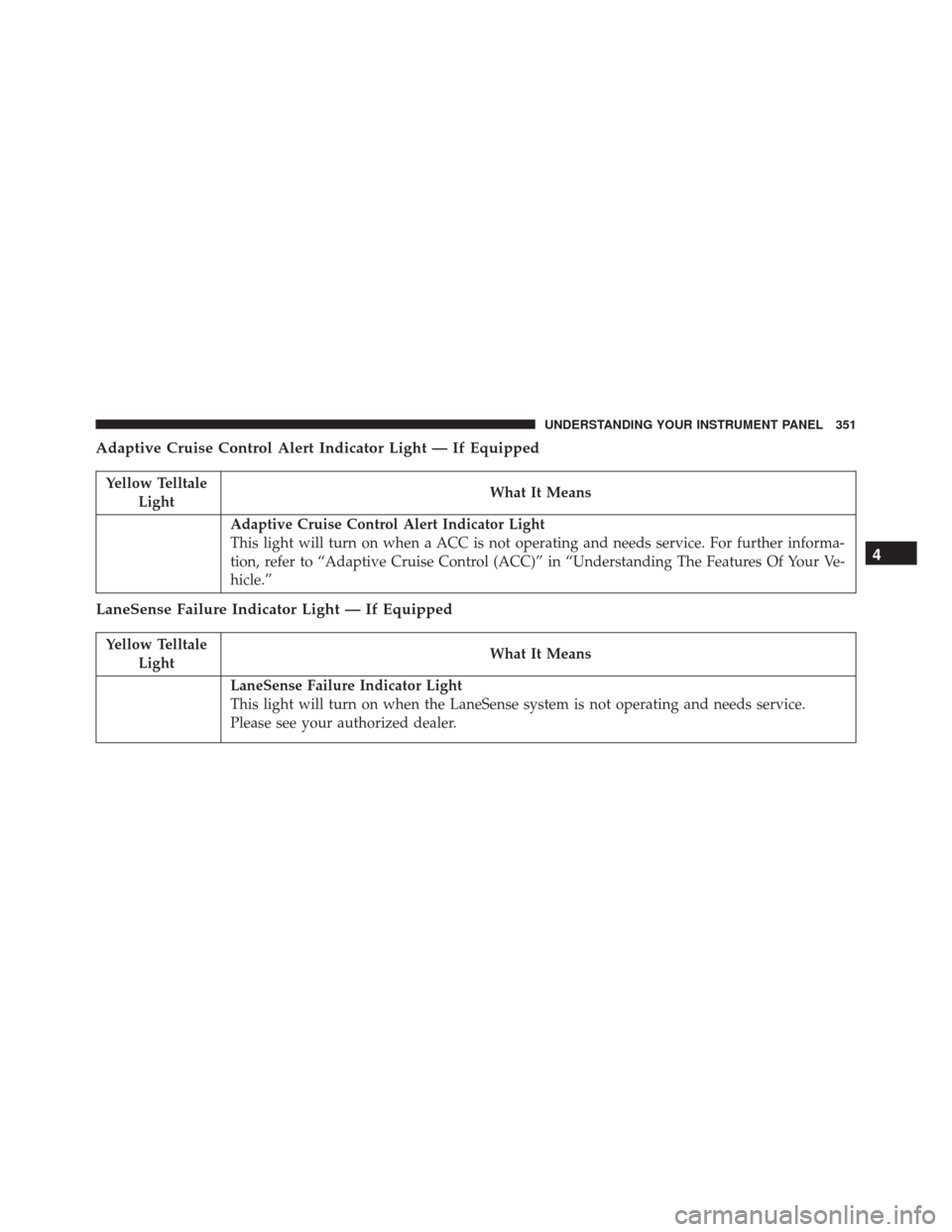
Adaptive Cruise Control Alert Indicator Light — If Equipped
Yellow TelltaleLight What It Means
Adaptive Cruise Control Alert Indicator Light
This light will turn on when a ACC is not operating and needs service. For further informa-
tion, refer to “Adaptive Cruise Control (ACC)” in “Understanding The Features Of Your Ve-
hicle.”
LaneSense Failure Indicator Light — If Equipped
Yellow Telltale
Light What It Means
LaneSense Failure Indicator Light
This light will turn on when the LaneSense system is not operating and needs service.
Please see your authorized dealer.
4
UNDERSTANDING YOUR INSTRUMENT PANEL 351
Page 360 of 770
Electronic Speed Control ON Indicator Light
White TelltaleLight What It Means
Electronic Speed Control ON Indicator Light
This light will turn on when the electronic speed control is ON.
Adaptive Cruise Control (ACC) Distance Setting Display Light — If Equipped
White Telltale
Light What It Means
Adaptive Cruise Control (ACC) Distance Setting Display Light
This will display the distance setting for the ACC system. Refer to “Adaptive Cruise Control
(ACC)” in “Understanding The Features Of Your Vehicle” for further information.
358 UNDERSTANDING YOUR INSTRUMENT PANEL
Page 368 of 770

Driver Assist
Adaptive Cruise Control (ACC) Menu
The EVIC displays the current ACC system settings. The
information displayed depends on ACC system status.
Push the ADAPTIVE CRUISE CONTROL (ACC) ON/
OFF button (located on the steering wheel) until one of
the following displays in the EVIC:
Adaptive Cruise Control Off
When ACC is deactivated, the display will read “Adap-
tive Cruise Control Off.”
Adaptive Cruise Control Ready
When ACC is activated but the vehicle speed setting has
not been selected, the display will read “Adaptive Cruise
Control Ready.”Push and release the SET + or the SET- button (located on
the steering wheel) and the following will display in the
EVIC:
ACC SET
When ACC is set, the set speed will display in the
instrument cluster.
The ACC screen may display once again if any ACC
activity occurs, which may include any of the following:
•
Distance Setting Change
• System Cancel
• Driver Override
• System Off
• ACC Proximity Warning
• ACC Unavailable Warning
366 UNDERSTANDING YOUR INSTRUMENT PANEL
Page 369 of 770

•The EVIC will return to the last display selected after
five seconds of no ACC display activity.
Refer to “Adaptive Cruise Control (ACC) — If
Equipped” in “Understanding The Features Of Your
Vehicle” for further information.
LaneSense
The EVIC displays the current LaneSense system set-
tings. The information displayed depends on LaneSense
system status and the conditions that need to be met. For
further information, refer to “LaneSense — If Equipped”
in “Understanding The Features Of Your Vehicle.”
Fuel Economy
Push and release the UPorDOWN arrow button until
the Fuel Economy Menu item is highlighted. Push and
hold the OKbutton to reset feature.
• Range •
Average Fuel Economy
• Current Fuel Economy (MPG or L/100 km)
Trip Info
Push and release the UPorDOWN arrow button until
the Trip Menu item is highlighted in the EVIC (Toggle left
or right to select Trip A or Trip B). The Trip information
will display the following:
• Distance
• Average Fuel Economy
• Elapsed Time
Hold the OKbutton to reset feature information.
4
UNDERSTANDING YOUR INSTRUMENT PANEL 367
Page 376 of 770

the pressure value of the low tire displayed in a
different color than the other tire pressure value.
• If the Tire Pressure system requires service, “Service
Tire Pressure System” is displayed.
• Tire PSI is an information only function and cannot
be reset. Push and release the LEFTarrow button to
return to the main menu.
• Refer to “Tire Pressure Monitoring System (TPMS)”
under “Starting and Operating” for further informa-
tion.
2. Coolant Temperature
Displays the actual coolant temperature.
3. Transmission Temp — Automatic Transmission Only
Displays the actual transmission temperature.
4. Oil Temp
Displays the actual oil temperature. 5.
Oil Life
Displays the remaining oil life.
6. Battery Voltage
Displays the actual battery voltage
Driver Assist
Adaptive Cruise Control (ACC) Menu — If Equipped
The DID displays the current ACC system settings. The
information displayed depends on ACC system status.
Push the ADAPTIVE CRUISE CONTROL (ACC) ON/
OFF button (located on the steering wheel) until one of
the following displays in the DID:
Adaptive Cruise Control Off
When ACC is deactivated, the display will read “Adap-
tive Cruise Control Off.”
374 UNDERSTANDING YOUR INSTRUMENT PANEL
Page 377 of 770

Adaptive Cruise Control Ready
When ACC is activated but the vehicle speed setting has
not been selected, the display will read “Adaptive Cruise
Control Ready.”
Push and release the SET + or the SET- button (located on
the steering wheel) and the following will display in the
DID:
ACC SET
When ACC is set, the set speed will display in the
instrument cluster.
The ACC screen may display once again if any ACC
activity occurs, which may include any of the following:
•Distance Setting Change
• System Cancel
• Driver Override •
System Off
• ACC Proximity Warning
• ACC Unavailable Warning
• The DID will return to the last display selected after
five seconds of no ACC display activity.
For further information, refer to “Adaptive Cruise Con-
trol (ACC) — If Equipped” in “Understanding The
Features Of Your Vehicle.”
LaneSense — If Equipped
The DID displays the current LaneSense system settings.
The information displayed depends on LaneSense sys-
tem status and the conditions that need to be met. For
further information, refer to “LaneSense — If Equipped”
in “Understanding The Features Of Your Vehicle.”
4
UNDERSTANDING YOUR INSTRUMENT PANEL 375