Page 395 of 623
●Do not place reflective materials, such as
white paper or a mirror, on the instrument
panel. The reflection of sunlight may ad-
versely affect the camera unit’s capability of
detecting the lane markers.
● Do not strike or damage the areas around
the camera unit. Do not touch the camera
lens or remove the screw located on the
camera unit. If the camera unit is damaged
due to an accident, it is recommended that
you visit an INFINITI retailer.
WARNING
Failure to follow the warnings and instruc-
tions for proper use of the LDP system
could result in serious injury or death.
The LDP system will operate when the vehicle is
driven at speeds of approximately 45 mph
(70 km/h) and above, and only when the lane
markings are clearly visible on the road.
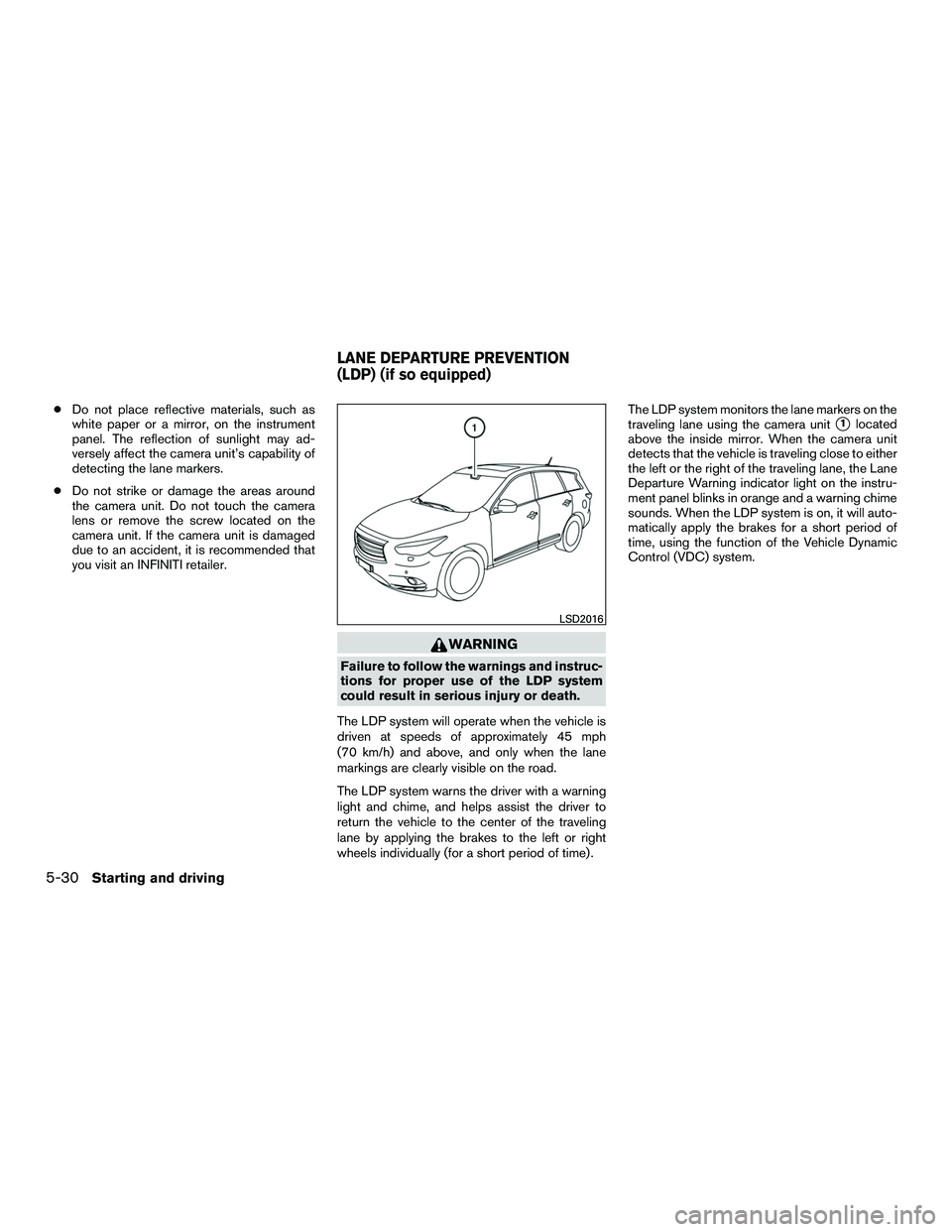
The LDP system warns the driver with a warning
light and chime, and helps assist the driver to
return the vehicle to the center of the traveling
lane by applying the brakes to the left or right
wheels individually (for a short period of time) . The LDP system monitors the lane markers on the
traveling lane using the camera unit
�1located
above the inside mirror. When the camera unit
detects that the vehicle is traveling close to either
the left or the right of the traveling lane, the Lane
Departure Warning indicator light on the instru-
ment panel blinks in orange and a warning chime
sounds. When the LDP system is on, it will auto-
matically apply the brakes for a short period of
time, using the function of the Vehicle Dynamic
Control (VDC) system.
LSD2016
LANE DEPARTURE PREVENTION
(LDP) (if so equipped)
5-30Starting and driving
Page 396 of 623
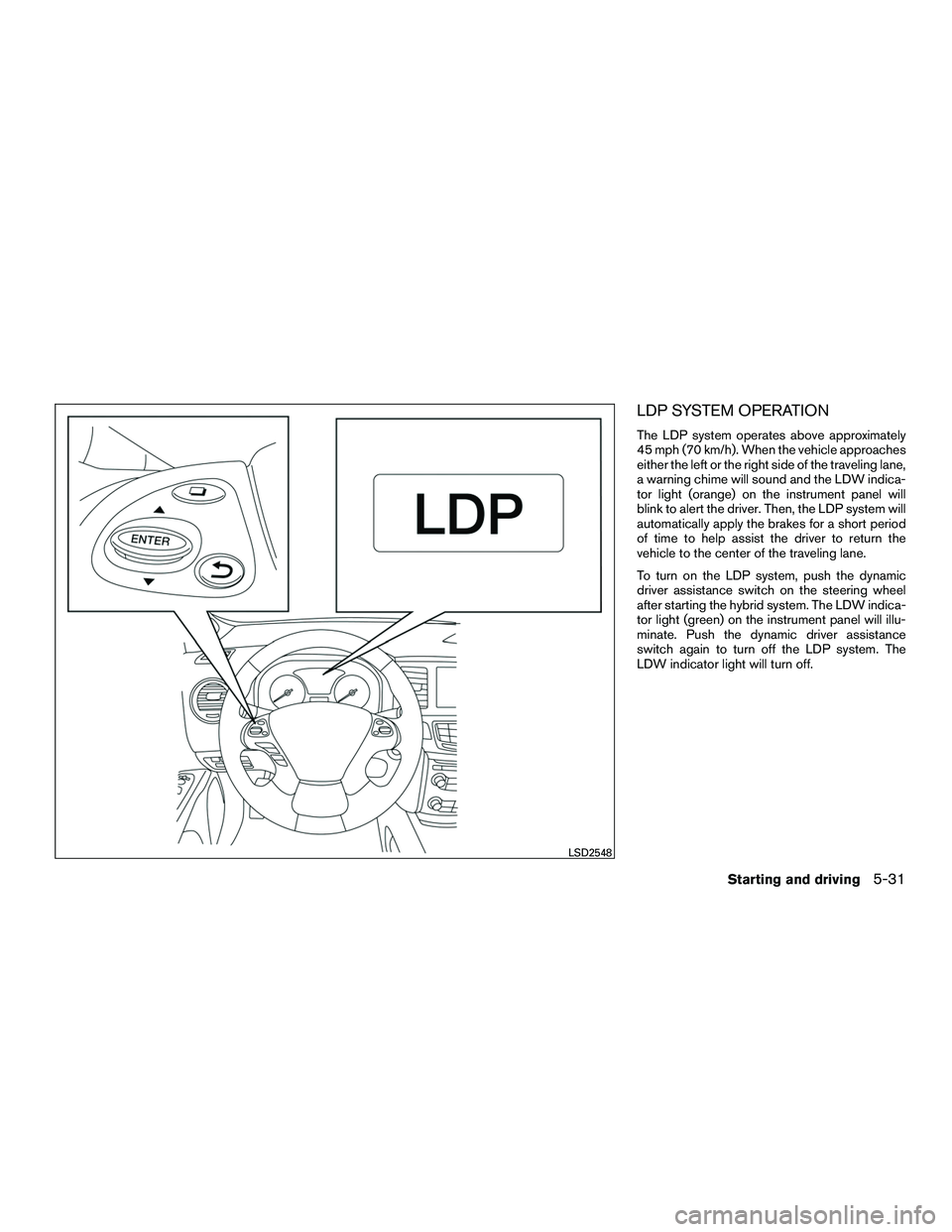
LDP SYSTEM OPERATION
The LDP system operates above approximately
45 mph (70 km/h). When the vehicle approaches
either the left or the right side of the traveling lane,
a warning chime will sound and the LDW indica-
tor light (orange) on the instrument panel will
blink to alert the driver. Then, the LDP system will
automatically apply the brakes for a short period
of time to help assist the driver to return the
vehicle to the center of the traveling lane.
To turn on the LDP system, push the dynamic
driver assistance switch on the steering wheel
after starting the hybrid system. The LDW indica-
tor light (green) on the instrument panel will illu-
minate. Push the dynamic driver assistance
switch again to turn off the LDP system. The
LDW indicator light will turn off.
LSD2548
Starting and driving5-31
Page 400 of 623

●When the Intelligent Cruise Control (ICC)
approach warning occurs.
● When the hazard warning flashers are oper-
ated.
● When driving on a curve at high speed.
After the above conditions have finished and the
necessary operating conditions are satisfied, the
LDP system application of the brakes will resume.
Condition C:
If the following messages appear in the vehicle
information display, a chime will sound and the
LDP system will be turned off automatically. ● “Unavailable Road is slippery”:
When the VDC system (except Traction
Control System (TCS) function) or ABS op-
erates.
● “Unavailable VDC OFF”:
When the VDC system is turned off.
● “Unavailable Snow mode active”:
When the drive mode select switch is turned
to the SNOW mode.
Action to take:
When the above conditions no longer exist, turn
off the LDP system. Push the dynamic driver
assistance switch again to turn the LDP system
back on. Temporary disabled status at high tem-
perature:
If the vehicle is parked in direct sunlight under
high temperature conditions (over approximately
104°F (40°C)) and then the LDP system is turned
on, the LDP system may be deactivated auto-
matically and the following message will appear
on the vehicle information display: “Unavailable
High Cabin Temp.” When the interior tempera-
ture is reduced, the system will resume operating
automatically.
SYSTEM MAINTENANCE
The lane camera unit�1for the LDP system is
located above the inside mirror. To keep the
proper operation of the LDP systems and prevent
a system malfunction, be sure to observe the
following:
● Always keep the windshield clean.
● Do not attach a sticker (including transpar-
ent material) or install an accessory near the
camera unit.
SSD0453
Starting and driving5-35
Page 411 of 623
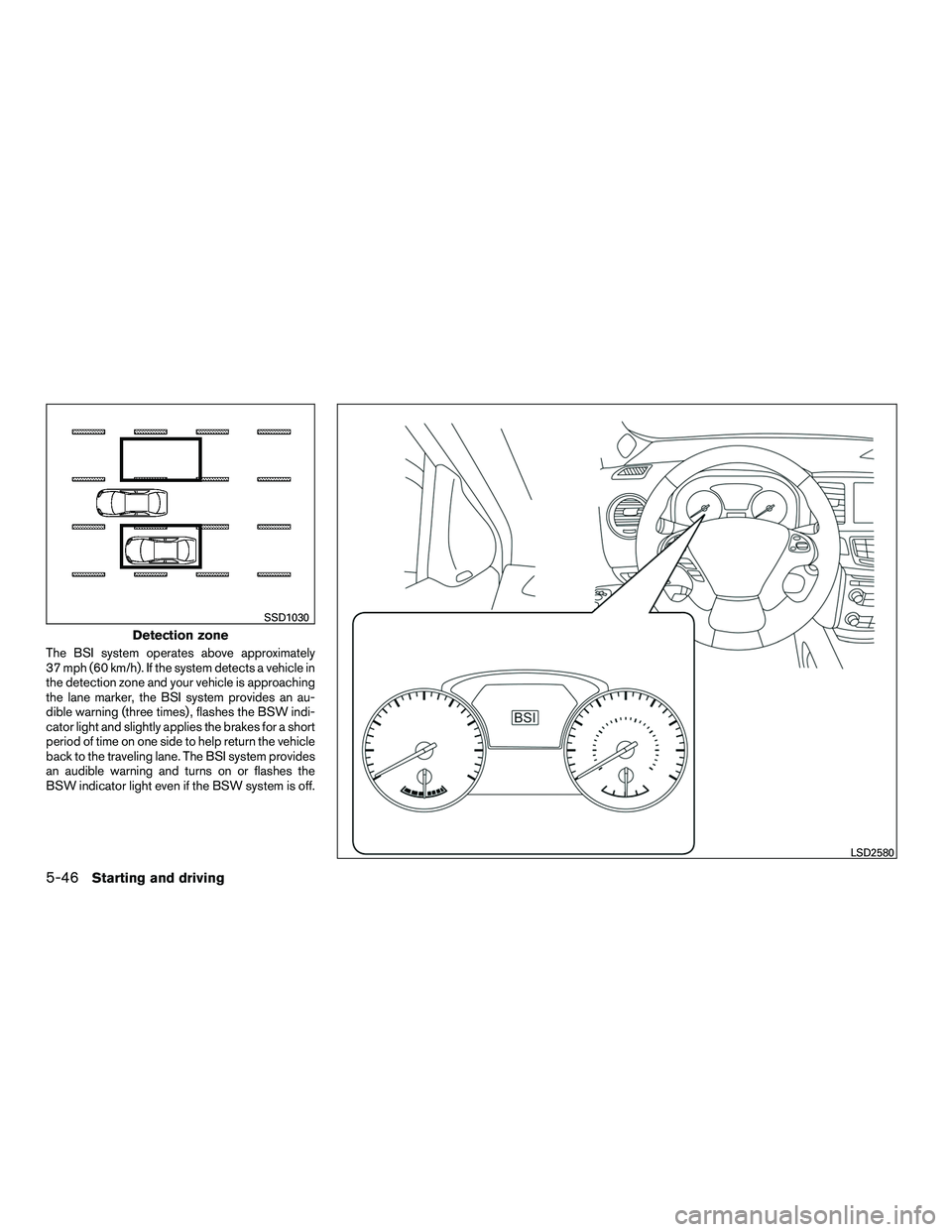
The BSI system operates above approximately
37 mph (60 km/h). If the system detects a vehicle in
the detection zone and your vehicle is approaching
the lane marker, the BSI system provides an au-
dible warning (three times) , flashes the BSW indi-
cator light and slightly applies the brakes for a short
period of time on one side to help return the vehicle
back to the traveling lane. The BSI system provides
an audible warning and turns on or flashes the
BSW indicator light even if the BSW system is off.
Detection zone
SSD1030
LSD2580
5-46Starting and driving
Page 412 of 623

BSI SYSTEM OPERATION
If the radar sensors detect vehicles in the detec-
tion zone, the BSW indicator light located near
the outside mirrors illuminates. If your vehicle is
approaching a lane marker, the system chimes a
sound (three times) and the BSW indicator light
flashes. Then the system applies the brakes on
one side of the vehicle for a moment to help return
the vehicle back to the center of the lane. BSI
operates regardless of turn signal usage.
NOTE:
Warning and brake control will only be ac-
tivated if the BSW indicator light is already
illuminated when your vehicle approaches
a lane marker. If another vehicle comes into
the detection zone after your vehicle has
crossed a lane marker, no warning or brake
control will be activated. For additional in-
formation, refer to “BSI driving situations”
in this section. The BSI system is typically
activated earlier than the Lane Departure
Prevention (LDP) system when your vehicle
is approaching a lane marker.The BSI system turns on when the dynamic driver
assistance switch on the steering wheel is
pushed when the “Blind Spot Intervention®” is
enabled in the “Driver Assistance” menu on the
vehicle information display. The BSI ON indicator
light on the instrument panel illuminates when the
BSI system is turned on.
The BSI system provides a chime and turns on or
flashes the BSW indicator light even if the BSW
system is off.
Starting and driving5-47
Page 416 of 623
Illustration 2: If the driver activates the turn signal
then the system chimes a sound (twice) and the
Blind Spot Warning indicator light flashes.
NOTE:
If the driver activates the turn signal before
a vehicle enters the detection zone, the
BSW indicator light will flash but no chime
will sound when the other vehicle is de-
tected.Illustration 3: If the BSI system is on and your
vehicle is approaching a lane marker and a ve-
hicle is in the detection zone, the system chimes
a sound (three times) , and the BSW indicator
light flashes. Then the BSI system slightly applies
the brakes on one side to help return the vehicle
back to the center of the driving lane.
NOTE:
Illustration 4: If you accelerate from a stop
with a vehicle in the detection zone, the
other vehicle may not be detected.
Illustration 2 – Approaching from behind
SSD1031
Illustration 3 – Approaching from behind
LSD2048
Illustration 4 – Accelerate from a stop
SSD1032
Starting and driving5-51
Page 417 of 623
Overtaking another vehicle
Illustration 5: The BSW indicator light illuminates
if you overtake a vehicle and that vehicle stays in
the detection zone for approximately 3 seconds.
The radar sensors may not detect slower moving
vehicles if they are passed quickly.Illustration 6: If the driver activates the turn signal
while another vehicle is in the detection zone,
then the system chimes a sound (twice) and the
BSW indicator light flashes.
Illustration 7: If the BSI system is on and your
vehicle approaches a lane marker while another
vehicle is in the detection zone the system
chimes a sound (three times) and the BSW indi-
cator light flashes. Then, the BSI system slightly
applies the brakes on the appropriate side to help
return the vehicle back to the center of the driving
lane.
Illustration 5 – Overtaking another vehicle
SSD1033
Illustration 6 – Overtaking another vehicle
SSD1034
Illustration 7 – Overtaking another vehicle
LSD2072
5-52Starting and driving
Page 419 of 623

Illustration 10: If the driver activates the turn
signal while another vehicle is in the detection
zone, then the BSW indicator light flashes and a
chime will sound twice.
NOTE:
If the driver activates the turn signal before
a vehicle enters the detection zone, the
BSW indicator light will flash but no chime
will sound when another vehicle is de-
tected.Illustration 11: If the BSI system is on and your
vehicle approaches the lane marker while another
vehicle is in the detection zone, the BSW indica-
tor light flashes and a chime will sound three
times. Then, the BSI system slightly applies the
brakes on the appropriate side to help return the
vehicle back to the center of the driving lane.
NOTE:
● Illustration 12: The BSI system will not oper-
ate if your vehicle is on a lane marker when
another vehicle enters the detection zone. In
this case, only the BSW system operates.
● BSI braking will not operate or will stop
operating and only a warning chime will
sound under the following conditions:
– When the brake pedal is depressed.
– When the vehicle is accelerated during BSI system operation.
– When steering quickly.
Illustration 10 – Entering from the side
SSD1038
Illustration 11 – Entering from the side
SSD1094
Illustration 12 – Entering from the side
LSD2051
5-54Starting and driving