Page 429 of 642
5-45
Driving your vehicle
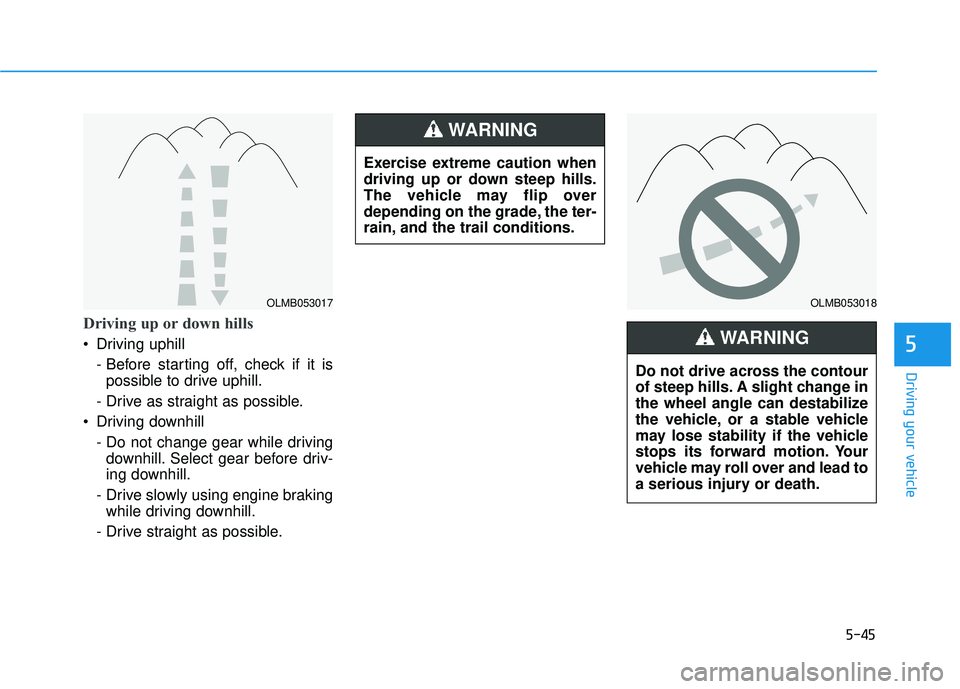
Driving up or down hills
Driving uphill - Before starting off, check if it ispossible to drive uphill.
- Drive as straight as possible.
Driving downhill
- Do not change gear while drivingdownhill. Select gear before driv-
ing downhill.
- Drive slowly using engine braking while driving downhill.
- Drive straight as possible.5
OLMB053017OLMB053018
Exercise extreme caution when
driving up or down steep hills.
The vehicle may flip over
depending on the grade, the ter-
rain, and the trail conditions.
WARNING
Do not drive across the contour
of steep hills. A slight change in
the wheel angle can destabilize
the vehicle, or a stable vehicle
may lose stability if the vehicle
stops its forward motion. Your
vehicle may roll over and lead to
a serious injury or death.
WARNING
Page 430 of 642
5-46
Driving through water
Try to avoid driving in deep stand-ing water. It may stall your engine
and clog your exhaust system.
If you need to drive in water, stop your vehicle, set the vehicle in
AWD LOCK mode and drive under5 mph (8 km/h).
Do not change gear while driving in water.
Additional driving conditions
Become familiar with the off-roadconditions before driving.
Always pay attention when driving off-road and avoid dangerous
areas.
Drive slowly when driving in heavy wind.
Reduce vehicle speed when cor- nering. The center of gravity of
AWD vehicles is higher than con-
ventional 2WD vehicles, making
them more likely to roll over when
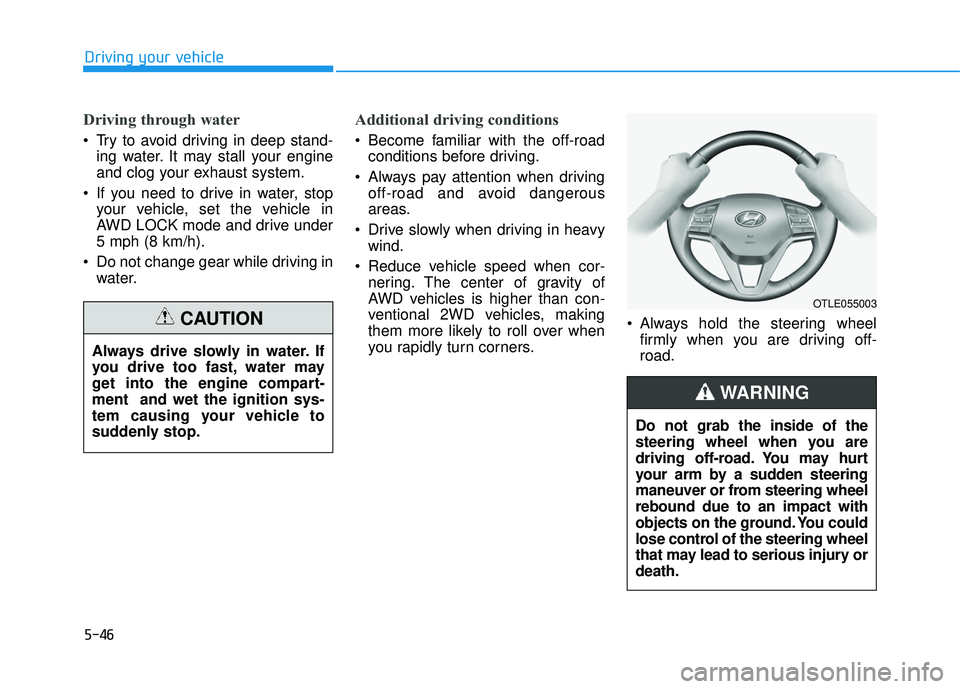
you rapidly turn corners. Always hold the steering wheel
firmly when you are driving off-road.
Driving your vehicle
Always drive slowly in water. If
you drive too fast, water may
get into the engine compart-ment and wet the ignition sys-
tem causing your vehicle to
suddenly stop.
CAUTION
OTLE055003
Do not grab the inside of the
steering wheel when you are
driving off-road. You may hurt
your arm by a sudden steering
maneuver or from steering wheelrebound due to an impact with
objects on the ground. You could
lose control of the steering wheel
that may lead to serious injury ordeath.
WARNING
Page 431 of 642
5-47
Driving your vehicle
Emergency precautions
Tires
Do not use a tire and wheel package
with a different size and type from
the one originally installed on your
vehicle. It can affect the safety and
performance of your vehicle, which
could lead to steering failure or
rollover causing serious injury.
When replacing the tires, be sure to
equip all four tires with the tire and
wheel of the same size, type, tread,
brand and load-carrying capacity. If
you equip your vehicle with anytire/wheel combination not recom-
mended by HYUNDAI for off-road
driving, you should not use these
tires for highway driving.
Towing
AWD vehicles must be towed with awheel lift and dollies or flatbed equip-ment with all the wheels off the
ground. For more information, refer
to "Towing" in chapter 6.
Dynamometer testing
A full-time AWD vehicle must be test-
ed on a special four wheel chassis
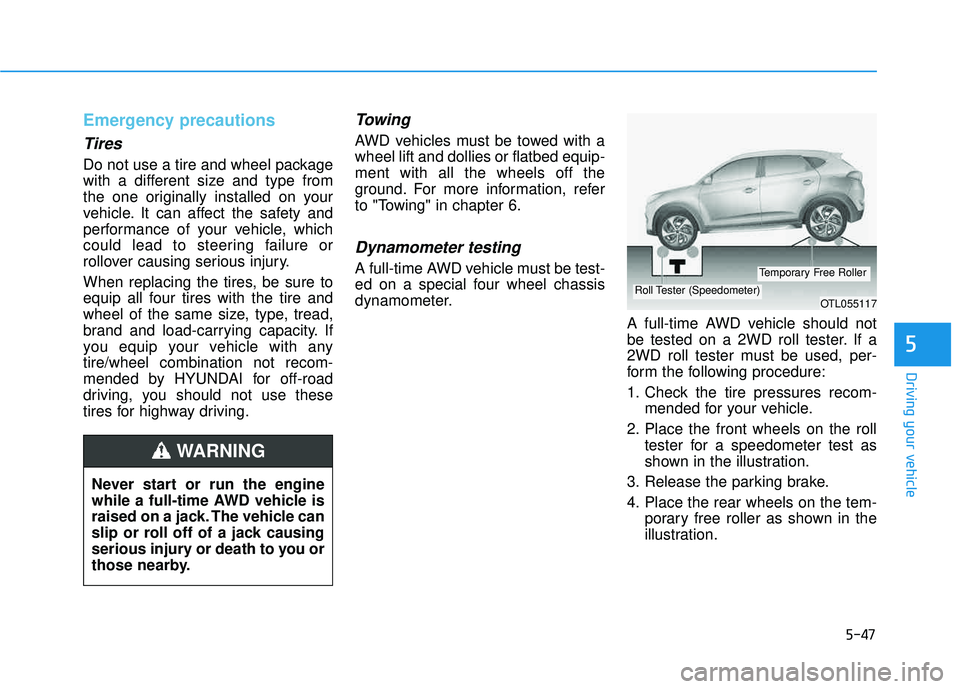
dynamometer.A full-time AWD vehicle should not
be tested on a 2WD roll tester. If a
2WD roll tester must be used, per-
form the following procedure:
1. Check the tire pressures recom-mended for your vehicle.
2. Place the front wheels on the roll tester for a speedometer test as
shown in the illustration.
3. Release the parking brake.
4. Place the rear wheels on the tem- porary free roller as shown in the
illustration.
5
Never start or run the engine
while a full-time AWD vehicle is
raised on a jack. The vehicle can
slip or roll off of a jack causing
serious injury or death to you or
those nearby.
WARNING
OTL055117Roll Tester (Speedometer)
Temporary Free Roller
Page 433 of 642
5-49
Driving your vehicle
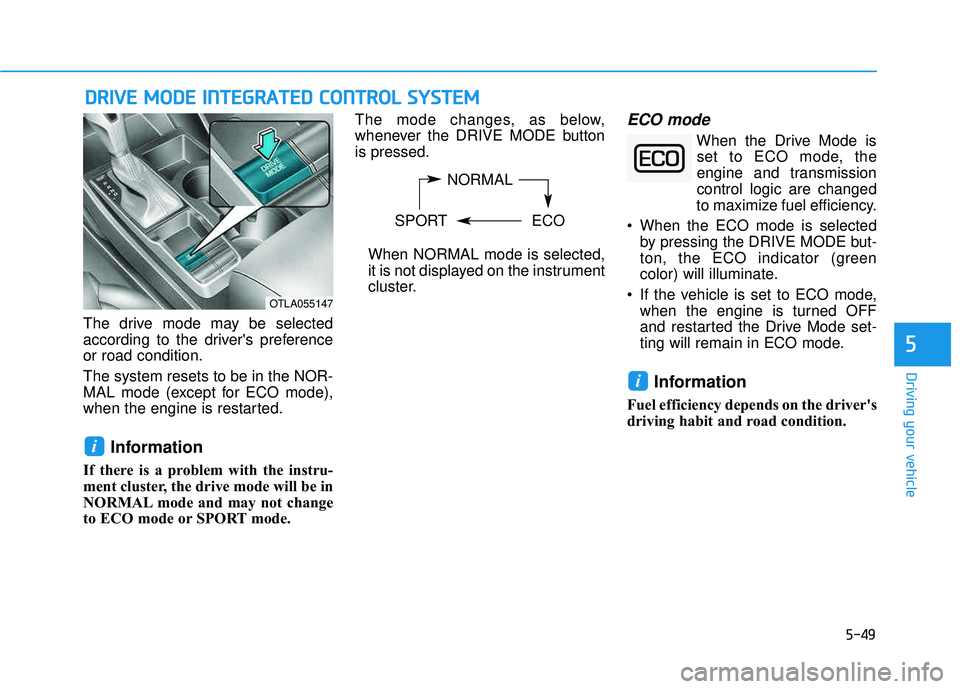
The drive mode may be selected
according to the driver's preferenceor road condition. The system resets to be in the NOR-
MAL mode (except for ECO mode),
when the engine is restarted.
Information
If there is a problem with the instru-
ment cluster, the drive mode will be in
NORMAL mode and may not change
to ECO mode or SPORT mode. The mode changes, as below,
whenever the DRIVE MODE buttonis pressed.
When NORMAL mode is selected,
it is not displayed on the instrument
cluster.
ECO mode
When the Drive Mode isset to ECO mode, the
engine and transmissioncontrol logic are changed
to maximize fuel efficiency.
When the ECO mode is selected by pressing the DRIVE MODE but-
ton, the ECO indicator (green
color) will illuminate.
If the vehicle is set to ECO mode, when the engine is turned OFF
and restarted the Drive Mode set-
ting will remain in ECO mode.
Information
Fuel efficiency depends on the driver's
driving habit and road condition.
i
i
DDRRIIVV EE MM OODDEE IINN TTEEGG RRAA TTEEDD CC OO NNTTRR OO LL SS YY SSTT EEMM
5
NORMAL
SPORT ECO
OTLA055147
Page 434 of 642
5-50
When the ECO mode is activated:
The acceleration response may beslightly reduced as the accelerator
pedal is depressed moderately.
The air conditioner performance may be limited.
The shift pattern of the automatic transmission or dual clutch trans-
mission may change.
The engine noise may get louder.
The above situations are normal conditions when the ECO mode is
activated to improve fuel efficiency. Limitation of the ECO mode oper-ation:
If the following conditions occur while
the ECO mode is operating, the sys-
tem operation is limited even thoughthere is no change in the ECO indi-
cator.
When the coolant temperature is
low: The system will be limited until
engine performance becomes nor-mal.
When driving up a hill:
The system will be limited to gain
power when driving uphill because
engine torque is restricted.
When driving the vehicle with the automatic transmission or the dual
clutch transmission gear shift lever
in manual shift mode. The system will be limited accord- ing to the shift location.SPORT mode
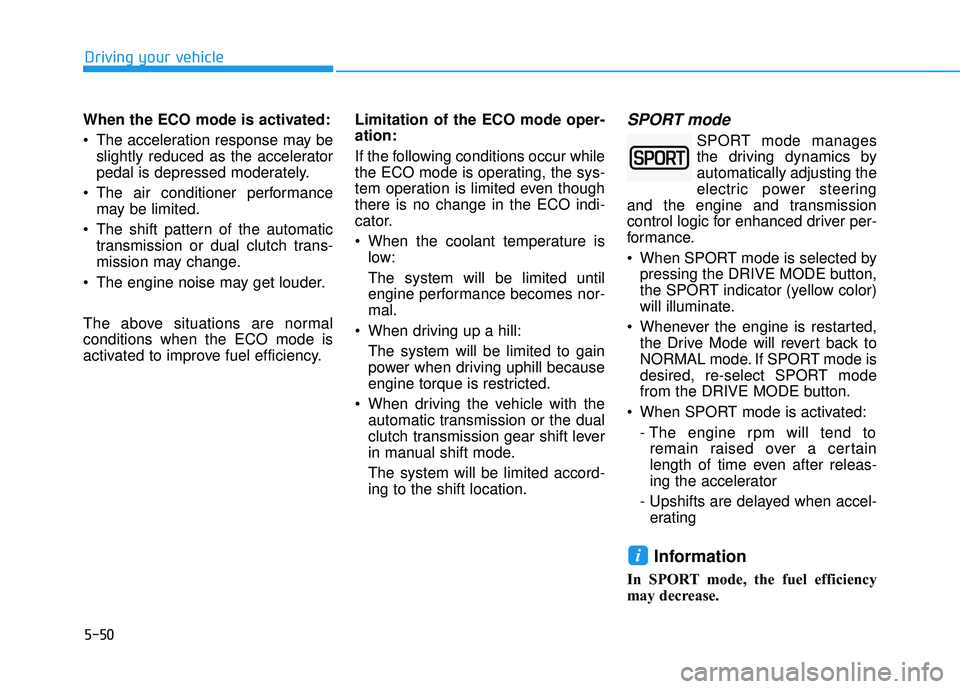
SPORT mode manages
the driving dynamics byautomatically adjusting the
electric power steering
and the engine and transmission
control logic for enhanced driver per-
formance.
When SPORT mode is selected by pressing the DRIVE MODE button,
the SPORT indicator (yellow color)
will illuminate.
Whenever the engine is restarted, the Drive Mode will revert back to
NORMAL mode. If SPORT mode is
desired, re-select SPORT mode
from the DRIVE MODE button.
When SPORT mode is activated: - The engine rpm will tend toremain raised over a certain
length of time even after releas-
ing the accelerator
- Upshifts are delayed when accel- erating
Information
In SPORT mode, the fuel efficiency
may decrease.
i
Driving your vehicle
Page 436 of 642
5-52
BSD (Blind Spot Detection) /
LCA (Lane Change Assist)
Operating conditions
To operate:
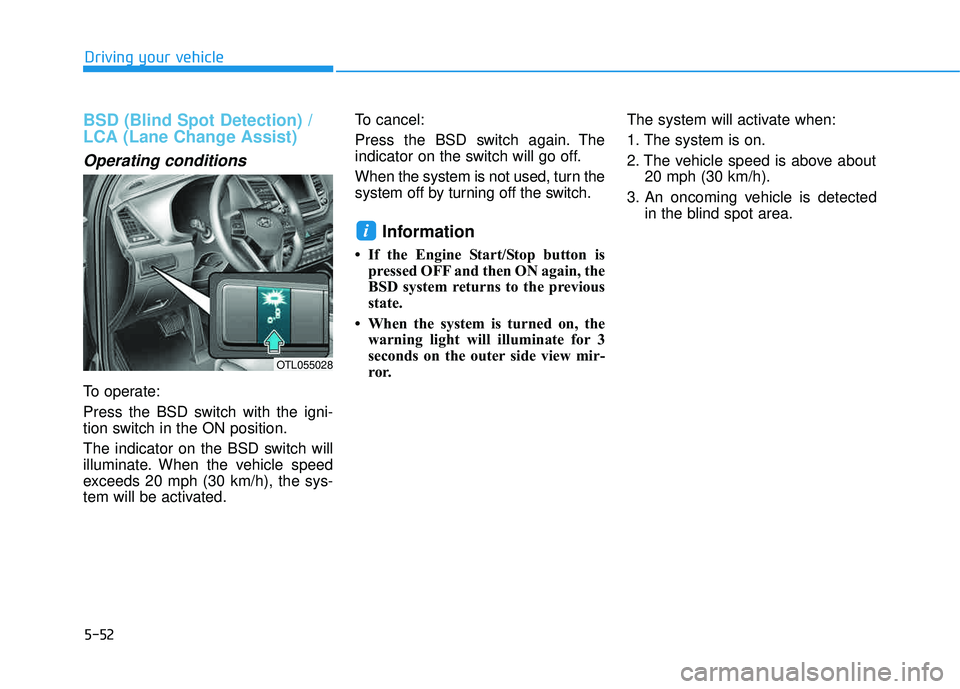
Press the BSD switch with the igni-
tion switch in the ON position.
The indicator on the BSD switch will
illuminate. When the vehicle speed
exceeds 20 mph (30 km/h), the sys-
tem will be activated.To cancel:
Press the BSD switch again. The
indicator on the switch will go off.
When the system is not used, turn the
system off by turning off the switch.
Information
If the Engine Start/Stop button is
pressed OFF and then ON again, the
BSD system returns to the previous
state.
When the system is turned on, the warning light will illuminate for 3
seconds on the outer side view mir-
ror. The system will activate when:
1. The system is on.
2. The vehicle speed is above about
20 mph (30 km/h).
3. An oncoming vehicle is detected in the blind spot area.
i
Driving your vehicle
OTL055028
Page 446 of 642
5-62
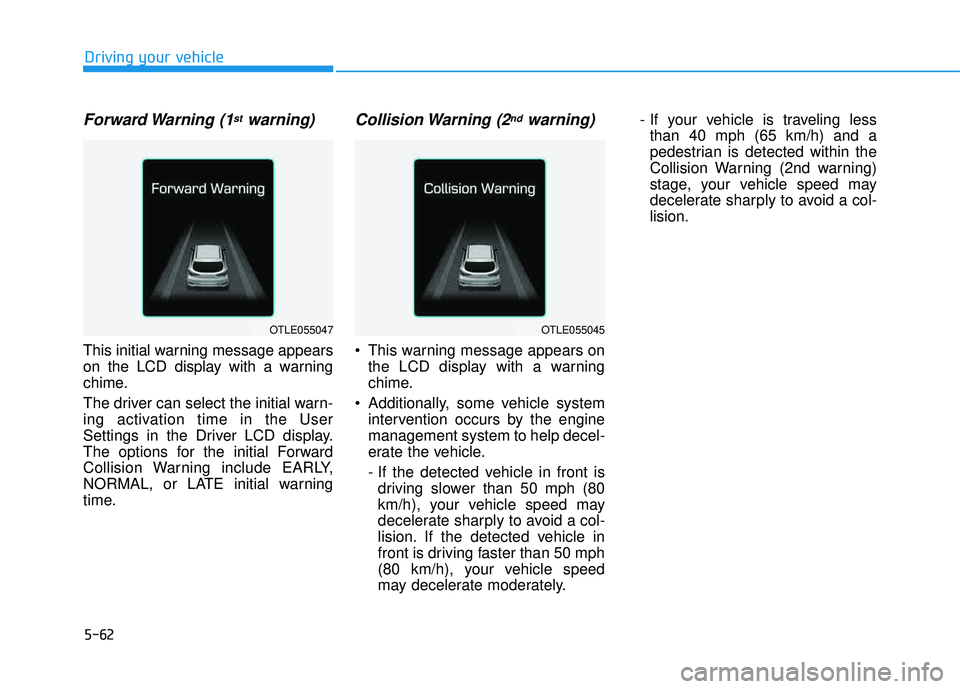
Forward Warning (1stwarning)
This initial warning message appears
on the LCD display with a warning
chime.
The driver can select the initial warn-
ing activation time in the User
Settings in the Driver LCD display.
The options for the initial Forward
Collision Warning include EARLY,
NORMAL, or LATE initial warning
time.
Collision Warning (2ndwarning)
This warning message appears onthe LCD display with a warning
chime.
Additionally, some vehicle system intervention occurs by the enginemanagement system to help decel-
erate the vehicle.
- If the detected vehicle in front isdriving slower than 50 mph (80
km/h), your vehicle speed may
decelerate sharply to avoid a col-
lision. If the detected vehicle in
front is driving faster than 50 mph
(80 km/h), your vehicle speed
may decelerate moderately. - If your vehicle is traveling less
than 40 mph (65 km/h) and a
pedestrian is detected within the
Collision Warning (2nd warning)
stage, your vehicle speed may
decelerate sharply to avoid a col-lision.
Driving your vehicle
OTLE055047OTLE055045
Page 459 of 642
5-75
Driving your vehicle
5
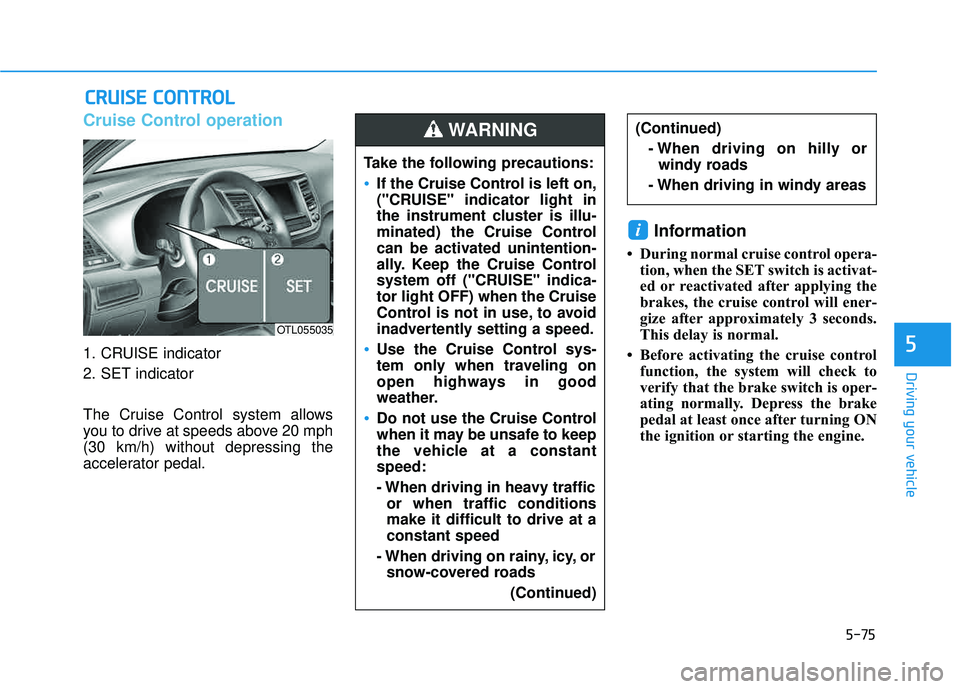
Cruise Control operation
1. CRUISE indicator
2. SET indicator
The Cruise Control system allows
you to drive at speeds above 20 mph(30 km/h) without depressing the
accelerator pedal.
Information
During normal cruise control opera-tion, when the SET switch is activat-
ed or reactivated after applying the
brakes, the cruise control will ener-
gize after approximately 3 seconds.
This delay is normal.
Before activating the cruise control function, the system will check to
verify that the brake switch is oper-
ating normally. Depress the brake
pedal at least once after turning ON
the ignition or starting the engine.
i
CCRR UU IISS EE CC OO NNTTRR OO LL
Take the following precautions:
If the Cruise Control is left on,
("CRUISE" indicator light in
the instrument cluster is illu-
minated) the Cruise Control
can be activated unintention-
ally. Keep the Cruise Control
system off ("CRUISE" indica-tor light OFF) when the Cruise
Control is not in use, to avoid
inadvertently setting a speed.
Use the Cruise Control sys-
tem only when traveling on
open highways in good
weather.
Do not use the Cruise Control
when it may be unsafe to keep
the vehicle at a constantspeed:
- When driving in heavy traffic
or when traffic conditions make it difficult to drive at aconstant speed
- When driving on rainy, icy, or snow-covered roads
(Continued)
(Continued)- When driving on hilly orwindy roads
- When driving in windy areasWARNING
OTL055035