2016 FORD SUPER DUTY display
[x] Cancel search: displayPage 322 of 510
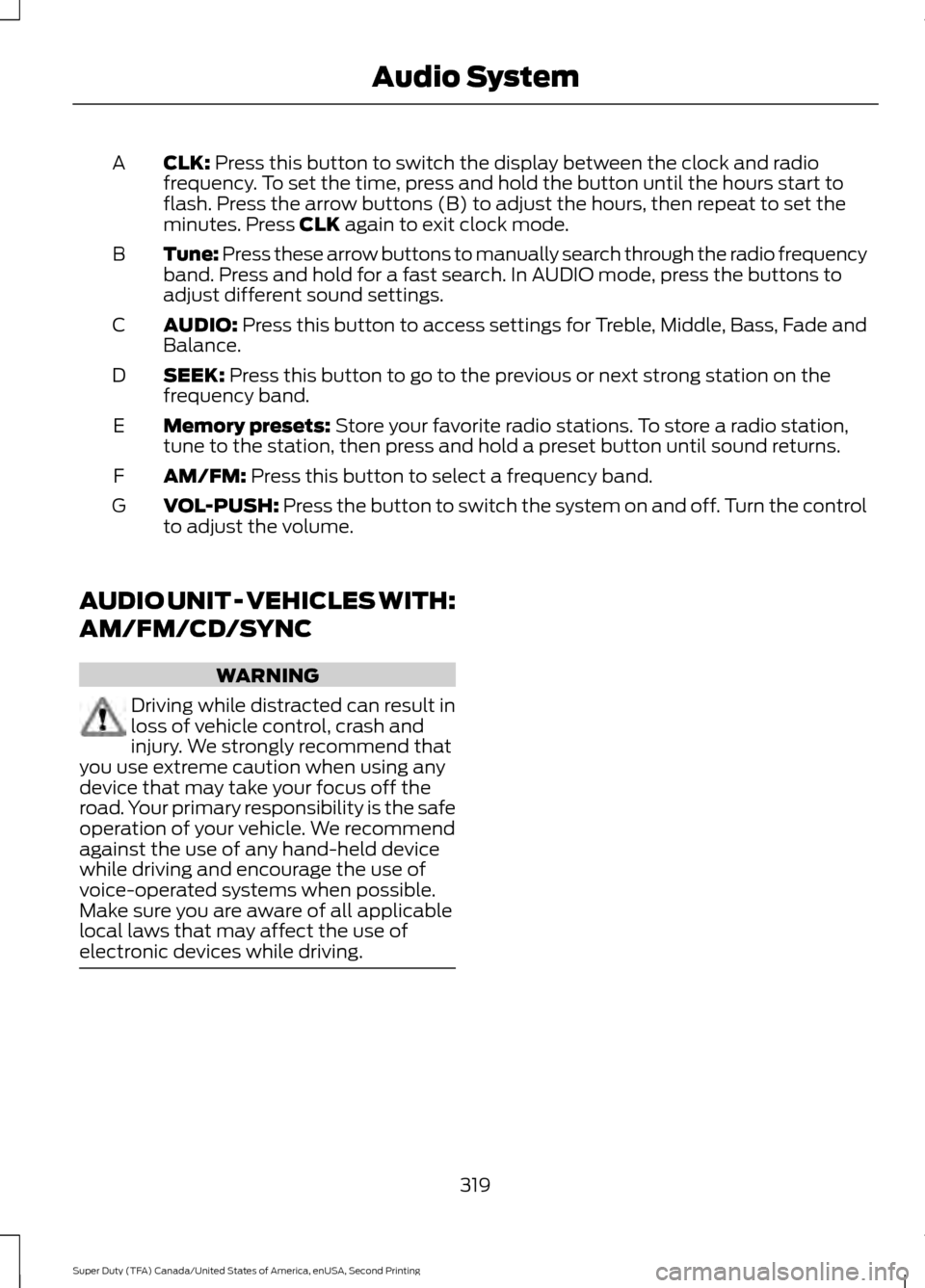
CLK: Press this button to switch the display between the clock and radio
frequency. To set the time, press and hold the button until the hours start to
flash. Press the arrow buttons (B) to adjust the hours, then repeat to set the
minutes. Press
CLK again to exit clock mode.
A
Tune: Press these arrow buttons to manually search through the radio frequency
band. Press and hold for a fast search. In AUDIO mode, press the buttons to
adjust different sound settings.
B
AUDIO:
Press this button to access settings for Treble, Middle, Bass, Fade and
Balance.
C
SEEK:
Press this button to go to the previous or next strong station on the
frequency band.
D
Memory presets:
Store your favorite radio stations. To store a radio station,
tune to the station, then press and hold a preset button until sound returns.
E
AM/FM:
Press this button to select a frequency band.
F
VOL-PUSH:
Press the button to switch the system on and off. Turn the control
to adjust the volume.
G
AUDIO UNIT - VEHICLES WITH:
AM/FM/CD/SYNC WARNING
Driving while distracted can result in
loss of vehicle control, crash and
injury. We strongly recommend that
you use extreme caution when using any
device that may take your focus off the
road. Your primary responsibility is the safe
operation of your vehicle. We recommend
against the use of any hand-held device
while driving and encourage the use of
voice-operated systems when possible.
Make sure you are aware of all applicable
local laws that may affect the use of
electronic devices while driving. 319
Super Duty (TFA) Canada/United States of America, enUSA, Second Printing Audio System
Page 323 of 510
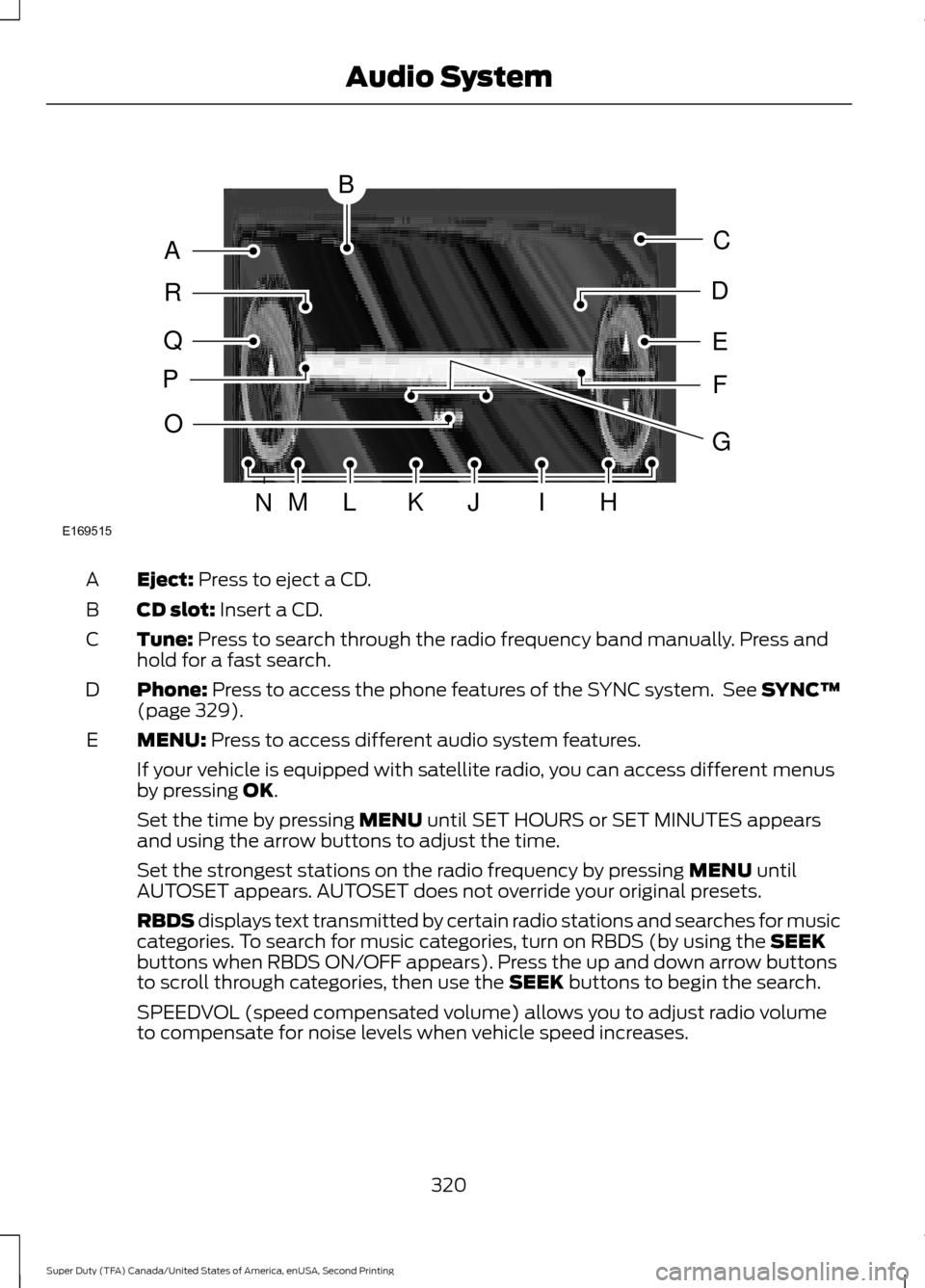
Eject: Press to eject a CD.
A
CD slot:
Insert a CD.
B
Tune:
Press to search through the radio frequency band manually. Press and
hold for a fast search.
C
Phone:
Press to access the phone features of the SYNC system. See SYNC™
(page 329).
D
MENU:
Press to access different audio system features.
E
If your vehicle is equipped with satellite radio, you can access different menus
by pressing
OK.
Set the time by pressing
MENU until SET HOURS or SET MINUTES appears
and using the arrow buttons to adjust the time.
Set the strongest stations on the radio frequency by pressing
MENU until
AUTOSET appears. AUTOSET does not override your original presets.
RBDS displays text transmitted by certain radio stations and searches for music
categories. To search for music categories, turn on RBDS (by using the
SEEK
buttons when RBDS ON/OFF appears). Press the up and down arrow buttons
to scroll through categories, then use the
SEEK buttons to begin the search.
SPEEDVOL (speed compensated volume) allows you to adjust radio volume
to compensate for noise levels when vehicle speed increases.
320
Super Duty (TFA) Canada/United States of America, enUSA, Second Printing Audio SystemE169515
B
A
Q
R
P
C
E
D
F
O
MLKJIHN
G
Page 324 of 510
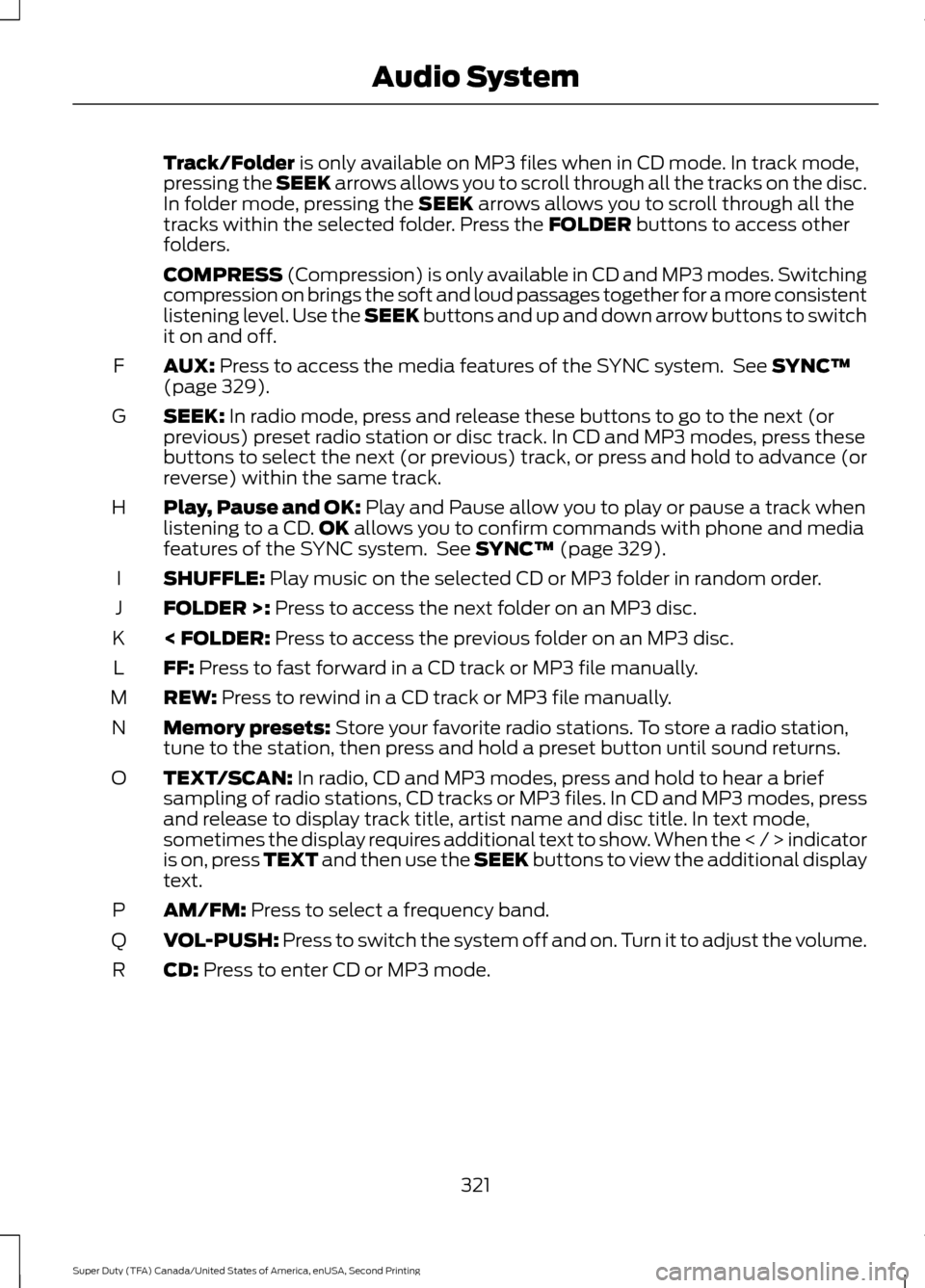
Track/Folder is only available on MP3 files when in CD mode. In track mode,
pressing the SEEK arrows allows you to scroll through all the tracks on the disc.
In folder mode, pressing the
SEEK arrows allows you to scroll through all the
tracks within the selected folder. Press the FOLDER buttons to access other
folders.
COMPRESS
(Compression) is only available in CD and MP3 modes. Switching
compression on brings the soft and loud passages together for a more consistent
listening level. Use the SEEK buttons and up and down arrow buttons to switch
it on and off.
AUX:
Press to access the media features of the SYNC system. See SYNC™
(page 329).
F
SEEK:
In radio mode, press and release these buttons to go to the next (or
previous) preset radio station or disc track. In CD and MP3 modes, press these
buttons to select the next (or previous) track, or press and hold to advance (or
reverse) within the same track.
G
Play, Pause and OK:
Play and Pause allow you to play or pause a track when
listening to a CD. OK allows you to confirm commands with phone and media
features of the SYNC system. See SYNC™ (page 329).
H
SHUFFLE:
Play music on the selected CD or MP3 folder in random order.
I
FOLDER >:
Press to access the next folder on an MP3 disc.
J
< FOLDER:
Press to access the previous folder on an MP3 disc.
K
FF:
Press to fast forward in a CD track or MP3 file manually.
L
REW:
Press to rewind in a CD track or MP3 file manually.
M
Memory presets:
Store your favorite radio stations. To store a radio station,
tune to the station, then press and hold a preset button until sound returns.
N
TEXT/SCAN:
In radio, CD and MP3 modes, press and hold to hear a brief
sampling of radio stations, CD tracks or MP3 files. In CD and MP3 modes, press
and release to display track title, artist name and disc title. In text mode,
sometimes the display requires additional text to show. When the < / > indicator
is on, press TEXT and then use the SEEK buttons to view the additional display
text.
O
AM/FM:
Press to select a frequency band.
P
VOL-PUSH:
Press to switch the system off and on. Turn it to adjust the volume.
Q
CD:
Press to enter CD or MP3 mode.
R
321
Super Duty (TFA) Canada/United States of America, enUSA, Second Printing Audio System
Page 325 of 510
AUDIO UNIT - VEHICLES WITH:
AM/FM/CD/TOUCHSCREEN
DISPLAY WARNING
Driving while distracted can result in
loss of vehicle control, crash and
injury. We strongly recommend that
you use extreme caution when using any
device that may take your focus off the
road. Your primary responsibility is the safe
operation of your vehicle. We recommend
against the use of any hand-held device
while driving and encourage the use of
voice-operated systems when possible.
Make sure you are aware of all applicable
local laws that may affect the use of
electronic devices while driving. Note:
The MyFord Touch system controls
most of the audio features. See MyFord
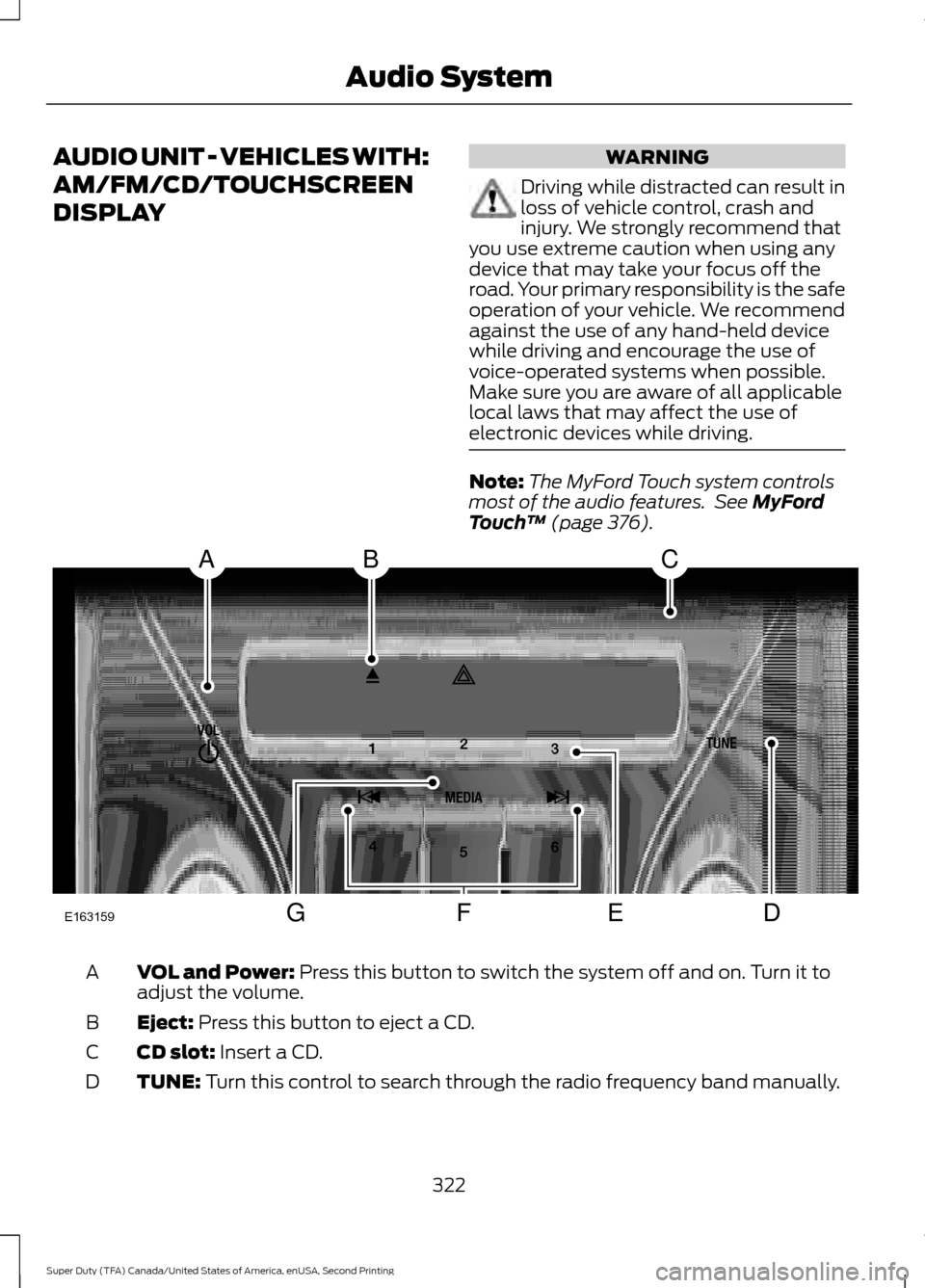
Touch ™ (page 376). VOL and Power:
Press this button to switch the system off and on. Turn it to
adjust the volume.
A
Eject:
Press this button to eject a CD.
B
CD slot:
Insert a CD.
C
TUNE:
Turn this control to search through the radio frequency band manually.
D
322
Super Duty (TFA) Canada/United States of America, enUSA, Second Printing Audio SystemE163159
ABC
DFEG
Page 329 of 510
Note:
This receiver includes the eCos
real-time operating system. eCos is
published under the eCos License.
Satellite Radio Reception Factors Potential satellite radio reception issues
For optimal reception performance, keep the antenna
clear of snow and ice build-up and keep luggage and other
material as far away from the antenna as possible.
Antenna obstructions
Hills, mountains, tall buildings, bridges, tunnels, freeway
overpasses, parking garages, dense tree foliage and
thunderstorms can interfere with your reception.
Terrain
When you pass a ground-based broadcast-repeating
tower, a stronger signal may overtake a weaker one and
the audio system may mute.
Station overload
Your display may show ACQUIRING . . . to indicate the
interference and the audio system may mute.
Satellite radio signal interfer-
ence
SIRIUS® Satellite Radio Service
Note: SIRIUS reserves the unrestricted right
to change, rearrange, add or delete
programming including canceling, moving
or adding particular channels, and its prices,
at any time, with or without notice to you.
Ford Motor Company shall not be
responsible for any such programming
changes. SIRIUS satellite radio is a
subscription-based satellite radio service
that broadcasts a variety of music, sports,
news, weather, traffic and entertainment
programming. Your factory-installed
SIRIUS satellite radio system includes
hardware and a limited subscription term,
which begins on the date of sale or lease
of your vehicle. See an authorized dealer
for availability.
For more information on extended
subscription terms (a service fee is
required), the online media player and a
complete list of SIRIUS satellite radio
channels, and other features, please visit
www.siriusxm.com in the United States,
www.siriusxm.ca in Canada, or call SIRIUS
at 1-888-539-7474.
Satellite Radio Electronic Serial
Number (ESN)
You need your ESN to activate, modify or
track your satellite radio account. When in
satellite radio mode, tune to channel 0.
326
Super Duty (TFA) Canada/United States of America, enUSA, Second Printing Audio SystemE142593
Page 337 of 510
USING SYNC™ WITH YOUR
PHONE
Hands-free calling is one of the main
features of SYNC. While the system
supports a variety of features, many are
dependent on your cell phone's
functionality. At a minimum, most cell
phones with Bluetooth wireless technology
support the following functions:
•
Answering an incoming call.
• Ending a call.
• Using privacy mode.
• Dialing a number.
• Redialing.
• Call waiting notification.
• Caller ID. Other features, such as text messaging
using Bluetooth and automatic phonebook
download, are cell phone-dependent
features. To check your cell phone's
compatibility, see your cell phone's manual
and visit www.SYNCMyRide.com,
www.SYNCMyRide.ca or
www.syncmaroute.ca.
Pairing a Cell Phone for the First
Time
Note:
SYNC can support downloading up
to approximately 1000 entries per
Bluetooth-enabled cell phone.
Note: Make sure to switch on the ignition
and the radio. Put the transmission in
position park (P) (automatic transmission)
or neutral with the parking brake applied
(manual transmission).
Note: To scroll through the menus, press
the up and down arrows on your audio
system.
Wirelessly pairing your cell phone with
SYNC allows you to make and receive
hands-free calls.
Press the phone button. When the display indicates there is no cell phone paired,
do the following: Action and Description
Message
Press the
OK button.
NO PHONE
FIND SYNC 1. Press the
OK button.
2. Put your cell phone into Bluetooth discovery mode. See your device's manual if necessary.
3. When prompted on your cell phone's display, enter the six-digit PIN provided by SYNC in the radio display. The
display indicates when the pairing is successful.
334
Super Duty (TFA) Canada/United States of America, enUSA, Second Printing SYNC™
(If Equipped)
Page 338 of 510
Depending on your cell phone's capability
and your market, the system may prompt
you with questions, such as setting the
current cell phone as the primary cell
phone (the cell phone SYNC automatically
tries to connect with first upon vehicle
start-up) and downloading your
phonebook.
Pairing Subsequent Cell Phones
Note:
To scroll through the menus, press
the up and down arrows on your audio
system.
Note: Make sure to switch on the ignition
and the radio. Put the transmission in
position park (P) (automatic transmission)
or neutral with the parking brake applied
(manual transmission).
Press the phone button, then scroll to: Action
Message
Press the
OK button.
PHONE SETNGS
Press the
OK button.
BT DEVICES
Press the
OK button. When the following message appears
in the display.
ADD DEVICE
FIND SYNC
1. Press the
OK button.
2. Put your cell phone into Bluetooth discovery mode. See your device's manual if necessary.
3. When prompted on your cell phone's display, enter the six-digit PIN provided by SYNC in the radio display. The
display indicates when the pairing is successful.
The system then prompts with questions, such as if you would like to set the current cell
phone as the primary cell phone (the cell phone SYNC automatically tries to connect
with first upon vehicle start-up) or download your phonebook.
Phone Voice Commands
Press the voice icon and say: Voice Commands
Phone
You can then say any of the following
commands.
Call History Incoming
Call History Missed
Call History Outgoing Voice Commands
Phonebook ___
Phonebook ___ at Home
Phonebook ___ at Work
Phonebook ___ in Office
Phonebook ___ on Cell
___ is a dynamic listing that should be the
name of a contact in your phonebook. For
example you could say "Call Mom".
335
Super Duty (TFA) Canada/United States of America, enUSA, Second Printing SYNC™
(If Equipped)
Page 339 of 510
You can also say any of the following:
Voice Command
Call ___
Call ___ at Home
Call ___ at Work
Call ___ in Office
Call ___ on Mobile
Call ___ on Other
Dial
None of these commands are available
until your cell phone information is
completely downloaded using Bluetooth.
___ is a dynamic listing that should be the
name of a contact in your phonebook. For
example you could say "Call Mom".
The following commands are only
available during active calls: Voice Commands
Go To Privacy
Hold
Join
Phone Menu Commands
To access the phone menu with voice
commands, press the voice button and
when prompted say: Voice Command
[Phone] Menu
You can then say any of the following:
[Phone] Connections | [Media] Connec-
tions | [Bluetooth] Connections Voice Command
[Phone] Settings [Message] Notification
On
[Phone] Settings [Message] Notification
Off
[Phone] Settings [Set] Phone Ringer
[Phone] Settings [Set] Ringer 1
[Phone] Settings [Set] Ringer 2
[Phone] Settings [Set] Ringer 3
[Phone] Settings [Set] Ringer Off
Battery
Phone Name
Signal
Text Message Inbox
Send [New] Text Message
You do not need to say word contained
within brackets for the system to
understand your command.
Note: To exit dial mode, press and hold the
phone button or press MENU to go to the
PHONE menu.
Phonebook Commands
When you ask SYNC to access content, for
example the phonebook name or number,
the requested information appears in the
display to view.
336
Super Duty (TFA) Canada/United States of America, enUSA, Second Printing SYNC™ (If Equipped)