2016 FORD EXPEDITION EL remote control
[x] Cancel search: remote controlPage 105 of 421
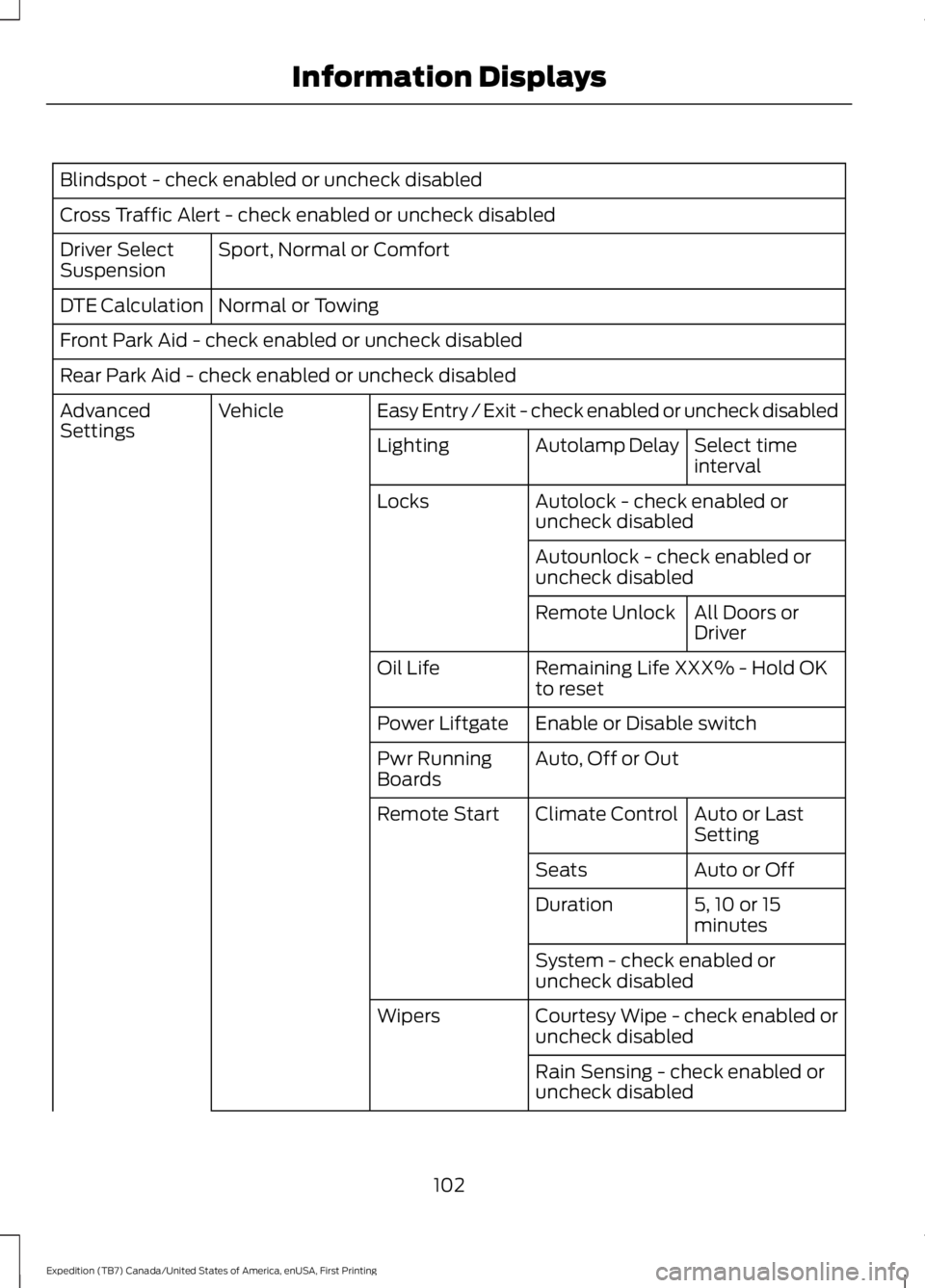
Blindspot - check enabled or uncheck disabled
Cross Traffic Alert - check enabled or uncheck disabled
Sport, Normal or ComfortDriver SelectSuspension
Normal or TowingDTE Calculation
Front Park Aid - check enabled or uncheck disabled
Rear Park Aid - check enabled or uncheck disabled
Easy Entry / Exit - check enabled or uncheck disabledVehicleAdvancedSettingsSelect timeintervalAutolamp DelayLighting
Autolock - check enabled oruncheck disabledLocks
Autounlock - check enabled oruncheck disabled
All Doors orDriverRemote Unlock
Remaining Life XXX% - Hold OKto resetOil Life
Enable or Disable switchPower Liftgate
Auto, Off or OutPwr RunningBoards
Auto or LastSettingClimate ControlRemote Start
Auto or OffSeats
5, 10 or 15minutesDuration
System - check enabled oruncheck disabled
Courtesy Wipe - check enabled oruncheck disabledWipers
Rain Sensing - check enabled oruncheck disabled
102
Expedition (TB7) Canada/United States of America, enUSA, First Printing
Information Displays
Page 124 of 421
HEATED WINDOWS AND
MIRRORS
Heated Rear Window
Note:Make sure the engine is runningbefore operating the heated windows.
Press the button to clear theheated rear window of thin iceand fog. The heated rear windowwill automatically turn off after a shortperiod of time. Start the engine before youswitch the heated rear window on.
Note:Do not use razor blades or othersharp objects to clean or remove decalsfrom the inside of the heated rear window.The vehicle warranty does not coverdamage caused to the heated rear windowgrid lines.
Heated Exterior Mirror (If Equipped)
When you switch the heated rear windowon, the heated exterior mirrors willautomatically turn on.
Note:Do not remove ice from the mirrorswith a scraper or adjust the mirror glasswhen it is frozen in place.
Note:Do not clean the mirror housing orglass with harsh abrasives, fuel or otherpetroleum-based cleaning products.
REMOTE START (If Equipped)
The remote start feature allows you topre-condition the interior of your vehicle.The climate control system works toachieve comfort according to your previoussettings.
Note:You cannot adjust the system duringremote start operation.
Turn the ignition on to return the systemto its previous settings. You can now makeadjustments normally, but you need to turncertain vehicle-dependent features backon, such as:
•Heated seats.
•Cooled seats.
•Heated steering wheel.
•Heated mirrors.
•Heated rear window.
You can adjust the default remote startsettings using the information displaycontrols. See Information Displays(page 92).
Automatic Settings
In hot weather, the system is set to 72°F(22°C). The cooled seats are set to high(if available, and selected to AUTO in theinformation display).
In moderate weather, the system eitherheats or cools (based on previoussettings). The rear defroster, heatedmirrors and heated seats do notautomatically turn on.
In cold weather, the system is set to 72°F(22°C). The heated seats are set to high(if available, and selected to AUTO in theinformation display). The rear defrosterand heated mirrors automatically turn on.
121
Expedition (TB7) Canada/United States of America, enUSA, First Printing
Climate ControlE184884
Page 130 of 421
You can also recall a preset memoryposition by:
•Pressing the unlock button on yourremote control if it is linked to a presetposition.
•Unlocking the intelligent driver doorhandle if a linked key fob is present.
•Entering a personal entry code on theSecuricode keypad. See Locks (page53).
Note:Using a linked key fob to recall yourmemory position when the ignition is offmoves the seat and steering column to theEasy Entry position.
Note:Pressing any active memory featurecontrol - power seat, mirror (or steeringcolumn switch) (or any memory button)during a memory recall cancels theoperation.
Linking a PreSet Position to yourRemote Control or Intelligent AccessKey Fob
Your vehicle can save the preset memorypositions for up to two remote controls.
1.With the ignition on, move the memorypositions to the desired positions.
2. Press and hold the desired presetbutton for about five seconds. A tonewill sound after about two seconds.Continue holding until a second toneis heard.
3. Within three seconds, press the lockbutton on the remote control you arelinking.
To unlink a remote control, follow thesame procedure – except in step 3, pressthe unlock button on the remote control.
Note:If more than one linked remotecontrol or intelligent access key is in range,the memory function moves to the settingsof the first key to initiate a memory recall.
Easy Entry and Exit Feature (If
Equipped)
This feature adjusts the position of the seatand steering column to allow easier exitand entry to the vehicle.
The driver seat automatically moves 2inches (5 centimeters) rearward when thetransmission is in park (P) and you removethe key from the ignition or you switch theignition off.
The driver seat returns to the previousposition when you put the key in theignition or switch the ignition on.
You can enable or disable this feature inthe information display. See InformationDisplays (page 92).
REAR SEATS
Folding Down the Second Row40% Seat
WARNINGS
Use caution when folding theseatback to the flat back position asthe system will move forward whenyou lift the release handle.
Before returning the seatback to itsoriginal position, make sure thatcargo or any objects are not trappedbehind the seatback. After returning theseatback to its original position, pull on theseatback to make sure that it has fullylatched. An unlatched seat may becomedangerous in the event of a sudden stopor crash.
Make sure that the head restraint is in thedown position and no objects such asbooks, purses or briefcases are on the floorin front of the second row seats beforefolding them down.
127
Expedition (TB7) Canada/United States of America, enUSA, First Printing
Seats
Page 140 of 421
HomeLink Wireless ControlSystem
WARNINGS
Make sure that the garage door andsecurity device are free fromobstruction when you areprogramming. Do not program the systemwith the vehicle in the garage.
Do not use the system with anygarage door opener that does nothave the safety stop and reversefeature as required by U.S. Federal SafetyStandards (this includes any garage dooropener manufactured before April 1, 1982).A garage door opener which cannot detectan object, signaling the door to stop andreverse, does not meet current federalsafety standards. Using a garage dooropener without these features increasesthe risk of serious injury or death.
Note:Make sure you keep the originalremote control transmitter for use in othervehicles as well as for future systemprogramming.
Note:We recommend that upon the saleor lease termination of your vehicle, youerase the programmed function buttons forsecurity reasons. See Erasing the FunctionButton Codes.
Note:You can program a maximum ofthree devices. To change or replace any ofthe three devices after it has been initiallyprogrammed, you must first erase thecurrent settings. See Erasing the FunctionButton Codes.
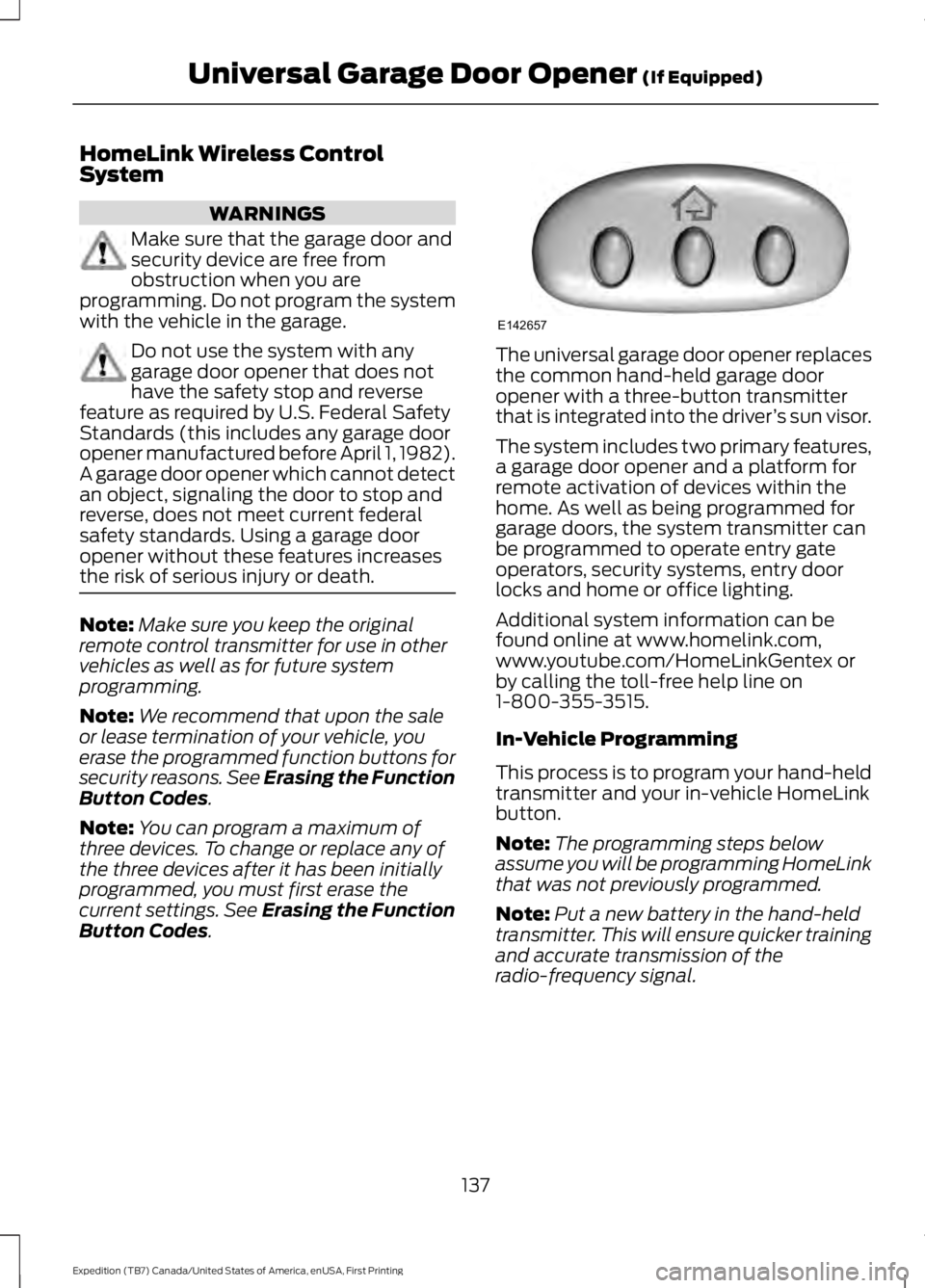
The universal garage door opener replacesthe common hand-held garage dooropener with a three-button transmitterthat is integrated into the driver’s sun visor.
The system includes two primary features,a garage door opener and a platform forremote activation of devices within thehome. As well as being programmed forgarage doors, the system transmitter canbe programmed to operate entry gateoperators, security systems, entry doorlocks and home or office lighting.
Additional system information can befound online at www.homelink.com,www.youtube.com/HomeLinkGentex orby calling the toll-free help line on1-800-355-3515.
In-Vehicle Programming
This process is to program your hand-heldtransmitter and your in-vehicle HomeLinkbutton.
Note:The programming steps belowassume you will be programming HomeLinkthat was not previously programmed.
Note:Put a new battery in the hand-heldtransmitter. This will ensure quicker trainingand accurate transmission of theradio-frequency signal.
137
Expedition (TB7) Canada/United States of America, enUSA, First Printing
Universal Garage Door Opener (If Equipped)E142657
Page 290 of 421

WARNINGS
not recommended by Ford canaffect the safety and performanceof your vehicle, which could resultin an increased risk of loss ofvehicle control, vehicle rollover,personal injury and death.Additionally the use ofnon-recommended tires andwheels could cause steering,suspension, axle, transfer case orpower transfer unit failure. If youhave questions regarding tirereplacement, contact yourauthorized dealer as soon aspossible.
To reduce the risk of seriousinjury, when mountingreplacement tires and wheels, youshould not exceed the maximumpressure indicated on the sidewallof the tire to set the beads withoutadditional precautions listedbelow. If the beads do not seat atthe maximum pressure indicated,re-lubricate and try again.
When inflating the tire formounting pressures up to 20 psi(1.38 bar) greater than themaximum pressure on the tiresidewall, the followingprecautions must be taken toprotect the person mounting thetire:
1. Make sure that you have thecorrect tire and wheel size.
2. Lubricate the tire bead andwheel bead seat area again.
WARNINGS
3. Stand at a minimum of 12 ft(3.6 m) away from the wheel andtire assembly.
4. Use both eye and earprotection.
For a mounting pressure morethan 20 psi (1.38 bar) greater thanthe maximum pressure, a Forddealer or other tire serviceprofessional should do themounting.
Always inflate steel carcass tireswith a remote air fill with theperson inflating standing at aminimum of 12 ft (3.6 m) awayfrom the wheel and tire assembly.
Important: Remember to replacethe wheel valve stems when theroad tires are replaced on yourvehicle.
The two front tires or two rear tiresshould generally be replaced as apair.
The tire pressure sensors mountedin the wheels are not designed tobe used in aftermarket wheels.
The use of wheels or tires notrecommended by Ford MotorCompany may affect theoperation of your tire pressuremonitoring system.
287
Expedition (TB7) Canada/United States of America, enUSA, First Printing
Wheels and Tires
Page 414 of 421
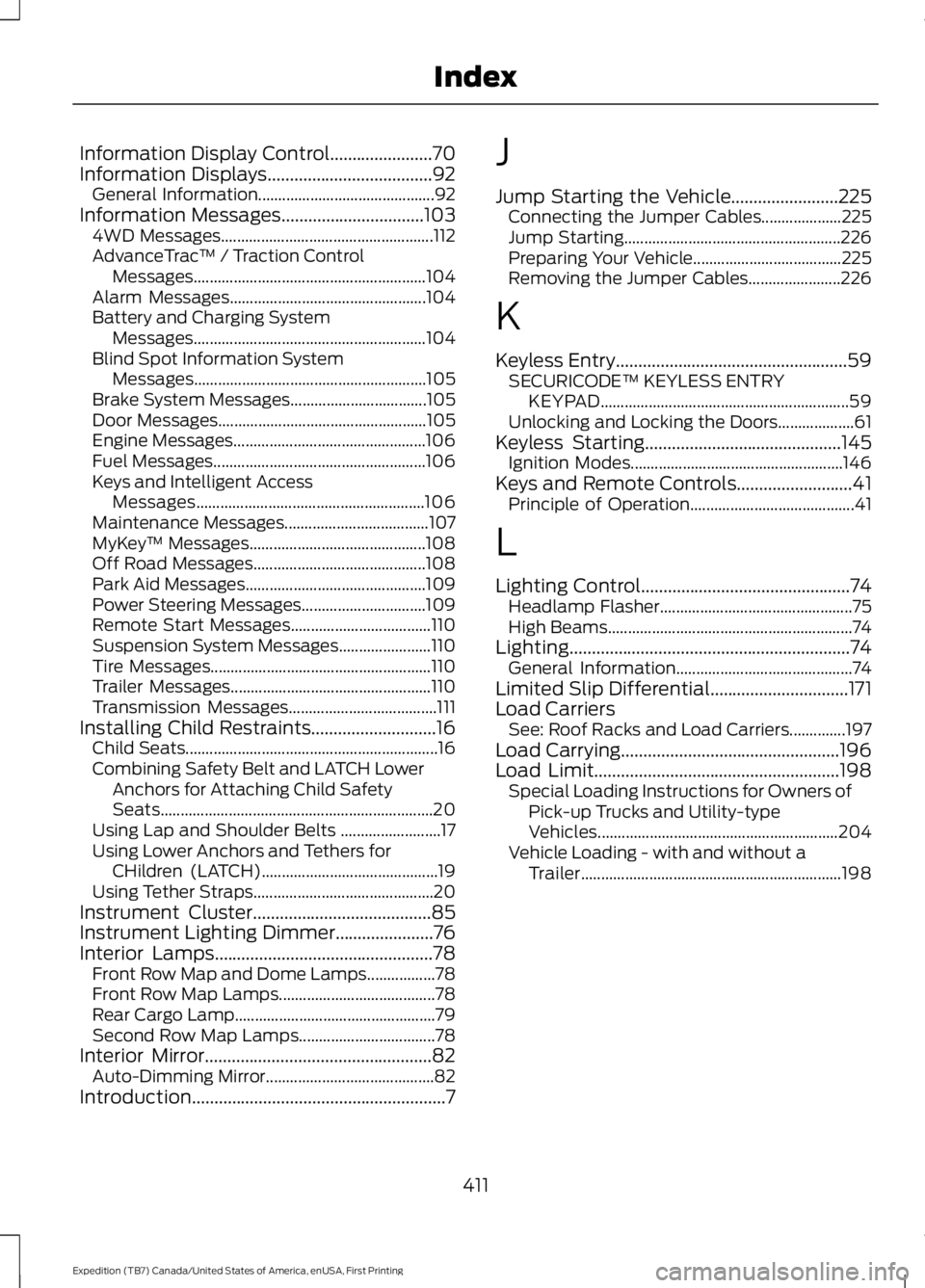
Information Display Control.......................70Information Displays.....................................92General Information............................................92Information Messages................................1034WD Messages.....................................................112AdvanceTrac™ / Traction ControlMessages..........................................................104Alarm Messages.................................................104Battery and Charging SystemMessages..........................................................104Blind Spot Information SystemMessages..........................................................105Brake System Messages..................................105Door Messages....................................................105Engine Messages................................................106Fuel Messages.....................................................106Keys and Intelligent AccessMessages.........................................................106Maintenance Messages....................................107MyKey™ Messages............................................108Off Road Messages...........................................108Park Aid Messages.............................................109Power Steering Messages...............................109Remote Start Messages...................................110Suspension System Messages.......................110Tire Messages.......................................................110Trailer Messages..................................................110Transmission Messages.....................................111Installing Child Restraints............................16Child Seats...............................................................16Combining Safety Belt and LATCH LowerAnchors for Attaching Child SafetySeats....................................................................20Using Lap and Shoulder Belts .........................17Using Lower Anchors and Tethers forCHildren (LATCH)............................................19Using Tether Straps.............................................20Instrument Cluster........................................85Instrument Lighting Dimmer......................76Interior Lamps.................................................78Front Row Map and Dome Lamps.................78Front Row Map Lamps.......................................78Rear Cargo Lamp..................................................79Second Row Map Lamps..................................78Interior Mirror...................................................82Auto-Dimming Mirror..........................................82Introduction.........................................................7
J
Jump Starting the Vehicle........................225Connecting the Jumper Cables....................225Jump Starting......................................................226Preparing Your Vehicle.....................................225Removing the Jumper Cables.......................226
K
Keyless Entry....................................................59SECURICODE™ KEYLESS ENTRYKEYPAD..............................................................59Unlocking and Locking the Doors...................61Keyless Starting............................................145Ignition Modes.....................................................146Keys and Remote Controls..........................41Principle of Operation.........................................41
L
Lighting Control...............................................74Headlamp Flasher................................................75High Beams.............................................................74Lighting...............................................................74General Information............................................74Limited Slip Differential...............................171Load CarriersSee: Roof Racks and Load Carriers..............197Load Carrying.................................................196Load Limit.......................................................198Special Loading Instructions for Owners ofPick-up Trucks and Utility-typeVehicles............................................................204Vehicle Loading - with and without aTrailer.................................................................198
411
Expedition (TB7) Canada/United States of America, enUSA, First Printing
Index
Page 415 of 421
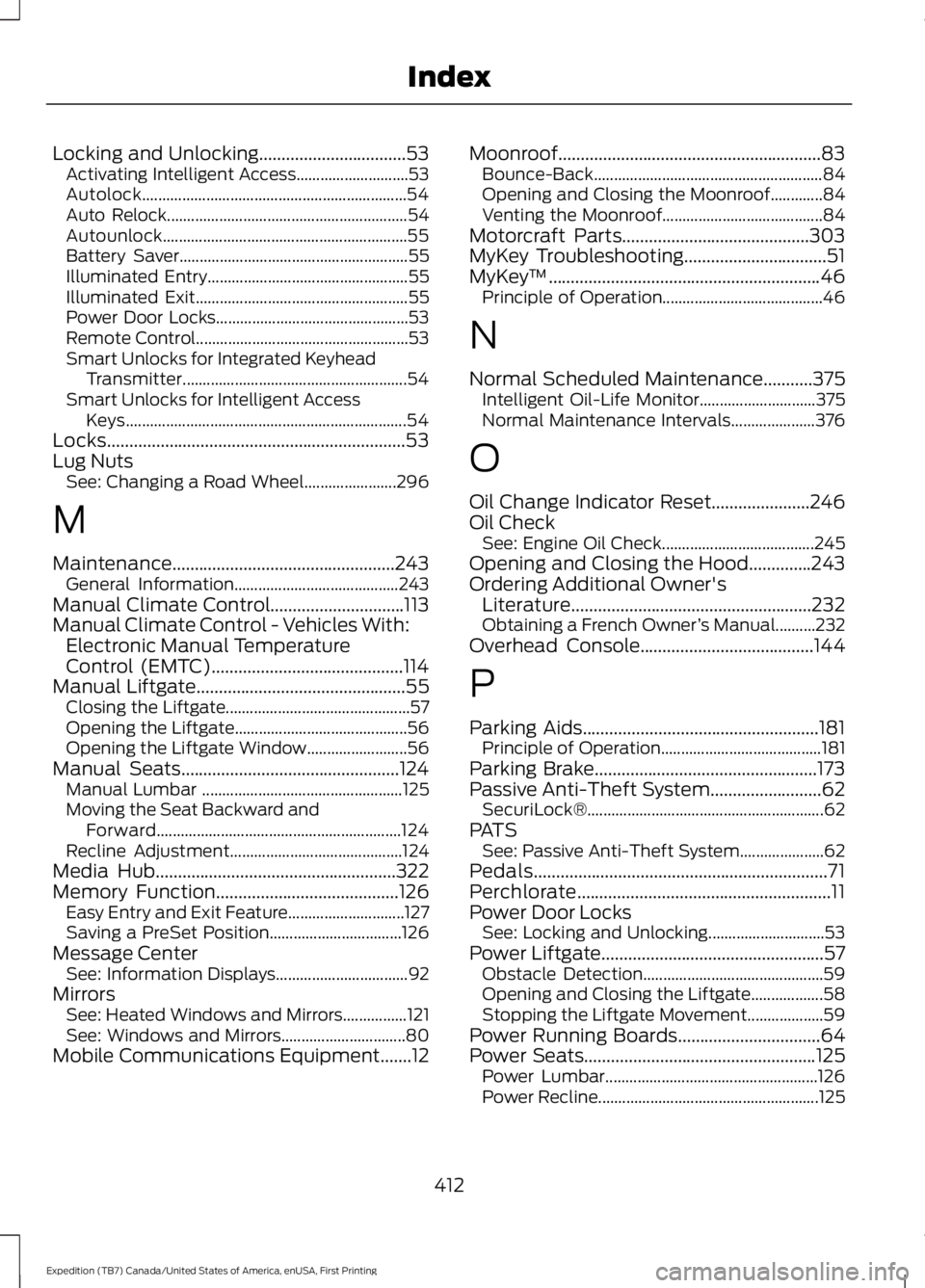
Locking and Unlocking.................................53Activating Intelligent Access............................53Autolock..................................................................54Auto Relock............................................................54Autounlock.............................................................55Battery Saver.........................................................55Illuminated Entry..................................................55Illuminated Exit.....................................................55Power Door Locks................................................53Remote Control.....................................................53Smart Unlocks for Integrated KeyheadTransmitter........................................................54Smart Unlocks for Intelligent AccessKeys......................................................................54Locks...................................................................53Lug NutsSee: Changing a Road Wheel.......................296
M
Maintenance..................................................243General Information.........................................243Manual Climate Control..............................113Manual Climate Control - Vehicles With:Electronic Manual TemperatureControl (EMTC)...........................................114Manual Liftgate...............................................55Closing the Liftgate..............................................57Opening the Liftgate...........................................56Opening the Liftgate Window.........................56Manual Seats.................................................124Manual Lumbar ..................................................125Moving the Seat Backward andForward.............................................................124Recline Adjustment...........................................124Media Hub......................................................322Memory Function.........................................126Easy Entry and Exit Feature.............................127Saving a PreSet Position.................................126Message CenterSee: Information Displays.................................92MirrorsSee: Heated Windows and Mirrors................121See: Windows and Mirrors...............................80Mobile Communications Equipment.......12
Moonroof...........................................................83Bounce-Back.........................................................84Opening and Closing the Moonroof.............84Venting the Moonroof........................................84Motorcraft Parts..........................................303MyKey Troubleshooting................................51MyKey™.............................................................46Principle of Operation........................................46
N
Normal Scheduled Maintenance...........375Intelligent Oil-Life Monitor.............................375Normal Maintenance Intervals.....................376
O
Oil Change Indicator Reset......................246Oil CheckSee: Engine Oil Check......................................245Opening and Closing the Hood..............243Ordering Additional Owner'sLiterature......................................................232Obtaining a French Owner’s Manual..........232Overhead Console.......................................144
P
Parking Aids.....................................................181Principle of Operation........................................181Parking Brake..................................................173Passive Anti-Theft System.........................62SecuriLock®...........................................................62PATSSee: Passive Anti-Theft System.....................62Pedals..................................................................71Perchlorate.........................................................11Power Door LocksSee: Locking and Unlocking.............................53Power Liftgate..................................................57Obstacle Detection.............................................59Opening and Closing the Liftgate..................58Stopping the Liftgate Movement...................59Power Running Boards................................64Power Seats....................................................125Power Lumbar.....................................................126Power Recline.......................................................125
412
Expedition (TB7) Canada/United States of America, enUSA, First Printing
Index
Page 416 of 421
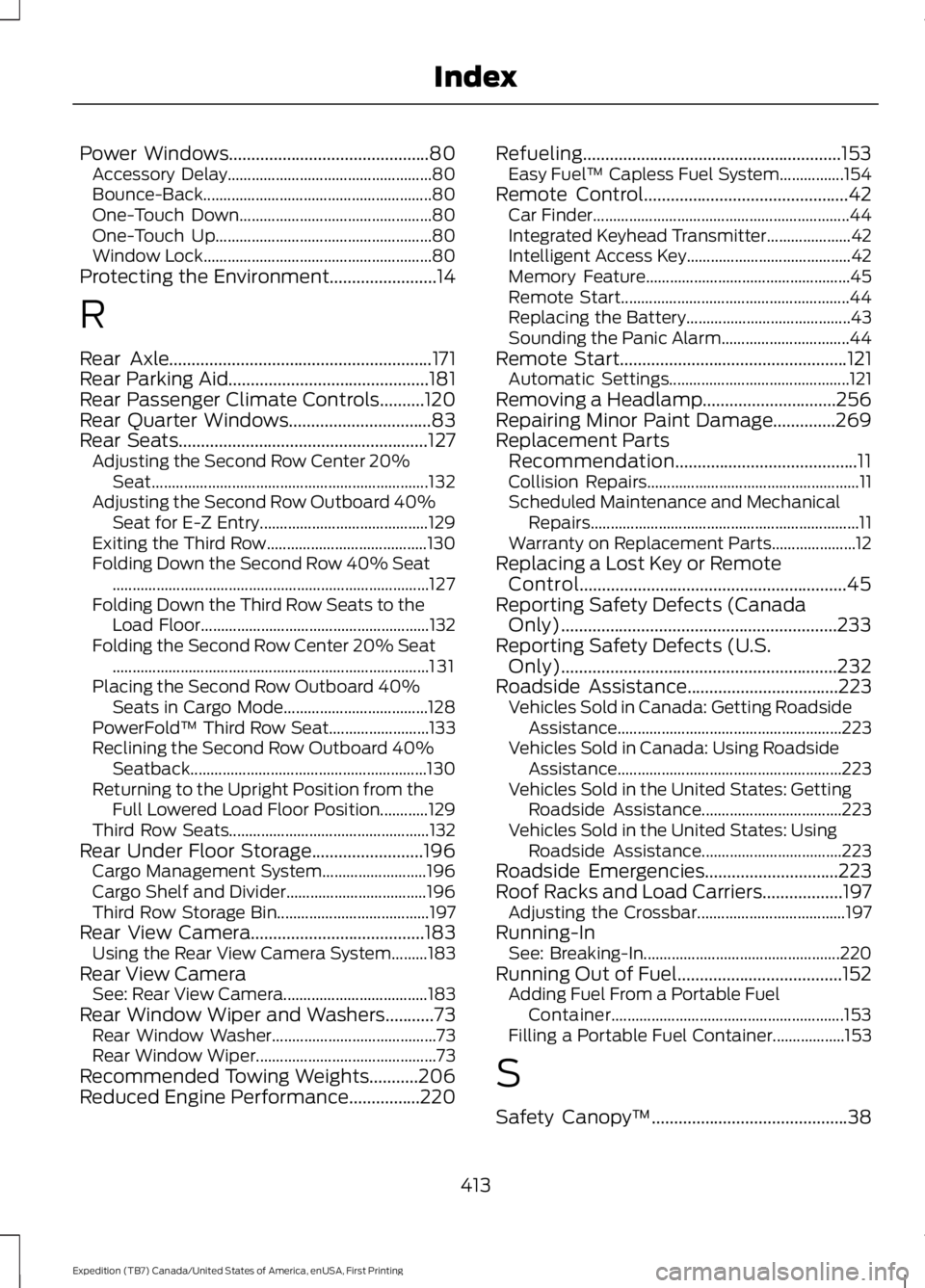
Power Windows.............................................80Accessory Delay...................................................80Bounce-Back.........................................................80One-Touch Down................................................80One-Touch Up......................................................80Window Lock.........................................................80Protecting the Environment........................14
R
Rear Axle...........................................................171Rear Parking Aid.............................................181Rear Passenger Climate Controls..........120Rear Quarter Windows................................83Rear Seats........................................................127Adjusting the Second Row Center 20%Seat.....................................................................132Adjusting the Second Row Outboard 40%Seat for E-Z Entry..........................................129Exiting the Third Row........................................130Folding Down the Second Row 40% Seat...............................................................................127Folding Down the Third Row Seats to theLoad Floor.........................................................132Folding the Second Row Center 20% Seat...............................................................................131Placing the Second Row Outboard 40%Seats in Cargo Mode....................................128PowerFold™ Third Row Seat.........................133Reclining the Second Row Outboard 40%Seatback...........................................................130Returning to the Upright Position from theFull Lowered Load Floor Position............129Third Row Seats..................................................132Rear Under Floor Storage.........................196Cargo Management System..........................196Cargo Shelf and Divider...................................196Third Row Storage Bin......................................197Rear View Camera.......................................183Using the Rear View Camera System.........183Rear View CameraSee: Rear View Camera....................................183Rear Window Wiper and Washers...........73Rear Window Washer.........................................73Rear Window Wiper.............................................73Recommended Towing Weights...........206Reduced Engine Performance................220
Refueling..........................................................153Easy Fuel™ Capless Fuel System................154Remote Control..............................................42Car Finder................................................................44Integrated Keyhead Transmitter.....................42Intelligent Access Key.........................................42Memory Feature...................................................45Remote Start.........................................................44Replacing the Battery.........................................43Sounding the Panic Alarm................................44Remote Start...................................................121Automatic Settings.............................................121Removing a Headlamp..............................256Repairing Minor Paint Damage..............269Replacement PartsRecommendation.........................................11Collision Repairs.....................................................11Scheduled Maintenance and MechanicalRepairs...................................................................11Warranty on Replacement Parts.....................12Replacing a Lost Key or RemoteControl............................................................45Reporting Safety Defects (CanadaOnly)..............................................................233Reporting Safety Defects (U.S.Only)..............................................................232Roadside Assistance..................................223Vehicles Sold in Canada: Getting RoadsideAssistance........................................................223Vehicles Sold in Canada: Using RoadsideAssistance........................................................223Vehicles Sold in the United States: GettingRoadside Assistance...................................223Vehicles Sold in the United States: UsingRoadside Assistance...................................223Roadside Emergencies..............................223Roof Racks and Load Carriers..................197Adjusting the Crossbar.....................................197Running-InSee: Breaking-In.................................................220Running Out of Fuel.....................................152Adding Fuel From a Portable FuelContainer..........................................................153Filling a Portable Fuel Container..................153
S
Safety Canopy™............................................38
413
Expedition (TB7) Canada/United States of America, enUSA, First Printing
Index