Page 115 of 476
Deactivation
Pull the multifunction lever toward the steering wheel
and hold it for more than two seconds.
Front Fog Lights — If Equipped
The fog light switch is located on the center
stack of the instrument panel, just below the
radio. Push the switch once to turn the front
fog lights on. Push the switch a second time to turn the
front fog lights off.
Interior Lights
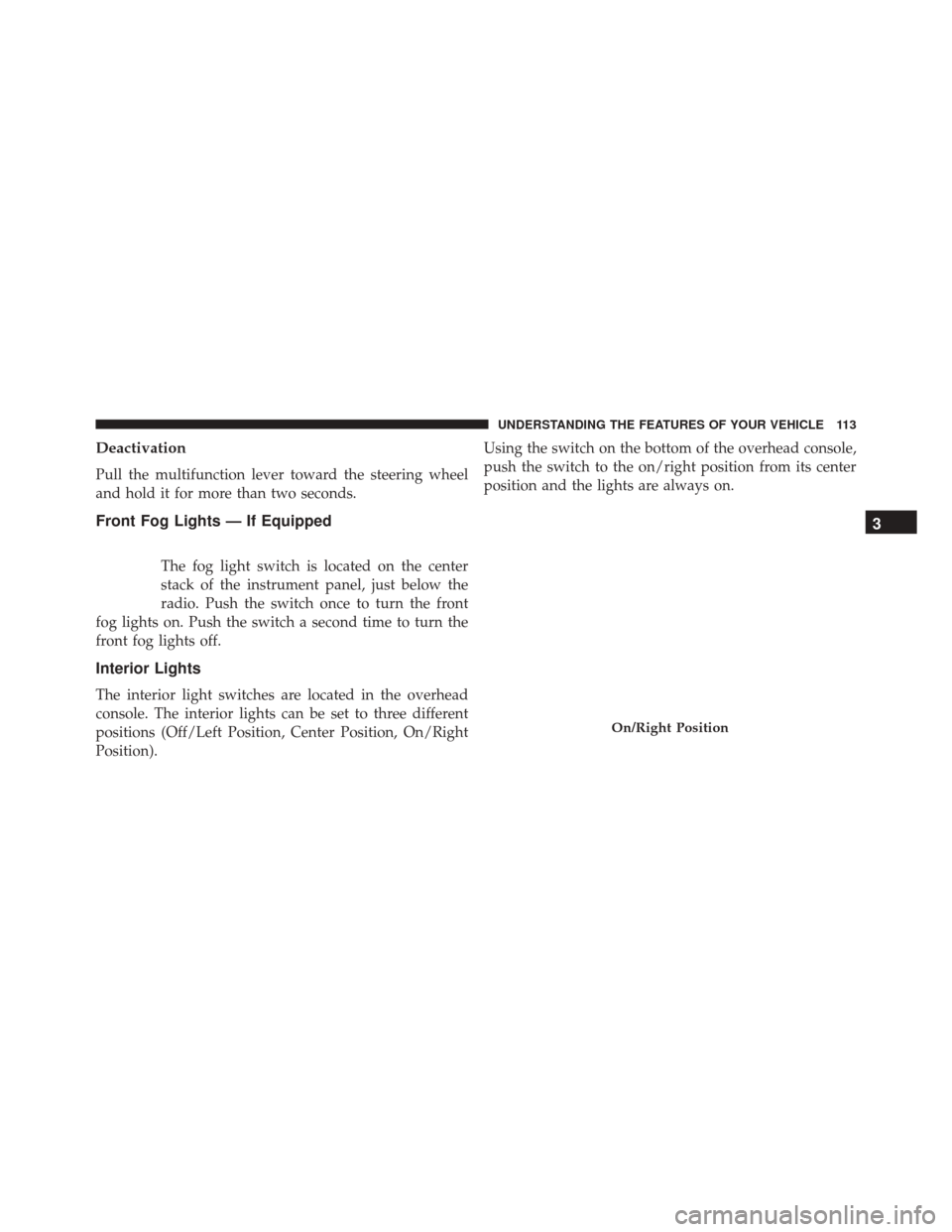
The interior light switches are located in the overhead
console. The interior lights can be set to three different
positions (Off/Left Position, Center Position, On/Right
Position). Using the switch on the bottom of the overhead console,
push the switch to the on/right position from its center
position and the lights are always on.
On/Right Position
3
UNDERSTANDING THE FEATURES OF YOUR VEHICLE 113
Page 116 of 476
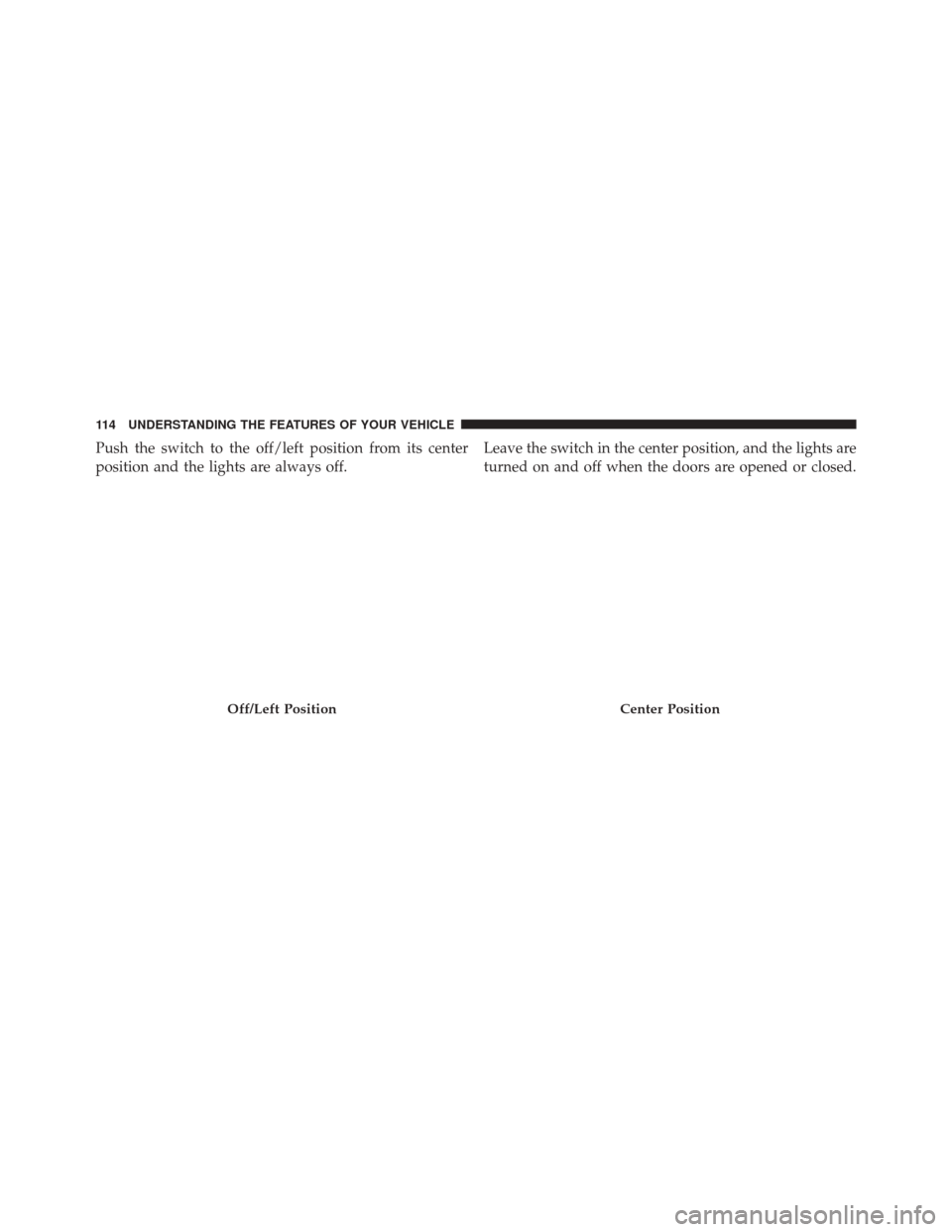
Push the switch to the off/left position from its center
position and the lights are always off.Leave the switch in the center position, and the lights are
turned on and off when the doors are opened or closed.
Off/Left PositionCenter Position
114 UNDERSTANDING THE FEATURES OF YOUR VEHICLE
Page 117 of 476
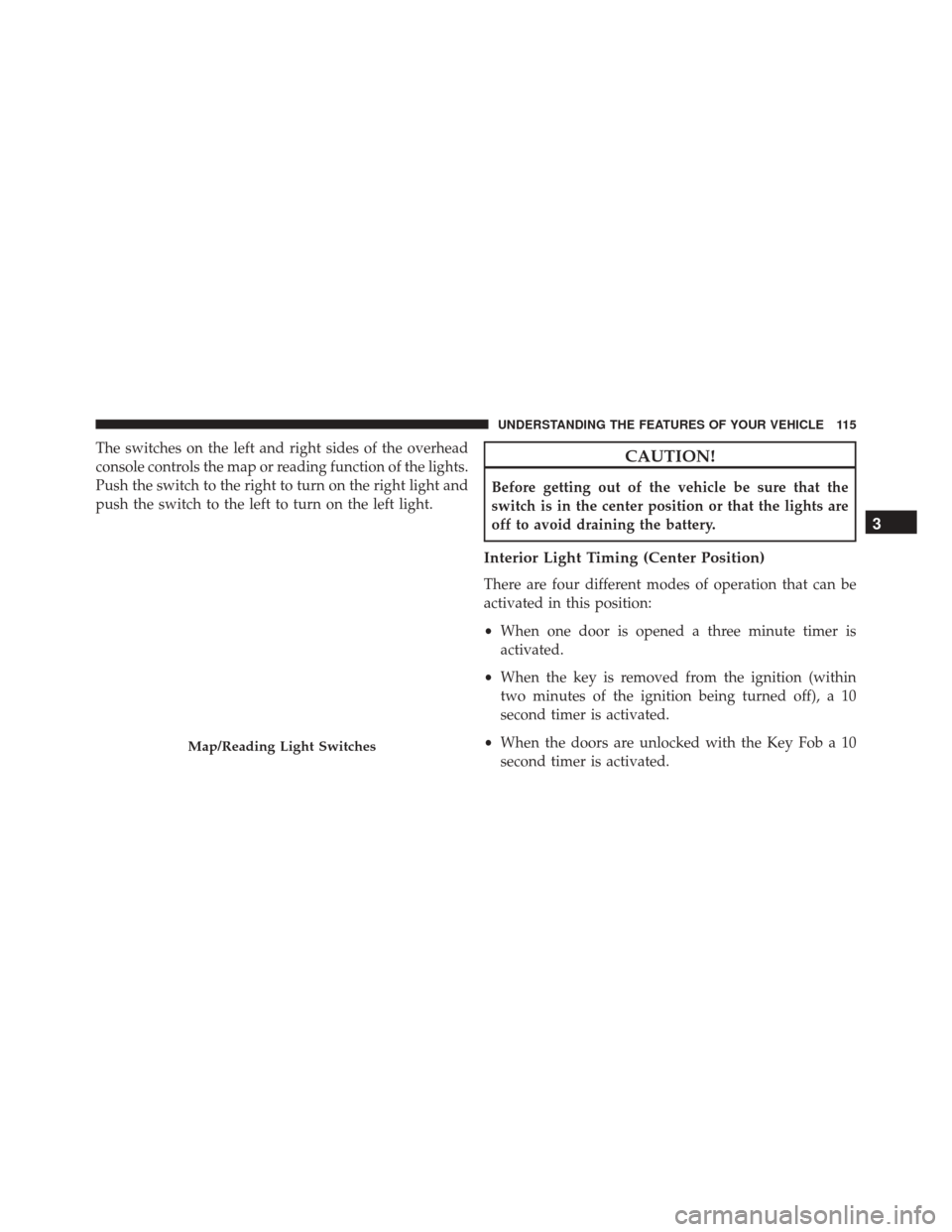
The switches on the left and right sides of the overhead
console controls the map or reading function of the lights.
Push the switch to the right to turn on the right light and
push the switch to the left to turn on the left light.CAUTION!
Before getting out of the vehicle be sure that the
switch is in the center position or that the lights are
off to avoid draining the battery.
Interior Light Timing (Center Position)
There are four different modes of operation that can be
activated in this position:
•When one door is opened a three minute timer is
activated.
• When the key is removed from the ignition (within
two minutes of the ignition being turned off), a 10
second timer is activated.
• When the doors are unlocked with the Key Fob a 10
second timer is activated.
Map/Reading Light Switches
3
UNDERSTANDING THE FEATURES OF YOUR VEHICLE 115
Page 118 of 476
•When the doors are locked with the Key Fob the lights
will turn off.
Interior Light Timing (On/Right Position)
• When all doors are closed a 15 minute timer is
activated.
NOTE: The timer is deactivated when the key is moved
into the ON/RUN position.
WINDSHIELD WIPERS AND WASHERS
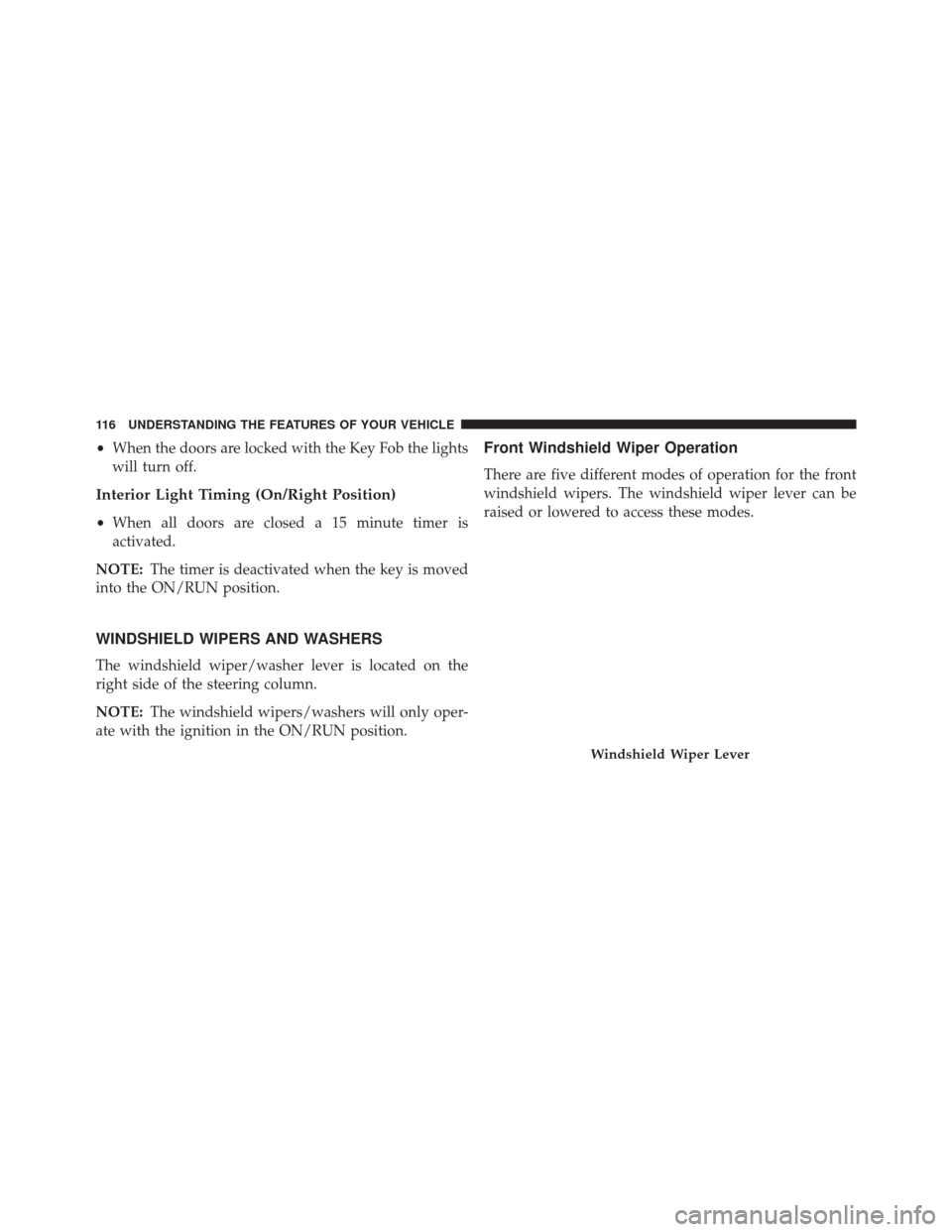
The windshield wiper/washer lever is located on the
right side of the steering column.
NOTE: The windshield wipers/washers will only oper-
ate with the ignition in the ON/RUN position.
Front Windshield Wiper Operation
There are five different modes of operation for the front
windshield wipers. The windshield wiper lever can be
raised or lowered to access these modes.
Windshield Wiper Lever
116 UNDERSTANDING THE FEATURES OF YOUR VEHICLE
Page 124 of 476
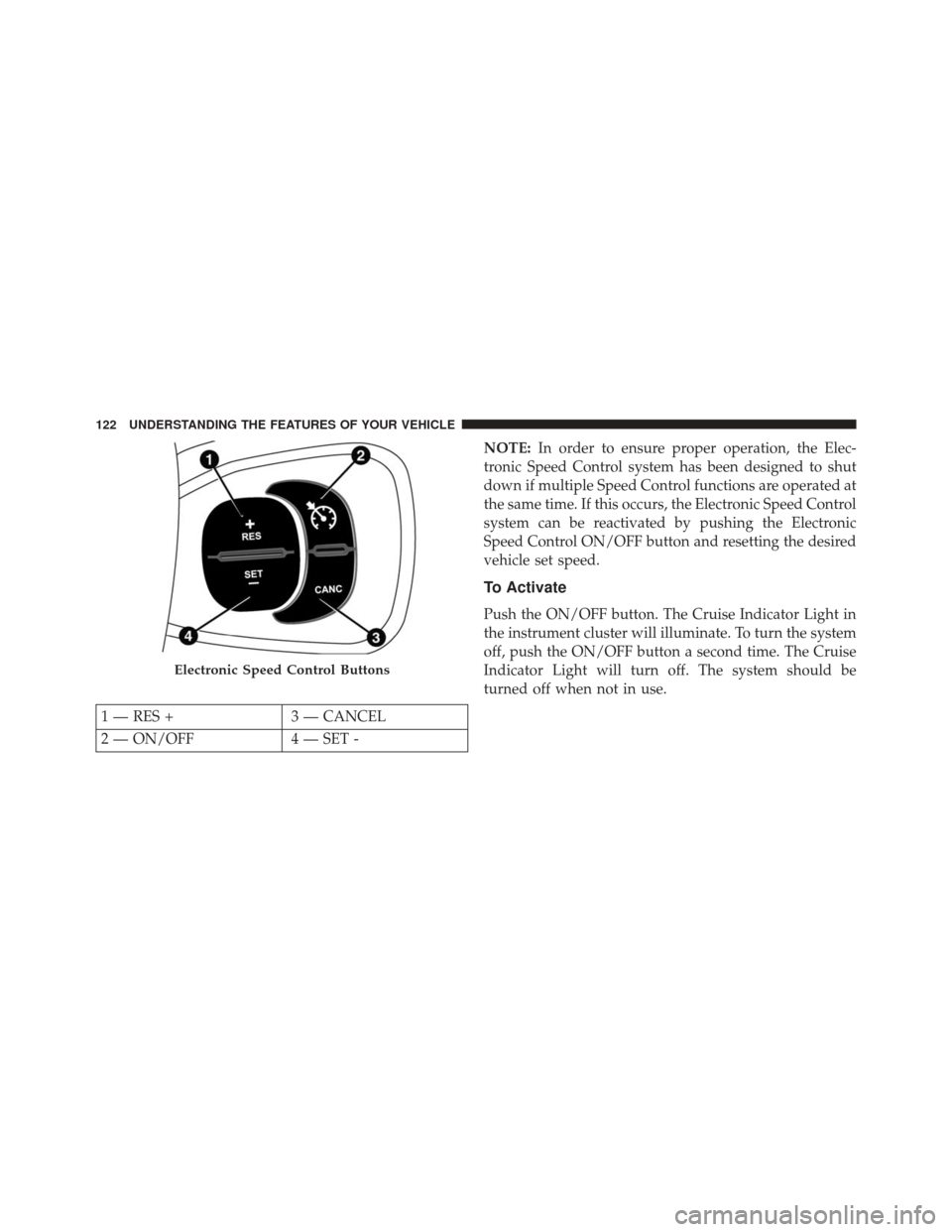
NOTE:In order to ensure proper operation, the Elec-
tronic Speed Control system has been designed to shut
down if multiple Speed Control functions are operated at
the same time. If this occurs, the Electronic Speed Control
system can be reactivated by pushing the Electronic
Speed Control ON/OFF button and resetting the desired
vehicle set speed.
To Activate
Push the ON/OFF button. The Cruise Indicator Light in
the instrument cluster will illuminate. To turn the system
off, push the ON/OFF button a second time. The Cruise
Indicator Light will turn off. The system should be
turned off when not in use.
Electronic Speed Control Buttons
1 — RES + 3 — CANCEL
2 — ON/OFF 4 — SET -
122 UNDERSTANDING THE FEATURES OF YOUR VEHICLE
Page 127 of 476
Metric Speed (km/h)
•Pushing the SET (-) button once will result in a 1 km/h
decrease in set speed. Each subsequent tap of the
button results in a decrease of 1 km/h.
• If the button is continually pushed, the set speed will
continue to decrease until the button is released, then
the new set speed will be established.
To Accelerate For Passing
Press the accelerator as you would normally. When the
pedal is released, the vehicle will return to the set speed.
Using Electronic Speed Control On Hills
The transmission may downshift on hills to maintain the
vehicle set speed.
NOTE: The Electronic Speed Control system maintains
speed up and down hills. A slight speed change on
moderate hills is normal.
On steep hills, a greater speed loss or gain may occur so it
may be preferable to drive without Electronic Speed Control.
WARNING!
Electronic Speed Control can be dangerous where the
system cannot maintain a constant speed. Your ve-
hicle could go too fast for the conditions, and you
could lose control and have an accident. Do not use
Electronic Speed Control in heavy traffic or on roads
that are winding, icy, snow-covered or slippery.
REAR PARK ASSIST — IF EQUIPPED
The Rear Park Assist system provides an audible indication
of the distance between the rear fascia/bumper and a
detected obstacle when backing up, e.g. during a parking
maneuver. Refer to the “Park Assist System Usage Precau-
tions” for the limitations of this system and recommenda-
tions.
3
UNDERSTANDING THE FEATURES OF YOUR VEHICLE 125
Page 135 of 476
NOTE:If snow, ice, mud, or any foreign substance builds
up on the camera lens, clean the lens, rinse with water,
and dry with a soft cloth. Do not cover the lens.
GARAGE DOOR OPENER — IF EQUIPPED
HomeLink replaces up to three remote controls (hand-
held transmitters) that operate devices such as garage
door openers, motorized gates, lighting or home security
systems. The HomeLink unit operates off your vehicles
battery.
The HomeLink buttons that are located in the sunvisor
designate the three different HomeLink channels. The
HomeLink
indicator is located above the center
button.NOTE: HomeLink is disabled when the Vehicle Security
Alarm is active.
HomeLink Buttons/Sunvisor
3
UNDERSTANDING THE FEATURES OF YOUR VEHICLE 133
Page 137 of 476
1. Place the ignition in the ON/RUN position.2. Place the hand-held transmitter 1 to 3 inches (3 to
8 cm) away from the HomeLink button you wish to
program while keeping the HomeLink indicator light
in view.
3. Push and hold the HomeLink button you want to program while you push and hold the hand-held
transmitter button.
4. Continue to hold both buttons and observe the indi- cator light. The HomeLink indicator will flash slowly
and then rapidly after HomeLink has received the
frequency signal from the hand-held transmitter. Re-
lease both buttons after the indicator light changes
from slow to rapid.
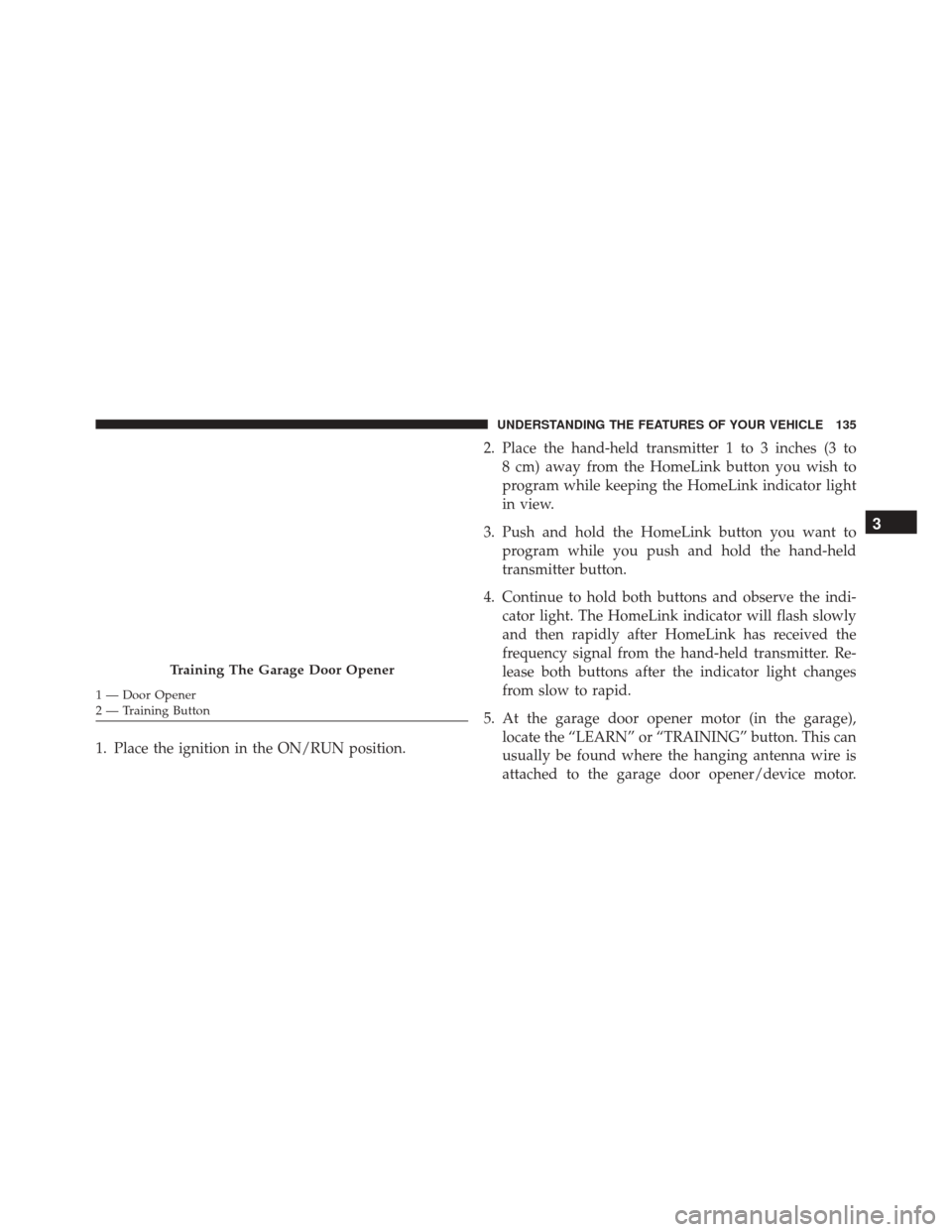
5. At the garage door opener motor (in the garage), locate the “LEARN” or “TRAINING” button. This can
usually be found where the hanging antenna wire is
attached to the garage door opener/device motor.
Training The Garage Door Opener
1 — Door Opener
2 — Training Button
3
UNDERSTANDING THE FEATURES OF YOUR VEHICLE 135