Page 206 of 423
iPod/USB/MP3 CONTROL — IF EQUIPPEDLocated at the rear area of the center console, this feature
allows an iPod or external USB device to be plugged into
the USB port.
iPod control supports Mini, 4G, Photo, Nano, 5G iPod
and iPhone devices. Some iPod software versions may
not fully support the iPod control features. Please visit
Apple’s website for software updates.
For further information, refer to the Uconnect Supple-
ment Manual.
STEERING WHEEL AUDIO CONTROLS
The remote sound system controls are located on the rear
surface of the steering wheel. Reach behind the wheel to
access the switches.
SD Card Slot, AUX Jack, And USB Port
1 — SD Card Slot
2 — AUX Jack
3 — USB Port 204 UNDERSTANDING YOUR INSTRUMENT PANEL
Page 208 of 423
RADIO ANTENNA
The am/fm radio antenna is located in the windshield.
The Satellite/Navigation antenna is located in the rear
liftgate, while the cellular phone antenna is on the
windshield behind the interior rearview mirror.
RADIO OPERATION AND MOBILE DEVICES
Under certain conditions, the mobile device being on in
your vehicle can cause erratic or noisy performance from
your radio. This condition may be lessened or eliminated
by relocating the mobile device antenna. This condition is
not harmful to the radio. If your radio performance does
not satisfactorily “clear” by the repositioning of the
antenna, it is recommended that the radio volume be
turned down or off during mobile device operation when
not using Uconnect (if equipped).
General Information
This device complies with Part 15 of the FCC rules and
RSS 210 of Industry Canada. Operation is subject to the
following conditions:
•Changes or modifications not expressly approved by
the party responsible for compliance could void the
user’s authority to operate the equipment.
• This device may not cause harmful interference.
• This device must accept any interference received,
including interference that may cause undesired op-
eration.
CLIMATE CONTROLS
The Climate Control System allows you to regulate the
temperature, amount, and direction of air circulating
throughout the vehicle. The controls are located on the
instrument panel below the radio.
206 UNDERSTANDING YOUR INSTRUMENT PANEL
Page 218 of 423
If you see theicon on your touchscreen, you have
the Uconnect 8.4AN system. Get Started
1. Visit UconnectPhone.com to check mobile device and
feature compatibility and to find phone pairing in-
structions.
2. Reduce background noise. Wind and passenger con- versations are examples of noise that may impact
recognition.
3. Speak clearly at a normal pace and volume while facing straight ahead. The microphone is positioned
on the rearview mirror and aimed at the driver.
4. Each time you give a Voice Command, you must first push either the VR or Phone button, wait until after
the beep, then say your Voice Command.
5. You can interrupt the help message or system prompts by pushing the VR or Phone button and saying a Voice
Command from current category.
Uconnect 8.4AN
216 UNDERSTANDING YOUR INSTRUMENT PANEL
Page 219 of 423
Two buttons are all you need to control your Uconnect
system with your voice.Basic Voice Commands
The basic Voice Commands below can be given at any
point while using your Uconnect system.
Push the VR button
. After the beep, say:
•Cancel to stop a current voice session
• Help to hear a list of suggested Voice Commands
• Repeat to listen to the system prompts again
Notice the visual cues that inform you of your voice
recognition system’s status. Cues appear on the touch-
screen.
Voice Recognition (VR)/Phone Buttons
1 — Push To Begin Radio, Media, Navigation, Apps And Climate
Functions
2 — Push To Initiate Or To Answer A Phone Call, Send Or Re-
ceive A Text
4
UNDERSTANDING YOUR INSTRUMENT PANEL 217
Page 222 of 423
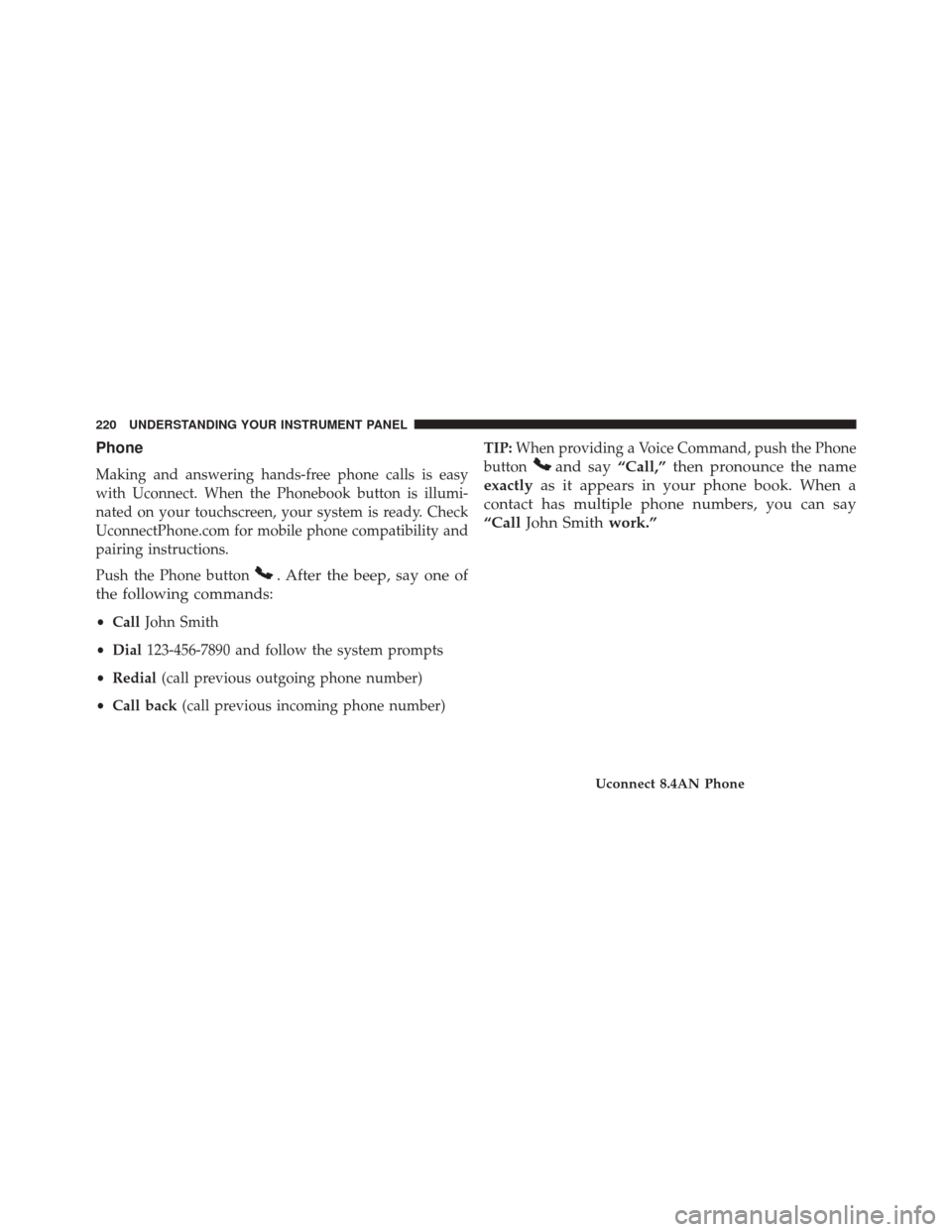
Phone
Making and answering hands-free phone calls is easy
with Uconnect. When the Phonebook button is illumi-
nated on your touchscreen, your system is ready. Check
UconnectPhone.com for mobile phone compatibility and
pairing instructions.
Push the Phone button
. After the beep, say one of
the following commands:
• Call John Smith
• Dial 123-456-7890 and follow the system prompts
• Redial (call previous outgoing phone number)
• Call back (call previous incoming phone number) TIP:
When providing a Voice Command, push the Phone
button
and say “Call,”then pronounce the name
exactly as it appears in your phone book. When a
contact has multiple phone numbers, you can say
“Call John Smith work.”
Uconnect 8.4AN Phone
220 UNDERSTANDING YOUR INSTRUMENT PANEL
Page 223 of 423
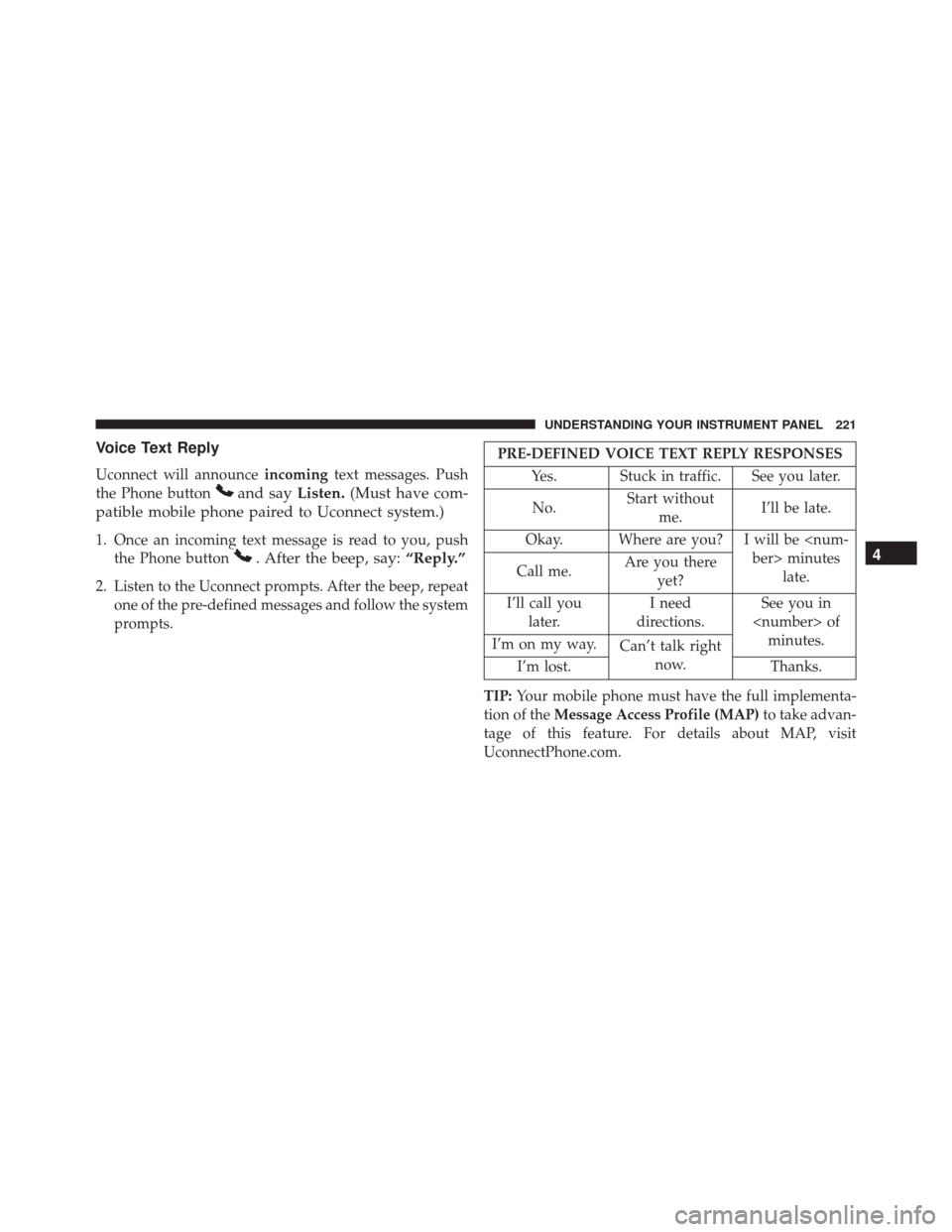
Voice Text Reply
Uconnect will announceincomingtext messages. Push
the Phone button
and say Listen.(Must have com-
patible mobile phone paired to Uconnect system.)
1. Once an incoming text message is read to you, push the Phone button
. After the beep, say: “Reply.”
2. Listen to the Uconnect prompts. After the beep, repeat
one of the pre-defined messages and follow the system
prompts.
PRE-DEFINED VOICE TEXT REPLY RESPONSES
Yes. Stuck in traffic. See you later.
No. Start without
me. I’ll be late.
Okay. Where are you? I will be minuteslate.
Call me. Are you there
yet?
I’ll call you later. I need
directions. See you in
of minutes.
I’m on my way. Can’t talk right
now.
I’m lost. Thanks.
TIP: Your mobile phone must have the full implementa-
tion of the Message Access Profile (MAP) to take advan-
tage of this feature. For details about MAP, visit
UconnectPhone.com.
4
UNDERSTANDING YOUR INSTRUMENT PANEL 221
Page 224 of 423
Apple iPhone iOS 6 or later supports readingincoming
text messages only. To enable this feature on your Apple
iPhone, follow these 4 simple steps:
iPhone Notification Setting
1 — Select “Settings”
2 — Select “Bluetooth”
3 — Select the (i) for the paired vehicle
4 — Turn on “Show Notifications”
222 UNDERSTANDING YOUR INSTRUMENT PANEL
Page 225 of 423
TIP:Voice Text Reply is not compatible with iPhone, but
if your vehicle is equipped with Siri Eyes Free, you can
use your voice to send a text message.
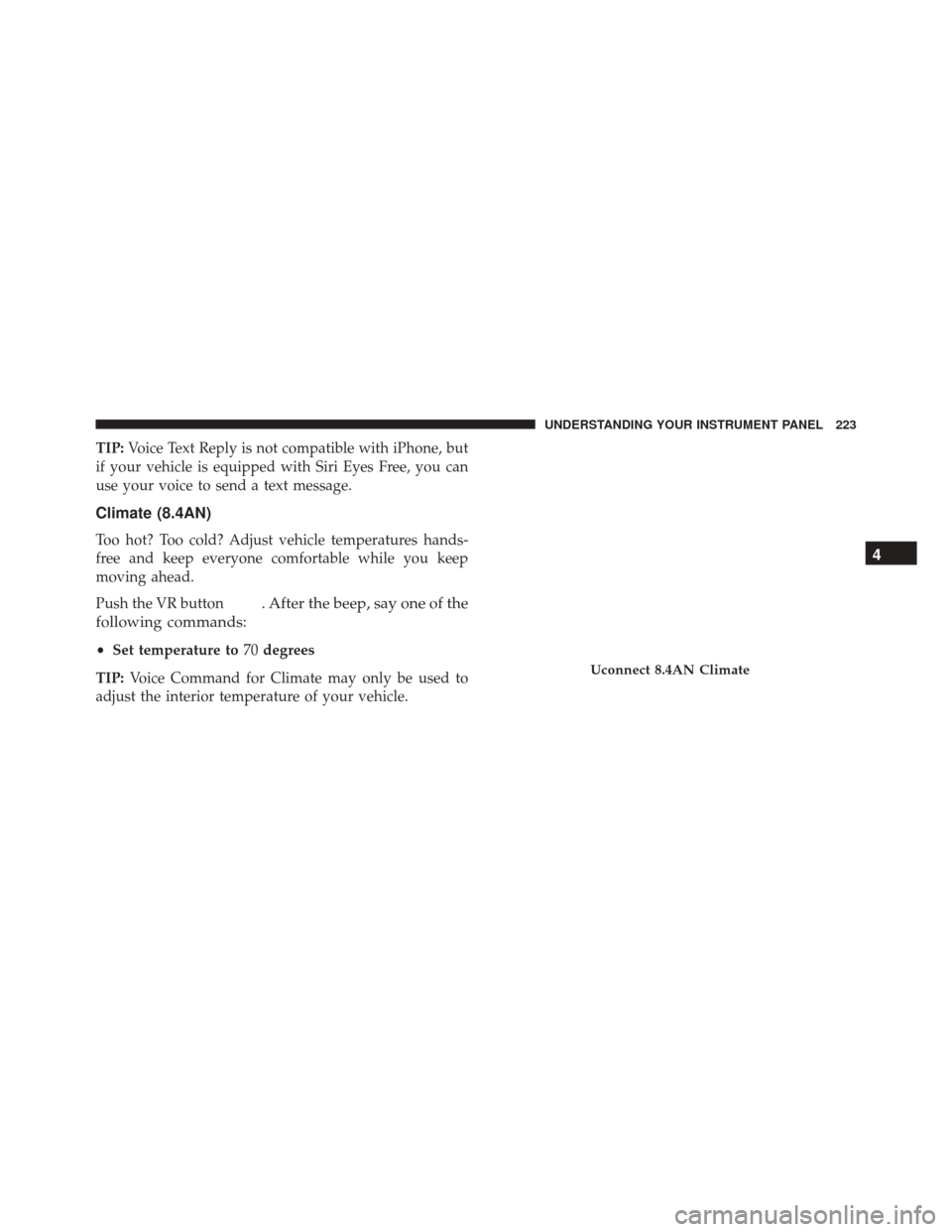
Climate (8.4AN)
Too hot? Too cold? Adjust vehicle temperatures hands-
free and keep everyone comfortable while you keep
moving ahead.
Push the VR button
. After the beep, say one of the
following commands:
• Set temperature to 70degrees
TIP: Voice Command for Climate may only be used to
adjust the interior temperature of your vehicle.
Uconnect 8.4AN Climate
4
UNDERSTANDING YOUR INSTRUMENT PANEL 223