Page 203 of 634

•The Adaptive Cruise Control (ACC) On/Off button is
pushed.
FORWARD COLLISION WARNING (FCW) WITH
MITIGATION — IF EQUIPPED
Forward Collision Warning (FCW) With Mitigation
Operation
The Forward Collision Warning (FCW) system with
mitigation provides the driver with audible warnings,
visual warnings (within the DID), and may apply a brake
jerk to warn the driver when it detects a potential frontal
collision. The warnings and limited braking are intended
to provide the driver with enough time to react, avoid or
mitigate the potential collision.
NOTE: FCW monitors the information from the forward
looking sensors as well as the Electronic Brake Controller
(EBC), to calculate the probability of a forward collision.
When the system determines that a forward collision is probable, the driver will be provided with audible and
visual warnings and may provide a brake jerk warning. If
the driver does not take action based upon these progres-
sive warnings, then the system will provide a limited
level of active braking to help slow the vehicle and
mitigate the potential forward collision. If the driver
reacts to the warnings by braking and the system deter-
mines that the driver intends to avoid the collision by
braking but has not applied sufficient brake force, the
system will compensate and provide additional brake
force as required. If a Forward Collision Warning with
Mitigation event begins at a speed below 20 mph
(32 km/h), the system may provide the maximum or
partial braking to mitigate the potential forward colli-
sion. If the Forward Collision Warning with Mitigation
event stops the vehicle completely, the system will hold
the vehicle at standstill for two seconds and then release
the brakes.
3
UNDERSTANDING THE FEATURES OF YOUR VEHICLE 201
Page 282 of 634
LaneSense Failure Indicator Light — If Equipped
Yellow TelltaleLight What It Means
LaneSense Failure Indicator Light
This light will turn on when the LaneSense system is not operating and needs service.
Please see your authorized dealer.
Adaptive Cruise Control Alert Indicator Light — If
Equipped
Yellow Telltale
Light What It Means
Adaptive Cruise Control Alert Indicator Light
This light will turn on when the ACC is not operating and needs service. For further infor-
mation, refer to “Adaptive Cruise Control (ACC)” in “Understanding The Features Of Your
Vehicle.”
280 UNDERSTANDING YOUR INSTRUMENT PANEL
Page 285 of 634
Cruise Control Engaged Indicator Light
Green TelltaleLight What It Means
Cruise Control Engaged Indicator Light
This light will turn on when the cruise control has been engaged.
LaneSense Indicator Light — If Equipped
Green Telltale
Light What It Means
LaneSense Indicator Light — If Equipped
The LaneSense indicator is solid green when both lane markings have been detected and
the system is “armed” to provide visual warnings in the EVIC/DID and a torque warning
in the steering wheel if an unintentional lane departure occurs. Refer to “LaneSense — If
Equipped�
in “Understanding The Features Of Your Vehicle” for further information.
4
UNDERSTANDING YOUR INSTRUMENT PANEL 283
Page 288 of 634
Adaptive Cruise Control (ACC) Ready Light — If
Equipped
White TelltaleLight What It Means
Adaptive Cruise Control (ACC) Ready Light — If Equipped
This light will turn on when the adaptive cruise control is ON, but not set.
Adaptive Cruise Control (ACC) Set Light — If
Equipped
White Telltale
Light What It Means
Adaptive Cruise Control (ACC) Set Light — If Equipped
This light will turn on when the adaptive cruise control is ON and SET to a specified speed.
286 UNDERSTANDING YOUR INSTRUMENT PANEL
Page 300 of 634
1st (top) space on the Timer History page the current
time resets to 0:00.0 at every push of theOKbutton.
• The timer will stop when the driver navigates away
from this page.
Lap History
When selected, this screen displays the Lap History, and
will color highlight the time that is the best time from the
Timer Page.
• Each time the driver pushes the OKbutton (while on
the Lap Timer page) the current Lap Time populates
the 1st spot and the rest of the data shifts down.
• Color will indicate the time that is the best time from
the Timer Page.
• Holding the OKbutton only resets the page you are
on.
• Lap History page is a static display of lap times only. Top Speed
When selected, this screen displays the Top Speed since
last reset:
•
Populates a top speed from first drive cycle and every
time that speed is exceeded that number is stored here
unless/until the driver resets the screen.
• Latching over ignition cycles.
• Units will change with the global change in units.
Driver Assist — If Equipped
Push and release the UPorDOWNarrow button
until the Driver Assist menu is displayed in the DID.
Adaptive Cruise Control (ACC) Menu
The DID displays the current ACC system settings. The
information displayed depends on ACC system status.
298 UNDERSTANDING YOUR INSTRUMENT PANEL
Page 301 of 634
Push the ADAPTIVE CRUISE CONTROL (ACC) ON/
OFF button (located on the steering wheel) until one of
the following displays in the DID:
Adaptive Cruise Control Off
When ACC is deactivated, the display will read “Adap-
tive Cruise Control Off.”
Adaptive Cruise Control Ready
When ACC is activated but the vehicle speed setting has
not been selected, the display will read “Adaptive Cruise
Control Ready.”
Push the SET + or the SET- button (located on the steering
wheel) and the following will display in the DID:
ACC SET
When ACC is set, the set speed will display in the
instrument cluster.The ACC screen may display once again if any ACC
activity occurs, which may include any of the following:
•
Distance Setting Change
• System Cancel
• Driver Override
• System Off
• ACC Proximity Warning
• ACC Unavailable Warning
• The DID will return to the last display selected after
five seconds of no ACC display activity.
For further information, refer to “Adaptive Cruise Con-
trol (ACC) — If Equipped” in “Understanding The
Features Of Your Vehicle.”
4
UNDERSTANDING YOUR INSTRUMENT PANEL 299
Page 612 of 634
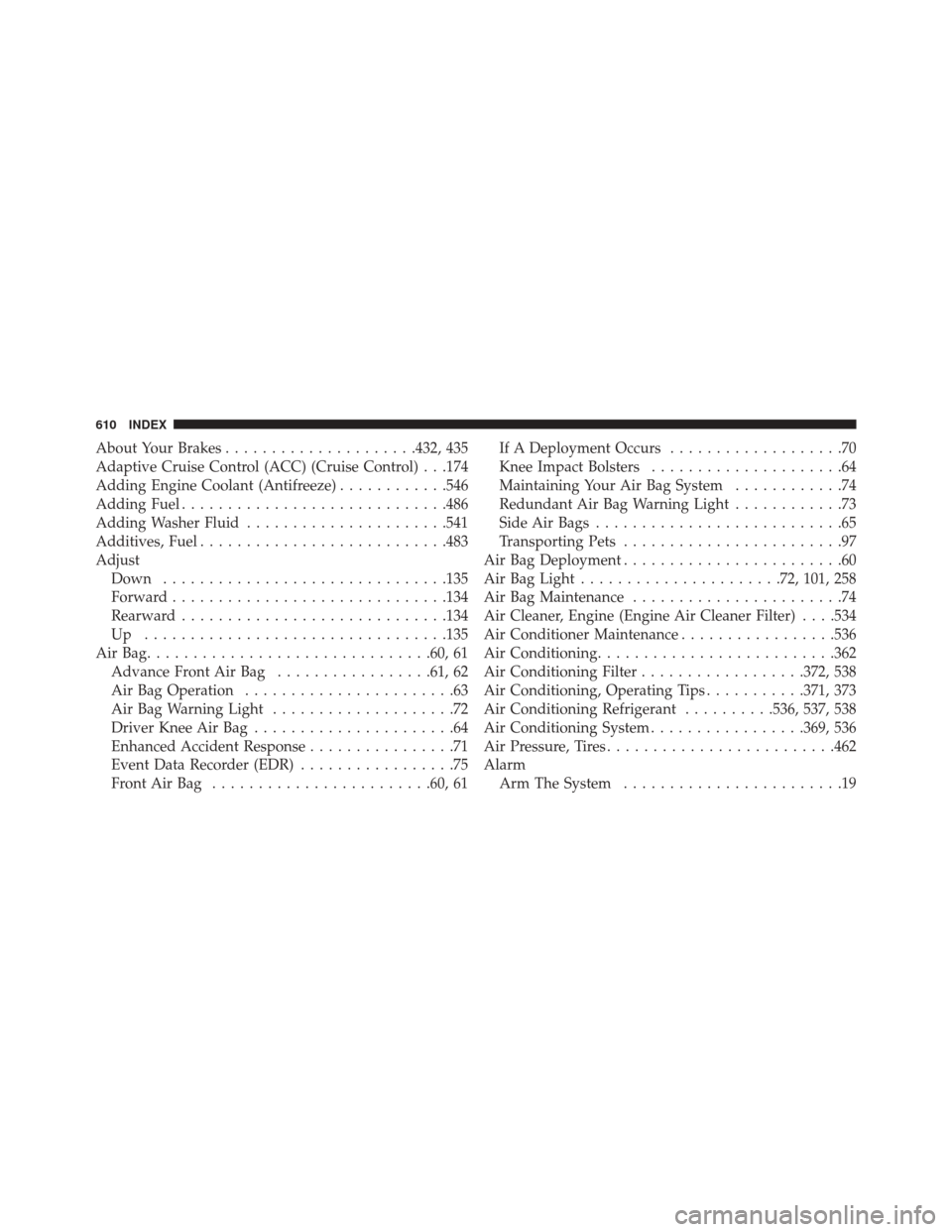
About Your Brakes.....................432, 435
Adaptive Cruise Control (ACC) (Cruise Control) . . .174
Adding Engine Coolant (Antifreeze) ............546
Adding Fuel ............................ .486
Adding Washer Fluid ..................... .541
Additives, Fuel .......................... .483
Adjust Down .............................. .135
Forward ............................. .134
Rearward ............................ .134
Up ................................ .135
AirBag.............................. .60, 61
Advance Front Air Bag .................61, 62
Air Bag Operation .......................63
Air Bag Warning Light ....................72
Driver Knee Air Bag ......................64
Enhanced Accident Response ................71
Event Data Recorder (EDR) .................75
FrontAirBag ........................60, 61 If A Deployment Occurs
...................70
Knee Impact Bolsters .....................64
Maintaining Your Air Bag System ............74
Redundant Air Bag Warning Light ............73
Side Air Bags ...........................65
Transporting Pets ........................97
Air Bag Deployment ........................60
Air Bag Light ..................... .72, 101, 258
Air Bag Maintenance .......................74
Air Cleaner, Engine (Engine Air Cleaner Filter) . . . .534
Air Conditioner Maintenance .................536
Air Conditioning ......................... .362
Air Conditioning Filter ..................372, 538
Air Conditioning, Operating Tips ...........371, 373
Air Conditioning Refrigerant ..........536, 537, 538
Air Conditioning System .................369, 536
Air Pressure, Tires ........................ .462
Alarm Arm The System ........................19
610 INDEX
Page 615 of 634
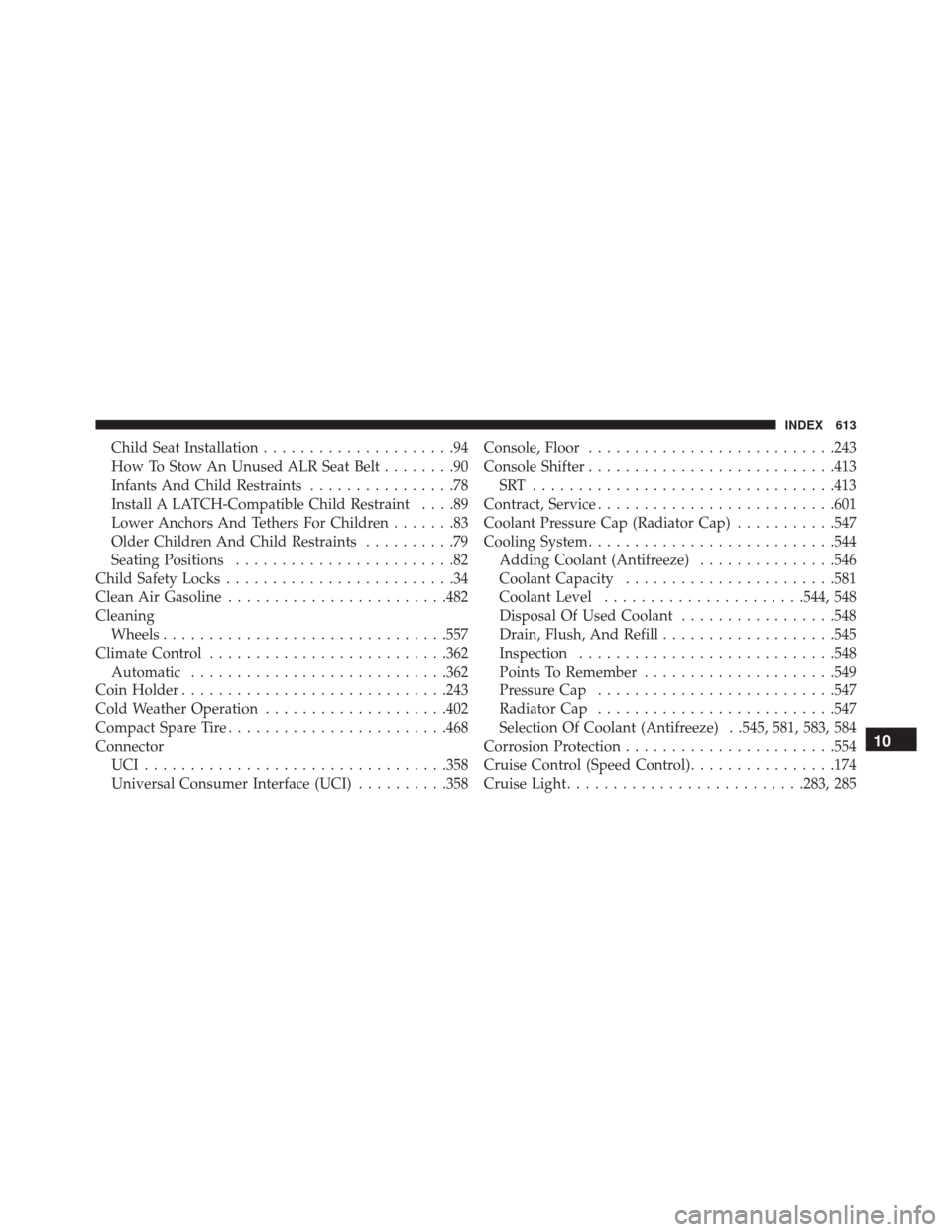
Child Seat Installation.....................94
How To Stow An Unused ALR Seat Belt ........90
Infants And Child Restraints ................78
Install A LATCH-Compatible Child Restraint ....89
Lower Anchors And Tethers For Children .......83
Older Children And Child Restraints ..........79
Seating Positions ........................82
Child Safety Locks .........................34
Clean Air Gasoline ....................... .482
Cleaning Wheels .............................. .557
Climate Control ......................... .362
Automatic ........................... .362
Coin Holder ............................ .243
Cold Weather Operation ....................402
Compact Spare Tire ....................... .468
Connector UCI................................ .358
Universal Consumer Interface (UCI) ..........358Console, Floor
.......................... .243
Console Shifter .......................... .413
SRT ................................ .413
Contract, Service ......................... .601
Coolant Pressure Cap (Radiator Cap) ...........547
Cooling System .......................... .544
Adding Coolant (Antifreeze) ...............546
Coolant Capacity ...................... .581
Coolant Level ..................... .544, 548
Disposal Of Used Coolant .................548
Drain, Flush, And Refill ...................545
Inspection ........................... .548
Points To Remember .....................549
Pressure Cap ......................... .547
Radiator Cap ......................... .547
Selection Of Coolant (Antifreeze) . .545, 581, 583, 584
Corrosion Protection ...................... .554
Cruise Control (Speed Control) ................174
Cruise Light ......................... .283, 285
10
INDEX 613