Page 266 of 634
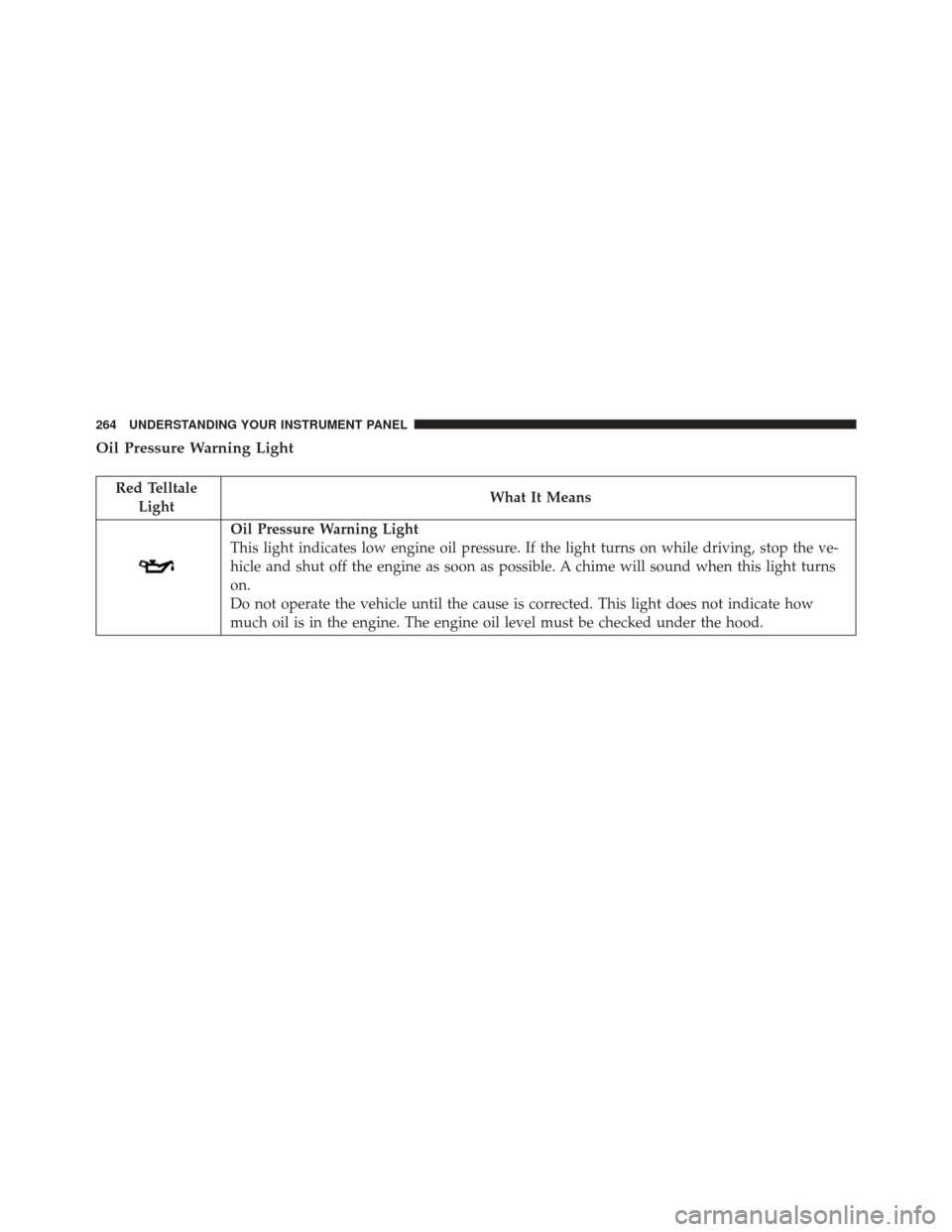
Oil Pressure Warning Light
Red TelltaleLight What It Means
Oil Pressure Warning Light
This light indicates low engine oil pressure. If the light turns on while driving, stop the ve-
hicle and shut off the engine as soon as possible. A chime will sound when this light turns
on.
Do not operate the vehicle until the cause is corrected. This light does not indicate how
much oil is in the engine. The engine oil level must be checked under the hood.
264 UNDERSTANDING YOUR INSTRUMENT PANEL
Page 268 of 634
Transmission Temperature Warning Light
Red TelltaleLight What It Means
Transmission Temperature Warning Light
This light indicates that the transmission fluid temperature is running hot. This may occur with
severe usage. If this light turns on, safely pull over and stop the vehicle. Then, place the trans-
mission into NEUTRAL and run the engine at idle speed or apply light foot pressure to increase
the engine speed RPM until the Transmission Temperature light turns off.
CAUTION!
Continuous driving with the Transmission Tempera-
ture Warning Light illuminated will eventually cause
severe transmission damage or transmission failure.
WARNING!
If you continue operating the vehicle when the
Transmission Temperature Warning Light is illumi-
nated you could cause the fluid to boil over, come in
contact with hot engine or exhaust components and
cause a fire.
266 UNDERSTANDING YOUR INSTRUMENT PANEL
Page 269 of 634
Electric Power Steering Fail Warning — If Equipped
Red TelltaleLight What It Means
Electric Power Steering Fail Warning — If Equipped
This light is used to manage the electrical warning of the EPS (Power Steering System). Re-
fer to “Power Steering” in “Starting and Operating” for further information.
Oil Temperature Warning Light
Red Telltale
Light What It Means
Oil Temperature Warning Light
This telltale indicates engine oil temperature is high. If the light turns on while driving, stop the
vehicle and shut off the engine as soon as possible.
4
UNDERSTANDING YOUR INSTRUMENT PANEL 267
Page 291 of 634
•Main menu and submenu’s wrap for continuous
scrolling.
• Upon returning to a main menu, the last submenu
screen viewed within that main menu will be dis-
played.
OK Button:
For Digital Speedometer:
• Pushing the OKbutton changes units (MPH or km/h).
For Screen Setup:
• OK button allows user to enter menu and submenus.
• Within each submenu layer, the UP
orDOWN
arrow button will allow the user to select the
item of interest.
• Pushing the OKbutton makes the selection and a
confirmation screen will appear (returning the user to
the 1st page of the submenu).
• Pushing the LEFT
arrow button will exit each
submenu layer and return to the main menu.
For the Trip and Fuel Economy menus (and new Perfor-
mance Timers):
• Information is reset by pushing and holding the OK
button.
Engine Oil Life Reset
Oil Change Required
Your vehicle is equipped with an engine oil change
indicator system. The “Oil Change Required” message
will display in the DID for five seconds after a single
chime has sounded, to indicate the next scheduled oil
change interval. The engine oil change indicator system
4
UNDERSTANDING YOUR INSTRUMENT PANEL 289
Page 292 of 634

is duty cycle based, which means the engine oil change
interval may fluctuate, dependent upon your personal
driving style.
Unless reset, this message will continue to display each
time you place the ignition in the ON/RUN position. To
turn off the message temporarily, push and release the
OKor arrow buttons. To reset the oil change indicator
system (after performing the scheduled maintenance),
refer to the following procedure.
Vehicles Equipped With Keyless Enter-N-Go
Your vehicle is equipped with an engine oil change
indicator system. The “Oil Change Required” message
will display in the DID for five seconds after a single
chime has sounded to indicate the next scheduled oil
change interval. The engine oil change indicator system
is duty cycle based, which means the engine oil change
interval may fluctuate, dependent upon your personal
driving style. Use the steering wheel DID controls for the following
procedure(s):
1. Without pushing the brake pedal, push the ENGINE
START/STOP button and place the ignition in the
ON/RUN position (do not start the engine).
2. Push and release the DOWN
arrow button to
scroll downward through the main menu to “Ve-
hicle Info.”
3. Push and release the RIGHTarrow button to
access the ”Oil Life” screen.
4. Push and hold the OKbutton to rest oil life. If
conditions are met, the gauge and numeric display
will update to show 100%. If conditions are not met a
popup message of �To reset oil life engine must be off
with ignition in run� will be displayed (for 5 seconds),
and the user will remain at the Oil Life screen.
290 UNDERSTANDING YOUR INSTRUMENT PANEL
Page 293 of 634
5. Push and release theUPorDOWNarrow
button to exit the submenu screen.
NOTE: If the indicator message illuminates when you
start the vehicle, the oil change indicator system did not
reset. If necessary, repeat this procedure.
Secondary Method Of Resetting Engine Oil Life
1. Without pushing the brake pedal, push the ENGINE START/STOP button and place the ignition to the
ON/RUN position (do not start the engine).
2. Fully push the accelerator pedal, slowly, three times within 10 seconds.
3. Without pushing the brake pedal, push the ENGINE START/STOP button once to return the ignition to the
OFF/LOCK position. NOTE:
If the indicator message illuminates when you
start the vehicle, the oil change indicator system did not
reset. If necessary, repeat this procedure.
Performance Shift Indicator (PSI) – If Equipped
The Performance Shift Indicator (PSI) is enabled on
vehicles with manual transmission, or when a vehicle
with automatic transmission is in manual shift mode. The
PSI provides the driver with a visual indication within
the DID display when the driver configured gear shift
point has been reached and the driver is still accelerating.
This indication notifies the driver to change gear corre-
sponding to the configured RPMs in the head unit. When
the shift up indicator is shown on the display, the PSI is
advising the driver to engage a higher gear.
The PSI indicator in the DID display remains illuminated
until the driver changes gear, or the driving conditions
return to a situation where changing gear is not required,
corresponding to the configured RPMs in the head unit.4
UNDERSTANDING YOUR INSTRUMENT PANEL 291
Page 338 of 634
When selected, this screen displays the following values:
•Vehicle Speed
Shows the actual vehicle speed. •
Instantaneous Horsepower/Kilowatts
Shows the instantaneous horsepower.
• Instantaneous Torque
Shows the instantaneous torque.
• Oil Pressure (6.4L Only)
Shows the actual oil pressure.
• Gear
Shows the current (or pending) operating gear of the
vehicle.
• Boost Pressure (6.2L Only)
Shows the actual boost pressure.
SRT Performance Pages — Engine (6.2L)
336 UNDERSTANDING YOUR INSTRUMENT PANEL
Page 431 of 634
WARNING!
•Driving through standing water limits your vehi-
cle’s traction capabilities. Do not exceed 5 mph
(8 km/h) when driving through standing water.
• Driving through standing water limits your vehi-
cle’s braking capabilities, which increases stopping
distances. Therefore, after driving through stand-
ing water, drive slowly and lightly press on the
brake pedal several times to dry the brakes.
• Failure to follow these warnings may result in
injuries that are serious or fatal to you, your pas-
sengers, and others around you.
CAUTION!
• Always check the depth of the standing water
before driving through it. Never drive through
(Continued)
CAUTION! (Continued)
standing water that is deeper than the bottom of
the tire rims mounted on the vehicle.
• Determine the condition of the road or the path
that is under water and if there are any obstacles in
the way before driving through the standing water.
• Do not exceed 5 mph (8 km/h) when driving
through standing water. This will minimize wave
effects.
• Driving through standing water may cause damage
to your vehicle’s drivetrain components. Always
inspect your vehicle’s fluids (i.e., engine oil, trans-
mission, axle, etc.) for signs of contamination (i.e.,
fluid that is milky or foamy in appearance) after
driving through standing water. Do not continue to
operate the vehicle if any fluid appears contami-
nated, as this may result in further damage. Such
(Continued)
5
STARTING AND OPERATING 429