Page 275 of 661
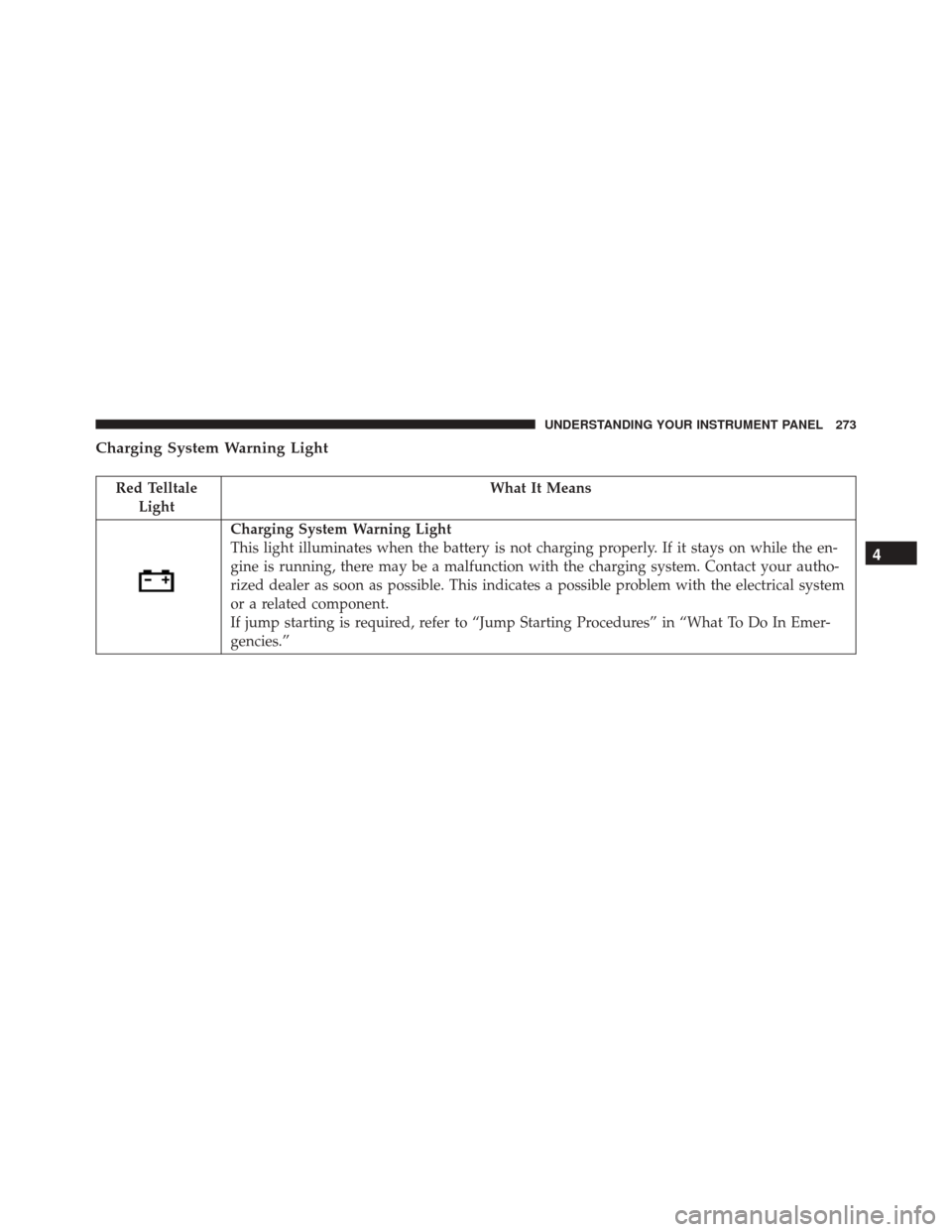
Charging System Warning Light
Red TelltaleLight What It Means
Charging System Warning Light
This light illuminates when the battery is not charging properly. If it stays on while the en-
gine is running, there may be a malfunction with the charging system. Contact your autho-
rized dealer as soon as possible. This indicates a possible problem with the electrical system
or a related component.
If jump starting is required, refer to “Jump Starting Procedures” in “What To Do In Emer-
gencies.”
4
UNDERSTANDING YOUR INSTRUMENT PANEL 273
Page 416 of 661
WARNING!(Continued)
•If the vehicle has a discharged battery, booster
cables may be used to obtain a start from a booster
battery or the battery in another vehicle. This type
of start can be dangerous if done improperly. Refer
to “Jump-Starting” in “What To Do In Emergen-
cies” for further information.
Clearing A Flooded Engine (Using ENGINE
START/STOP Button)
If the engine fails to start after you have followed the
“Normal Starting” or “Extreme Cold Weather� proce-
dures, it may be flooded. To clear any excess fuel:
1. Press and hold the brake pedal.
2. Press the accelerator pedal all the way to the floor and hold it. 3. Push and release the ENGINE START/STOP button
once.
The starter motor will engage automatically, run for 10
seconds, and then disengage. Once this occurs, release
the accelerator pedal and the brake pedal, wait 10 to 15
seconds, then repeat the “Normal Starting” procedure.
After Starting
The idle speed is controlled automatically and it will
decrease as the engine warms up.
ENGINE BLOCK HEATER — IF EQUIPPED
The engine block heater warms the engine, and permits
quicker starts in cold weather. Connect the cord to a
standard 110-115 Volt AC electrical outlet with a
grounded, three-wire extension cord.
The engine block heater must be plugged in at least one
hour to have an adequate warming effect on the engine.
414 STARTING AND OPERATING
Page 513 of 661
WHAT TO DO IN EMERGENCIES
CONTENTS
�HAZARD WARNING FLASHERS ...........513
� IF YOUR ENGINE OVERHEATS ............513
� WHEEL AND TIRE TORQUE
SPECIFICATIONS ..................... .514
▫ Torque Specifications ...................514
� JACKING AND TIRE CHANGING ..........516
▫ Jack Location/Spare Tire Stowage .........516
▫ Preparations For Jacking ................518
▫ Jacking And Changing A Tire .............519
▫ Road Tire Installation ..................524 �
TIRE SERVICE KIT — IF EQUIPPED .........525
▫ Description ........................ .525
▫ Tire Service Kit Storage .................525
▫ Tire Service Kit Components And
Operation ......................... .526
▫ Tire Service Kit Usage Precautions .........527
▫ Sealing A Tire With Tire Service Kit ........529
� JUMP-STARTING PROCEDURES ...........535
▫ Preparations For Jump-Start ..............536
▫ Jump-Starting Procedure ................537
6
Page 537 of 661
4. Clean any remaining sealant from the Tire Service Kithousing.
5. Position the new Sealant Bottle (1) in the housing so that the Sealant Hose (6) aligns with the hose slot in
the front of the housing. Push the bottle into the
housing. An audible click will be heard indicating the
bottle is locked into place.
6. Verify that the cap is installed on the fitting at the end of the Sealant Hose (6) and return the hose to its
storage area (located on the bottom of the air pump).
7. Return the Tire Service Kit to its storage location in the vehicle.
JUMP-STARTING PROCEDURES
If your vehicle has a discharged battery it can be jump-
started using a set of jumper cables and a battery in
another vehicle or by using a portable battery booster pack. Jump-starting can be dangerous if done improperly
so please follow the procedures in this section carefully.
NOTE:
When using a portable battery booster pack
follow the manufacturer ’s operating instructions and
precautions.
CAUTION!
Do not use a portable battery booster pack or any
other booster source with a system voltage greater
than 12 Volts or damage to the battery, starter motor,
alternator or electrical system may occur.
WARNING!
Do not attempt jump-starting if the battery is frozen.
It could rupture or explode and cause personal injury.
6
WHAT TO DO IN EMERGENCIES 535
Page 538 of 661
Preparations For Jump-Start
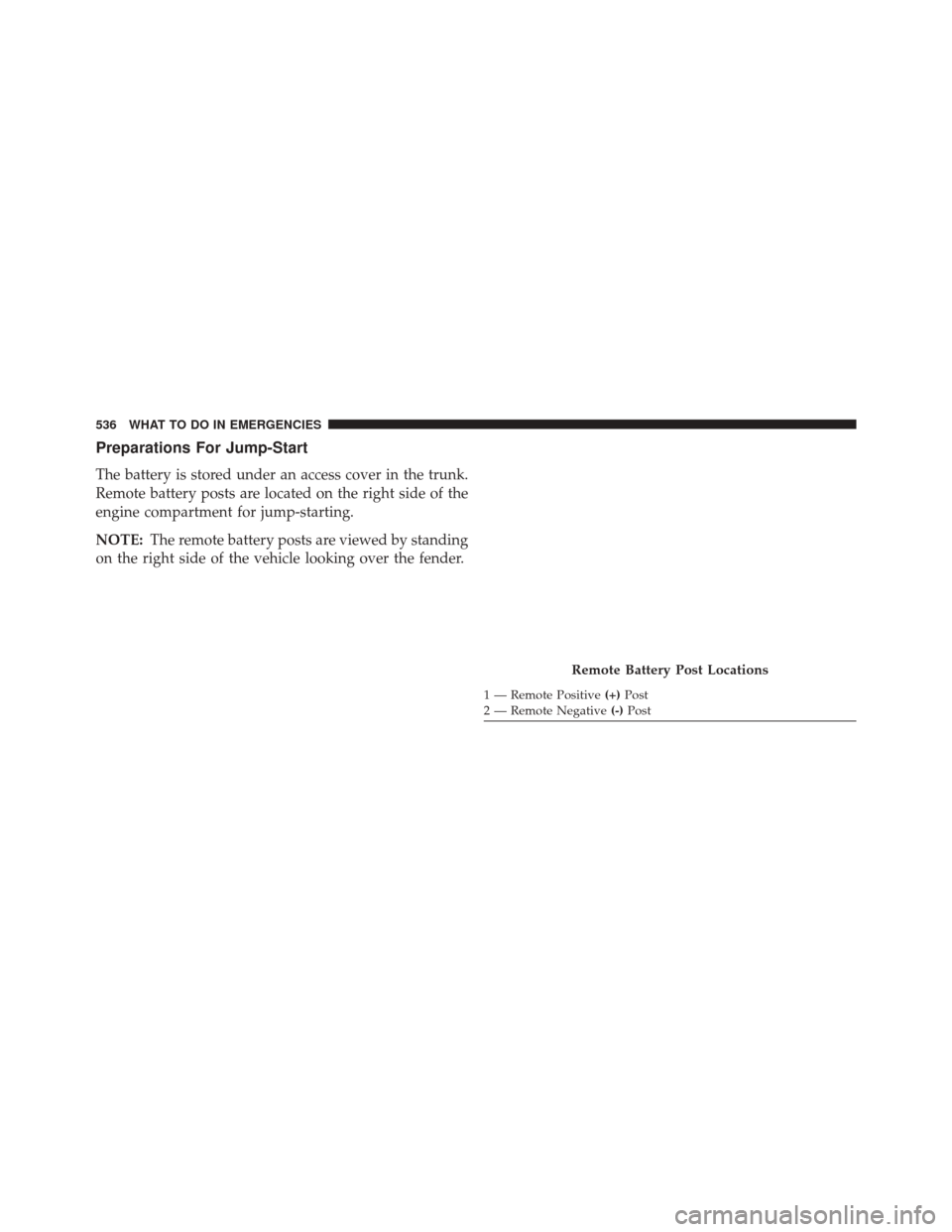
The battery is stored under an access cover in the trunk.
Remote battery posts are located on the right side of the
engine compartment for jump-starting.
NOTE:The remote battery posts are viewed by standing
on the right side of the vehicle looking over the fender.
Remote Battery Post Locations
1 — Remote Positive (+)Post
2 — Remote Negative (-)Post
536 WHAT TO DO IN EMERGENCIES
Page 539 of 661
WARNING!
•Take care to avoid the radiator cooling fan when-
ever the hood is raised. It can start anytime the
ignition switch is ON. You can be injured by
moving fan blades.
• Remove any metal jewelry such as watch bands or
bracelets that might make an inadvertent electrical
contact. You could be seriously injured.
• Batteries contain sulfuric acid that can burn your
skin or eyes and generate hydrogen gas which is
flammable and explosive. Keep open flames or
sparks away from the battery.
1. Set the parking brake, shift the automatic transmission into PARK and place the ignition in the OFF position.
2. Turn off the heater, radio, and all unnecessary electri- cal accessories. 3. If using another vehicle to jump-start the battery, park
the vehicle within the jumper cables reach, set the
parking brake and make sure the ignition is OFF.
WARNING!
Do not allow vehicles to touch each other as this
could establish a ground connection and personal
injury could result.
Jump-Starting Procedure
WARNING!
Failure to follow this jump-starting procedure could
result in personal injury or property damage due to
battery explosion.
6
WHAT TO DO IN EMERGENCIES 537
Page 540 of 661
CAUTION!
Failure to follow these procedures could result in
damage to the charging system of the booster vehicle
or the discharged vehicle.
Connecting The Jumper Cables
1. Connect the positive (+)end of the jumper cable to the
remote positive (+)post of the vehicle with the dis-
charged battery.
2. Connect the opposite end of the positive (+)jumper
cable to the positive (+)post of the booster battery.
3. Connect the negative (-)end of the jumper cable to the
negative (-)post of the booster battery.
4. Connect the opposite end of the negative (-)jumper
cable to the remote negative (-)post of the vehicle with
the discharged battery.
WARNING!
Do not connect the jumper cable to the negative (-)
post of the discharged battery. The resulting electri-
cal spark could cause the battery to explode and
could result in personal injury. Only use the specific
ground point, do not use any other exposed metal
parts.
5. Start the engine in the vehicle that has the booster battery, let the engine idle a few minutes, and then
start the engine in the vehicle with the discharged
battery.
6. Once the engine is started, remove the jumper cables in the reverse sequence:
538 WHAT TO DO IN EMERGENCIES
Page 541 of 661
Disconnecting The Jumper Cables
1. Disconnect the negative(-)end of the jumper cable
from the remote negative (-)post of the vehicle with
the discharged battery.
2. Disconnect the opposite end of the negative (-)jumper
cable from the negative (-)post of the booster battery.
3. Disconnect the positive (+)end of the jumper cable
from the positive (+)post of the booster battery.
4. Disconnect the opposite end of the positive (+)jumper
cable from the remote positive (+)post of the vehicle
with the discharged battery.
If frequent jump-starting is required to start your vehicle
you should have the battery and charging system in-
spected at your authorized dealer.CAUTION!
Accessories plugged into the vehicle power outlets
draw power from the vehicle’s battery, even when not
in use (i.e., cellular devices, etc.). Eventually, if
plugged in long enough without engine operation,
the vehicle’s battery will discharge sufficiently to
degrade battery life and/or prevent the engine from
starting.
FREEING A STUCK VEHICLE
If your vehicle becomes stuck in mud, sand, or snow, it
can often be moved using a rocking motion. Turn the
steering wheel right and left to clear the area around the
front wheels. Push and hold the lock button on the gear
selector. Then shift back and forth between DRIVE and
REVERSE while gently pressing the accelerator. Use the
6
WHAT TO DO IN EMERGENCIES 539