Page 370 of 661
NOTE:BI-LEVEL mode is designed under comfort con-
ditions to provide cooler air out of the panel outlets and
warmer air from the floor outlets.
•Floor Mode
Air comes from the floor outlets. A slight
amount of air is directed through the defrost
and side window demister outlets.
• Mix Mode
Air comes from the floor, defrost and side
window demist outlets. This mode works best
in cold or snowy conditions.
NOTE: The air conditioning compressor operates in MIX
and DEFROST modes even if the A/C button is not
pushed. This dehumidifies the air to help dry the wind-
shield. To improve fuel economy, use these modes only
when necessary. 8. Climate Control OFF Button
Push and release this button to turn the Climate Control
ON/OFF.
9. Driver Temperature Control Up Button
Provides the driver with independent temperature con-
trol. Push the button on the faceplate for warmer tem-
perature settings or on the touchscreen, press and slide
the temperature bar button into the red area for warmer
temperature settings.
NOTE:
In Sync mode, this button will also automatically
adjust the passenger temperature setting at the same
time.
368 UNDERSTANDING YOUR INSTRUMENT PANEL
Page 378 of 661
13. Driver Temperature Control Down Button (Uconnect
8.4 Only)
Provides the driver with independent temperature con-
trol. Push the button on the faceplate for cooler tempera-
ture settings or on the touchscreen, press and slide the
temperature bar button towards the blue arrow for cooler
temperature settings.
NOTE:In Sync mode, this button will also automatically
adjust the passenger temperature setting at the same
time.
14. Driver Temperature Control Up Button (Uconnect 8.4
Only)
Provides the driver with independent temperature con-
trol. Push the button on the faceplate for warmer tem-
perature settings or on the touchscreen, press and slide
the temperature bar button towards the red arrow for
warmer temperature settings. NOTE:
In Sync mode, this button will also automatically
adjust the passenger temperature setting at the same
time.
Climate Control Functions
A/C (Air Conditioning)
The Air Conditioning (A/C) button allows the operator
to manually activate or deactivate the air conditioning
system. When the air conditioning system is turned on,
cool dehumidified air will flow through the outlets into
the cabin. For improved fuel economy, press the A/C
button to turn off the air conditioning and manually
adjust the blower and airflow mode settings. Also, make
sure to select only Panel, Bi-Level or Floor modes.
NOTE:
• If fog or mist appears on the windshield or side glass,
select Defrost mode and increase blower speed if
needed.
376 UNDERSTANDING YOUR INSTRUMENT PANEL
Page 403 of 661
SiriusXM Travel Link (8.4A/8.4AN)
Need to find a gas station, view local movie listings,
check a sports score or the 5 - day weather forecast?
SiriusXM Travel Link is a suite of services that brings a
wealth of information right to your Uconnect 8.4AN
system. (Not available for 8.4A system.)
Push the VR button
. After the beep, say one of the
following commands:
• Show fuel prices
• Show 5 - day weather forecast
• Show extended weather
TIP: Traffic alerts are not accessible with Voice Com-
mand.
Siri Eyes Free — If Equipped
If your vehicle is equipped with Siri Eyes Free, you can
use your voice to send text messages, schedule meetings,
set reminders, and more. For further information go to
the Mopar Owner Connect website
moparownerconnect.com.
SiriusXM Travel Link
4
UNDERSTANDING YOUR INSTRUMENT PANEL 401
Page 408 of 661
�DRIVING ON SLIPPERY SURFACES .........429
▫ Acceleration ........................ .429
▫ Traction ........................... .429
� DRIVING THROUGH WATER .............430
▫ Flowing/Rising Water ..................430
▫ Shallow Standing Water .................431
� ELECTRIC POWER STEERING .............432
� FUEL SAVER TECHNOLOGY 5.7L ENGINE
ONLY — IF EQUIPPED ..................433
� PARKING BRAKE ..................... .434
� BRAKE SYSTEM ...................... .436
� ELECTRONIC BRAKE CONTROL SYSTEM . . . .437
▫ Electronic Brake Force Distribution (EBD) . . . .437 ▫
Brake System Warning Light ..............438
▫ Anti-Lock Brake System (ABS) ............438
▫ Anti-Lock Brake Warning Light ............440
▫ Brake Assist System (BAS) ...............440
▫ Hill Start Assist (HSA) .................441
▫ Traction Control System (TCS) ............444
▫ Electronic Stability Control (ESC) ..........444
▫ Electronic Roll Mitigation (ERM) ..........449
▫ Ready Alert Braking (RAB) ...............450
▫ Rainy Brake Support (RBS) ...............450
� TIRE SAFETY INFORMATION .............451
▫ Tire Markings ....................... .451
▫ Tire Identification Number (TIN) ...........454
406 STARTING AND OPERATING
Page 409 of 661

▫Tire Terminology And Definitions ..........456
▫ Tire Loading And Tire Pressure ...........457
� TIRES — GENERAL INFORMATION ........462
▫ Tire Pressure ....................... .462
▫ Tire Inflation Pressures .................464
▫ Tire Pressures For High Speed Operation . . . .465
▫ Radial Ply Tires ..................... .466
▫ Tire Types .......................... .466
▫ Run Flat Tires — If Equipped .............468
▫ Spare Tires — If Equipped ...............469
▫ Tire Spinning ....................... .471
▫ Tread Wear Indicators ..................472
▫ Life Of Tire ........................ .472▫
Replacement Tires .....................473
� TIRE CHAINS (TRACTION DEVICES) .......475
� TIRE ROTATION RECOMMENDATIONS .....476
� TIRE PRESSURE MONITOR SYSTEM (TPMS) . .477
▫ Premium System ..................... .480
▫ General Information ....................483
� FUEL REQUIREMENTS ..................483
▫ 3.6L Engine — If Equipped ...............483
▫ 5.7L Engine — If Equipped ...............484
▫ Reformulated Gasoline .................484
▫ Gasoline/Oxygenate Blends ..............485
▫ E-85 Usage In Non-Flex Fuel Vehicles .......485
▫ MMT In Gasoline .....................486
5
STARTING AND OPERATING 407
Page 410 of 661
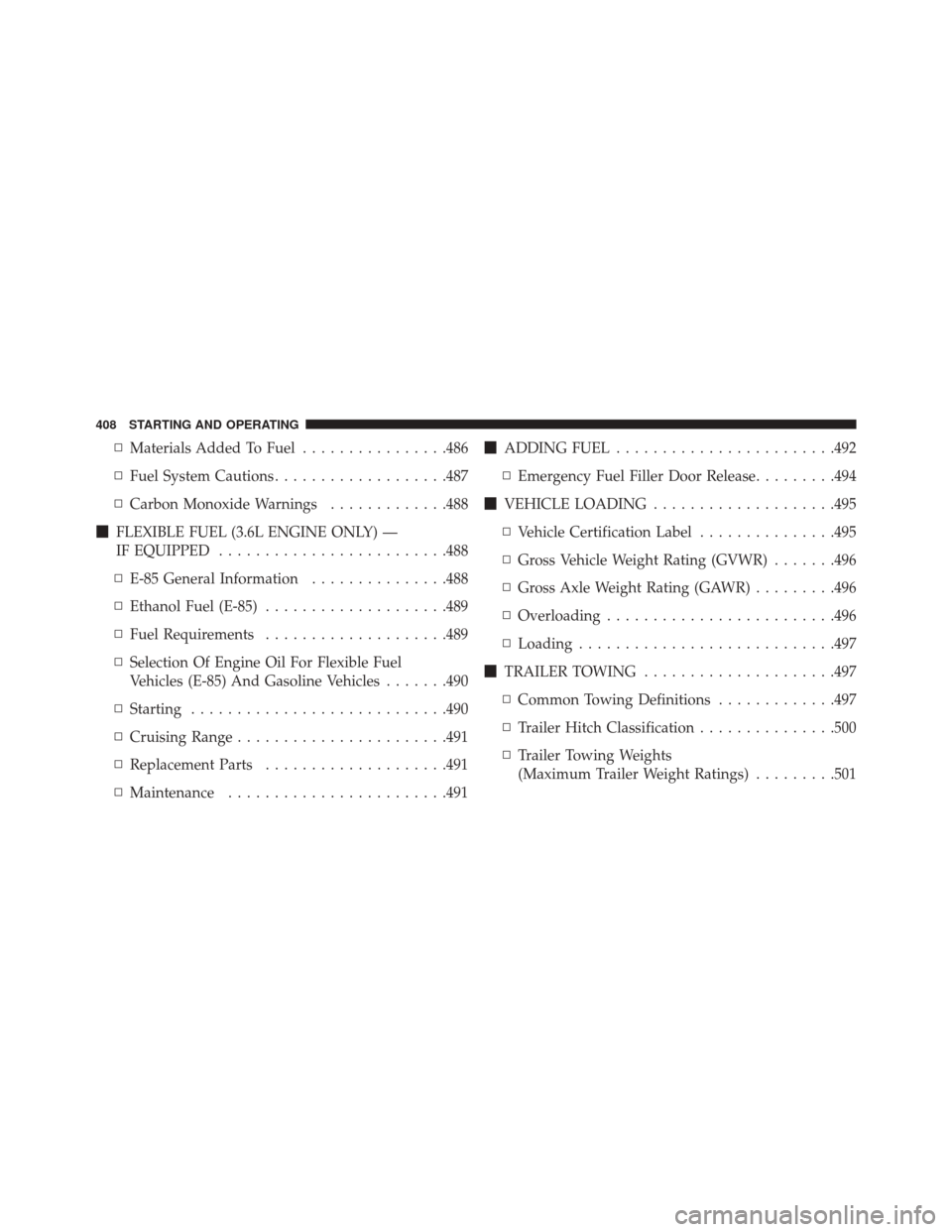
▫Materials Added To Fuel ................486
▫ Fuel System Cautions ...................487
▫ Carbon Monoxide Warnings .............488
� FLEXIBLE FUEL (3.6L ENGINE ONLY) —
IF EQUIPPED ........................ .488
▫ E-85 General Information ...............488
▫ Ethanol Fuel (E-85) ....................489
▫ Fuel Requirements ....................489
▫ Selection Of Engine Oil For Flexible Fuel
Vehicles (E-85) And Gasoline Vehicles .......490
▫ Starting ........................... .490
▫ Cruising Range ...................... .491
▫ Replacement Parts ....................491
▫ Maintenance ....................... .491�
ADDING FUEL ....................... .492
▫ Emergency Fuel Filler Door Release .........494
� VEHICLE LOADING ....................495
▫ Vehicle Certification Label ...............495
▫ Gross Vehicle Weight Rating (GVWR) .......496
▫ Gross Axle Weight Rating (GAWR) .........496
▫ Overloading ........................ .496
▫ Loading ........................... .497
� TRAILER TOWING .....................497
▫ Common Towing Definitions .............497
▫ Trailer Hitch Classification ...............500
▫ Trailer Towing Weights
(Maximum Trailer Weight Ratings) .........501
408 STARTING AND OPERATING
Page 415 of 661
ENGINE START/STOP Button Functions — With
Driver ’s Foot OFF The Brake Pedal (In PARK Or
NEUTRAL Position)
The ENGINE START/STOP button operates similar to an
ignition switch. It has three positions, OFF, ACC, RUN.
To change the ignition switch positions without starting
the vehicle and use the accessories follow these steps:
1. Starting with the ignition in the OFF position:
2. Push the ENGINE START/STOP button once tochange the ignition to the ACC position.
3. Push the ENGINE START/STOP button a second time to change the ignition to the RUN position.
4. Push the ENGINE START/STOP button a third time to return the ignition to the OFF position.
Extreme Cold Weather (Below –22°F Or 30°C)
To ensure reliable starting at these temperatures, use of
an externally powered electric engine block heater (avail-
able from your authorized dealer) is recommended.
If Engine Fails To Start
WARNING!
•Never pour fuel or other flammable liquid into the
throttle body air inlet opening in an attempt to start
the vehicle. This could result in flash fire causing
serious personal injury.
• Do not attempt to push or tow your vehicle to get it
started. Vehicles equipped with an automatic trans-
mission cannot be started this way. Unburned fuel
could enter the catalytic converter and once the
engine has started, ignite and damage the converter
and vehicle.
(Continued)
5
STARTING AND OPERATING 413
Page 416 of 661
WARNING!(Continued)
•If the vehicle has a discharged battery, booster
cables may be used to obtain a start from a booster
battery or the battery in another vehicle. This type
of start can be dangerous if done improperly. Refer
to “Jump-Starting” in “What To Do In Emergen-
cies” for further information.
Clearing A Flooded Engine (Using ENGINE
START/STOP Button)
If the engine fails to start after you have followed the
“Normal Starting” or “Extreme Cold Weather� proce-
dures, it may be flooded. To clear any excess fuel:
1. Press and hold the brake pedal.
2. Press the accelerator pedal all the way to the floor and hold it. 3. Push and release the ENGINE START/STOP button
once.
The starter motor will engage automatically, run for 10
seconds, and then disengage. Once this occurs, release
the accelerator pedal and the brake pedal, wait 10 to 15
seconds, then repeat the “Normal Starting” procedure.
After Starting
The idle speed is controlled automatically and it will
decrease as the engine warms up.
ENGINE BLOCK HEATER — IF EQUIPPED
The engine block heater warms the engine, and permits
quicker starts in cold weather. Connect the cord to a
standard 110-115 Volt AC electrical outlet with a
grounded, three-wire extension cord.
The engine block heater must be plugged in at least one
hour to have an adequate warming effect on the engine.
414 STARTING AND OPERATING