Page 235 of 620
To turn the lights off, push the switch a second time. The
lights also turn on when a door is opened. The lights will
also turn on when the UNLOCK button on the RKE is
pushed.Courtesy Lights
The courtesy lights can be turned on by pushing the top
corner of the lens. To turn the lights off, push the lens a
second time.
Front Map/Reading Light SwitchesCourtesy Lights
3
UNDERSTANDING THE FEATURES OF YOUR VEHICLE 233
Page 253 of 620
CAUTION!
•Many accessories that can be plugged in draw
power from the vehicle’s battery even when not in
use (i.e., cellular phones, etc.). Eventually, if
plugged in long enough, the vehicle’s battery will
discharge sufficiently to degrade battery life and/or
prevent the engine from starting.
• Accessories that draw higher power (i.e., coolers,
vacuum cleaners, lights, etc.) will degrade the bat-
tery even more quickly. Only use these intermit-
tently and with greater caution.
(Continued)
CAUTION! (Continued)
•After the use of high power draw accessories or
long periods of the vehicle not being started (with
accessories still plugged in), the vehicle must be
driven a sufficient length of time to allow the
alternator to recharge the vehicle’s battery.
• Power outlets are designed for accessory plugs
only. Do not hang any type of accessory or acces-
sory bracket from the plug. Improper use of the
power outlet can cause damage.
3
UNDERSTANDING THE FEATURES OF YOUR VEHICLE 251
Page 256 of 620
convenient access to beverage cans or bottles while
maintaining a resting place for the rear occupant’s el-
bows.Lighted Cupholders — If Equipped
On some vehicles the rear cupholders are equipped with
a light ring that illuminates the cupholders for the rear
passengers. The light ring is controlled by the Dimmer
Control. Refer to “Lights” in “Understanding The Fea-
tures Of Your Vehicle” for further information.
Rear Seat Cupholders
Light Ring In Rear Cupholder
254 UNDERSTANDING THE FEATURES OF YOUR VEHICLE
Page 267 of 620
UNDERSTANDING YOUR INSTRUMENT PANEL
CONTENTS
�INSTRUMENT PANEL FEATURES ..........268
� INSTRUMENT CLUSTER .................269
� WARNING AND INDICATOR LIGHTS .......271
▫ Red Telltale Indicator Lights ..............272
▫ Yellow Telltale Indicator Lights ............283
▫ Green Telltale Indicator Lights ............296
▫ White Telltale Indicator Lights ............298
▫ Blue Telltale Indicator Lights ..............301
� DRIVER INFORMATION DISPLAY (DID) .....301
▫ Engine Oil Life Reset ..................303 ▫
Gear Shift Indicator (GSI) — If Equipped . . . .306
▫ DID Selectable Menu Items ..............306
� CYBERSECURITY ...................... .312
� SETTING THE ANALOG CLOCK ...........314
� UCONNECT SETTINGS ..................314
▫ Buttons On The Faceplate ................315
▫ Buttons On The Touchscreen ..............316
▫ Customer Programmable Features — Uconnect 8.4
Settings ............................ .316
� UCONNECT RADIOS — IF EQUIPPED ......3344
Page 273 of 620

CAUTION!(Continued)
remains on the “H”, turn the engine off immediately
and call an authorized dealer for service.
WARNING!
A hot engine cooling system is dangerous. You or
others could be badly burned by steam or boiling
coolant. You may want to call an authorized dealer
for service if your vehicle overheats. If you decide to
look under the hood yourself, see “Maintaining Your
Vehicle”. Follow the warnings under the Cooling
System Pressure Cap paragraph.
WARNING AND INDICATOR LIGHTS
IMPORTANT: The warning / indicator lights switch on
in the instrument panel together with a dedicated mes-
sage and/or acoustic signal when applicable. These
indications are indicative and precautionary and as such
must not be considered as exhaustive and/or alternative
to the information contained in the Owner Manual,
which you are advised to read carefully in all cases.
Always refer to the information in this chapter in the
event of a failure indication.
All active telltales will display first if applicable. The
system check menu may appear different based upon
equipment options and current vehicle status. Some
telltales are optional and may not appear.
4
UNDERSTANDING YOUR INSTRUMENT PANEL 271
Page 274 of 620
Red Telltale Indicator Lights
Seat Belt Reminder Warning Light
Red TelltaleLight What It Means
Seat Belt Reminder Warning Light
When the ignition switch is first turned to ON/RUN, this light will turn on for four to eight
seconds as a bulb check. During the bulb check, if the driver’s seat belt is unbuckled, a
chime will sound. After the bulb check or when driving, if the driver ’s seat belt remains un-
buckled, the Seat Belt Reminder Light will flash or remain on continuously and a chime will
sound. Refer to “Occupant Restraints” in “Things To Know Before Starting Your Vehicle” for
further information.
272 UNDERSTANDING YOUR INSTRUMENT PANEL
Page 285 of 620
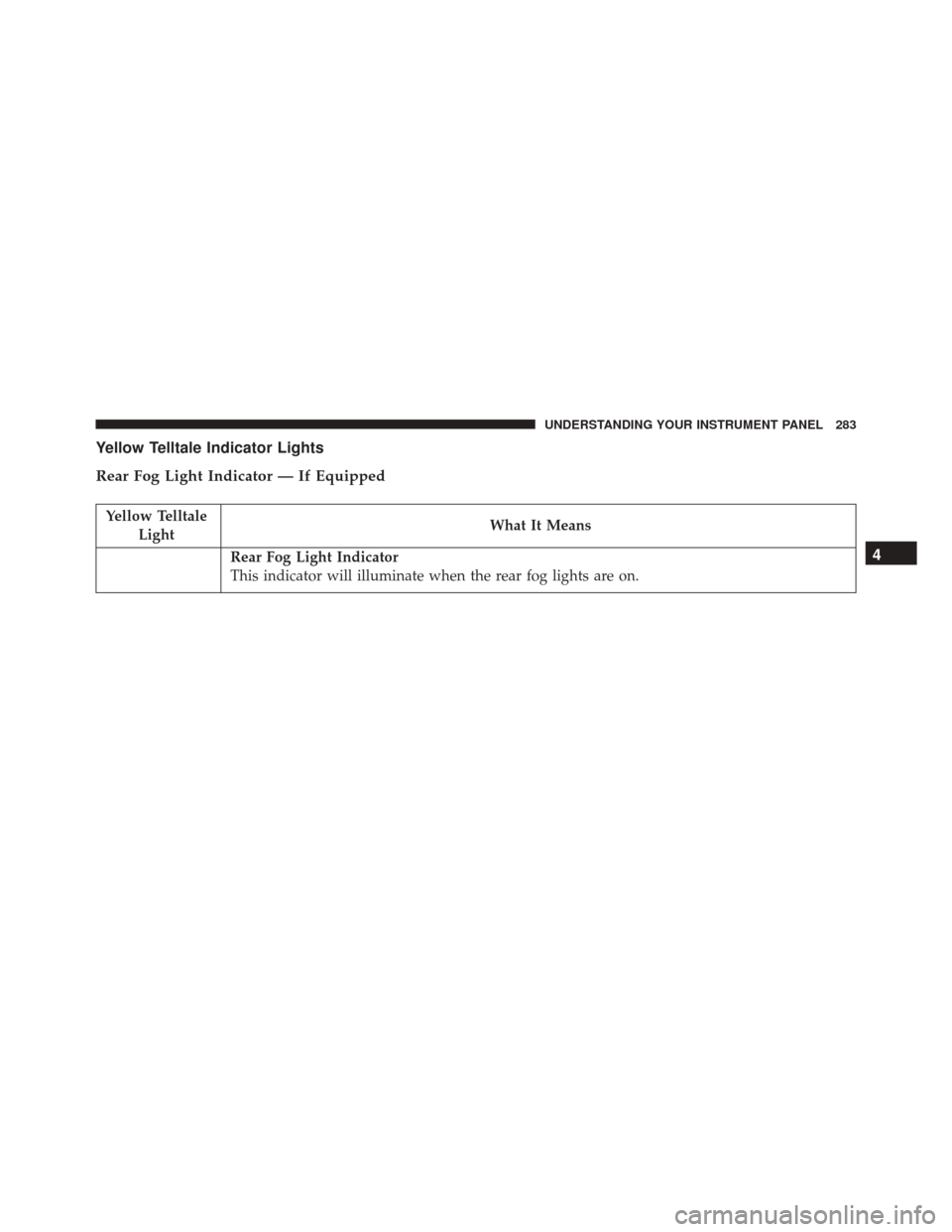
Yellow Telltale Indicator Lights
Rear Fog Light Indicator — If Equipped
Yellow TelltaleLight What It Means
Rear Fog Light Indicator
This indicator will illuminate when the rear fog lights are on.4
UNDERSTANDING YOUR INSTRUMENT PANEL 283
Page 298 of 620
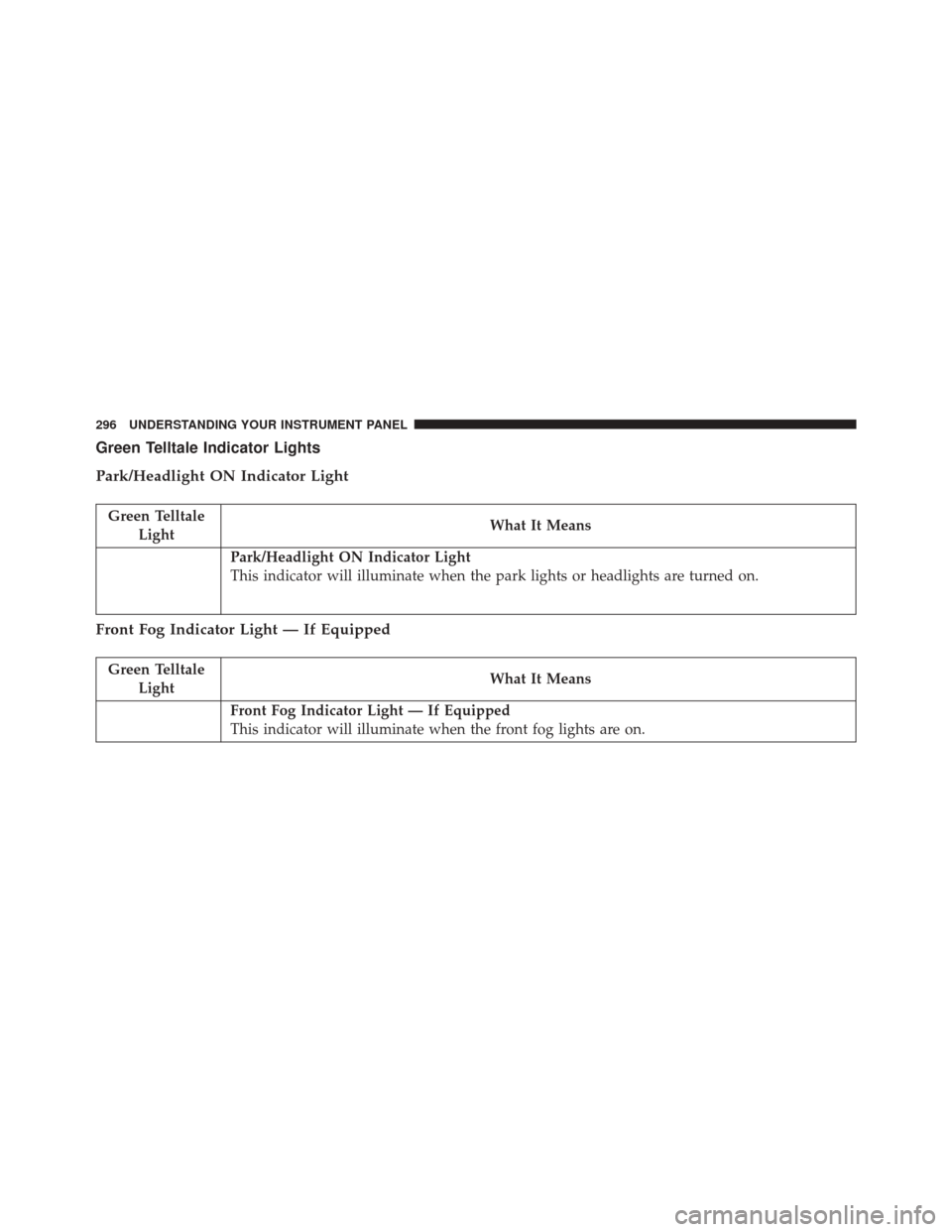
Green Telltale Indicator Lights
Park/Headlight ON Indicator Light
Green TelltaleLight What It Means
Park/Headlight ON Indicator Light
This indicator will illuminate when the park lights or headlights are turned on.
Front Fog Indicator Light — If Equipped
Green Telltale
Light What It Means
Front Fog Indicator Light — If Equipped
This indicator will illuminate when the front fog lights are on.
296 UNDERSTANDING YOUR INSTRUMENT PANEL