Page 193 of 620
To Decrease Speed
While ACC is set, the set speed can be decreased by
pushing the SET-button.
The drivers preferred units can be selected through the
instrument panel settings if equipped. Refer to “Under-
standing Your Instrument Panel” for more information.
The speed decrement shown is dependant on the chosen
speed unit of U.S. (mph) or Metric (km/h):
U.S. Speed (mph)
• Pushing the SET -button once will result ina1mph
decrease in set speed. Each subsequent tap of the
button results in a decrease of 1 mph.
• If the button is continually pushed, the set speed will
continue to decrease in 5 mph decrements until the
button is released. The decrease in set speed is re-
flected in the DID. Metric Speed (km/h)
•
Pushing the SET -button once will result in a 1 km/h
decrease in set speed. Each subsequent tap of the
button results in a decrease of 1 km/h.
• If the button is continually pushed, the set speed will
continue to decrease in 10 km/h decrements until the
button is released. The decrease in set speed is re-
flected in the DID.
NOTE:
• When you override and push the SET +button or SET
- buttons, the new Set Speed will be the current speed
of the vehicle.
• When you use the SET -button to decelerate, if the
engine’s braking power does not slow the vehicle
sufficiently to reach the set speed, the brake system
will automatically slow the vehicle.
3
UNDERSTANDING THE FEATURES OF YOUR VEHICLE 191
Page 253 of 620
CAUTION!
•Many accessories that can be plugged in draw
power from the vehicle’s battery even when not in
use (i.e., cellular phones, etc.). Eventually, if
plugged in long enough, the vehicle’s battery will
discharge sufficiently to degrade battery life and/or
prevent the engine from starting.
• Accessories that draw higher power (i.e., coolers,
vacuum cleaners, lights, etc.) will degrade the bat-
tery even more quickly. Only use these intermit-
tently and with greater caution.
(Continued)
CAUTION! (Continued)
•After the use of high power draw accessories or
long periods of the vehicle not being started (with
accessories still plugged in), the vehicle must be
driven a sufficient length of time to allow the
alternator to recharge the vehicle’s battery.
• Power outlets are designed for accessory plugs
only. Do not hang any type of accessory or acces-
sory bracket from the plug. Improper use of the
power outlet can cause damage.
3
UNDERSTANDING THE FEATURES OF YOUR VEHICLE 251
Page 267 of 620
UNDERSTANDING YOUR INSTRUMENT PANEL
CONTENTS
�INSTRUMENT PANEL FEATURES ..........268
� INSTRUMENT CLUSTER .................269
� WARNING AND INDICATOR LIGHTS .......271
▫ Red Telltale Indicator Lights ..............272
▫ Yellow Telltale Indicator Lights ............283
▫ Green Telltale Indicator Lights ............296
▫ White Telltale Indicator Lights ............298
▫ Blue Telltale Indicator Lights ..............301
� DRIVER INFORMATION DISPLAY (DID) .....301
▫ Engine Oil Life Reset ..................303 ▫
Gear Shift Indicator (GSI) — If Equipped . . . .306
▫ DID Selectable Menu Items ..............306
� CYBERSECURITY ...................... .312
� SETTING THE ANALOG CLOCK ...........314
� UCONNECT SETTINGS ..................314
▫ Buttons On The Faceplate ................315
▫ Buttons On The Touchscreen ..............316
▫ Customer Programmable Features — Uconnect 8.4
Settings ............................ .316
� UCONNECT RADIOS — IF EQUIPPED ......3344
Page 270 of 620
INSTRUMENT PANEL FEATURES
1 — Air Outlet7 — Glove Compartment13 — Headlight Switch
2—Driver Information Display (DID) Con-
trols8 — Uconnect System Hard Controls 14 — Adaptive Cruise Control
3 — Instrument Cluster 9 — Switch Bank15 —Uconnect Phone Controls
4 — Speed Controls 10 — Climate Control Hard Controls
5 — Uconnect System 11 — Engine Start/Stop Button
6 — Analog Clock 12 — Trunk Release Button
268 UNDERSTANDING YOUR INSTRUMENT PANEL
Page 272 of 620
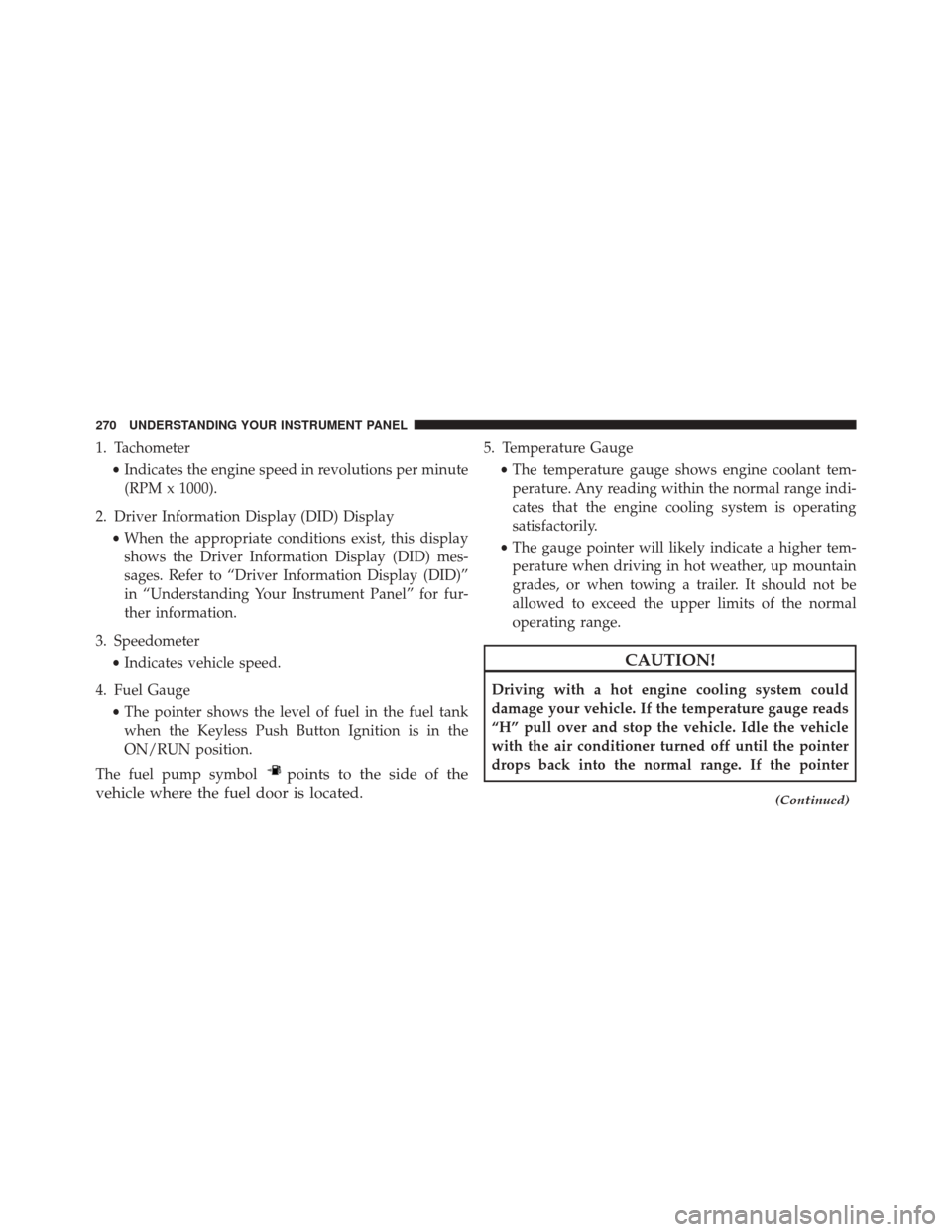
1. Tachometer•Indicates the engine speed in revolutions per minute
(RPM x 1000).
2. Driver Information Display (DID) Display •When the appropriate conditions exist, this display
shows the Driver Information Display (DID) mes-
sages. Refer to “Driver Information Display (DID)”
in “Understanding Your Instrument Panel” for fur-
ther information.
3. Speedometer •Indicates vehicle speed.
4. Fuel Gauge •The pointer shows the level of fuel in the fuel tank
when the Keyless Push Button Ignition is in the
ON/RUN position.
The fuel pump symbol
points to the side of the
vehicle where the fuel door is located.
5. Temperature Gauge
•The temperature gauge shows engine coolant tem-
perature. Any reading within the normal range indi-
cates that the engine cooling system is operating
satisfactorily.
• The gauge pointer will likely indicate a higher tem-
perature when driving in hot weather, up mountain
grades, or when towing a trailer. It should not be
allowed to exceed the upper limits of the normal
operating range.
CAUTION!
Driving with a hot engine cooling system could
damage your vehicle. If the temperature gauge reads
“H” pull over and stop the vehicle. Idle the vehicle
with the air conditioner turned off until the pointer
drops back into the normal range. If the pointer
(Continued)
270 UNDERSTANDING YOUR INSTRUMENT PANEL
Page 273 of 620

CAUTION!(Continued)
remains on the “H”, turn the engine off immediately
and call an authorized dealer for service.
WARNING!
A hot engine cooling system is dangerous. You or
others could be badly burned by steam or boiling
coolant. You may want to call an authorized dealer
for service if your vehicle overheats. If you decide to
look under the hood yourself, see “Maintaining Your
Vehicle”. Follow the warnings under the Cooling
System Pressure Cap paragraph.
WARNING AND INDICATOR LIGHTS
IMPORTANT: The warning / indicator lights switch on
in the instrument panel together with a dedicated mes-
sage and/or acoustic signal when applicable. These
indications are indicative and precautionary and as such
must not be considered as exhaustive and/or alternative
to the information contained in the Owner Manual,
which you are advised to read carefully in all cases.
Always refer to the information in this chapter in the
event of a failure indication.
All active telltales will display first if applicable. The
system check menu may appear different based upon
equipment options and current vehicle status. Some
telltales are optional and may not appear.
4
UNDERSTANDING YOUR INSTRUMENT PANEL 271
Page 278 of 620
Vehicle Security Warning Light — If Equipped
Red TelltaleLight What It Means
Vehicle Security Warning Light — If Equipped
This light will flash at a fast rate for approximately 15 seconds when the vehicle security
alarm is arming, and then will flash slowly until the vehicle is disarmed.
Engine Temperature Warning Light
Red Telltale
Light What It Means
Engine Temperature Warning Light
This light warns of an overheated engine condition. If the engine coolant temperature is too
high, this indicator will illuminate and a single chime will sound. If the temperature reaches the
upper limit, a continuous chime will be sound for 4 minutes or until the engine is allowed to
cool whichever comes first.
276 UNDERSTANDING YOUR INSTRUMENT PANEL
Page 279 of 620
Red TelltaleLight What It Means
If the light turns on while driving, safely pull over and stop the vehicle. If the A/C system is on,
turn it off. Also, shift the transmission into NEUTRAL and idle the vehicle. If the temperature
reading does not return to normal, turn the engine off immediately and call for service. Refer to
“If Your Engine Overheats” in “What To Do In Emergencies” for further information.
Charging System Warning Light
Red Telltale Light What It Means
Charging System Warning Light
This light shows the status of the electrical charging system. If the light stays on or comes
on while driving, turn off some of the vehicle’s nonessential electrical devices or increase
engine speed (if at idle). If the charging system light remains on, it means that the vehicle is
experiencing a problem with the charging system. Obtain SERVICE IMMEDIATELY. See an
authorized dealer.
If jump starting is required, refer to “Jump Starting Procedures” in “What To Do In Emer-
gencies.”
4
UNDERSTANDING YOUR INSTRUMENT PANEL 277