Page 314 of 702

▫DID Selectable Menu Items ..............370
▫ Screen Setup Driver Selectable Items ........374
� UCONNECT SETTINGS ..................376
▫ Buttons On The Faceplate ................377
▫ Buttons On The Touchscreen ..............378
▫ Customer Programmable Features/Personal
Settings — Uconnect 5.0/8.4A/8.4AN
Settings ............................ .378
� UCONNECT RADIOS — IF EQUIPPED ......394
� USB PORT AND AUX JACK — IF EQUIPPED . .394
� STEERING WHEEL AUDIO CONTROLS — IF
EQUIPPED .......................... .395
▫ Radio Operation ..................... .396
▫ Media Mode ........................ .396�
RADIO OPERATION AND MOBILE DEVICES . .396
▫ Regulatory And Safety Information .........396
� CLIMATE CONTROLS ...................398
▫ Manual Climate Controls ................398
▫ Manual Climate Controls With Touchscreen —
If Equipped ........................ .403
▫ Automatic Climate Controls With Touchscreen —
If Equipped ......................... .408
▫ Climate Control Functions ...............414
▫ Automatic Temperature Control (ATC) ......416
▫ Operating Tips ...................... .418
� PERSONALIZED MENU BAR .............421
� UCONNECT VOICE RECOGNITION QUICK
TIPS ............................... .421
312 UNDERSTANDING YOUR INSTRUMENT PANEL
Page 352 of 702
Adaptive Cruise Control (ACC) Set Light — If Equipped
White TelltaleLight What It Means
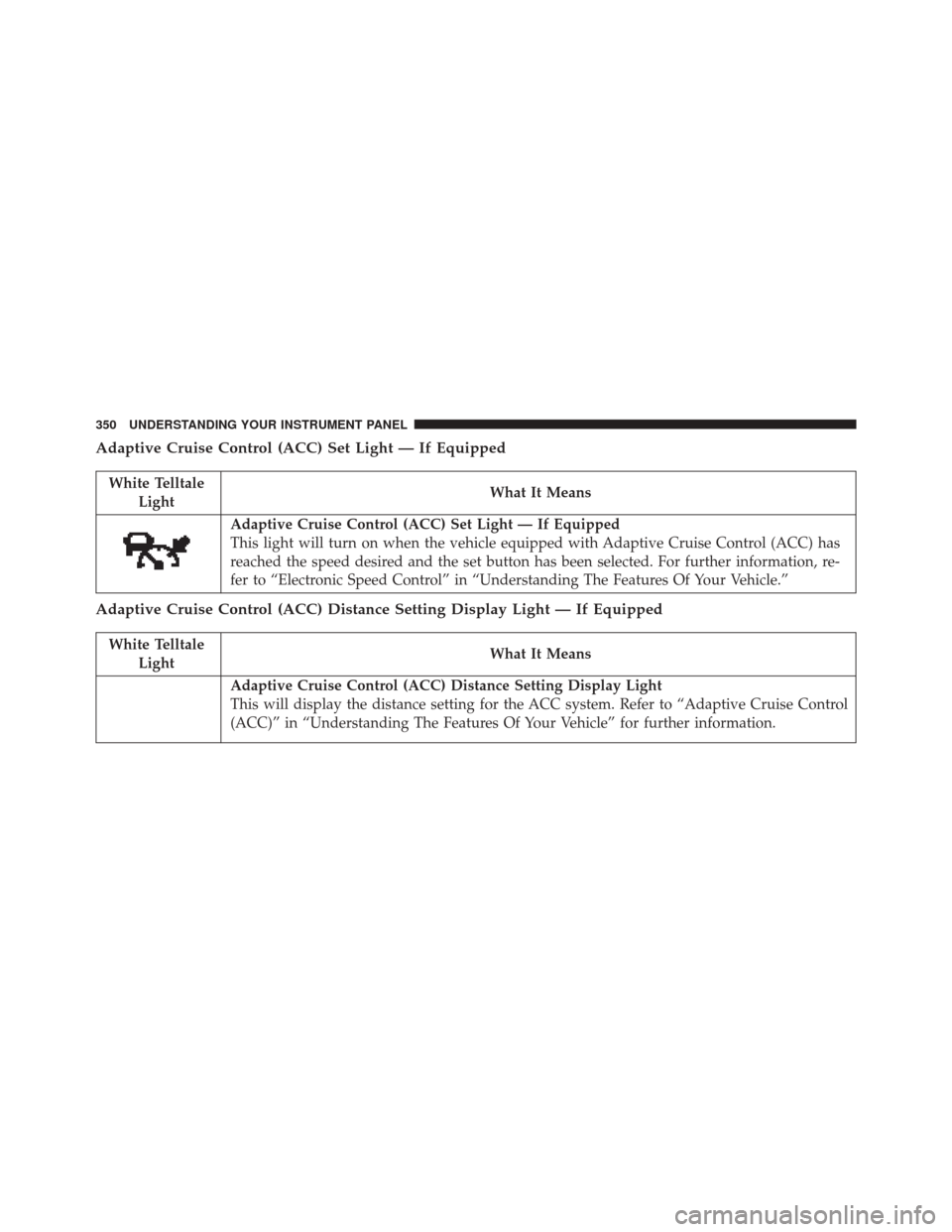
Adaptive Cruise Control (ACC) Set Light — If Equipped
This light will turn on when the vehicle equipped with Adaptive Cruise Control (ACC) has
reached the speed desired and the set button has been selected. For further information, re-
fer to “Electronic Speed Control” in “Understanding The Features Of Your Vehicle.”
Adaptive Cruise Control (ACC) Distance Setting Display Light — If Equipped
White Telltale
Light What It Means
Adaptive Cruise Control (ACC) Distance Setting Display Light
This will display the distance setting for the ACC system. Refer to “Adaptive Cruise Control
(ACC)” in “Understanding The Features Of Your Vehicle” for further information.
350 UNDERSTANDING YOUR INSTRUMENT PANEL
Page 354 of 702
ELECTRONIC VEHICLE INFORMATION CENTER
(EVIC)
The 3.5” Electronic Vehicle Information Center (EVIC)
display is located in the instrument cluster.The EVIC Main Menu items consists of the following:
•
Speedometer
• Vehicle Info
• Fuel Economy Info
• Trip (Trip A/Trip B)
• Audio Info
• Messages
• Screen Setup
• Settings
Electronic Vehicle Information Center (EVIC) Display
352 UNDERSTANDING YOUR INSTRUMENT PANEL
Page 355 of 702
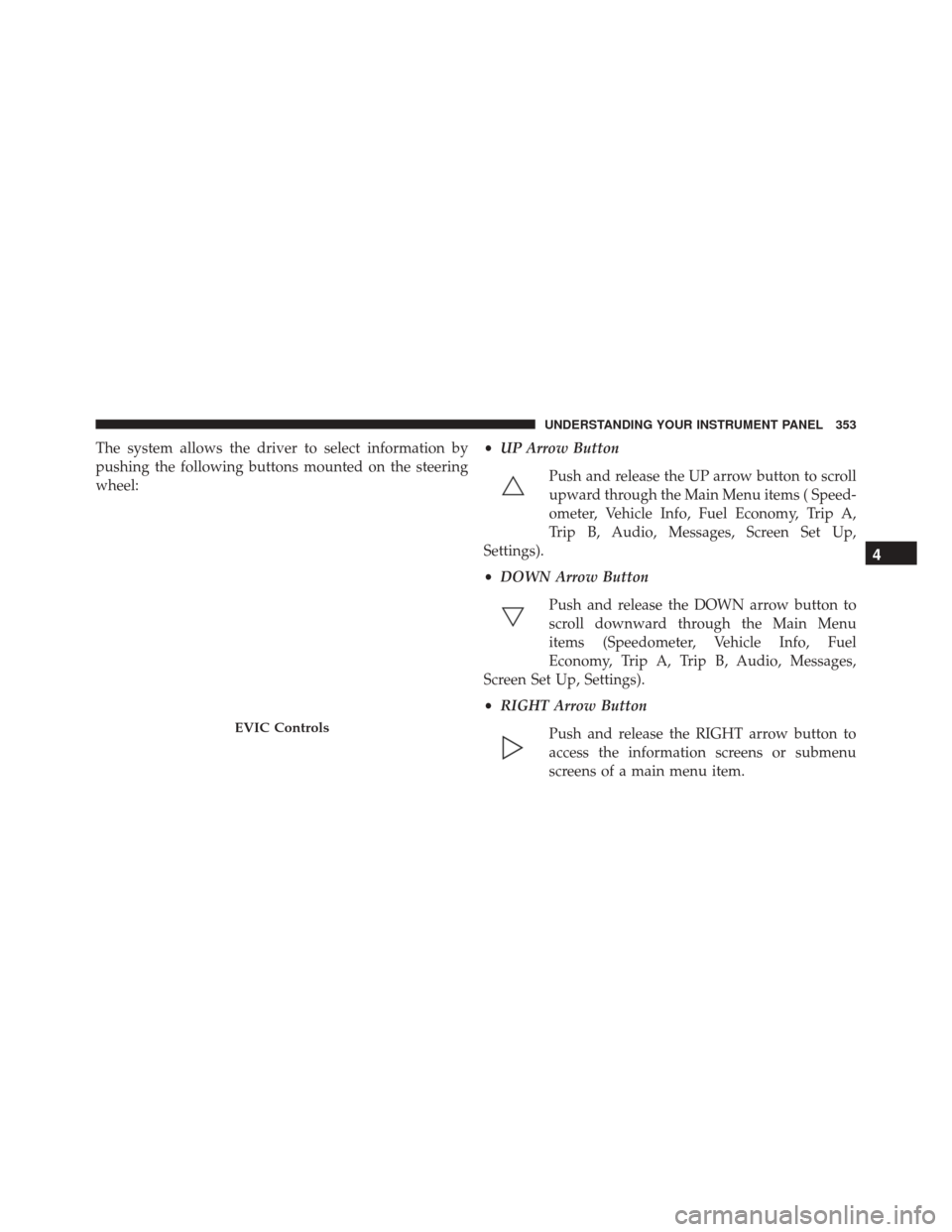
The system allows the driver to select information by
pushing the following buttons mounted on the steering
wheel:•
UP Arrow Button
Push and release the UP arrow button to scroll
upward through the Main Menu items ( Speed-
ometer, Vehicle Info, Fuel Economy, Trip A,
Trip B, Audio, Messages, Screen Set Up,
Settings).
• DOWN Arrow Button
Push and release the DOWN arrow button to
scroll downward through the Main Menu
items (Speedometer, Vehicle Info, Fuel
Economy, Trip A, Trip B, Audio, Messages,
Screen Set Up, Settings).
• RIGHT Arrow Button
Push and release the RIGHT arrow button to
access the information screens or submenu
screens of a main menu item.
EVIC Controls
4
UNDERSTANDING YOUR INSTRUMENT PANEL 353
Page 362 of 702

Stored Messages
Push and release theUPorDOWN arrow button until
the Messages Menu displays in the EVIC/DID. This
feature shows the number of stored warning messages.
Pushing the RIGHTarrow button will allow you to see
what the stored messages are.
Screen Setup
Push and release the UPorDOWN arrow button until
the Screen Setup Menu displays in the EVIC/DID. Push
and release the OKbutton to enter the sub-menus. The
Screen Setup feature allows you to change what informa-
tion is displayed in the instrument cluster as well as the
location that information is displayed.
Vehicle Settings (EVIC) — If Equipped
Settings Translation Message Submenu
1 Language Select LanguageEnglish, Spanish, French
2 Units Select UnitsU.S., Metric
3 FCW Sensitivity FCW Sensitivity Near, Far
4 ParkSense ParkSenseOff, Sound Only, Sound & Display
5 Blind Spot Alert Blind Spot AlertOff, Lights Only, Lights & Chime
6 Hill Start Assist Hill Start Asst On, Off
7 Auto Lock Doors Auto Lock Doors On, Off
360 UNDERSTANDING YOUR INSTRUMENT PANEL
Page 363 of 702
SettingsTranslation Message Submenu
8 Auto Unlock Doors Auto Unlock DoorsOn, Off
9 Passive Entry Passive Entry On, Off
10 Remote Unlock Sequence Remote UnlockDriver Door, All Doors
11 Key Fob Linked to Memory Key in Memory On, Off
12 Remote Start Comfort System Rmt Start Comfort Off, Remote Starts Only, All Starts
13 Sound Horn with Remote Start Horn w/ Rmt Start
On, Off
14 Sound Horn with Remote Lock Horn w/ Rmt Lock
Off, 1st Press, 2nd Press
15 Flash Lights with Lock Lights w/ LockOn, Off
16 Daytime Running Lights Daytime LightsOn, Off
17 Automatic Highbeams Auto HighbeamsOn, Off
18 Headlights On with Wipers Lights w/ Wipers On, Off
19 Rain Sensing Wipers Auto WipersOn, Off
4
UNDERSTANDING YOUR INSTRUMENT PANEL 361
Page 364 of 702
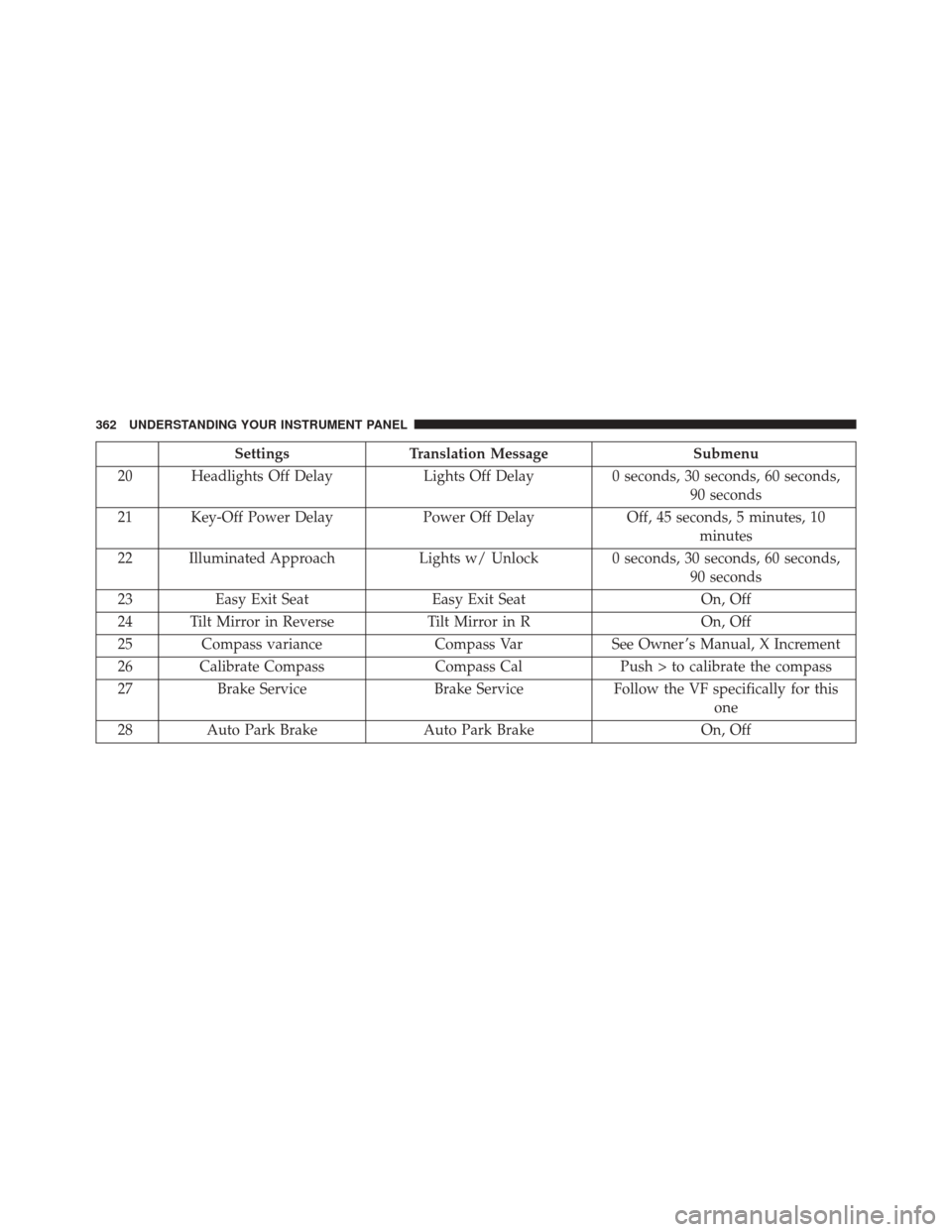
SettingsTranslation Message Submenu
20 Headlights Off Delay Lights Off Delay0 seconds, 30 seconds, 60 seconds,
90 seconds
21 Key-Off Power Delay Power Off DelayOff, 45 seconds, 5 minutes, 10
minutes
22 Illuminated Approach Lights w/ Unlock 0 seconds, 30 seconds, 60 seconds,
90 seconds
23 Easy Exit Seat Easy Exit Seat On, Off
24 Tilt Mirror in Reverse Tilt Mirror in ROn, Off
25 Compass variance Compass VarSee Owner ’s Manual, X Increment
26 Calibrate Compass Compass CalPush > to calibrate the compass
27 Brake Service Brake ServiceFollow the VF specifically for this
one
28 Auto Park Brake Auto Park Brake On, Off
362 UNDERSTANDING YOUR INSTRUMENT PANEL
Page 373 of 702

If the Tire Pressure system requires service, “Service Tire
Pressure System” is displayed.
Tire PSI is an information only function and cannot be
reset. Push and release theLEFTarrow button to return
to the main menu.
Refer to “Tire Pressure Monitoring System (TPMS)”
under “Starting and Operating” for further information.
Coolant Temperature
Transmission Temperature – Automatic Transmission
Only
Oil Temperature
Oil Life
Battery VoltageAdaptive Cruise Control (ACC) Menu — If
Equipped
The DID displays the current ACC system settings. The
information displayed depends on ACC system status.
Push the ADAPTIVE CRUISE CONTROL (ACC) ON/
OFF button (located on the steering wheel) until one of
the following displays in the DID:
Adaptive Cruise Control Off
When ACC is deactivated, the display will read “Adap-
tive Cruise Control Off.”
Adaptive Cruise Control Ready
When ACC is activated but the vehicle speed setting has
not been selected, the display will read “Adaptive Cruise
Control Ready.”
4
UNDERSTANDING YOUR INSTRUMENT PANEL 371