Page 322 of 702

WARNING!
A hot engine cooling system is dangerous. You or
others could be badly burned by steam or boiling
coolant. You may want to call an authorized dealer
for service if your vehicle overheats. If you decide to
look under the hood yourself, see “Maintaining Your
Vehicle”. Follow the warnings under the Cooling
System Pressure Cap paragraph.
WARNING AND INDICATOR LIGHTS
IMPORTANT:The warning / indicator light switches on
in the instrument panel together with a dedicated mes-
sage and/or acoustic signal when applicable. These
indications are indicative and precautionary and as such
must not be considered as exhaustive and/or alternative
to the information contained in the Owner Manual,
which you are advised to read carefully in all cases.
Always refer to the information in this chapter in the
event of a failure indication.
All active telltales will display first if applicable. The
system check menu may appear different based upon
equipment options and current vehicle status. Some
telltales are optional and may not appear.
320 UNDERSTANDING YOUR INSTRUMENT PANEL
Page 323 of 702
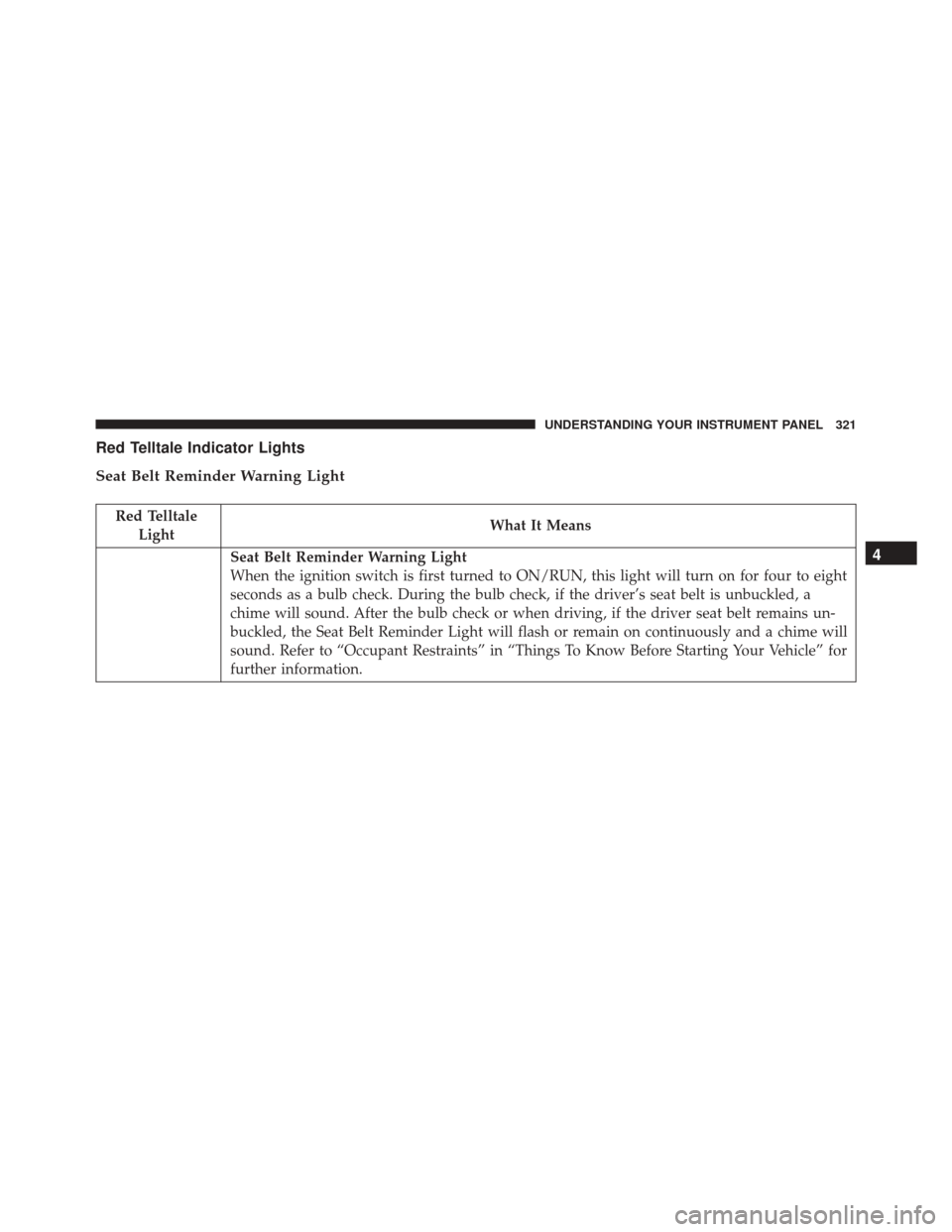
Red Telltale Indicator Lights
Seat Belt Reminder Warning Light
Red TelltaleLight What It Means
Seat Belt Reminder Warning Light
When the ignition switch is first turned to ON/RUN, this light will turn on for four to eight
seconds as a bulb check. During the bulb check, if the driver’s seat belt is unbuckled, a
chime will sound. After the bulb check or when driving, if the driver seat belt remains un-
buckled, the Seat Belt Reminder Light will flash or remain on continuously and a chime will
sound. Refer to “Occupant Restraints” in “Things To Know Before Starting Your Vehicle” for
further information.4
UNDERSTANDING YOUR INSTRUMENT PANEL 321
Page 335 of 702

Yellow Telltale Indicator Lights
Engine Check/Malfunction Indicator Light (MIL)
Yellow TelltaleLight What It Means
Engine Check/Malfunction Indicator Light (MIL)
The Engine Check/Malfunction Indicator Light (MIL) is a part of an Onboard Diagnostic
System called OBD II that monitors engine and automatic transmission control systems. The
light will illuminate when the ignition is in the ON position before engine start. If the bulb
does not come on when turning the key from OFF to ON/RUN, have the condition checked
promptly.
Certain conditions, such as a loose or missing gas cap, poor quality fuel, etc., may illuminate
the light after engine start. The vehicle should be serviced if the light stays on through sev-
eral typical driving styles. In most situations, the vehicle will drive normally and will not
require towing.
When the engine is running, the MIL may flash to alert serious conditions that could lead to
immediate loss of power or severe catalytic converter damage. The vehicle should be ser-
viced as soon as possible if this occurs.4
UNDERSTANDING YOUR INSTRUMENT PANEL 333
Page 348 of 702
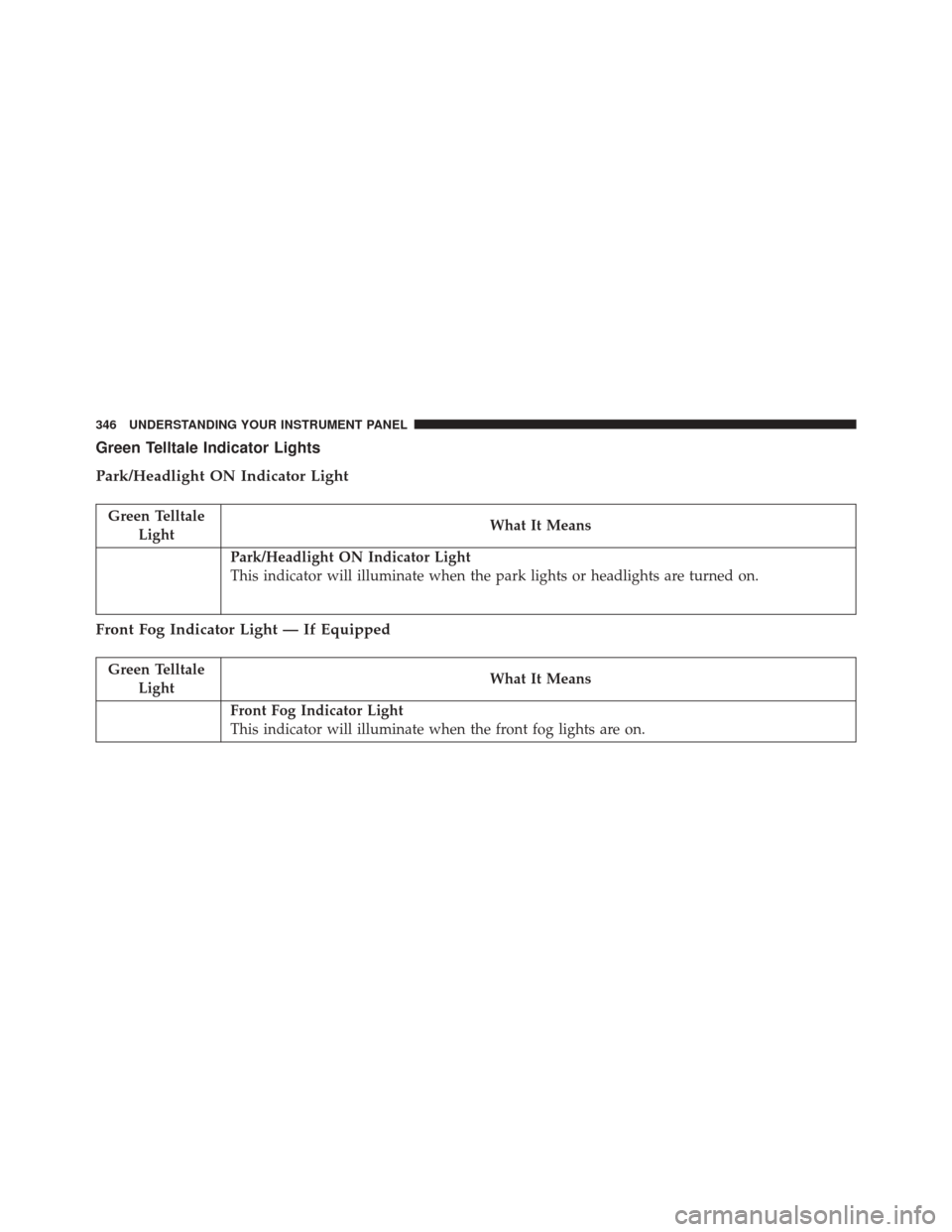
Green Telltale Indicator Lights
Park/Headlight ON Indicator Light
Green TelltaleLight What It Means
Park/Headlight ON Indicator Light
This indicator will illuminate when the park lights or headlights are turned on.
Front Fog Indicator Light — If Equipped
Green Telltale
Light What It Means
Front Fog Indicator Light
This indicator will illuminate when the front fog lights are on.
346 UNDERSTANDING YOUR INSTRUMENT PANEL
Page 349 of 702
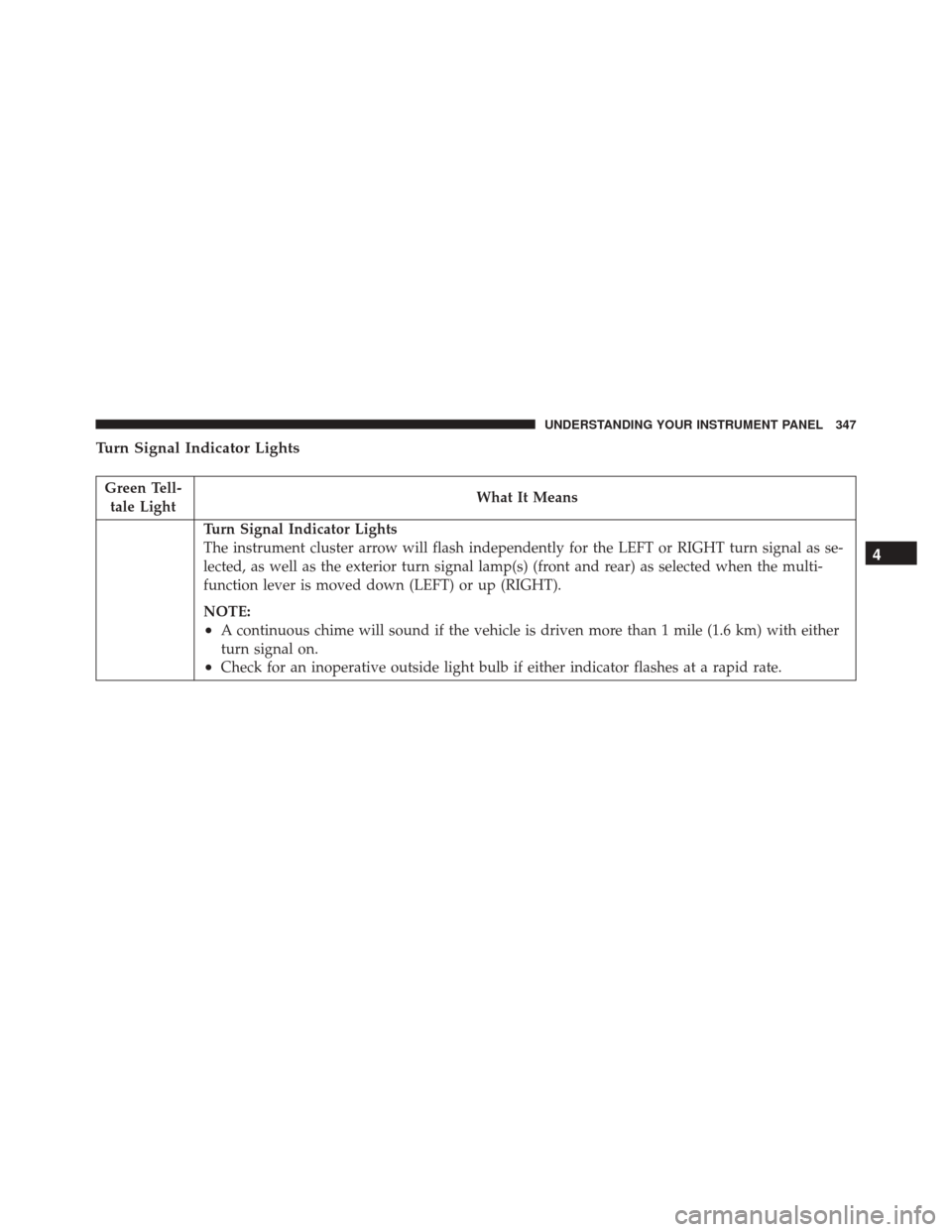
Turn Signal Indicator Lights
Green Tell-tale Light What It Means
Turn Signal Indicator Lights
The instrument cluster arrow will flash independently for the LEFT or RIGHT turn signal as se-
lected, as well as the exterior turn signal lamp(s) (front and rear) as selected when the multi-
function lever is moved down (LEFT) or up (RIGHT).
NOTE:
•A continuous chime will sound if the vehicle is driven more than 1 mile (1.6 km) with either
turn signal on.
•Check for an inoperative outside light bulb if either indicator flashes at a rapid rate.
4
UNDERSTANDING YOUR INSTRUMENT PANEL 347
Page 353 of 702
Blue Telltale Indicator Light
High Beam Indicator Light
Blue TelltaleLight What It Means
High Beam Indicator Light
This indicator shows that the high beam headlights are on. Push the multifunction control
lever away from you to switch the headlights to high beam. Pull the lever toward you to
switch the headlights back to low beam.4
UNDERSTANDING YOUR INSTRUMENT PANEL 351
Page 358 of 702
•Service Power Steering
• Cruise Off
• Cruise Ready
• Cruise Set To XXX MPH
• Cruise Set To XXX KM/H
• Tire Pressure Screen With Low Tire(s) “Inflate Tire to
XX”
• Service Tire Pressure System
• Parking Brake Engaged
• Brake Fluid Low
• Service Electronic Braking System
• Engine Temperature Hot
• Battery Voltage Low •
Service Electronic Throttle Control
• Lights On
• Right Turn Signal Light Out
• Left Turn Signal Light Out
• Turn Signal On
• Vehicle Not in Park
• Key in Ignition
• Key in Ignition Lights On
• Remote Start Active Key to Run
• Remote Start Active Push Start Button
• Remote Start Aborted Fuel Low
• Remote Start Aborted Too Cold
• Remote Start Aborted Door Open
356 UNDERSTANDING YOUR INSTRUMENT PANEL
Page 362 of 702

Stored Messages
Push and release theUPorDOWN arrow button until
the Messages Menu displays in the EVIC/DID. This
feature shows the number of stored warning messages.
Pushing the RIGHTarrow button will allow you to see
what the stored messages are.
Screen Setup
Push and release the UPorDOWN arrow button until
the Screen Setup Menu displays in the EVIC/DID. Push
and release the OKbutton to enter the sub-menus. The
Screen Setup feature allows you to change what informa-
tion is displayed in the instrument cluster as well as the
location that information is displayed.
Vehicle Settings (EVIC) — If Equipped
Settings Translation Message Submenu
1 Language Select LanguageEnglish, Spanish, French
2 Units Select UnitsU.S., Metric
3 FCW Sensitivity FCW Sensitivity Near, Far
4 ParkSense ParkSenseOff, Sound Only, Sound & Display
5 Blind Spot Alert Blind Spot AlertOff, Lights Only, Lights & Chime
6 Hill Start Assist Hill Start Asst On, Off
7 Auto Lock Doors Auto Lock Doors On, Off
360 UNDERSTANDING YOUR INSTRUMENT PANEL