Page 336 of 702
CAUTION!
Prolonged driving with the Malfunction Indicator
Light (MIL) on could cause damage to the engine
control system. It also could affect fuel economy and
driveability. If the MIL is flashing, severe catalytic
converter damage and power loss will soon occur.
Immediate service is required.
WARNING!
A malfunctioning catalytic converter, as referenced
above, can reach higher temperatures than in normal
operating conditions. This can cause a fire if you
drive slowly or park over flammable substances such
as dry plants, wood, cardboard, etc. This could result
in death or serious injury to the driver, occupants or
others.
334 UNDERSTANDING YOUR INSTRUMENT PANEL
Page 339 of 702

Tire Pressure Monitoring Indicator Light
Yellow TelltaleLight What It Means
Tire Pressure Monitoring Indicator Light
The warning light switches on and a message is displayed to indicate that the tire pressure
is lower than the recommended value and/or that slow pressure loss is occurring. In these
cases, optimal tire duration and fuel consumption may not be guaranteed.
Should one or more tires be in the condition mentioned above, the display will show the
indications corresponding to each tire in sequence.
In any situation in which the message on the display is
�See manual�, it is ESSENTIAL to
refer to the contents of the �Wheels�paragraph in the �Technical data�chapter, strictly com-
plying with the indications that you find there.
IMPORTANT: Do not continue driving with one or more
flat tires as handling may be compromised. Stop the
vehicle, avoiding sharp braking and steering. Repair
immediately using the dedicated tire repair kit and
contact your authorized dealership as soon as possible. Each tire, including the spare (if provided), should be
checked monthly when cold and inflated to the inflation
pressure recommended by the vehicle manufacturer on
the vehicle placard or tire inflation pressure label. If your
vehicle has tires of a different size than the size indicated
4
UNDERSTANDING YOUR INSTRUMENT PANEL 337
Page 341 of 702

of reasons, including the installation of replacement or
alternate tires or wheels on the vehicle that prevent the
TPMS from functioning properly. Always check the
TPMS malfunction telltale after replacing one or more
tires or wheels on your vehicle, to ensure that the
replacement or alternate tires and wheels allow the TPMS
to continue to function properly.
CAUTION!
The TPMS has been optimized for the original
equipment tires and wheels. TPMS pressures and
warning have been established for the tire size
equipped on your vehicle. Undesirable system opera-
tion or sensor damage may result when using re-
placement equipment that is not of the same size,
type, and/or style. Aftermarket wheels can cause
sensor damage. Using aftermarket tire sealants may
(Continued)
CAUTION!(Continued)
cause the Tire Pressure Monitoring System (TPMS)
sensor to become inoperable. After using an after-
market tire sealant it is recommended that you take
your vehicle to an authorized dealership to have your
sensor function checked.
4
UNDERSTANDING YOUR INSTRUMENT PANEL 339
Page 342 of 702
Electronic Park Brake Fail Light
Yellow TelltaleLight What It Means
Electronic Park Brake Fail Warning Light
This telltale will turn on to indicate the Electronic Park Brake is not functioning properly
and that service is required. Contact your authorized dealership.
Low Fuel Indicator Light
Yellow Telltale
Light What It Means
Low Fuel Indicator Light
When the fuel level reaches approximately 3.0 gal (11.0 L) this light will turn on, and remain
on until fuel is added.
340 UNDERSTANDING YOUR INSTRUMENT PANEL
Page 343 of 702
Anti-Lock Brake (ABS) Indicator Light
Yellow TelltaleLight What It Means
Anti-Lock Brake (ABS) Indicator Light
This light monitors the Anti-Lock Brake System (ABS). The light will turn on when the igni-
tion switch is placed in the ON/RUN position and may stay on for as long as four seconds.
If the ABS light remains on or turns on while driving, then the Anti-Lock portion of the
brake system is not functioning and service is required. However, the conventional brake
system will continue to operate normally if the brake warning light is not on.
If the ABS light is on, the brake system should be serviced as soon as possible to restore the
benefits of Anti-Lock Brakes. If the ABS light does not turn on when the ignition switch is
placed in the ON/RUN position, have the light inspected by an authorized dealer.
4
UNDERSTANDING YOUR INSTRUMENT PANEL 341
Page 344 of 702
Service Forward Collision Warning Indicator Light — If Equipped
Yellow TelltaleLight What It Means
Service Forward Collision Warning Indicator Light
This light warns the driver of a potential collision with the vehicle in front and prompts the
driver to take action in order to avoid the collision. Refer to “Adaptive Cruise Control
(ACC)” in “Understanding The Features Of Your Vehicle” for further information.
342 UNDERSTANDING YOUR INSTRUMENT PANEL
Page 345 of 702
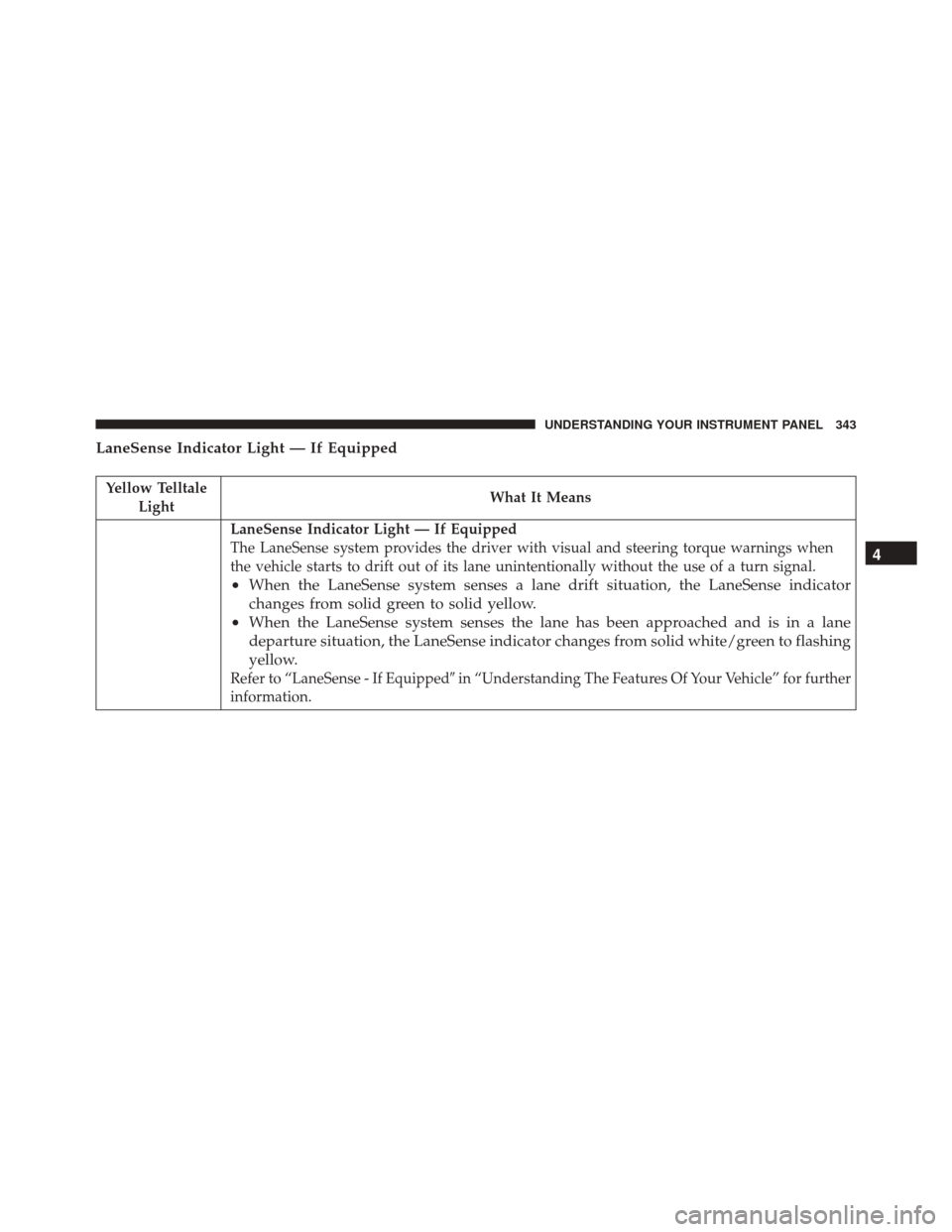
LaneSense Indicator Light — If Equipped
Yellow TelltaleLight What It Means
LaneSense Indicator Light — If Equipped
The LaneSense system provides the driver with visual and steering torque warnings when
the vehicle starts to drift out of its lane unintentionally without the use of a turn signal.
•
When the LaneSense system senses a lane drift situation, the LaneSense indicator
changes from solid green to solid yellow.
• When the LaneSense system senses the lane has been approached and is in a lane
departure situation, the LaneSense indicator changes from solid white/green to flashing
yellow.
Refer to “LaneSense - If Equipped� in “Understanding The Features Of Your Vehicle” for further
information.
4
UNDERSTANDING YOUR INSTRUMENT PANEL 343
Page 359 of 702

•Remote Start Aborted Hood Open
• Remote Start Aborted Trunk Open
• Remote Start Aborted Time Expired
• Remote Start Disabled Start to Reset
• Service Airbag System
• Service Airbag Warning Light
• Door Open
• Doors Open
• Gear Not Available
• Shift Not Allowed
• Shift to Neutral then Drive or Reverse
• Transmission Getting Hot Push Brake
• Trans. Hot Stop Safely Shift to Park Wait to Cool •
Service Transmission
• Service Shifter
• Engage Park Brake to Prevent Rolling
• Washer Fluid Low
The Reconfigurable Telltales section is divided into the
white telltales area on the right, amber telltales in the
middle, and red telltales on the left.
EVIC Selectable Menu Items
Push and release the UPorDOWN arrow buttons until the
desired Selectable Menu icon is highlighted in the EVIC.
Speedometer
Push and release the UPorDOWN arrow button until
the Speedometer Menu displays in the EVIC/DID. Push
and release the RIGHTarrow button to toggle
between km/h and MPH and push the OKbutton to
select your speedometer display.
4
UNDERSTANDING YOUR INSTRUMENT PANEL 357