2016 BMW 7 SERIES front
[x] Cancel search: frontPage 45 of 314

The device connects to the hotspot via
WLAN.
With the first Internet usage via the WLAN hot‐
spot, data volume must be purchased from a
service provider.
All devices connected via the WLAN hotspot
use this data volume.
If necessary, data volume can be purchased
from the ConnectedDrive Store.
WiFi connection Pair the vehicle entirely on the front or rear
Control Display.
About iDrive:
1."My Vehicle"2."System settings"3."Mobile devices"4."Connect new device"5. "Miracast"
The WiFi name of the vehicle is displayed
on the Control Display.6.Search for WiFi devices in the surround‐
ings of the device.
The WiFi name of the vehicle appears on
the device display. Select the WiFi name of
the vehicle.7.Compare the control number on the Con‐
trol Display with the control number on the
display of the device. Confirm the control
number on the device and on the Control
Display.8.The device is connected and displayed in
the device list.
If pairing was unsuccessful: What to do if..., re‐
fer to page 47.
Additional functions
After initial pairing
▷The device is connected with the vehicle
within a short period of time if the engine isrunning or the operating readiness is
switched on.▷The data stored on the SIM card or in the
mobile phone are transferred to the vehicle
after recognition.▷For some devices, certain settings may be
necessary, e.g. authorization, see owner's
manual of the device.▷After one-time pairing, the devices are au‐
tomatically recognized and reconnected
when operating readiness is switched on.
Configuring the device
Functions can be activated or deactivated for
paired and connected devices.
About iDrive:
1."My Vehicle"2."System settings"3."Mobile devices"4.Select the desired device.5.Select desired setting.
If a function is assigned to a device, the func‐
tion will be deactivated where appropriate for a
device that is already connected and the de‐
vice will be disconnected.
Connecting a specific device About iDrive:
1."My Vehicle"2."System settings"3."Mobile devices"4.Select device.5."Connect device"
The functions that were assigned to the device
before unpairing are assigned to the device
when it is reconnected. If the device is already
connected, these functions are deactivated.
Disconnecting the device
The connection of the device to the vehicle is
disconnected.
Seite 45General settingsAt a glance45
Online Edition for Part no. 0140 2 964 330 - VI/15
Page 63 of 314

2.Guide one finger of the other hand from the
back under the lid, push the palpable re‐
lease outward and remove the lid.3.Unlock or lock the door lock using the
integrated key, refer to page 54.
The other doors must be unlocked or locked
from the inside.
Alarm system
The alarm system is not armed if the vehicle is
locked with the integrated key.
The alarm system is triggered when the door is
opened, when the vehicle is unlocked via the
door lock.
In order to terminate this alarm, unlock vehicle
with the remote control, if needed, through
emergency detection of the remote control, re‐
fer to page 55.
From the inside
Unlocking and locking
Via the buttons for the central locking system.
▷Pressing the button unlocks the
vehicle.▷Pressing the button locks the ve‐ hicle if the front doors are closed.
The vehicle is not secured against theft
when locking.
The fuel filler flap remains unlocked.
In the event of a severe accident, the vehicle is
automatically unlocked. The hazard warning
system and interior lights come on.
Unlocking and opening
▷Press the central locking system
button to unlock the doors to‐
gether, and then pull the door handle
above the armrest.
Doors
Automatic Soft Closing
To close the doors, push lightly.
It is closed automatically.
WARNING
Body parts can be jammed on operating
the doors. There is risk of injuries. Make sure
that the area of movement of the doors is clear
during opening and closing.◀
Seite 63Opening and closingControls63
Online Edition for Part no. 0140 2 964 330 - VI/15
Page 70 of 314

▷The indicator lamp flashes after unlocking
until drive readiness is switched on, but no
longer than approx. 5 minutes:
An alarm has been triggered.
Tilt alarm sensor The tilt of the vehicle is monitored.
The alarm system responds in situations such
as attempts to steal a wheel or when the car is
towed.
Interior motion sensor The windows and glass sunroof must be
closed for the system to function properly.
Avoiding unintentional alarms The tilt alarm sensor and interior motion sen‐
sor can be switched off together, such as in
the following situations:
▷In automatic car washes.▷In duplex garages.▷During transport on trains carrying vehi‐
cles, at sea or on a trailer.▷With animals in the vehicle.
Switching off the tilt alarm sensor and
interior motion sensor
Press the remote control button again
within 10 seconds as soon as the vehicle
is locked.
The indicator lamp lights up for approx. 2 sec‐
onds and then continues to flash.
The tilt alarm sensor and interior motion sen‐
sor are turned off until the vehicle is locked
again.
Switching off the alarm
▷Unlock the vehicle using the remote con‐
trol, if needed, through emergency detec‐
tion of the remote control, refer to page 55.▷With Comfort Access: if you are carrying
the remote control on your person, grasp
the driver side or front passenger side door
handle completely.
Power windows
Information WARNING
Unattended children or animals can
move the vehicle and endanger themselves
and traffic, e.g. with the following actions:
▷Pressing the Start/Stop button.▷Releasing the parking brake.▷Opening and closing of doors or windows.▷Shifting the selector lever into neutral.▷Using vehicle equipment.
There is risk of accidents or injuries. Do not
leave children or animals unattended in the ve‐
hicle. Carry remote control along when exiting
and lock the vehicle.◀
Opening
▷Press the button to the resistance
point.
The window opens while the switch is held.▷Press the switch beyond the resist‐
ance point.
The window opens automatically. Pressing
the switch again stops the motion.
See also: Convenient opening, refer to
page 61, via remote control.
Seite 70ControlsOpening and closing70
Online Edition for Part no. 0140 2 964 330 - VI/15
Page 73 of 314
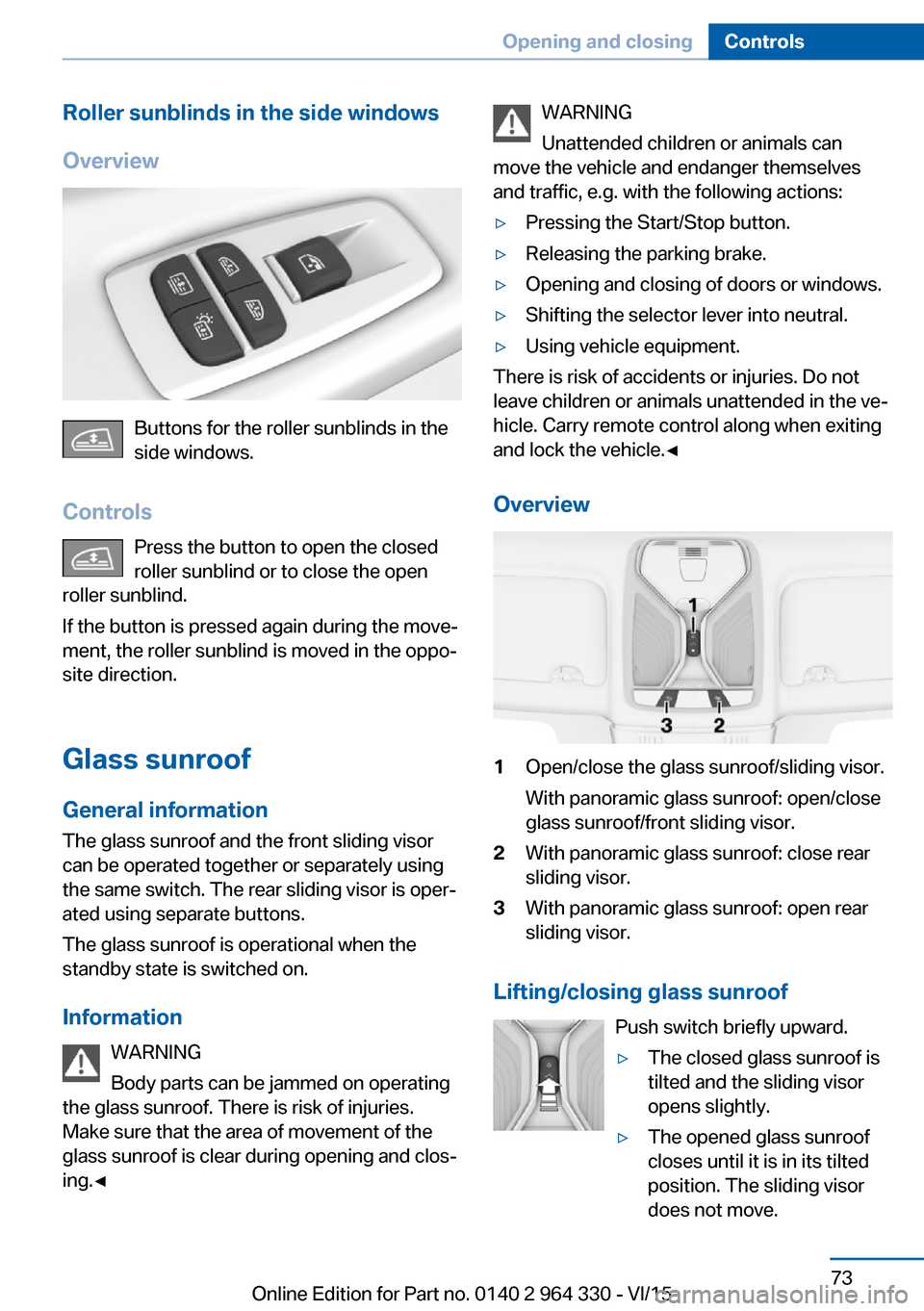
Roller sunblinds in the side windows
Overview
Buttons for the roller sunblinds in the
side windows.
Controls Press the button to open the closed
roller sunblind or to close the open
roller sunblind.
If the button is pressed again during the move‐
ment, the roller sunblind is moved in the oppo‐
site direction.
Glass sunroof General information
The glass sunroof and the front sliding visor
can be operated together or separately using
the same switch. The rear sliding visor is oper‐
ated using separate buttons.
The glass sunroof is operational when the
standby state is switched on.
Information WARNING
Body parts can be jammed on operating
the glass sunroof. There is risk of injuries.
Make sure that the area of movement of the
glass sunroof is clear during opening and clos‐
ing.◀
WARNING
Unattended children or animals can
move the vehicle and endanger themselves
and traffic, e.g. with the following actions:▷Pressing the Start/Stop button.▷Releasing the parking brake.▷Opening and closing of doors or windows.▷Shifting the selector lever into neutral.▷Using vehicle equipment.
There is risk of accidents or injuries. Do not
leave children or animals unattended in the ve‐
hicle. Carry remote control along when exiting
and lock the vehicle.◀
Overview
1Open/close the glass sunroof/sliding visor.
With panoramic glass sunroof: open/close
glass sunroof/front sliding visor.2With panoramic glass sunroof: close rear
sliding visor.3With panoramic glass sunroof: open rear
sliding visor.
Lifting/closing glass sunroof
Push switch briefly upward.
▷The closed glass sunroof is
tilted and the sliding visor
opens slightly.▷The opened glass sunroof
closes until it is in its tilted
position. The sliding visor
does not move.Seite 73Opening and closingControls73
Online Edition for Part no. 0140 2 964 330 - VI/15
Page 74 of 314

▷The tilted glass sunroof is being closed.
Opening/closing the glass sunroof and
front sliding visor separately
▷Press the switch in the de‐
sired direction to the resist‐
ance point and hold it there.
The sliding visor opens, as
long as the switch is held
down. If the sliding visor is
already fully open, the glass
sunroof opens.
The glass sunroof closes as
long as the switch is held
down. If the glass sunroof is
already closed or in the tilted
position, the sliding visor
closes.▷Press the switch in the desired direction
past the resistance point.
The sliding visor opens automatically. If the
sliding visor is already fully open, the glass
sunroof opens automatically.
The glass sunroof closes automatically. If
the glass sunroof is already closed or in the
tilted position, the sliding visor closes au‐
tomatically.
Pressing the switch upward stops the mo‐
tion.
Opening/closing the glass sunroof and
front sliding visor together
Briefly press the switch twice in
succession in the desired direc‐
tion past the resistance point.
The glass sunroof and sliding vi‐
sor move together. Pressing the
switch upward stops the motion.
▷See also: Convenient opening, refer to
page 61, via remote control.▷See also: closing by means of Comfort Ac‐
cess, refer to page 65.Comfort position
If the glass sunroof is not automatically com‐
pletely opened, the comfort position has been
attained. In this position the wind noises in the
interior are the least.
If desired, continue the movement by Pressing
the switch.
Opening/closing the rear sliding visor
On the roofliner control panel Press button to open the rear sliding
visor.
Press button again to stop the movement.
Press button to close the sliding visor.
Press button again to stop the move‐
ment.
On the control panel in the rear doors
The rear sliding visor cannot be used via the
buttons in the rear if the safety function, refer
to page 71, is switched on.
Press the button to open the closed
sliding visor or to close the open slid‐
ing visor.
Press button again to stop the movement.
When the button is pressed again, the sliding
visor will move in the opposite direction.
BMW Touch Command
The rear sliding visor can also be operated us‐
ing BMW Touch Command.
Actions during unlocking/locking If the vehicle is locked from the outside, the
rear sliding visor is automatically closed.
During unlocking, the sliding visor is automati‐
cally traveled into the position, where it was
prior to locking.Seite 74ControlsOpening and closing74
Online Edition for Part no. 0140 2 964 330 - VI/15
Page 76 of 314
AdjustingVehicle features and options
This chapter describes all standard, country-
specific and optional features offered with the
series. It also describes features that are not
necessarily available in your car, e. g., due to
the selected options or country versions. This
also applies to safety-related functions and
systems. The respectively applicable country
provisions must be observed when using the
respective features and systems.
Sitting safely The ideal seating position can make a vital
contribution to relaxed, fatigue-free driving.
The seating position plays an important role in
an accident in combination with:▷Safety belts, refer to page 80.▷Head restraints, refer to page 82.▷Airbags, refer to page 136.
Front seats
Information WARNING
Seat adjustments while driving can lead
to unexpected movements of the seat. Vehicle
control could be lost. There is risk of an acci‐
dent. Only adjust the side on the driver's side
when the vehicle is stationary.◀
WARNING
With a backrest inclined too far to the
rear, the protective effect of the safety belt
cannot be ensured anymore. There is a danger
of sliding under the safety belt in an accident.
There is risk of injuries or danger to life. Adjust
the seat prior to starting the trip. Adjust the
backrest in an as upright position as possible
and do not adjust again while driving.◀
WARNING
There is risk of jamming when moving
the seats. There is risk of injuries or risk of
property damage. Make sure that the area of
movement of the seat is clear prior to any ad‐
justment.◀
Electrically adjustable seats
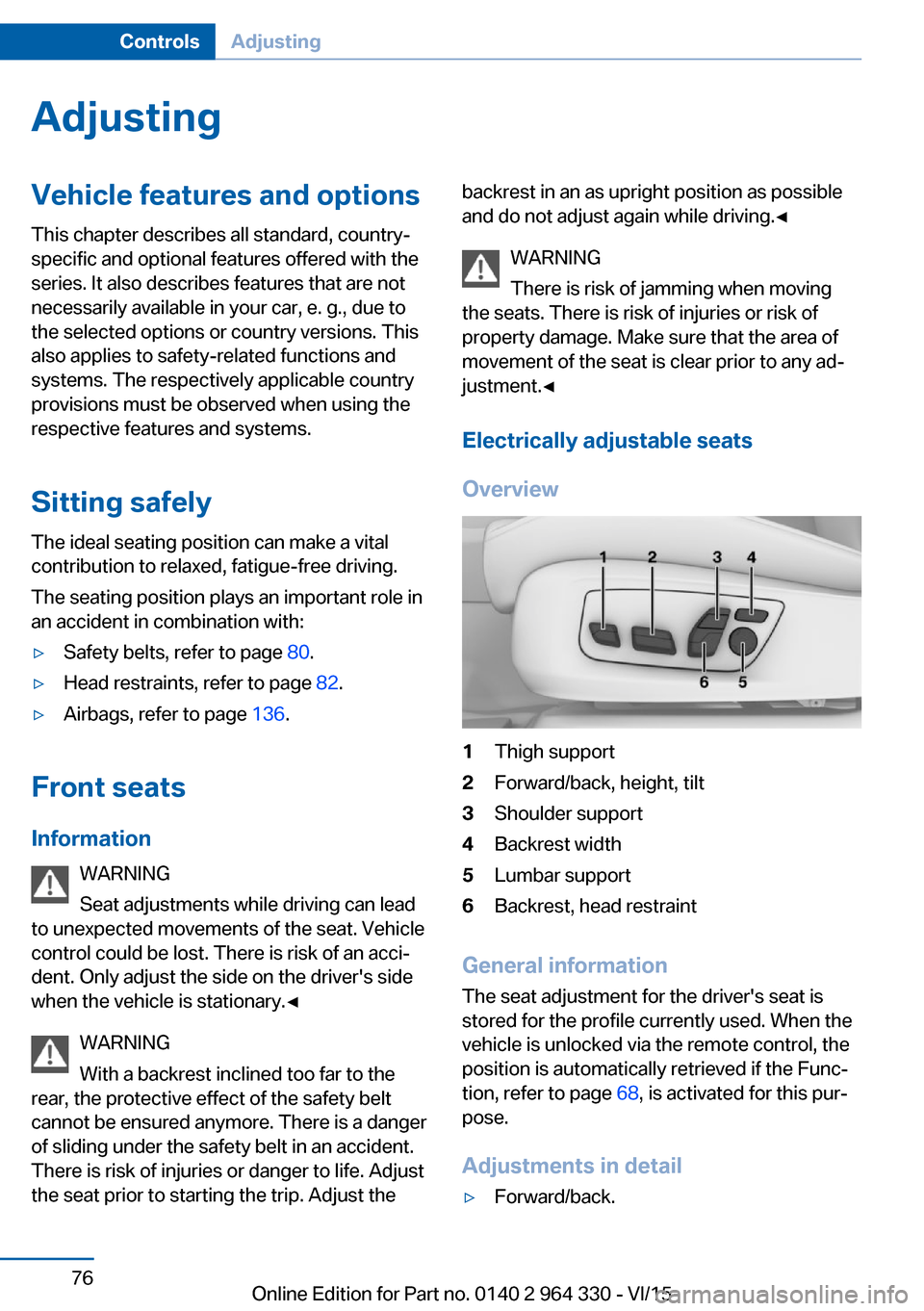
Overview1Thigh support2Forward/back, height, tilt3Shoulder support4Backrest width5Lumbar support6Backrest, head restraint
General information
The seat adjustment for the driver's seat is
stored for the profile currently used. When the
vehicle is unlocked via the remote control, the
position is automatically retrieved if the Func‐
tion, refer to page 68, is activated for this pur‐
pose.
Adjustments in detail
▷Forward/back.Seite 76ControlsAdjusting76
Online Edition for Part no. 0140 2 964 330 - VI/15
Page 77 of 314

▷Height.▷Seat tilt.▷Backrest tilt.▷Thigh support.
Lumbar support
The curvature of the seat backrest can be ad‐
justed in a way that it supports the lumbar re‐
gion of the spine. The lower back and the
spine are supported for upright posture.
▷Press the front/rear section
of the switch:
The curvature is increased/
decreased.▷Press the upper/lower sec‐
tion of the switch:
The curvature is shifted up/
down.
Backrest width
Change the width of the back‐
rest using the side wings to ad‐
just the lateral support.
Shoulder support
Also supports the back in the shoulder area:
▷Results in a relaxed seating position.Seite 77AdjustingControls77
Online Edition for Part no. 0140 2 964 330 - VI/15
Page 78 of 314

▷Reduces strain on the shoulder muscles.
Gentleman function
The concept The front passenger seat can be adjusted with
the switches of the driver's seat, e.g. to in‐
crease the legroom in the rear.
Overview
Gentleman function
Switching on
1. Press button. The LED lights up.2.Adjust the front passenger seat on your
own seat.
If needed, store the memory position, refer
to page 87, for the front passenger seat.
Switch off
Press button and hold until LED goes
out.
The function deactivates itself automatically
after some time.
BMW Touch Command
The front passenger seat can also be operated
using BMW Touch Command.
Rear seats
General information
The seats in the rear can be used using the
seat adjustment switch in the center armrest
or via BMW Touch Command.
Information WARNING
There is a risk of jamming when folding
down the center armrest in the rear. There is
risk of injuries. Make sure that the area of
movement of the center armrest is clear during
folding down.◀
Electrically adjustable seats
Overview1Resetting to standard position2Head restraint, shoulder support3Lumbar support4Folding the footrest out/in5Forward/backward, tilt6Backrest7Adjust front passenger seat
If the safety switch, refer to page 71, is
pressed, the seats cannot be adjusted.
Adjustments in detail
▷Forward/back.Seite 78ControlsAdjusting78
Online Edition for Part no. 0140 2 964 330 - VI/15