2016 BMW 5 SERIES GRAN TURISMO airbag
[x] Cancel search: airbagPage 112 of 263
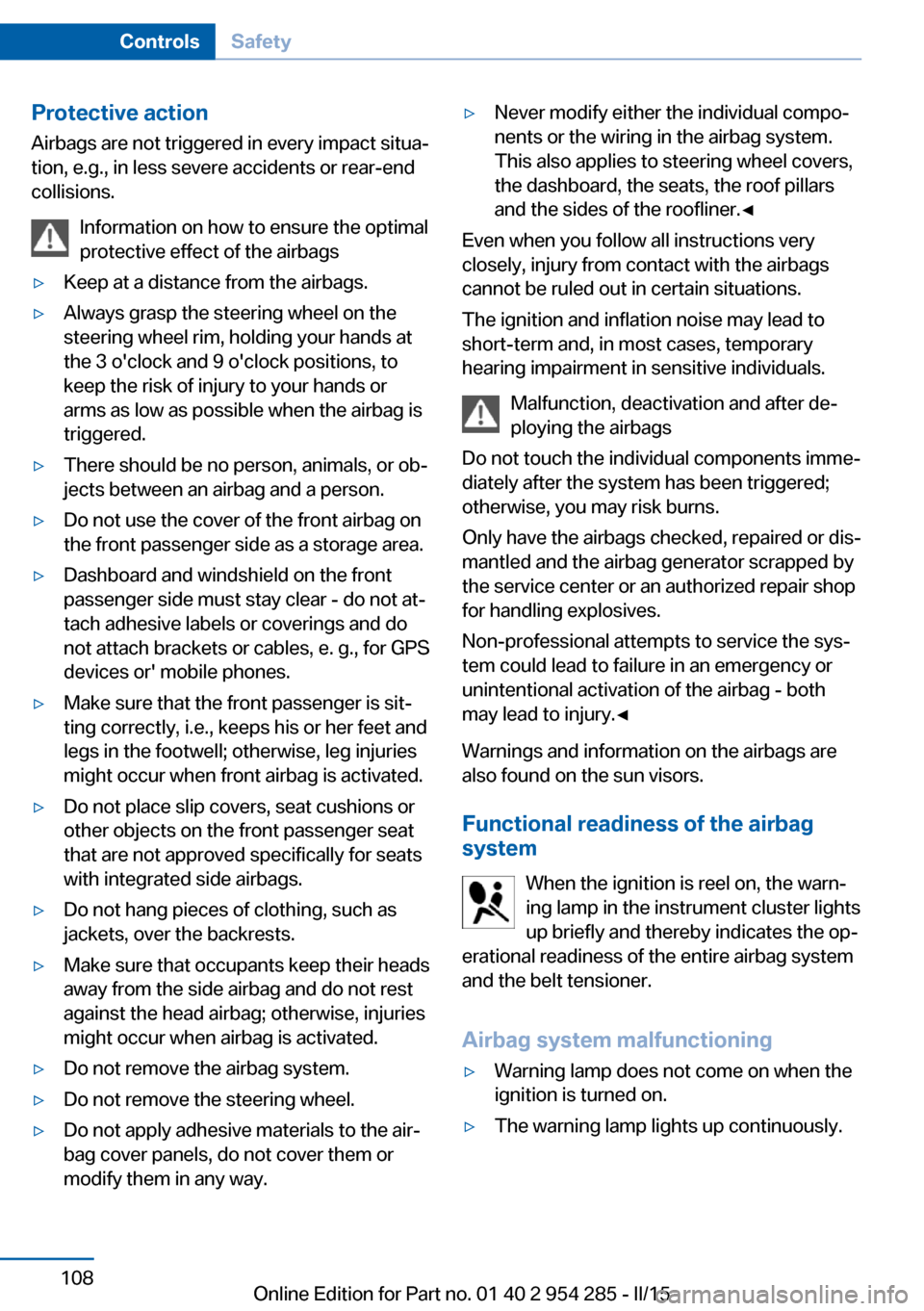
Protective action
Airbags are not triggered in every impact situa‐
tion, e.g., in less severe accidents or rear-end
collisions.
Information on how to ensure the optimal
protective effect of the airbags▷Keep at a distance from the airbags.▷Always grasp the steering wheel on the
steering wheel rim, holding your hands at
the 3 o'clock and 9 o'clock positions, to
keep the risk of injury to your hands or
arms as low as possible when the airbag is
triggered.▷There should be no person, animals, or ob‐
jects between an airbag and a person.▷Do not use the cover of the front airbag on
the front passenger side as a storage area.▷Dashboard and windshield on the front
passenger side must stay clear - do not at‐
tach adhesive labels or coverings and do
not attach brackets or cables, e. g., for GPS
devices or' mobile phones.▷Make sure that the front passenger is sit‐
ting correctly, i.e., keeps his or her feet and
legs in the footwell; otherwise, leg injuries
might occur when front airbag is activated.▷Do not place slip covers, seat cushions or
other objects on the front passenger seat
that are not approved specifically for seats
with integrated side airbags.▷Do not hang pieces of clothing, such as
jackets, over the backrests.▷Make sure that occupants keep their heads
away from the side airbag and do not rest
against the head airbag; otherwise, injuries
might occur when airbag is activated.▷Do not remove the airbag system.▷Do not remove the steering wheel.▷Do not apply adhesive materials to the air‐
bag cover panels, do not cover them or
modify them in any way.▷Never modify either the individual compo‐
nents or the wiring in the airbag system.
This also applies to steering wheel covers,
the dashboard, the seats, the roof pillars
and the sides of the roofliner.◀
Even when you follow all instructions very
closely, injury from contact with the airbags
cannot be ruled out in certain situations.
The ignition and inflation noise may lead to
short-term and, in most cases, temporary
hearing impairment in sensitive individuals.
Malfunction, deactivation and after de‐
ploying the airbags
Do not touch the individual components imme‐
diately after the system has been triggered;
otherwise, you may risk burns.
Only have the airbags checked, repaired or dis‐
mantled and the airbag generator scrapped by
the service center or an authorized repair shop
for handling explosives.
Non-professional attempts to service the sys‐
tem could lead to failure in an emergency or
unintentional activation of the airbag - both
may lead to injury.◀
Warnings and information on the airbags are also found on the sun visors.
Functional readiness of the airbag
system
When the ignition is reel on, the warn‐
ing lamp in the instrument cluster lights
up briefly and thereby indicates the op‐
erational readiness of the entire airbag system
and the belt tensioner.
Airbag system malfunctioning
▷Warning lamp does not come on when the
ignition is turned on.▷The warning lamp lights up continuously.Seite 108ControlsSafety108
Online Edition for Part no. 01 40 2 954 285 - II/15
Page 113 of 263
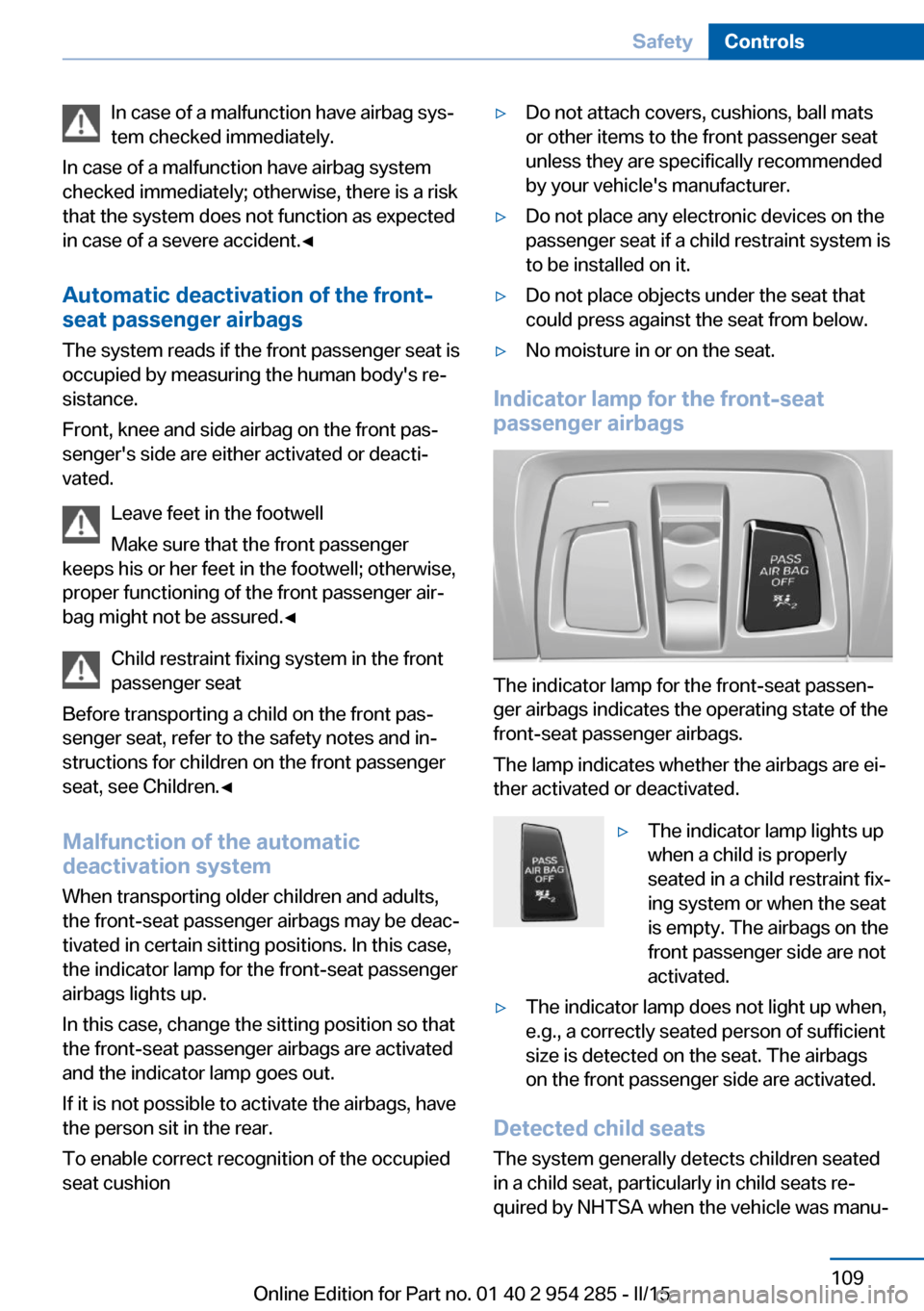
In case of a malfunction have airbag sys‐
tem checked immediately.
In case of a malfunction have airbag system
checked immediately; otherwise, there is a risk
that the system does not function as expected
in case of a severe accident.◀
Automatic deactivation of the front-
seat passenger airbags
The system reads if the front passenger seat is
occupied by measuring the human body's re‐
sistance.
Front, knee and side airbag on the front pas‐
senger's side are either activated or deacti‐
vated.
Leave feet in the footwell
Make sure that the front passenger
keeps his or her feet in the footwell; otherwise,
proper functioning of the front passenger air‐
bag might not be assured.◀
Child restraint fixing system in the front
passenger seat
Before transporting a child on the front pas‐
senger seat, refer to the safety notes and in‐
structions for children on the front passenger
seat, see Children.◀
Malfunction of the automatic
deactivation system
When transporting older children and adults,
the front-seat passenger airbags may be deac‐
tivated in certain sitting positions. In this case,
the indicator lamp for the front-seat passenger
airbags lights up.
In this case, change the sitting position so that
the front-seat passenger airbags are activated
and the indicator lamp goes out.
If it is not possible to activate the airbags, have
the person sit in the rear.
To enable correct recognition of the occupied
seat cushion▷Do not attach covers, cushions, ball mats
or other items to the front passenger seat
unless they are specifically recommended
by your vehicle's manufacturer.▷Do not place any electronic devices on the
passenger seat if a child restraint system is
to be installed on it.▷Do not place objects under the seat that
could press against the seat from below.▷No moisture in or on the seat.
Indicator lamp for the front-seat
passenger airbags
The indicator lamp for the front-seat passen‐
ger airbags indicates the operating state of the
front-seat passenger airbags.
The lamp indicates whether the airbags are ei‐
ther activated or deactivated.
▷The indicator lamp lights up
when a child is properly
seated in a child restraint fix‐
ing system or when the seat
is empty. The airbags on the
front passenger side are not
activated.▷The indicator lamp does not light up when,
e.g., a correctly seated person of sufficient
size is detected on the seat. The airbags
on the front passenger side are activated.
Detected child seats
The system generally detects children seated
in a child seat, particularly in child seats re‐
quired by NHTSA when the vehicle was manu‐
Seite 109SafetyControls109
Online Edition for Part no. 01 40 2 954 285 - II/15
Page 114 of 263
factured. After installing a child seat, make
sure that the indicator lamp for the front-seat
passenger airbags lights up. This indicates
that the child seat has been detected and the
front-seat passenger airbags are not activated.
Strength of the driver's and front-seat
passenger airbag
The explosive power that activates driver's/
front passenger's airbags very much depends
on the positions of the driver's/front passeng‐
er's seat.
With a respective message appearing on Con‐
trol Display calibrate the front seats to keep
the accuracy of this function over the long-
term.
Calibrating the front seats A corresponding message appears on the
Control Display.1.Press the reel and move the respective
seat all the way forward.2.Press the reel forward again. The seat still
moves forward slightly.3.Readjust the seat to the desired position.
The calibration procedure is completed when
the message on the Control Display disap‐
pears.
If the message continues to be displayed, re‐
peat the calibration.
If the message does not disappear after a re‐
peat calibration, have the system checked as
soon as possible.
Unobstructed area of movement
Ensure that the area of movement of the
seats is unobstructed to avoid personal injury
or damage to objects.◀
FTM Flat Tire Monitor
The concept
The system detects tire inflation pressure loss
on the basis of rotation speed differences be‐
tween the individual wheels while driving.
In the event of a tire inflation pressure loss, the
diameter and therefore the rotational speed of
the corresponding wheel changes. This will be
detected and reported as a flat tire.
The system does not measure the actual infla‐
tion pressure in the tires.
Functional requirements
The system must have been initialized when
the tire inflation pressure was correct; other‐
wise, reliable flagging of a flat tire is not as‐
sured. Initialize the system after each correc‐
tion of the tire inflation pressure and after
every tire or wheel change.
Status display The current status of the Flat Tire Monitor canbe displayed on the Control Display, e.g.,
whether or not the FTM is active.
On the Control Display:1."Vehicle info"2."Vehicle status"3. "Flat Tire Monitor (FTM)"
The status is displayed.
Initialization
When initializing the once set inflation tire
pressures serve as reference values in order to
detect a flat tire. Initialization is started by con‐
firming the tire inflation pressures.
Do not initialize the system when driving with
snow chains.
On the Control Display:
1."Vehicle info"2."Vehicle status"Seite 110ControlsSafety110
Online Edition for Part no. 01 40 2 954 285 - II/15
Page 252 of 263
Everything from A to Z
IndexA ABS, Antilock Brake Sys‐ tem 134
ACC, Active Cruise Control with Stop & Go 142
Accessories and parts 7
Activated-charcoal filter 166
Active Blind Spot Detec‐ tion 130
Active Cruise Control with Stop & Go, ACC 142
Active Protection 131
Active seat, front 57
Active seat ventilation, front 57
Active Steering, integral 138
Adaptive brake assistant 134
Adaptive brake lights, refer to Brake force display 131
Adaptive drive 137
Adaptive Light Control 103
Additives, oil 219
Adjustments, seats/head re‐ straints 54
After washing vehicle 238
Airbags 107
Airbags, indicator/warning light 108
Air circulation, refer to Recir‐ culated-air mode 165
Air, dehumidifying, refer to Cooling function 165
Air distribution, manual 164
Air flow, automatic climate control 164
Air outlets, see ventila‐ tion 166
Air pressure, tires 204
Alarm system 48
Alarm, unintentional 49 All around the center con‐
sole 16
All around the roofliner 17
All around the steering wheel 14
All-season tires, refer to Win‐ ter tires 211
All-wheel-drive 136
Alternating-code hand-held transmitter 171
Alternative oil types 220
Ambient light 106
Animal detection, see Night Vision 125
Antifreeze, washer fluid 80
Antilock Brake System, ABS 134
Anti-slip control, refer to DSC 134
Approved axle load 245
Approved engine oils, see Suitable engine oil
types 220
Armrest, refer to Center arm‐ rest 179
Arrival time 97
Ashtray 172
Assistance when driving off 134
Attentiveness assistant 132
AUTO H button 74
AUTO H button, refer to Au‐ tomatic Hold 74
AUTO intensity 164
Automatic car wash 237
Automatic climate con‐ trol 163
Automatic Cruise Control with Stop & Go 142
Automatic Curb Monitor 64 Automatic deactivation, front-
seat passenger airbags 109
Automatic headlight con‐ trol 103
Automatic Hold 74
Automatic locking 47
Automatic recirculated-air control 165
Automatic Soft Closing, doors 40
Automatic tailgate 41
Automatic transmission, see Steptronic transmission 81
AUTO program, automatic cli‐ mate control 164
AUTO program, intensity 164
Auto Start/Stop function 71
Average fuel consumption 97
Average speed 97
Axle loads, weights 245
B Backrest curvature, refer to Lumbar support 56
Backrest, seats 54
Backrest, width 57
Band-aids, refer to First aid kit 233
Bar for tow-starting/ towing 235
Battery replacement, vehicle battery 230
Battery replacement, vehicle remote control 35
Battery, vehicle 229
Belts, safety belts 59
Beverage holder, cu‐ pholder 180
Blinds, sun protection 50 Seite 248ReferenceEverything from A to Z248
Online Edition for Part no. 01 40 2 954 285 - II/15
Page 255 of 263
Emergency Request 232
Emergency start function, en‐ gine start 35
Emergency unlocking, tail‐ gate 44
Emergency unlocking, trans‐ mission lock 83
Energy Control 93
Energy recovery 93
Engine, automatic Start/Stop function 71
Engine, automatic switch- off 71
Engine compartment 216
Engine compartment, work‐ ing in 216
Engine coolant 221
Engine idling when driving, coasting 196
Engine oil 218
Engine oil, adding 219
Engine oil additives 219
Engine oil change 220
Engine oil filler neck 219
Engine oil temperature 91
Engine oil types, alterna‐ tive 220
Engine oil types, ap‐ proved 220
Engine start during malfunc‐ tion 35
Engine start, jump-start‐ ing 233
Engine start, refer to Starting the engine 71
Engine stop 71
Engine temperature 91
Entering a car wash 237
Equipment, interior 170
Error displays, see Check Control 87
ESP Electronic Stability Pro‐ gram, refer to DSC 134
Exchanging wheels/tires 210
Exhaust system 186 Exterior mirror, automatic
dimming feature 64
Exterior mirrors 63
External start 233
External temperature dis‐ play 92
External temperature warn‐ ing 92
Eyes for securing cargo 190
F
Failure message, see Check Control 87
False alarm, refer to Uninten‐ tional alarm 49
Fan, refer to Air flow 164
Filler neck for engine oil 219
Fine wood, care 239
First aid kit 233
Fitting for towing, see Tow fit‐ ting 236
Flat tire, changing wheels 229
Flat Tire Monitor FTM 110
Flat tire, Tire Pressure Moni‐ tor TPM 112
Flat tire, warning lamp 111, 113
Flooding 187
Floor carpet, care 240
Floor mats, care 240
Fold down the rear seat back‐ rest, see Though-loading
system 175
Fold-out position, wiper 80
Foot brake 187
Front airbags 107
Front-end collision warning with braking function 119
Front-end collision warning with City Braking func‐
tion 117
Front fog lights 105
Front fog lights, bulb replace‐ ment 228 front-seat passenger airbags,
automatic deactivation 109
Front-seat passenger airbags, indicator lamp 109
Front seats 54
FTM Flat Tire Monitor 110
Fuel 202
Fuel consumption, refer to Average fuel consump‐
tion 97
Fuel filler flap 200
Fuel gauge 91
Fuel lid 200
Fuel quality 202
Fuel recommendation 202
Fuel, tank capacity 246
Fuse 230
G
Garage door opener, refer to Universal Integrated Remote
Control 170
Gasoline 202
Gear change, Steptronic transmission 81
Gear shift indicator 94
General driving notes 186
Glare shield 172
Glass sunroof, refer to Panor‐ amic glass sunroof 51
Glove compartment 178
Gross vehicle weight, ap‐ proved 245
H
Handbrake, refer to Parking brake 73
Hand-held transmitter, alter‐ nating code 171
Hazard warning flashers 232
HDC Hill Descent Con‐ trol 136
Head airbags 107 Seite 251Everything from A to ZReference251
Online Edition for Part no. 01 40 2 954 285 - II/15
Page 256 of 263

Headlight control, auto‐matic 103
Headlight courtesy delay fea‐ ture 103
Headlight courtesy delay fea‐ ture, remote control 47
Headlight courtesy delay fea‐ ture via remote control 39
Headlight flasher 78
Headlight glass 226
Headlights, care 238
Headlight washer system 78
Head restraints 54
Head restraints, front 60
Head restraints, rear 61
Head-up Display 100
Head-up Display, care 240
Heavy cargo, stowing 190
Height, vehicle 244
High-beam Assistant 104
High beams 78
High beams/low beams, refer to High-beam Assistant 104
Hill Descent Control HDC 136
Hills 188
Hill start assistant, refer to Drive-off assistant 134
Hints 6
Holder for beverages 180
Homepage 6
Hood 216
Horn 14
Hotel function, tailgate 43
Hot exhaust system 186
HUD Head-up Display 100
Hydroplaning 187
I Ice warning, see External temperature warning 92
Icy roads, see External tem‐ perature warning 92
Identification marks, tires 208 Identification number, see ve‐
hicle identification num‐
ber 9
iDrive 18
Ignition key, refer to Remote control 34
Ignition off 70
Ignition on 70
Indication of a flat tire 111 , 113
Indicator and alarm lamps, see Check Control 87
Indicator lamp, see Check Control 87
Individual air distribution 164
Individual settings, refer to Personal Profile 35
Inflation pressure, tires 204
Inflation pressure warning FTM, tires 110
Info display, refer to On- Board computer 96
Initialization, Integral Active Steering 138
Initialize, Tire Pressure Moni‐ tor TPM 113
Initializing, Flat Tire Monitor FTM 110
Instrument cluster 84
Instrument cluster, electronic displays 84
Instrument display, multifunc‐ tional 85
Instrument lighting 105
Integral Active Steering 138
Integrated key 34
Integrated Owner's Manual in the vehicle 29
Intelligent Emergency Re‐ quest 232
Intelligent Safety 115
Intensity, AUTO pro‐ gram 164
Interior equipment 170
Interior lights 105 Interior lights during unlock‐
ing 37
Interior lights with the vehicle locked 38
Interior motion sensor 48
Interior rearview mirror, auto‐ matic dimming feature 64
Interior rearview mirror, man‐ ually dimmable 64
Internet page 6
Interval display, service re‐ quirements 93
Interval mode 79
J
Jacking points for the vehicle jack 229
Joystick, Steptronic transmis‐ sion 81
Jump-starting 233
K
Key/remote control 34
Keyless Go, refer to Comfort Access 44
Key Memory, refer to Per‐ sonal Profile 35
Kickdown, Steptronic trans‐ mission 81
Knee airbag 107
L Lamp replacement, rear 228
Lane departure warning 128
Lane margin, warning 128
Language on Control Dis‐ play 99
Large tailgate via remote con‐ trol 38
Lashing eyes, securing cargo 190
LATCH child restraint sys‐ tem 68 Seite 252ReferenceEverything from A to Z252
Online Edition for Part no. 01 40 2 954 285 - II/15
Page 259 of 263

Replacement fuse 230
Replacing parts 225
Replacing wheels/tires 210
Reporting safety defects 9
RES button 145
RES button, see Active Cruise Control, ACC 142
RES button, see Cruise con‐ trol 149
Reserve warning, refer to Range 92
Reset, Tire Pressure Monitor TPM 113
Residual heat, automatic cli‐ mate control 166
Retaining straps, securing cargo 190
Retreaded tires 211
Reversing lamp, bulb replace‐ ment 228
Roadside parking lights 103
Roller sunblinds 50
Roll stabilization, refer to Adaptive Drive 137
Roll stabilization, refer to Dy‐ namic Drive 137
RON recommended fuel grade 202
Roofliner 17
Roof load capacity 245
Roof-mounted luggage rack 190
Rope for tow-starting/ towing 235
RSC Run Flat System Com‐ ponent, refer to Run-flat
tires 211
Rubber components, care 239
Run-flat tires 211
S Safe braking 187
Safety 7 Safety belt reminder for driv‐
er's seat and front passen‐
ger seat 60
Safety belts 59
Safety belts, care 240
Safety Package, refer to Ac‐ tive Protection 131
Safety switch, windows 50
Safety systems, airbags 107
Saving fuel 192
Screen, refer to Control Dis‐ play 18
Screwdriver, see Onboard ve‐ hicle tool kit 225
Screw thread, refer to Screw thread for tow fitting, screw
thread for tow fitting 236
Sealant 212
Seat belts, refer to Safety belts 59
Seat heating, front 57
Seat heating, rear 58
Seating position for chil‐ dren 66
Seat, mirror, and steering wheel memory 62
Seats 54
Seats, front 54
Seats, rear 58
Seat ventilation, front 57
Selection list in instrument cluster 96
Selector lever, Steptronic transmission 81
Self-leveling suspension, air suspension 139
Self-leveling suspension, malfunction 139
Sensors, care 240
Service and warranty 8
Service requirements, Condi‐ tion Based Service
CBS 223
Service requirements, dis‐ play 93
Services, ConnectedDrive SET button, see Active Cruise Control, ACC 142
SET button, see Cruise con‐ trol 149
Settings, locking/unlock‐ ing 46
Settings on Control Dis‐ play 98
Settings, storing for seat, mir‐ rors, steering wheel 62
Shift paddles on the steering wheel 82
Shoulder support 57
Side airbags 107
Side View 156
Signaling, horn 14
Signals when unlocking 47
Sitting safely 54
Size 244
Ski and snowboard bag 177
Slide/tilt glass roof 51
Smallest turning radius 244
Small tailgate via remote con‐ trol 38
Smoker's package 172
Snow chains 215
Socket 173
Socket, OBD Onboard Diag‐ nostics 224
SOS button 232
Spare fuse 230
Speaker lighting 106
Specified engine oil types 220
Speed, average 97
Speed limit detection, on- board computer 97
Speed limiter, display 94
Speed Limit Information 94
Speed warning 98
Split screen 23
SPORT+ - program, Dynamic Driving Control 140
Sport displays, torque dis‐ play, performance dis‐
play 98 Seite 255Everything from A to ZReference255
Online Edition for Part no. 01 40 2 954 285 - II/15