2016 BMW 4 SERIES GRAN COUPE Jack
[x] Cancel search: JackPage 103 of 249

Ejection MitigationThe head airbag system is designed as an
ejection mitigation countermeasure to reduce
the likelihood of ejections of vehicle occupants
through side windows during rollovers or side
impact events.
Knee airbag The knee airbag supports the legs in a frontal
impact.
Protective action
Airbags are not triggered in every impact situa‐
tion, e.g., in less severe accidents or rear-end
collisions.
Information on how to ensure the optimal
protective effect of the airbags▷Keep at a distance from the airbags.▷Always grasp the steering wheel on the
steering wheel rim, holding your hands at
the 3 o'clock and 9 o'clock positions, to
keep the risk of injury to your hands or
arms as low as possible when the airbag is
triggered.▷There should be no person, animals, or ob‐
jects between an airbag and a person.▷Do not use the cover of the front airbag on
the front passenger side as a storage area.▷Dashboard and windshield on the front
passenger side must stay clear - do not at‐
tach adhesive labels or coverings and do
not attach brackets or cables, e. g., for GPS
devices or' mobile phones.▷Make sure that the front passenger is sit‐
ting correctly, i.e., keeps his or her feet and
legs in the footwell; otherwise, leg injuries
might occur when front airbag is activated.▷Do not place slip covers, seat cushions or
other objects on the front passenger seat
that are not approved specifically for seats
with integrated side airbags.▷Do not hang pieces of clothing, such as
jackets, over the backrests.▷Make sure that occupants keep their heads
away from the side airbag and do not rest
against the head airbag; otherwise, injuries
might occur when airbag is activated.▷Do not remove the airbag system.▷Do not remove the steering wheel.▷Do not apply adhesive materials to the air‐
bag cover panels, do not cover them or
modify them in any way.▷Never modify either the individual compo‐
nents or the wiring in the airbag system.
This also applies to steering wheel covers,
the dashboard, the seats, the roof pillars
and the sides of the roofliner.◀
Even when you follow all instructions very
closely, injury from contact with the airbags
cannot be ruled out in certain situations.
The ignition and inflation noise may lead to
short-term and, in most cases, temporary
hearing impairment in sensitive individuals.
Malfunction, deactivation and after de‐
ploying the airbags
Do not touch the individual components imme‐
diately after the system has been triggered;
otherwise, you may risk burns.
Only have the airbags checked, repaired or dis‐
mantled and the airbag generator scrapped by
the service center or an authorized repair shop
for handling explosives.
Non-professional attempts to service the sys‐
tem could lead to failure in an emergency or
unintentional activation of the airbag - both
may lead to injury.◀
Warnings and information on the airbags are also found on the sun visors.
Functional readiness of the airbag
system
When the ignition is reel on, the warn‐
ing lamp in the instrument cluster lights
up briefly and thereby indicates the op‐
Seite 99SafetyControls99
Online Edition for Part no. 01 40 2 960 707 - II/15
Page 219 of 249

These lights are made using LED technology.
Contact your service center in the event of a
malfunction.
Changing wheels
Hints When using run-flat tires or sealants, a tire
does not need to be changed immediately in
the event of pressure loss due to a flat tire.
Which is why no spare tire is available.
The tools for changing wheels are available as
accessories from your service center.
Jacking points for the vehicle jack
The jacking points for the vehicle jack are lo‐
cated at the positions shown.
Vehicle battery Maintenance
The battery is maintenance-free.
The added amount of acid is sufficient for the
service life of the battery.
Further information about the battery can be
obtained from your service center.
Battery replacement
Use approved vehicle batteries only
Only use vehicle batteries that have been
approved for your vehicle by the manufacturer;
otherwise, the vehicle could be damaged and
systems or functions may not be fully availa‐
ble.◀
After a battery replacement, have the battery registered on the vehicle by the service center
to ensure that all comfort features are fully
available and that any Check Control mes‐
sages of these comfort features are no longer
displayed.
Charging the battery
General information Make sure that the battery is always suffi‐
ciently charged to guarantee that the battery
remains usable for its full service life.
The battery may need to be charged in the fol‐
lowing cases:▷When making frequent short-distance
drives.▷If the vehicle is not used for prolonged pe‐
riods, longer than a month.
Hints
Do not connect charging devices to the
12 volt socket in the vehicle
Do not connect battery chargers to the fac‐
tory-installed 12 volt sockets in the vehicle as
this may damage the vehicle battery due to an
increased power consumption.◀
Starting aid terminals
In the vehicle, only charge the battery via the
starting aid terminals, refer to page 220, in the
engine compartment with the engine off.
Seite 215Replacing componentsMobility215
Online Edition for Part no. 01 40 2 960 707 - II/15
Page 242 of 249

High-beam Assistant 95
High beams 70
High beams/low beams, refer to High-beam Assistant 95
Hills 170
Hill start assistant, refer to Drive-off assistant 124
Hints 6
Holder for beverages 163
Homepage 6
Hood 202
Horn 14
Hotel function, tailgate 42
Hot exhaust system 169
HUD Head-up Display 91
Hydroplaning 169
I Ice warning, see External temperature warning 83
Icy roads, see External tem‐ perature warning 83
Identification marks, tires 192
Identification number, see ve‐ hicle identification num‐
ber 9
iDrive 18
Ignition key, refer to Remote control 34
Ignition off 65
Ignition on 65
Indication of a flat tire 102 , 105
Indicator and alarm lamps, see Check Control 79
Indicator lamp, see Check Control 79
Individual air distribu‐ tion 147, 150
Individual settings, refer to Personal Profile 35
Inflation pressure, tires 188
Inflation pressure warning FTM, tires 105 Info display, refer to On-
Board computer 87
Initialize, Tire Pressure Moni‐ tor TPM 102
Initializing, Flat Tire Monitor FTM 105
Instrument cluster 78
Instrument cluster, electronic displays 78
Instrument lighting 96
Integrated key 34
Integrated Owner's Manual in the vehicle 30
Intelligent Emergency Re‐ quest 218
Intelligent Safety 107
Intensity, AUTO pro‐ gram 149
Interior equipment 153
Interior lights 96
Interior lights during unlock‐ ing 37
Interior lights with the vehicle locked 38
Interior motion sensor 47
Interior rearview mirror, auto‐ matic dimming feature 59
Interior rearview mirror, com‐ pass 155
Interior rearview mirror, man‐ ually dimmable 59
Internet page 6
Interval display, service re‐ quirements 84
Interval mode 71
J
Jacking points for the vehicle jack 215
Joystick, Steptronic transmis‐ sion 74
Jump-starting 219 K
Key/remote control 34
Keyless Go, refer to Comfort Access 42
Key Memory, refer to Per‐ sonal Profile 35
Kickdown, Steptronic trans‐ mission 73
Knee airbag 99
L
Lamp replacement 209
Lamp replacement, front 210
Lamp replacement, rear 212
Lane departure warning 115
Lane margin, warning 115
Language on Control Dis‐ play 91
Lashing eyes, securing cargo 172
LATCH child restraint sys‐ tem 63
Launch Control 76
Leather, care 226
LED light, bulb replace‐ ment 211
LEDs, light-emitting di‐ odes 210
Length, vehicle 230
Letters and numbers, enter‐ ing 25
Light alloy wheels, care 226
Light control 94
Light-emitting diodes, LEDs 210
Lighter 157
Lighting 93
Lights 93
Lights and bulbs 209
Light switch 93
Load 172
Loading 171
Lock, door 39 Seite 238ReferenceEverything from A to Z238
Online Edition for Part no. 01 40 2 960 707 - II/15
Page 246 of 249
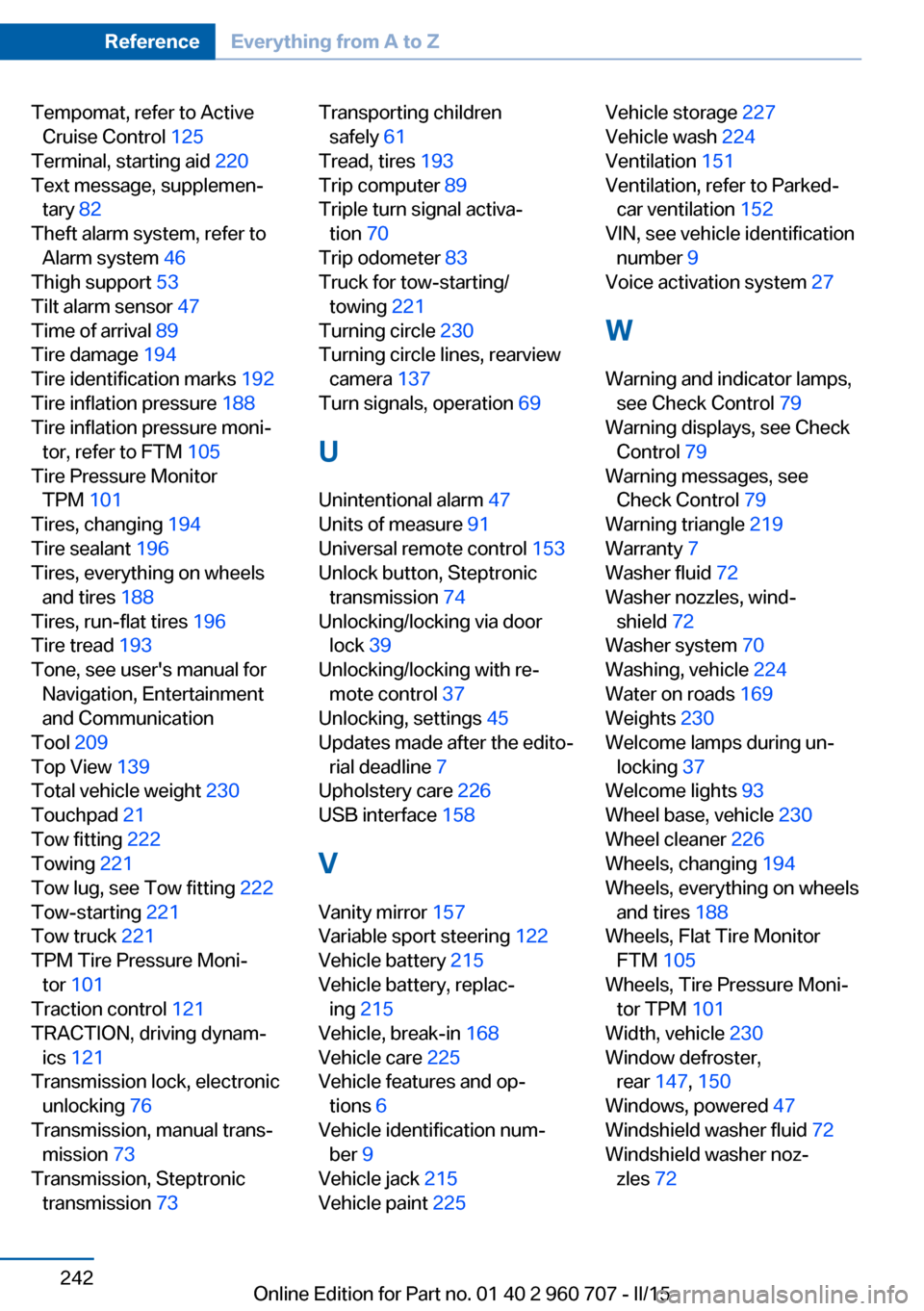
Tempomat, refer to ActiveCruise Control 125
Terminal, starting aid 220
Text message, supplemen‐ tary 82
Theft alarm system, refer to Alarm system 46
Thigh support 53
Tilt alarm sensor 47
Time of arrival 89
Tire damage 194
Tire identification marks 192
Tire inflation pressure 188
Tire inflation pressure moni‐ tor, refer to FTM 105
Tire Pressure Monitor TPM 101
Tires, changing 194
Tire sealant 196
Tires, everything on wheels and tires 188
Tires, run-flat tires 196
Tire tread 193
Tone, see user's manual for Navigation, Entertainment
and Communication
Tool 209
Top View 139
Total vehicle weight 230
Touchpad 21
Tow fitting 222
Towing 221
Tow lug, see Tow fitting 222
Tow-starting 221
Tow truck 221
TPM Tire Pressure Moni‐ tor 101
Traction control 121
TRACTION, driving dynam‐ ics 121
Transmission lock, electronic unlocking 76
Transmission, manual trans‐ mission 73
Transmission, Steptronic transmission 73 Transporting children
safely 61
Tread, tires 193
Trip computer 89
Triple turn signal activa‐ tion 70
Trip odometer 83
Truck for tow-starting/ towing 221
Turning circle 230
Turning circle lines, rearview camera 137
Turn signals, operation 69
U Unintentional alarm 47
Units of measure 91
Universal remote control 153
Unlock button, Steptronic transmission 74
Unlocking/locking via door lock 39
Unlocking/locking with re‐ mote control 37
Unlocking, settings 45
Updates made after the edito‐ rial deadline 7
Upholstery care 226
USB interface 158
V Vanity mirror 157
Variable sport steering 122
Vehicle battery 215
Vehicle battery, replac‐ ing 215
Vehicle, break-in 168
Vehicle care 225
Vehicle features and op‐ tions 6
Vehicle identification num‐ ber 9
Vehicle jack 215
Vehicle paint 225 Vehicle storage 227
Vehicle wash 224
Ventilation 151
Ventilation, refer to Parked- car ventilation 152
VIN, see vehicle identification number 9
Voice activation system 27
W Warning and indicator lamps, see Check Control 79
Warning displays, see Check Control 79
Warning messages, see Check Control 79
Warning triangle 219
Warranty 7
Washer fluid 72
Washer nozzles, wind‐ shield 72
Washer system 70
Washing, vehicle 224
Water on roads 169
Weights 230
Welcome lamps during un‐ locking 37
Welcome lights 93
Wheel base, vehicle 230
Wheel cleaner 226
Wheels, changing 194
Wheels, everything on wheels and tires 188
Wheels, Flat Tire Monitor FTM 105
Wheels, Tire Pressure Moni‐ tor TPM 101
Width, vehicle 230
Window defroster, rear 147, 150
Windows, powered 47
Windshield washer fluid 72
Windshield washer noz‐ zles 72 Seite 242ReferenceEverything from A to Z242
Online Edition for Part no. 01 40 2 960 707 - II/15