Page 44 of 430
MULTI-FUNCTION DISPLAY
1-30
FUNCTION DIAGRAM
TIP
The following diagram illustrates the multi-function display regarding the direction and operation con-
dition involved in each of its functions.
A short push on the button changes
the operation in the arrowed direction.
A short push on the button changes
the operation in both arrowed directions.
A long push on the button changes the
operation in the arrowed direction.
A long push on the button changes the
operation in both arrowed directions.Meter function
Function that can be performed whether
the time is or is not in operation.
Extent to which the meter can operate
Clock
BASIC MODE
Tripmeter
ODO TRIP A TRIP B ODO
Speedometer
(for U.K.)
MPH
km/h MPH
Putting measurement on
standby
Manual startAuto start
RACE MODE
Timer in operation
Reset
TRIP ACorrect
TRIP AMeasurement starts as the
machine moves
Timer not in
operation
Correct
TRIP AReset
TRIP A &
timer
Page 45 of 430
MULTI-FUNCTION DISPLAY
1-31
A.A short push on the button changes the oper-
ation in the arrowed direction.
B.A short push on the button changes the oper-
ation in both arrowed directions.
C.A long push on the button changes the oper-
ation in the arrowed direction.
D.A long push on the button changes the oper-
ation in both arrowed directions.
E.Meter function
F.Function that can be performed whether the
time is or is not in operation.
G.Extent to which the meter can operate
1. BASIC MODE
2. Clock
3. Trip meter
4. Speedometer (for U.K.)
5. RACE MODE
6. Putting measurement on standby
7. Manual start
8. Auto start
9. Measurement starts as the machine moves
10.Timer in operation
11.Reset TRIP A
12.Correct TRIP A
13.Timer not in operation
14.Reset TRIP A and timer
Page 405 of 430
ELECTRICAL COMPONENTS
9-71
b. Connect a charger and ammeter to the bat-tery and start charging.
TIP
Set the charging voltage to 16–17 V.If the set-
ting is lower, charging will be insufficient. If too
high, the battery will be over-charged.
c. Make sure that the current is higher than the standard charging current written on the bat-
tery.
TIP
If the current is lower than the standard charg-
ing current written on the battery, set the charg-
ing voltage adjust dial at 20–24 V and monitor
the amperage for 3–5 minutes to check the bat-
tery.
d. Adjust the voltage so that the current is at
the standard charging level.
e. Set the time according to the charging time suitable for the open-circuit voltage.
f. If charging requires more than 5 hours, it is advisable to check the charging current after
a lapse of 5 hours. If there is any change in
the amperage, readjust the voltage to obtain
the standard charging current.
g. Measure the battery open-circuit voltage af-
ter leaving the battery unused for more than
30 minutes.
▲▲▲▲▲▲▲▲▲▲▲▲▲▲▲▲▲▲▲▲▲▲▲▲▲▲▲▲▲▲▲▲
▼▼▼▼▼▼▼▼▼▼▼▼▼▼▼▼▼▼▼▼▼▼▼▼▼▼▼▼▼▼▼▼
Charging method using a constant volt-
age charger
a. Measure the open-circuit voltage prior to charging.
TIP
Voltage should be measured 30 minutes after
the engine is stopped.
b. Connect a charger and ammeter to the bat-tery and start charging.
c. Make sure that the current is higher than the
standard charging current written on the bat-
tery.
TIP
If the current is lower than the standard charg-
ing current written on the battery, this type of
battery charger cannot charge the VRLA (Valve
Regulated Lead Acid) battery. A variable volt-
age charger is recommended.
d. Charge the battery until the battery’s charg-ing voltage is 15 V.
TIP
Set the charging time at 20 hours (maximum).
e. Measure the battery open-circuit voltage af-ter leaving the battery unused for more than
30 minutes.
▲▲▲▲▲▲▲▲▲▲▲▲▲▲▲▲▲▲▲▲▲▲▲▲▲▲▲▲▲▲▲▲
6. Install:
• Battery terminals
7. Connect:
• Battery leads(to the battery terminals)
ECA
NOTICE
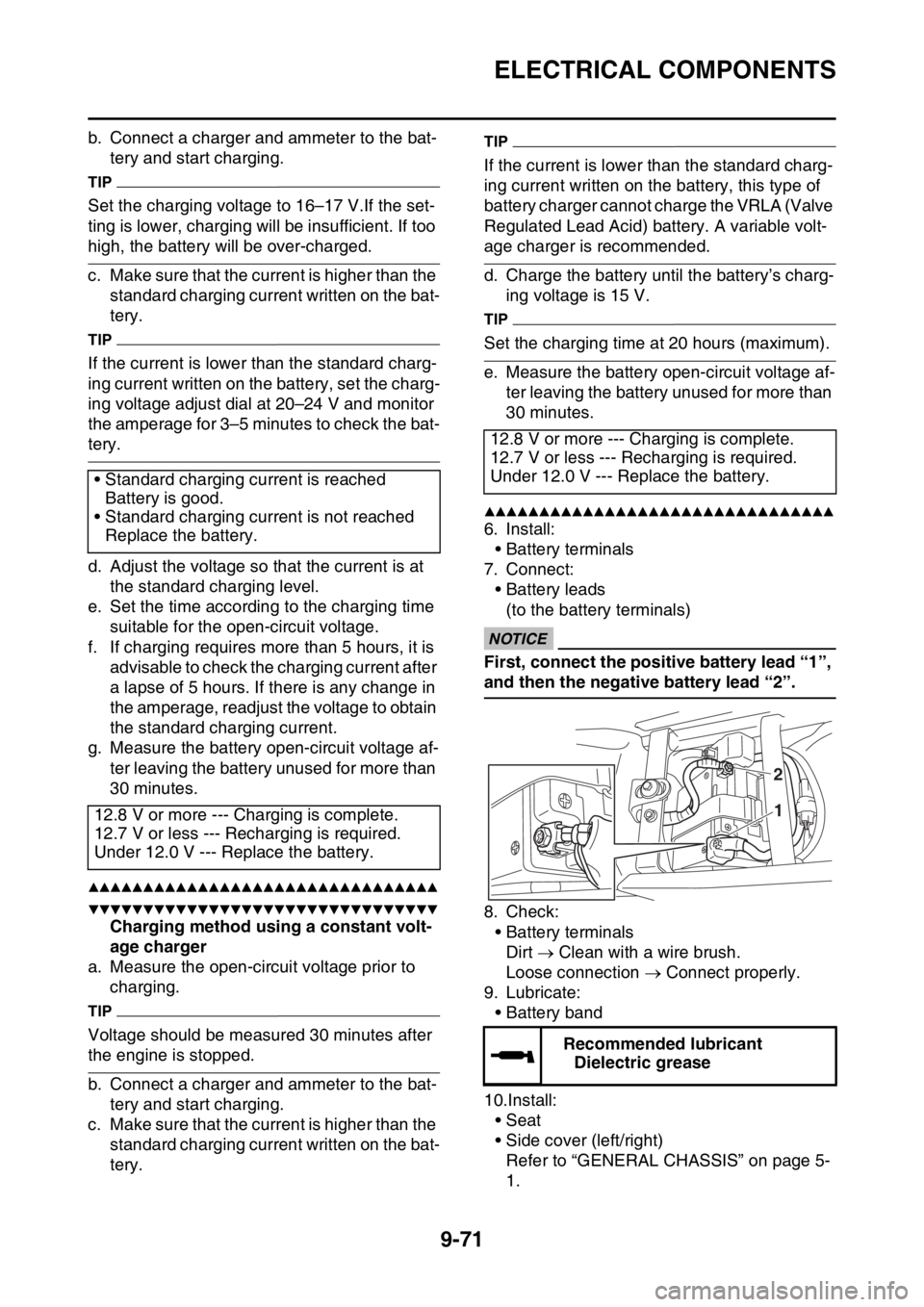
First, connect the positive battery lead “1”,
and then the negative battery lead “2”.
8. Check:• Battery terminalsDirt Clean with a wire brush.
Loose connection Connect properly.
9. Lubricate: • Battery band
10.Install: • Seat
• Side cover (left/right)
Refer to “GENERAL CHASSIS” on page 5-
1.
• Standard charging current is reached
Battery is good.
• Standard charging current is not reached Replace the battery.
12.8 V or more --- Charging is complete.
12.7 V or less --- Recharging is required.
Under 12.0 V --- Replace the battery.
12.8 V or more --- Charging is complete.
12.7 V or less --- Recharging is required.
Under 12.0 V --- Replace the battery.
Recommended lubricantDielectric grease
2
1
Page 423 of 430

LIST OF SELF-DIAGNOSTIC AND FAIL-SAFE ACTIONS
10-6
SENSOR OPERATION TABLE
Diag-
nostic
code
No.Item Display Procedure
01 Throttle position sensor sig-
nal
• Fully closed position
• Fully opened position• 11–14
• 109–116• Check with throttle valve
fully closed.
• Check with throttle valve
fully open.
03 Intake air pressure Displays the intake air pres-
sure.Operate the throttle while
pushing the start switch. (If
the display value changes,
the performance is OK.)
05 Intake air temperature Displays the intake air tem-
perature.Compare the actually mea-
sured intake air tempera-
ture with the Yamaha
diagnostic tool display val-
ue.
06 Coolant temperature When engine is cold: Dis-
plays temperature closer to
air temperature.
When engine is hot: Displays
current coolant temperature.Compare the actually mea-
sured coolant temperature
with the Yamaha diagnostic
tool display value.
07 Vehicle speed pulses Vehicle speed pulse
0–999Check that the number in-
creases when the front
wheel is rotated. The num-
ber is cumulative and does
not reset each time the
wheel is stopped.
08 Lean angle sensor
• Upright
• OverturnedDisplays the output voltage.
• 0.4–1.4
• 3.7–4.4Remove the lean angle
sensor, and incline it more
than 45 degrees.
09 Monitor voltage Displays the fuel system volt-
age.
• Approximately 12.0 (V)—
21 Neutral switch
• Gear in neutral
• Gear not in neutral•ON
•OFFOperate the shift pedal.
60 EEPROM fault code display
• No fault
• CO adjustment value
• Setting tool adjustment
values 0–8 for fuel injec-
tion amount or ignition tim-
ing•00
•01
•07—
61 Malfunction history ( )
code No. display *1
• There is no history.
• There is some history.•00
• Other: Displays the fault
code of ( ).—

