Page 63 of 105

Introduction63
1m VOL
Press: switch on/off
Infotainment system ..............66
Turn: adjust volume ..............66
2 Display
3 MENU-TUNE
Central control for
selection and navigation in
menus ................................... 68
4 AUX input .............................. 84
5 P BACK
Menu: one level back ............68
Input: delete last character or entire entry ........................ 68
6 CONFIG
System settings ..................... 66
7 u
Radio: search forwards .........73
CD/MP3/WMA: skip track
forwards ................................ 828FAV 1-2-3
Radio favourites and
autostore lists ........................ 75
9 MEDIA
Activate media or change
audio source ......................... 66
10 TP
Activate or deactivate
radio traffic service ................77
11 RADIO
Activate radio or change
waveband .............................. 73
12 TONE
Tone settings ........................ 70
13 s
Radio: search backwards .....73
CD/MP3/WMA: skip track
backwards ............................. 8214INFO
Radio: Information about
the current station
CD/MP3/WMA:
Information about the
current track
15 y / @
Open telephone main menu . 90
or activate/deactivate
mute function ........................ 66
16 Disc slot
17 d
Eject disc ............................... 82
18 Radio station buttons 1 - 6
Long press: save station .......75
Short press: select station ....75
Page 82 of 105
82CD Player
■Avoid leaving fingerprints when you
change CDs.
■ Put CDs back in their sleeves immediately after removing them
from the CD player in order to
protect them from damage and dirt.
■ Dirt and liquids on CDs can smear the lens of the CD player inside thedevice and cause faults.
■ Protect CDs from heat and direct sunlight.
■ The following restrictions apply to MP3/WMA CDs:
Bit rate: 8 kbit/s - 320 kbit/s.
Sampling frequency: 48 kHz,
44.1 kHz, 32 kHz (for MPEG-1) and
24 kHz, 22.05 kHz, 16kHz (for
MPEG-2).
■ The following restrictions apply to the data stored on an MP3/WMA
CD:
Number of tracks: max. 999.
Number of tracks per folder level:
max. 512.
Folder structure depth: max.
10 levels.Notice
This chapter deals only with playing
MP3 files since the operation for
MP3 and WMA files is identical.
When a CD with WMA files is loaded
MP3 related menus are displayed.
Usage
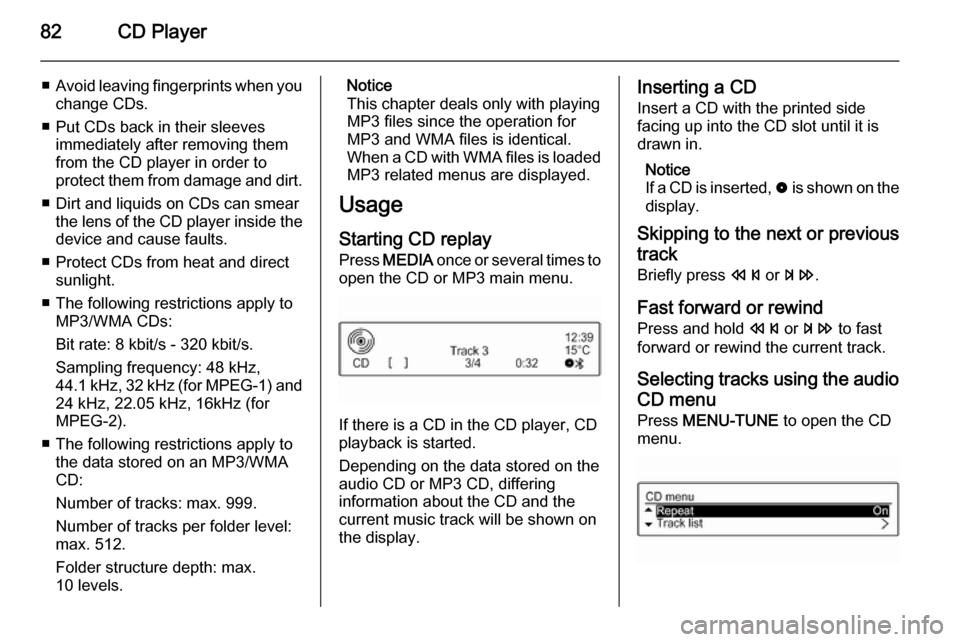
Starting CD replay Press MEDIA once or several times to
open the CD or MP3 main menu.
If there is a CD in the CD player, CD
playback is started.
Depending on the data stored on the
audio CD or MP3 CD, differing
information about the CD and the current music track will be shown on
the display.
Inserting a CD
Insert a CD with the printed side
facing up into the CD slot until it is
drawn in.
Notice
If a CD is inserted, 0 is shown on the
display.
Skipping to the next or previous
track
Briefly press s or u .
Fast forward or rewind
Press and hold s or u to fast
forward or rewind the current track.
Selecting tracks using the audio
CD menu
Press MENU-TUNE to open the CD
menu.
Page 83 of 105

CD Player83
Shuffle songs
To play all tracks in a random order:
set this function to On.
Notice
If this function is activated, 2 is
shown in the respective main menu.
Repeat
To repeatedly listen to a track: set this
function to On.
Notice
If this function is activated, 1 is
shown in the respective main menu.
Track list
To select a track on the CD: select
Track list and then select the desired
track.
Folders
To select a track from a folder: select
Folders . A list of the folders stored on
the CD is displayed.
Select one of the folders and then
select the desired track.
Notice
This menu item is only available, if
an MP3 CD is inserted.Search...
To open a menu for track search and selection: select Search....
Select one of the categories and then
select the desired track.
Notice
This menu item is only available, if
an MP3 CD is inserted.
Removing a CD
Press d.
The CD is pushed out of the CD slot. If the CD is not removed after
ejection, it will be drawn back in again automatically after a few seconds.