Page 373 of 732
RAV4_OM_OM42A78U_(U)
3735-2. Using the audio system
5
Interior features
Select “Phonebook” using the “TUNE•SCROLL” knob.
Select the desired name using the knob and press the off-hook
switch.
By pressing (Add S. Dial) and one of the speed dial buttons (from [1] to [5]) while the desired name is selected, it can be regis-
tered as a speed dial.
Press (A-Z) to display the regi stered names in alphabetical order
of the initial.
Select “Speed dials” using the “TUNE•SCROLL” knob.
Press the desired preset button (f rom [1] to [5]) and press
the off-hook switch.
To delete a registered speed dial, after selecting the desired preset
button (from [1] to [5]) press (DELETE) and then press (YES).
To overwrite a speed dial, after selecting the desired preset button
(from [1] to [5]) press (YES).
Dialing by selecting a name
Speed dialing
1
2
1
2
Page 374 of 732
374
RAV4_OM_OM42A78U_(U)
5-2. Using the audio system
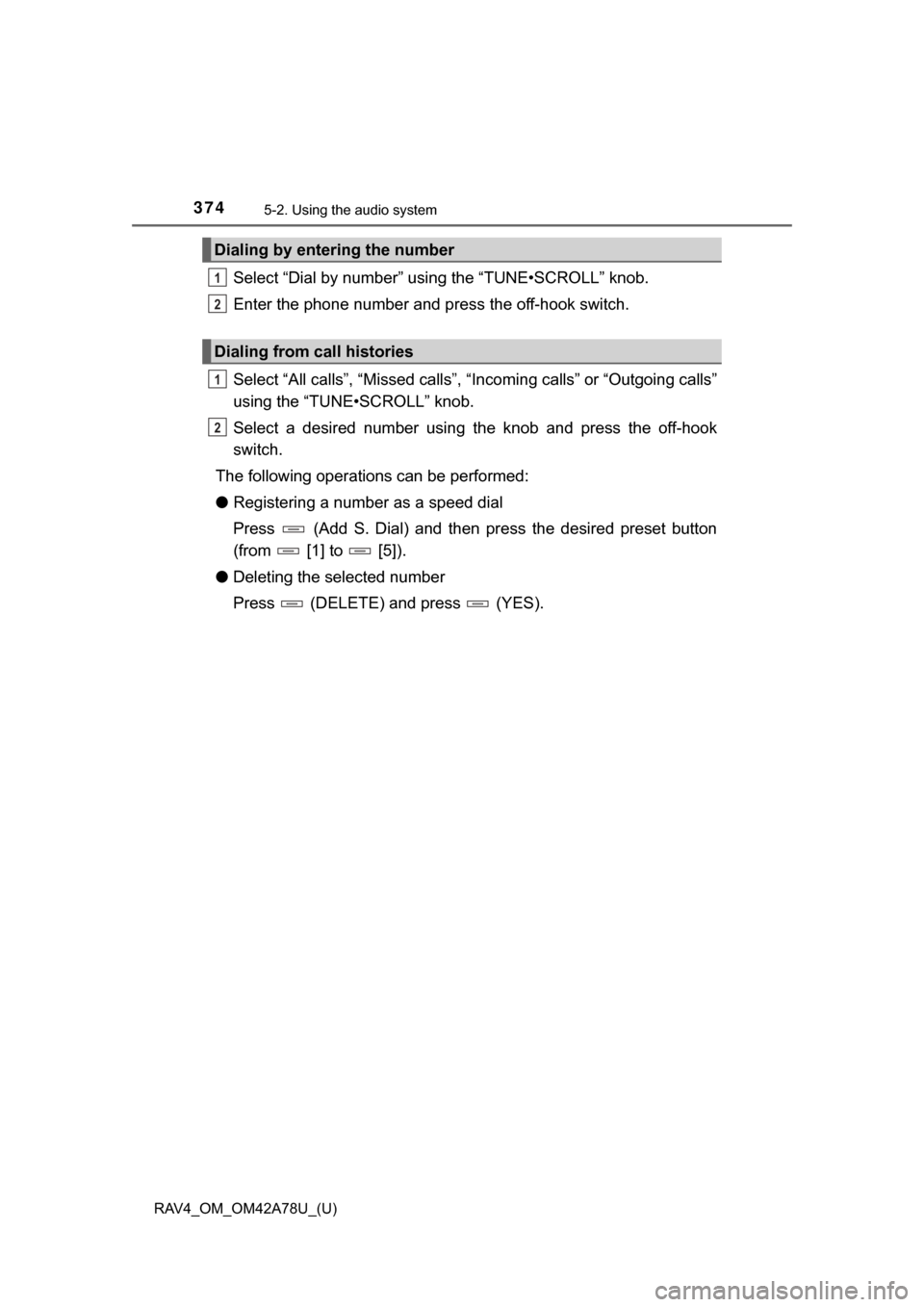
Select “Dial by number” using the “TUNE•SCROLL” knob.
Enter the phone number and press the off-hook switch.
Select “All calls”, “Missed calls”, “Incoming calls” or “Outgoing calls”
using the “TUNE•SCROLL” knob.
Select a desired number using th e knob and press the off-hook
switch.
The following operations can be performed:
● Registering a number as a speed dial
Press (Add S. Dial) and then press the desired preset button
(from [1] to [5]).
● Deleting the selected number
Press (DELETE) and press (YES).
Dialing by entering the number
Dialing from call histories
1
2
1
2
Page 389 of 732

389
RAV4_OM_OM42A78U_(U)
5-3. Using the audio system (Entune Audio)
5
Interior features
Steering wheel audio switches
Vo l u m e s w i t c h• Increases/decreases volume
• Press and hold: Continuously
increases/decreases volume
Enter switch • Displays the audio screen
(Except when audio screen is
displayed)
• Displays the preset/list
screen (When audio screen
is displayed)
• Selects items (When audio
list screen is displayed)
Cursor switch
“ ”and “ ” button
• Selects (radio stations/tr acks/files/songs/videos)
• Moves cursor
• Press and hold: Fast preset/station up/down Fast track up/down (tracks/files/songs)
“ ”and “” button
• Tab change
• Press and hold: Seek up/down (radio stations) Fast up/down (tracks/files/videos)
: If equipped
Some audio features can be c ontrolled using the switches on
the steering wheel.
Operation may differ depending on the type of audio system or
navigation system. For details, refer to the manual provided with
the audio system or navigation system.
Operating the audio system using the steering wheel switches
1
12
3
Page 399 of 732
399
RAV4_OM_OM42A78U_(U)
5-3. Using the audio system (Entune Audio)
5
Interior features
Audio settings
Press the “SETUP” button.
Select “Audio” on the “Setup” screen.Number of Radio Presets
Select the number of radio
preset stations.
Display Cover Art on/off
Automatic Sound Levelizer
( P. 399)
Select “Automatic Sound Levelizer”.
Select “High”, “Mid”, “Low” or “Off”.
■ The sound quality level is adjusted individually
The treble, mid and bass levels can be adjusted for each audio mode sepa-
rately.
■ About Automatic Sou nd Leveliser (ASL)
ASL automatically adjusts the volume and tone quality according to the vehi-
cle speed.
Settings are available for adjusting the radio operation, cover
art, etc.
Screen for audio settings
1
2
1
2
3
Automatic sound leveliser (ASL)
1
2
Page 407 of 732
407
RAV4_OM_OM42A78U_(U)
5-3. Using the audio system (Entune Audio)
5
Interior features
Radio operation
Pressing the “AUDIO” button displays the audio control screen from
any screens of the selected source.
Audio source selection screen
appears
Preset stations
Scanning for receivable station
Select to display a list of receiv-
able stations
Setting the sound ( P. 406)
Tune in to the desired station using one of the following methods.
■Seek tuning
Press the “SEEK >” button or “< TRACK” button.
The radio will begin seeking up or down for a station of the nearest
frequency and will stop when a station is found.
■Manual tuning
Turn the “TUNE•SCROLL” knob.
■Preset stations
Select the desired preset station.
Select “AM” or “FM” on the audio source selection screen to
begin listening to the radio.
Audio control screen
1
2
3
4
5
Selecting a station
Page 408 of 732
408
RAV4_OM_OM42A78U_(U)
5-3. Using the audio system (Entune Audio)
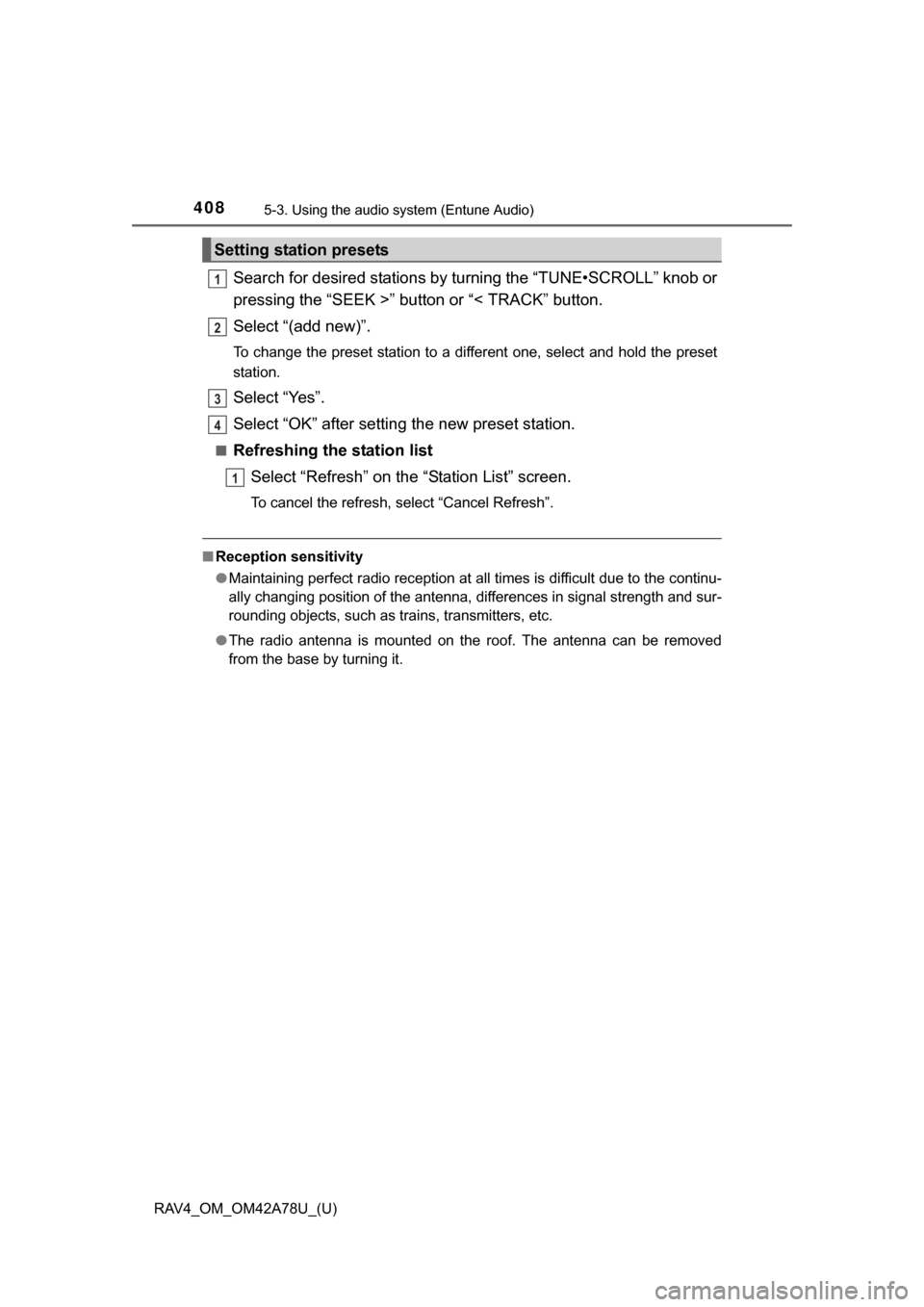
Search for desired stations by turning the “TUNE•SCROLL” knob or
pressing the “SEEK >” button or “< TRACK” button.
Select “(add new)”.
To change the preset station to a different one, select and hold the preset
station.
Select “Yes”.
Select “OK” after setting the new preset station.
■Refreshing the station list
Select “Refresh” on the “Station List” screen.
To cancel the refresh, select “Cancel Refresh”.
■Reception sensitivity
●Maintaining perfect radio reception at all times is difficult due to the continu-
ally changing position of the antenna, differences in signal strength and sur-
rounding objects, such as trains, transmitters, etc.
● The radio antenna is mounted on the roof. The antenna can be removed
from the base by turning it.
Setting station presets
1
2
3
4
1
Page 504 of 732
504
RAV4_OM_OM42A78U_(U)
5-6. Other interior features
Clock
Adjusts the hours.
Adjusts the minutes.
■The clock is displayed when
Vehicles without a smart key system
The engine switch is in the “ACC” or “ON” position.
Vehicles with a smart key system
The engine switch is in ACCESSORY or IGNITION ON mode.
■ When disconnecting and reco nnecting battery terminals
The clock data will be reset.
The clock can be adjusted by pressing the buttons.
1
2
Page 521 of 732

RAV4_OM_OM42A78U_(U)
5216-2. Maintenance
6
Maintenance and care
■Repair and replacement
It is recommended that genuine Toyota parts be used for repairs to ensure
performance of each system. If non-Toyota parts are used in replacement or if
a repair shop other than a Toyota dealer performs repairs, confirm the war-
ranty coverage.
■ Resetting the maintenance requir ed reminder light (U.S.A. only)
After the required maintenance is performed according to the maintenance
schedule, please reset the reminder light.
To reset the data, follow the procedure described below:
Vehicles without a smart key system
Switch the display to the trip meter A ( P. 88) and then turn the engine
switch to the “LOCK” position.
While pressing the “DISP” button (P. 88), turn the engine switch to the
“ON” position (do not start the engine because reset mode will be can-
celed).
Continue to press and hold the button until the trip meter displays “000000”.
Vehicles with a smart key system
Switch the display to the trip meter A ( P. 88) and then turn the engine
switch off.
While pressing the “DISP” button (P. 88), turn the engine switch to IGNI-
TION ON mode (do not start the engine because reset mode will be can-
celed).
Continue to press and hold the button until the trip meter displays “000000”.
■ Allow inspection and repairs to be performed by a Toyota dealer
●Toyota technicians are well-trained specialists and are kept up to date with
the latest service information. They are well informed about the operations
of all systems on your vehicle.
● Keep a copy of the repair order. It proves that the maintenance that has
been performed is under warranty cove rage. If any problem should arise
while your vehicle is under warranty, your Toyota dealer will promptly take
care of it.
1
2
3
1
2
3