Page 175 of 425
•Units — If Equipped
Press the Units button to select the correct unit for
Temperature (°F or °C), Distance (mi or km) and Fuel
Consumption. If the distance is in mi (miles), miles per
gallon (mpg) are set automatically. If the distance
is km, km/1 or 1/100km can be selected.
• Voice Response Length
This feature allows you to change the Voice Response
Length settings. To change the Voice Response Length,
press the Brief or Detailed button on the touchscreen The
button will highlight showing that setting has been
selected. Press the back arrow/Done button on the
touchscreen to return to the previous menu.
Clock & Date
After pressing the Clock button on the touchscreen the
following settings will be available: •
Sync Time With GPS
This feature allows you to automatically have the radio
set the time. To change the Sync Time setting, press the
“Sync with GPS Time” button on the touchscreen. The
button will highlight showing that setting has been
selected. Press the back arrow/Done button on the
touchscreen to return to the previous menu, or push the
back button on the faceplate.
• Set Time Hours
This feature allows you to adjust the hours. The “Sync
with GPS Time” button on the touchscreen must be
unchecked. To make your selection, press the �Up�or
�Down� arrow buttons on the touchscreen to adjust the
hours up or down. Press the back arrow/Done button on
the touchscreen to return to the previous menu or press
the ”X” button on the touchscreen to close out of the
settings screen.
4
UNDERSTANDING YOUR INSTRUMENT PANEL 173
Page 176 of 425

•Set Time Minutes
This feature allows you to adjust the minutes. The “Sync
with GPS Time” button on the touchscreen must be
unchecked. To make your selection, press the �Up�or
�Down� arrow buttons on the touchscreen to adjust the
minutes up or down. Press the back arrow/Done button
on the touchscreen to return to the previous menu or
press the “X” button on the touchscreen to close out of
the settings screen.
• Show Time In Status Bar — If Equipped
This feature allows you to choose to show the time in the
Status bar. To change the Time in Status Bar setting, press
the “Show Time in Status Bar” button. The button will
highlight showing that setting has been selected. Press
the back arrow/Done button on the touchscreen to return
to the previous menu. •
Time and Format
This feature will allow you to set the time and choose the
format to display the time. Press the 12h/24h AM and/or
PM button on the touchscreen. The button will highlight
showing that setting has been selected. Press the back
arrow/Done button on the touchscreen to return to the
previous menu. If 24h is selected, the AM/PM buttons on
the touchscreen will be greyed out (unavailable).
• Set Date
This feature will allow you to set the date manually. Press
the Set Date button on the touchscreen and using the
“Up” and “Down” arrows, set the date. Press the back
arrow/Done button on the touchscreen to return to the
previous menu.
Safety/Assistance
After pressing the Safety/Assistance button on the touch-
screen the following settings will be available:
174 UNDERSTANDING YOUR INSTRUMENT PANEL
Page 177 of 425

•ParkView® Rear Back Up Camera — If Equipped
Your vehicle may be equipped with the ParkView® Rear
Back Up Camera Static Guidelines that allows you to see
straight grid line overlay over the ParkView® Back up
camera display whenever the shift lever is put into
REVERSE and/or the rear hatch is opened. The image
will be displayed on the radio touchscreen display along
with a caution note to “check entire surroundings” across
the top of the screen. When the vehicle is shifted out of
REVERSE and the rear hatch is closed the rear view
image will display for no more than ten seconds and after
the radio screen will appear.
To make your selection, press the ParkView® Rear Back
Up Camera button on the touchscreen, until a check-
mark appears next to setting, indicating that the setting
had been selected. Press the arrow back/Done button on
the touchscreen to return to the previous menu. •
ParkView® Backup Camera Delay
When this feature is enabled, it will allow the ParkView®
Backup Camera display to remain on while in drive for
up to 10 seconds, or 8 mph (13 km/h).
Lights
After pressing the Lights button on the touchscreen the
following settings will be available:
• Daytime Running Lights — If Equipped
When this feature is selected, the headlights will turn on
whenever the engine is running. To make your selection,
press the Daytime Running Lights button on the touch-
screen, until a check-mark appears next to setting, indi-
cating that the setting has been selected. Press the arrow
back/Done button on the touchscreen to return to the
previous menu.4
UNDERSTANDING YOUR INSTRUMENT PANEL 175
Page 178 of 425

Doors & Locks
After pressing the “Doors & Locks” button on the touch-
screen the following settings will be available:
•Auto Door Locks
When this feature is selected, all doors will lock auto-
matically when the vehicle reaches a speed of 12 mph
(20 km/h). To make your selection, press the “Auto
Lock” button on the touchscreen, then choose “Yes” or
“No.” The button will highlight indicating that the set-
ting has been selected. Press the back arrow/Done button
on the touchscreen to return to the previous menu.
Audio
After pressing the Audio button on the touchscreen the
following settings will be available:
• Balance
This feature allows you to adjust the Balance settings.
Press and drag the speaker icon, use the arrows to adjust,
or tap the speaker icon to readjust to the center. •
Equalizer
This feature allows you to adjust the Bass, Mid and Treble
settings. Adjust the settings with the “–” or “+” arrow
buttons on the touchscreen or by selecting any point on
the scale between the Up and Down arrow buttons on the
touchscreen. Then press the back arrow/Done button on
the touchscreen.
NOTE: Bass/Mid/Treble allow you to simply slide your
finger up or down to change the setting as well as press
directly on the desired setting.
• Speed Adjusted Volume
This feature increases or decreases volume relative to
vehicle speed. To change the Speed Adjusted Volume
press the Off, 1, 2 or 3 button on the touchscreen. Then
press the back arrow/Done button on the touchscreen.
176 UNDERSTANDING YOUR INSTRUMENT PANEL
Page 179 of 425
•Loudness — If Equipped
Loudness improves sound quality at lower volumes. To
make your selection, press the “Loudness” button on the
touchscreen, then choose “On” or “Off.” The button will
highlight indicating that the setting has been selected.
Press the back arrow/Done button on the touchscreen
when done.
• Auto - On Radio
Press the Auto On Radio button on the touchscreen to set
how the radio behaves when the Ignition is switched to
On. The options are: ON, Off or Recall Last. Press the
back arrow/Done button on the touchscreen when done.
• AUX Volume Offset
This feature provides the ability to tune the audio level
for portable devices connected through the AUX input.
To make your selection, press the AUX Volume Match button on the touchscreen, choose a level from –3 to +3
followed by pressing the back arrow/Done button on the
touchscreen.
•
Radio Off Delay
Press the Radio Off Delay to keep the radio On for a
preset amount of time after the Ignition is switched Off.
Press the back arrow/Done button on the touchscreen
when done.
Phone/Bluetooth®
After pressing the “Phone/Bluetooth®” button on the
touchscreen the following settings will be available:
• Paired Phones
This feature shows which phones are paired to the
Phone/Bluetooth® system. For further information, refer
to the Uconnect® Supplement Manual.
4
UNDERSTANDING YOUR INSTRUMENT PANEL 177
Page 180 of 425
•Paired Audio Sources
This feature shows which audio devices are paired to the
Phone/Bluetooth® system. For further information, refer
to the Uconnect® Supplement Manual.
SiriusXM Setup — If Equipped
After pressing the “SiriusXM Setup” button on the touch-
screen, the following settings will be available:
• Channel Skip
SiriusXM can be programmed to designate a group of
channels that are the most desirable to listen to or to
exclude undesirable channels while scanning. To make
your selection, press the “Channel Skip” button on the
touchscreen, select the channels you would like to skip
followed by pressing the back arrow button on the
touchscreen. •
Subscription Information
New vehicle purchasers or lessees will receive a free
limited time subscription to SiriusXM Satellite Radio
with your radio. Following the expiration of the free
services, it will be necessary to access the information on
the Subscription Information screen to re-subscribe.
Press the “Subscription Info” button on the touchscreen
to access the Subscription Information screen.
Write down the SIRIUS ID numbers for your receiver. To
reactivate your service, either call the number listed on
the screen or visit the provider online.
NOTE: SiriusXM Travel Link is a separate subscription
and is available for U.S. residents only.
178 UNDERSTANDING YOUR INSTRUMENT PANEL
Page 181 of 425
Restore Settings — If Equipped
After pressing the Restore Settings button on the touch-
screen the following settings will be available:
•Restore Settings
When this feature is selected it will reset the Display,
Clock, Audio, and Radio Settings to their default settings.
To restore the settings to their default setting, press the
Restore Settings button. A pop-up will appear asking
�Are you sure you want to reset your settings to default?”
select Yes to restore, or Cancel to exit. Once the settings
are restored, a pop up appears stating �settings reset to
default.� Press the okay button on the touchscreen to exit.
Uconnect® RADIOS
For detailed information about your Uconnect® radio,
refer to your Uconnect® Supplement Manual.
iPod®/USB/MP3 CONTROL — IF EQUIPPED
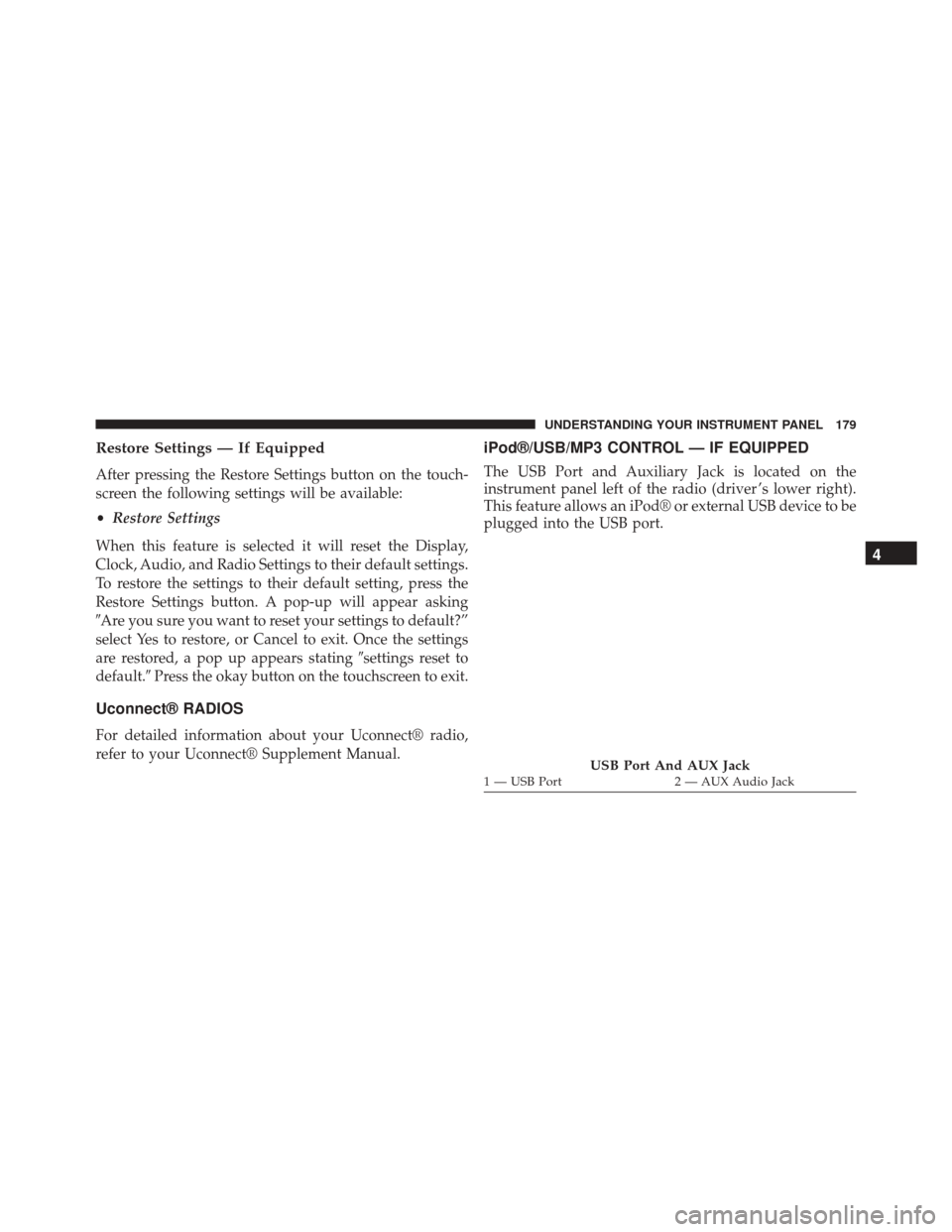
The USB Port and Auxiliary Jack is located on the
instrument panel left of the radio (driver ’s lower right).
This feature allows an iPod® or external USB device to be
plugged into the USB port.
USB Port And AUX Jack1 — USB Port 2 — AUX Audio Jack
4
UNDERSTANDING YOUR INSTRUMENT PANEL 179
Page 182 of 425
iPod® control supports Mini, 4G, Photo, Nano, 5G iPod®
and iPhone® devices. Some iPod® software versions
may not fully support the iPod® control features. Please
visit Apple’s website for software updates.
For further information, refer to the Uconnect® Supple-
ment Manual.
USB Charging Port
The USB connector port can be used for charging pur-
poses only. Use the connection cable to connect an iPod®
or external USB device to the vehicle’s USB charging port
which is located next to the 12V power outlet near the
cup holder on passenger side.NOTE:If the device battery to be charged is completely
depleted, it may take awhile to charge.
Passenger Compartment USB Charging Port
180 UNDERSTANDING YOUR INSTRUMENT PANEL
