2015 Ram Cargo Van radio controls
[x] Cancel search: radio controlsPage 378 of 671

NOTE:
•Channel/Screen 1 select mode information is shown
on the left side of the screen.
• Channel/Screen 2 select mode information is shown
on the right side of the screen.
• The VES™ will retain the last setting when turned off.
Using The Touchscreen Radio Controls
1. Push the MENU button on the radio faceplate.
2. Press the Rear VES™ button on the touchscreen to
display the Rear VES™ Controls. If a channel list is
displayed, press the HIDE LIST button on the touch-
screen to display the Rear VES™ Controls screen.
3. Press the 1 or 2 button on the touchscreen and then the VES™ Disc button on the touchscreen in the VES™
column. To exit press the back arrow button at the top
left of the screen. NOTE:
•
To view a Blu-ray™ Disc on the radio, push the
RADIO/MEDIA button on the radio faceplate, then
press the VES™ Disc tab button on the touchscreen
and then the VIEW VIDEO button on the touchscreen.
• Viewing a Blu-ray™ Disc on the Touchscreen radio
screen is not available in all states/provinces. If avail-
able, the vehicle must be stopped and the shift lever
must be in the PARK position for vehicles with an
automatic transmission. In vehicles with a manual
transmission the parking brake must be engaged.
Listen To An Audio Source While A Video Is
Playing
Ensure the Remote Control and Headphone switch are
on the same channel. If watching a video on Screen 1
(second row), then Channel 2 could be used for audio.
376 UNDERSTANDING YOUR INSTRUMENT PANEL
Page 379 of 671

If watching a video on Screen 2 (third row), then Chan-
nel 1 could be used for audio.
Using The Remote Control
1. Push the SOURCE button on the Remote Control andthe Mode Select Screen will display, unless a video is
playing then only a small banner will appear on the
bottom of the screen.
2. While looking at the video screen, either push Up/ Down/Left/Right on the Remote Control to highlight
the desired audio source or repeatedly push the
SOURCE button on the remote until the desired audio
source appears on the screen.
Using The Touchscreen Radio Controls
1. Push the MENU button on the radio faceplate.
2. Press the Rear VES™ button on the touchscreen todisplay the Rear VES™ Controls. If a channel list is
Select FM Mode On The VES™ Screen
4
UNDERSTANDING YOUR INSTRUMENT PANEL 377
Page 393 of 671

visible on the radio’s display for that channel, and the
shared icon will be visible on the VES™ screen. When in
shared mode, the same audio source is heard in the
shared headphone channel 1 or channel 2.
If the radio functions (FM, AM, or SAT) are in the shared
mode with the VES™, only the radio is able to control the
radio functions. In this case, VES™ can share the radio
mode, but not change stations until the radio mode is
changed to a mode that is different from the VES™
selected radio mode. When shared, the radio has priority
over the VES™ or all radio modes (FM, AM, and SAT).
The VES™ has the ability to switch tuner (AM/FM),
SEEK, SCAN, TUNE, and recall presets in radio modes as
long as it is not in shared mode.When in shared disc mode both the radio and the VES™
have control of the video functions. The VES™ has the
ability to control the following video modes:
1. CD: Ability to Fast Forward, Rewind, Scan, and Track
Up/Down.
2. CD Changer (in radio): Ability to Disk Up/Down and program all listed CD controls (Fast Forward, Rewind,
Scan, and Track Up/Down).
The VES™ can even control radio modes or video modes
while the radio is turned off. The VES™ can access the
radio modes or disc modes by navigating to those modes
on the VES™ and activating a radio mode or disc mode.
4
UNDERSTANDING YOUR INSTRUMENT PANEL 391
Page 412 of 671

The right-hand rocker switch has a push-button in the
center, and controls the volume and mode of the sound
system. Pushing the top of the rocker switch will increase
the volume. Pushing the bottom of the rocker switch will
decrease the volume. Pushing the center button changes
the operation of the radio from AM to FM, or to CD
mode, depending on which radio is in the vehicle.
The left-hand rocker switch has a push-button in the
center. The function of the left-hand switch is different,
depending on which mode you are in.
The following describes the left-hand rocker switch op-
eration in each mode.
Radio Operation
Pushing the top of the switch will SEEK up for the next
listenable station, and pushing the bottom of the switch
will SEEK down for the next listenable station.The button located in the center of the left-hand switch
will tune to the next preset station that you have pro-
grammed in the radio preset push-button.
CD Player
Pushing the top of the switch once will go to the next
track on the CD. Pushing the bottom of the switch once
will go to the beginning of the current track, or to the
beginning of the previous track if it is within one second
after the current track begins to play.
If you push the switch up or down twice it plays the
second track; three times, it will play the third, etc.
The button in the center of the left-hand switch has no
function in this mode.
410 UNDERSTANDING YOUR INSTRUMENT PANEL
Page 414 of 671

General Information
This device complies with Part 15 of the FCC rules and
RSS 210 of Industry Canada. Operation is subject to the
following conditions:
•Changes or modifications not expressly approved by
the party responsible for compliance could void the
user’s authority to operate the equipment.
• This device may not cause harmful interference.
• This device must accept any interference received,
including interference that may cause undesired op-
eration.
CLIMATE CONTROLS
The Climate Control system allows you to regulate the
temperature, amount, and direction of air circulating
throughout the vehicle. The controls are located on the
instrument panel, below the radio.
Manual Heating And Air Conditioning System —
If Equipped
The controls for the manual system in this vehicle contain
a series of outer rotary dials and inner push knobs. These
comfort controls can be set to obtain desired interior
conditions.
With the Three-Zone Temperature Control system, each
front seat occupant can independently control the Heat-
ing, Ventilation and Air Conditioning operations coming
from the outlets on their side of the vehicle.
The primary control for the rear blower is on the front
climate control unit located on the instrument panel.
When the front control is in any position other than rear,
the front control operates all the rear functions.
The rear airflow modes will mirror the front unit opera-
tion. Rear Panel mode is automatically selected when the
front control is in the Panel mode. When the front unit is
in Bi-Level mode, airflow will be emitted from both the
412 UNDERSTANDING YOUR INSTRUMENT PANEL
Page 650 of 671
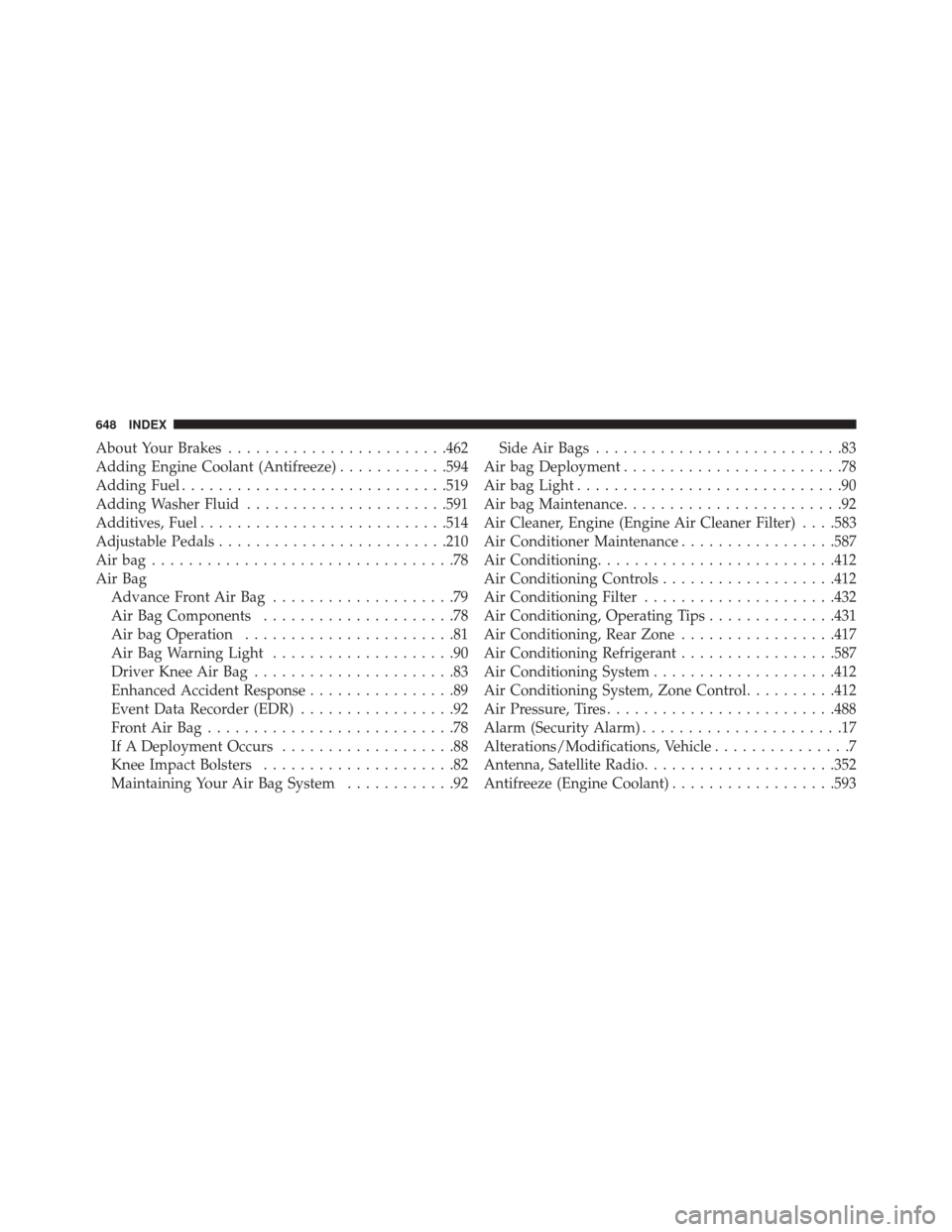
About Your Brakes....................... .462
Adding Engine Coolant (Antifreeze) ............594
Adding Fuel ............................ .519
Adding Washer Fluid ..................... .591
Additives, Fuel .......................... .514
Adjustable Pedals ........................ .210
Airbag.................................78
Air Bag Advance Front Air Bag ....................79
Air Bag Components .....................78
Air bag Operation .......................81
Air Bag Warning Light ....................90
Driver Knee Air Bag ......................83
Enhanced Accident Response ................89
Event Data Recorder (EDR) .................92
FrontAirBag...........................78
If A Deployment Occurs ...................88
Knee Impact Bolsters .....................82
Maintaining Your Air Bag System ............92Side Air Bags
...........................83
Air bag Deployment ........................78
Air bag Light .............................90
Air bag Maintenance ........................92
Air Cleaner, Engine (Engine Air Cleaner Filter) . . . .583
Air Conditioner Maintenance .................587
Air Conditioning ......................... .412
Air Conditioning Controls ...................412
Air Conditioning Filter .....................432
Air Conditioning, Operating Tips ..............431
Air Conditioning, Rear Zone .................417
Air Conditioning Refrigerant .................587
Air Conditioning System ....................412
Air Conditioning System, Zone Control ..........412
Air Pressure, Tires ........................ .488
Alarm (Security Alarm) ......................17
Alterations/Modifications, Vehicle ...............7
Antenna, Satellite Radio .....................352
Antifreeze (Engine Coolant) ..................593
648 INDEX
Page 662 of 671

ParkSense® System, Rear....................217
Pedals, Adjustable ........................ .210
Personal Settings ......................... .321
Pets, Transporting ........................ .104
Phone, Cellular .......................... .123
Phone, Hands-Free (Uconnect®) ...............123
Placard, Tire and Loading Information ..........483
Power Brakes .............................. .462
Door Locks ............................36
Lift Gate ..............................58
Mirrors ..............................119
Outlet (Auxiliary Electrical Outlet) ...........244
Seats ............................... .162
Sliding Door ...........................50
Steering ............................. .458
Sunroof ............................. .241
Windows ..............................44
Power Steering Fluid ...................... .627Pregnant Women and Seat Belts
................70
Preparation for Jacking .....................550
Pretensioners Seat Belts ..............................70
Programmable Electronic Features .............321
Radial Ply Tires ......................... .490
Radiator Cap (Coolant Pressure Cap) ...........596
Radio Operation ..........................411
Radio Remote Controls .....................409
Rear Air Conditioning ..................... .417
Rear Camera ........................... .225
Rear Heater ............................ .417
Rear ParkSense System .....................217
Rearview Mirrors .........................117
Rear Window Features .....................271
Reclining Front Seats ...................... .169
Recorder, Event Data .......................92
Recreational Towing ...................... .537
660 INDEX
Page 663 of 671

Reformulated Gasoline.....................512
Refrigerant ............................. .588
Reminder, Seat Belt .........................63
Remote Keyless Entry (RKE) ..................20
FCC General Information ..................30
Programming Additional Key Fobs ...........17
Programming Additional Transmitters .........17
Remote Sound System (Radio) Controls .........409
Remote Starting System ......................30
Removable Floor Console ...................265
Replacement Bulbs ....................... .618
Replacement Keys .........................16
Replacement Parts ........................ .579
Replacement Tires ........................ .498
Reporting Safety Defects ....................643
Resetting Oil Change Indicator ................289
Restraint, Head .......................... .170
Restraints, Child ...........................94
Rocking Vehicle When Stuck .................566Roof Rack (Luggage Rack)
...................272
Rotation, Tires .......................... .501
Safety Checks Inside Vehicle .................107
Safety Checks Outside Vehicle ................110
Safety Defects, Reporting ....................643
Safety, Exhaust Gas ....................... .106
Safety Information, Tire .....................475
Safety Tips ............................. .105
Satellite Radio Antenna .....................352
Schedule, Maintenance .....................630
Seat Belt Disengage The Automatic Locking Mode .......73
Energy Management Feature ................71
Engage The Automatic Locking Mode .........73
Lap/Shoulder Belt Operation ................67
Lap/Shoulder Belts .......................64
Lap/Shoulder Belt Untwisting ...............69
Pregnant Women ........................70
10
INDEX 661