Page 71 of 347
2. Push and release theDOWNarrow button to scroll
downward through the main menu to “Vehicle Info”.
3. Push and release the RIGHTarrow button to access
the ”Oil Life” screen.
4. Push and hold the RIGHTarrow button for one
second to access the ”Oil Life Reset” screen.
5. Push and release the DOWNarrow button to select
“Yes”, then push and release the Rightarrow button to
select reset of the Oil Life.
6. Push and release the Uparrow button to exit the DID
screen.
Vehicles Not Equipped With Passive Entry
1. Without pushing the brake pedal, cycle the ignition to the ON/RUN position (do not start the engine.)
2. Push and release the DOWNarrow button to scroll
downward through the main menu to “ Vehicle Info”.3. Push and release the
RIGHTarrow button to access
the ” Oil Life” screen.
4. Push and hold the RIGHTarrow button for one
second to access the ” Oil Life Reset” screen.
5. Push and release the DOWNarrow button to select
“Yes”, then push and release the Rightarrow button to
select reset of the Oil Life.
6. Push and release the Uparrow button to exit the DID
screen.
NOTE: If the indicator message illuminates when you
start the vehicle, the oil change indicator system did not
reset. If necessary, repeat this procedure.
3
UNDERSTANDING YOUR INSTRUMENT PANEL 69
Page 72 of 347
Vehicle Information (Customer Information
Features)
Vehicle Information Submenus
•Battery Voltage
Displays the actual battery voltage.
• Fuel Filter Life
Displays the life of the fuel filter.
• Oil Pressure
Displays the actual oil pressure.
• Oil Temperature
Displays the actual oil temperature.
• Trans Temperature
Displays the actual transmission sump temperature. •
Coolant Temp
Displays the actual coolant temperature.
• Tire Pressure Monitor System
Displays the actual tire pressure.
• Engine Hours
Displays the actual engine hours.
Gauge Summary (Coolant Temp, Trans Temp, Oil Temp,
Oil Pressure)
70 UNDERSTANDING YOUR INSTRUMENT PANEL
Page 73 of 347
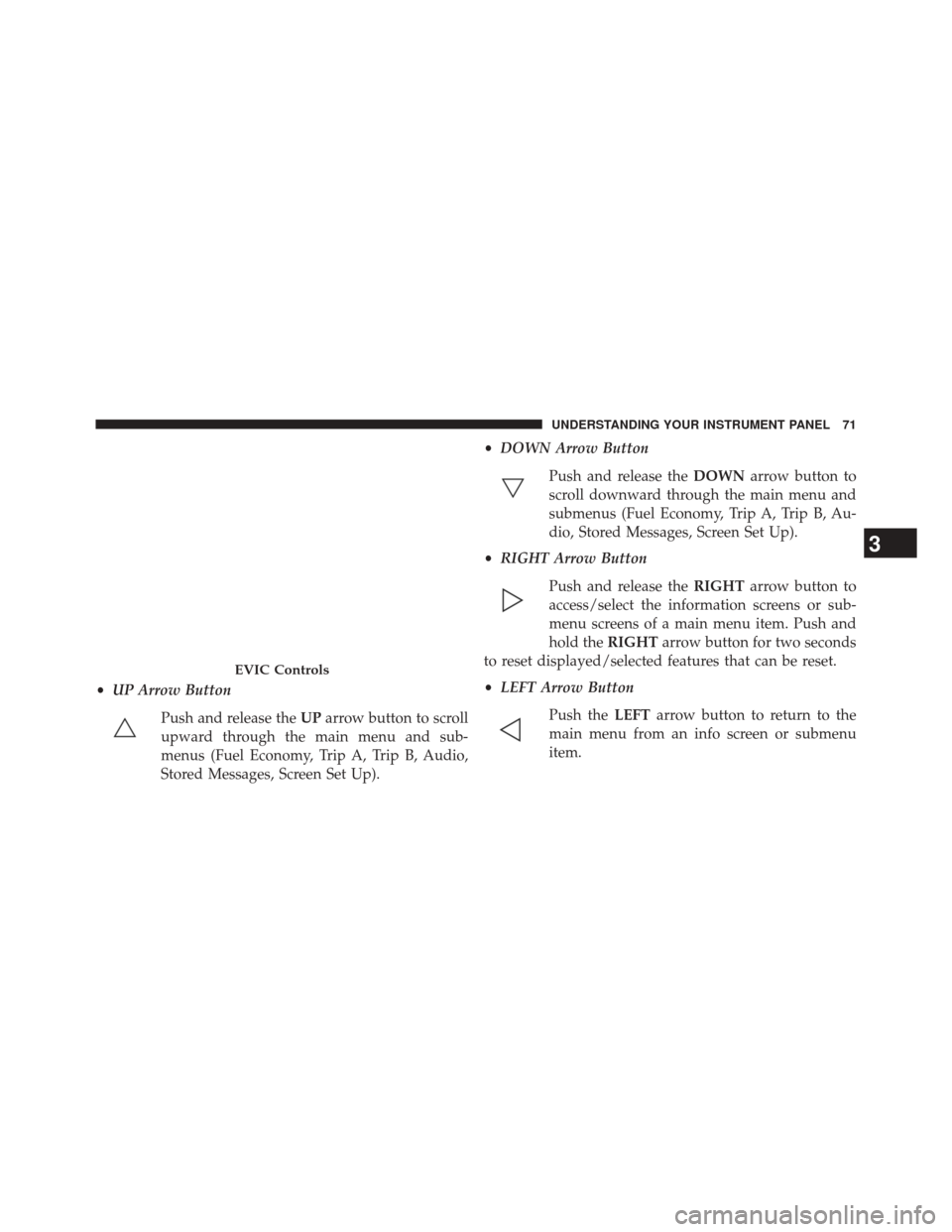
•UP Arrow Button
Push and release the UParrow button to scroll
upward through the main menu and sub-
menus (Fuel Economy, Trip A, Trip B, Audio,
Stored Messages, Screen Set Up). •
DOWN Arrow Button
Push and release the DOWNarrow button to
scroll downward through the main menu and
submenus (Fuel Economy, Trip A, Trip B, Au-
dio, Stored Messages, Screen Set Up).
• RIGHT Arrow Button
Push and release the RIGHTarrow button to
access/select the information screens or sub-
menu screens of a main menu item. Push and
hold the RIGHTarrow button for two seconds
to reset displayed/selected features that can be reset.
• LEFT Arrow Button
Push the LEFTarrow button to return to the
main menu from an info screen or submenu
item.
EVIC Controls
3
UNDERSTANDING YOUR INSTRUMENT PANEL 71
Page 79 of 347
Keyless Enter-N-Go™
This feature allows the driver to oper-
ate the ignition switch with the push
of a button, as long as the Remote
Start/Keyless Enter-N-Go™ Key Fob
is in the passenger compartment.
Normal Starting Procedure — Keyless
Enter-N-Go™
Observe the instrument panel cluster lights when starting
the engine.
NOTE:Normal starting of either a cold or a warm
engine is obtained without pumping or pressing the
accelerator pedal
1. Always apply the parking brake. 2. Press and hold the brake pedal while pressing the
ENGINE START/STOP button once.
NOTE: A delay of the start of up to five seconds is
possible under very cold conditions. The �Wait to Start�
telltale will be illuminated during the pre-heat process,
When the engine Wait To Start light goes off the engine
will automatically crank.
CAUTION!
If the “Water in Fuel Indicator Light” remains on, DO
NOT START the engine before you drain the water
from the fuel filters to avoid engine damage. Refer to
“Maintenance Procedures/Draining Fuel/Water Sepa-
rator Filter” in “Maintaining Your Vehicle” for fur-
ther information.
4
STARTING AND OPERATING 77
Page 93 of 347
The DEF injection system and SCR catalyst enable the
achievement of diesel emissions requirements; while
maintaining outstanding fuel economy, drivability,
torque and power ratings.
Refer to “Electronic Vehicle Information Center (EVIC)”
or “Driver Information Display (DID)” in “Understand-
ing Your Instrument Panel” for system messages and
warnings.
NOTE:
•Your vehicle is equipped with a DEF injection system.
You may occasionally hear an audible clicking noise
from under the vehicle at a stop. This is normal
operation.
• The DEF pump will run for a period of time after
engine shutdown to purge the DEF system. This is
normal operation and may be audible from the rear of
the vehicle.ADDING FUEL — 1500 DIESEL MODELS
1. Open the fuel filler door.
Diesel Fuel And Diesel Exhaust Fluid Fill Location
1 — Diesel Exhaust Fluid Fill Location
2 — Diesel Fuel Fill Location
4
STARTING AND OPERATING 91
Page 98 of 347
Adding Diesel Exhaust Fluid
The DEF gauge (located on the instrument cluster) will
display the level of DEF remaining in the tank. Refer to
“Instrument Cluster” and “Instrument Cluster Descrip-
tions” in “Understanding Your Instrument Panel” for
further information.
NOTE:Driving conditions (altitude, vehicle speed, load,
etc.) will effect the amount of DEF that is used in your
vehicle.
DEF Fill Procedure
NOTE: Refer to “Fluids, Lubricants, and Genuine Parts”
in “Maintaining Your Vehicle” for the correct fluid type.
1. Remove cap from DEF tank (located on drivers side of the vehicle or in fuel door).
2. Insert DEF fill adapter/nozzle into DEF tank fillerneck.DEF Filler Cap And Fuel Fill 1500/2500/3500 Models
1 — Diesel Exhaust Fluid Fill Location
2 — Fuel Fill Location
96 STARTING AND OPERATING
Page 115 of 347
Intervention Regeneration Strategy — Message
Process Flow
This engine meets all required diesel engine emissions
standards. To achieve these emissions standards, your
vehicle is equipped with a state-of-the-art engine and
exhaust system. These systems are seamlessly integrated
into your vehicle and managed by the Powertrain Con-
trol Module (PCM). The PCM manages engine combus-
tion to allow the exhaust system’s catalyst to trap and
burn Particulate Matter (PM) pollutants, with no input or
interaction on your part.
Additionally, your vehicle has the ability to alert you to
additional maintenance required on your vehicle or en-
gine.
Refer to “Electronic Vehicle Information Center (EVIC)”
or “Driver Information Display (DID)” in “Understand-
ing Your Instrument Panel” for further information.
WARNING!
A hot exhaust system can start a fire if you park over
materials that can burn. Such materials might be
grass or leaves coming into contact with your exhaust
system. Do not park or operate your vehicle in areas
where your exhaust system can contact anything that
can burn.
Maintenance-Free Batteries
Your vehicle is equipped with a maintenance-free battery.
The top of the maintenance-free battery is permanently
sealed. You will never have to add water, nor is periodic
maintenance required.
5
MAINTAINING YOUR VEHICLE 113
Page 130 of 347

MAINTENANCE SCHEDULE
Your vehicle is equipped with an automatic oil change
indicator system. The oil change indicator system will
remind you that it is time to take your vehicle in for
scheduled maintenance.
Based on engine operation conditions, the oil change
indicator message will illuminate. This means that ser-
vice is required for your vehicle. Operating conditions
such as frequent short-trips, trailer tow, extremely hot or
cold ambient temperatures will influence when the “Oil
Change Required” message is displayed. Severe Operat-
ing Conditions can cause the change oil message to
illuminate as early as 3,500 miles (5,600 km) since last
reset. Have your vehicle serviced as soon as possible,
within the next 500 miles (805 km).
Your authorized dealer will reset the oil change indicator
message after completing the scheduled oil change. If a
scheduled oil change is performed by someone otherthan your authorized dealer, the message can be reset by
referring to the steps described under “Electronic Vehicle
Information Center (EVIC)” or “Driver Information Dis-
play (DID)” in “Understanding Your Instrument Panel”
for further information.
NOTE:
Under no circumstances should oil change inter-
vals exceed 10,000 miles (16,000 km) or twelve months,
whichever comes first.
Once A Month Or Before A Long Trip:
• Check engine oil level
• Check windshield washer fluid level
• Check the tire inflation pressures and look for unusual
wear or damage
• Check the fluid levels of the coolant reservoir, brake
master cylinder and power steering, and fill as needed
• Check function of all interior and exterior lights
128 MAINTENANCE SCHEDULE