Page 67 of 347
•5 MPH Max Speed on Restart, Long Idle or Refuel
Refill DEF — This message will continuously display
when the counter reaches zero, and will be accompa-
nied by a periodic chime.
• The vehicle will only be capable of a maximum speed
of 5 MPH upon the first of the following conditions to
occur:
• If the vehicle is shutoff and restarted.
• If the vehicle is idled for an extended period of time,
approximately one hour or greater
• If the system detects that the level of fuel in the tank
has increased.
• Add a minimum of 2 gallons (9.5 Liters) of DEF to the
tank in order to avoid vehicle operation at a maximum
speed of 5 MPH (8 km/H). NOTE:
A minimum of 2 gallons (9.5 Liters) may be
required to restore normal vehicle operation. Although
the vehicle will start normally and can be placed in gear
after this message has been initially displayed, extreme
caution should be utilized since the vehicle will only be
capable of maneuvering at a maximum speed of 5 MPH
(8 km/H).
Diesel Exhaust Fluid (DEF) Fault Warning
Messages
There are four different messages which are displayed if
the vehicle detects that the DEF system has been filled
with a fluid other than DEF, has experienced component
failures, or when tampering has been detected. The
vehicle may be limited to a maximum speed of 5 MPH (8
km/H) if the DEF system is not serviced within less than
200 miles (322 km) of the fault being detected.
3
UNDERSTANDING YOUR INSTRUMENT PANEL 65
Page 68 of 347
When the DEF system needs to be serviced the following
warnings will display:
•Service DEF System See Dealer — This message will
display when the fault is initially detected, each time
the vehicle is started, and periodically during driving.
The message will be accompanied by a single chime.
We recommend you drive to your nearest authorized
dealer and have your vehicle serviced as soon as
possible.
• 5 MPH Max Speed in 150 mi Service DEF System See
Dealer — This message will display if the DEF system
has not been serviced after the “Service DEF System –
See Dealer” message is displayed. This message will
continuously display until the mileage counter reaches
zero, and will be accompanied by a periodic chime.
The message will continue to countdown until it reaches zero unless the vehicle is serviced. We recom-
mend you drive to your nearest authorized dealer and
have your vehicle serviced immediately.
NOTE: Under some circumstances this mileage counter
may start with a value of less than 150 miles (241 km). For
example, if recurring faults are detected in a time interval
of less than 40 hours, the counter may restart at the value
where it stopped when a previous fault was temporarily
remedied, or at a minimum of 50 miles (80 km).
• 5 MPH Max Speed on Restart, Long Idle or Refuel
Service DEF See Dealer — This message will continu-
ously display when the mileage counter reaches zero,
and will be accompanied by a periodic chime.
• The vehicle will only be capable of a maximum speed
of 5 MPH upon the first of the following conditions to
occur:
• If the vehicle is shutoff and restarted.
66 UNDERSTANDING YOUR INSTRUMENT PANEL
Page 69 of 347
•If the vehicle is idled for an extended period of time,
approximately one hour or greater.
• If the system detects that the level of fuel in the tank
has increased.
• 5 MPH Max Speed Service DEF System See Dealer —
This message will continuously display, and will be
accompanied by a periodic chime. Although the ve-
hicle can be started and placed in gear, the vehicle will
only operate at a maximum speed of 5 MPH. Your
vehicle will require towing, see your authorized dealer
for service.
• Engine Will Not Restart Service DEF System See
Dealer — This message will display if DEF system
issue detected is not serviced during the allowed
period. Your engine will not restart unless your vehicle
is serviced by your authorized dealer. This message
will be displayed when under 1 mile until engine will
not start and each time the vehicle is started, and will be continuously displayed. The message will be ac-
companied by a single chime. Your Malfunction Indi-
cator Light will be continuously illumined. We highly
recommend you drive to your nearest authorized
dealer if the message appears while engine is running.
NOTE: When this message is displayed, the engine can
still be started. However, the vehicle will only operate at
a maximum speed of 5 MPH.
DID Displays
When the appropriate conditions exist, the DID displays
the following messages:
• System Setup Unavailable – Vehicle Not in Park
• System Setup Unavailable – Vehicle in Motion
• Exhaust Filter Full Safely Drive at Highway Speeds To
Remedy
• Exhaust Filter XX% Full – Power Reduced See Dealer
3
UNDERSTANDING YOUR INSTRUMENT PANEL 67
Page 72 of 347
Vehicle Information (Customer Information
Features)
Vehicle Information Submenus
•Battery Voltage
Displays the actual battery voltage.
• Fuel Filter Life
Displays the life of the fuel filter.
• Oil Pressure
Displays the actual oil pressure.
• Oil Temperature
Displays the actual oil temperature.
• Trans Temperature
Displays the actual transmission sump temperature. •
Coolant Temp
Displays the actual coolant temperature.
• Tire Pressure Monitor System
Displays the actual tire pressure.
• Engine Hours
Displays the actual engine hours.
Gauge Summary (Coolant Temp, Trans Temp, Oil Temp,
Oil Pressure)
70 UNDERSTANDING YOUR INSTRUMENT PANEL
Page 73 of 347
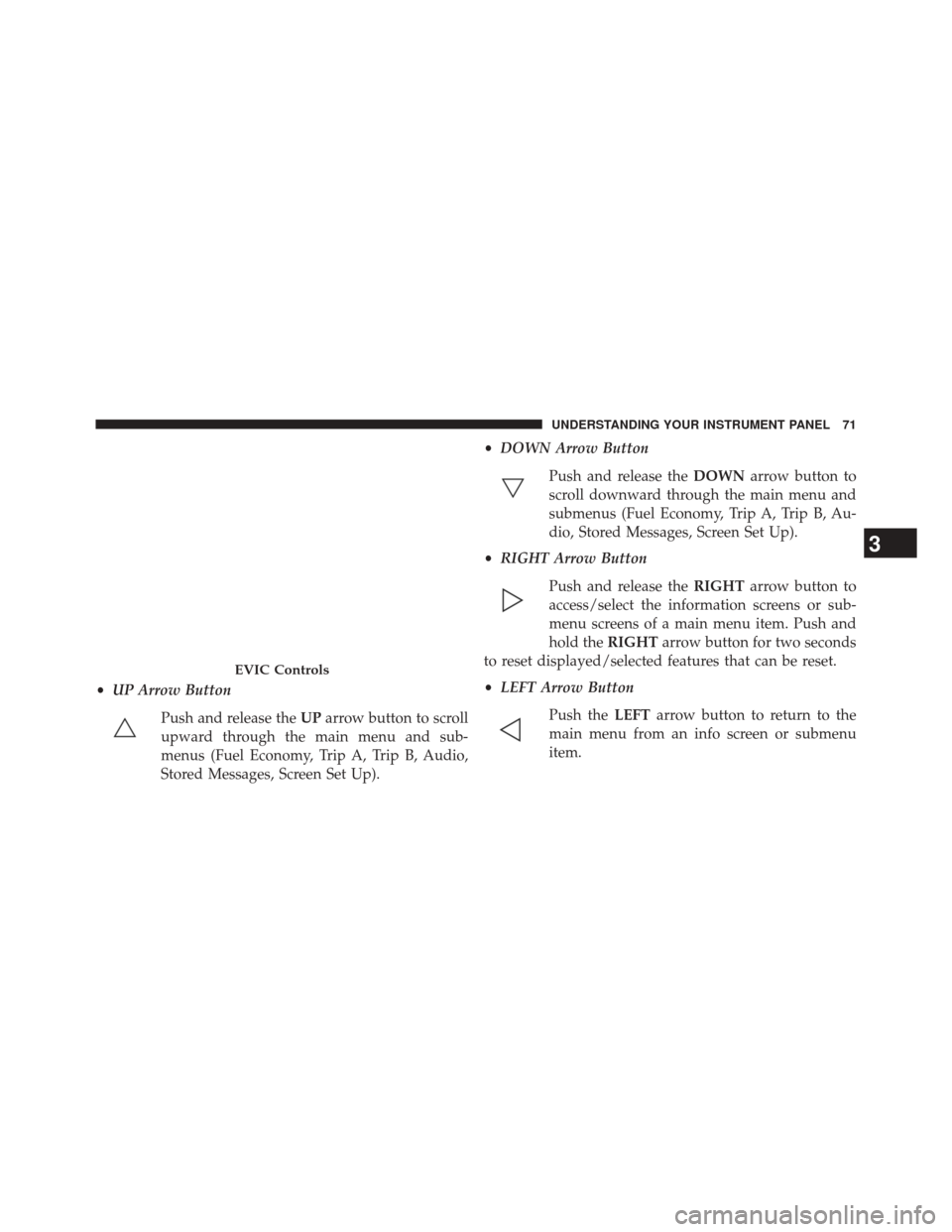
•UP Arrow Button
Push and release the UParrow button to scroll
upward through the main menu and sub-
menus (Fuel Economy, Trip A, Trip B, Audio,
Stored Messages, Screen Set Up). •
DOWN Arrow Button
Push and release the DOWNarrow button to
scroll downward through the main menu and
submenus (Fuel Economy, Trip A, Trip B, Au-
dio, Stored Messages, Screen Set Up).
• RIGHT Arrow Button
Push and release the RIGHTarrow button to
access/select the information screens or sub-
menu screens of a main menu item. Push and
hold the RIGHTarrow button for two seconds
to reset displayed/selected features that can be reset.
• LEFT Arrow Button
Push the LEFTarrow button to return to the
main menu from an info screen or submenu
item.
EVIC Controls
3
UNDERSTANDING YOUR INSTRUMENT PANEL 71
Page 75 of 347
STARTING AND OPERATING
CONTENTS
�STARTING PROCEDURES .................75
▫ Normal Starting .......................76
▫ Automatic Transmission .................76
▫ Keyless Enter-N-Go™ ...................77
▫ Extreme Cold Weather ...................78
▫ Starting Fluids ........................79
� NORMAL OPERATION ...................80
▫ Cold Weather Precautions ................80
▫ Engine Idling .........................82
▫ Stopping The Engine ....................82 ▫
Cooling System Tips — Automatic
Transmission ..........................83
� ENGINE BLOCK HEATER — IF EQUIPPED ....84
� FUEL REQUIREMENTS ...................85
▫ Fuel Specifications .....................86
▫ Biodiesel Fuel Requirements ...............87
� DIESEL EXHAUST FLUID .................90
▫ System Overview ......................90
� ADDING FUEL — 1500 DIESEL MODELS ......91
▫ Avoid Using Contaminated Fuel ............94
4
Page 76 of 347
▫Bulk Fuel Storage — Diesel Fuel ...........94
▫ Diesel Exhaust Fluid Storage ..............95▫
Adding Diesel Exhaust Fluid ..............96
74 STARTING AND OPERATING
Page 78 of 347
CAUTION!
•The engine is allowed to crank as long as 30
seconds. If the engine fails to start during this
period, please wait at least two minutes for the
starter to cool before repeating start procedure.
• If the “Water in Fuel Indicator Light” remains on,
DO NOT START engine before you drain the water
from the fuel filters to avoid engine damage. Refer
to “Maintenance Procedures/Draining Fuel/Water
Separator Filter” in “Maintaining Your Vehicle” for
further information.
Normal Starting
Normal starting of either a warm or cold engine is
obtained without pumping or pressing the accelerator
pedal. Turn the key fob to the START position and release when the engine starts. If the engine fails to start, turn the
key fob to the OFF position, wait five seconds, then
repeat the “Normal Starting” procedure.
Automatic Transmission
Start the engine with the transmission gear selector in the
PARK position. Apply the brake before shifting to any
driving range.
Tip Start Feature
Do not
press the accelerator. Cycle the ignition switch
briefly to the START position and release it. The starter
motor will continue to run but will automatically disen-
gage when the engine is running.
76 STARTING AND OPERATING