Page 88 of 348
Headlights
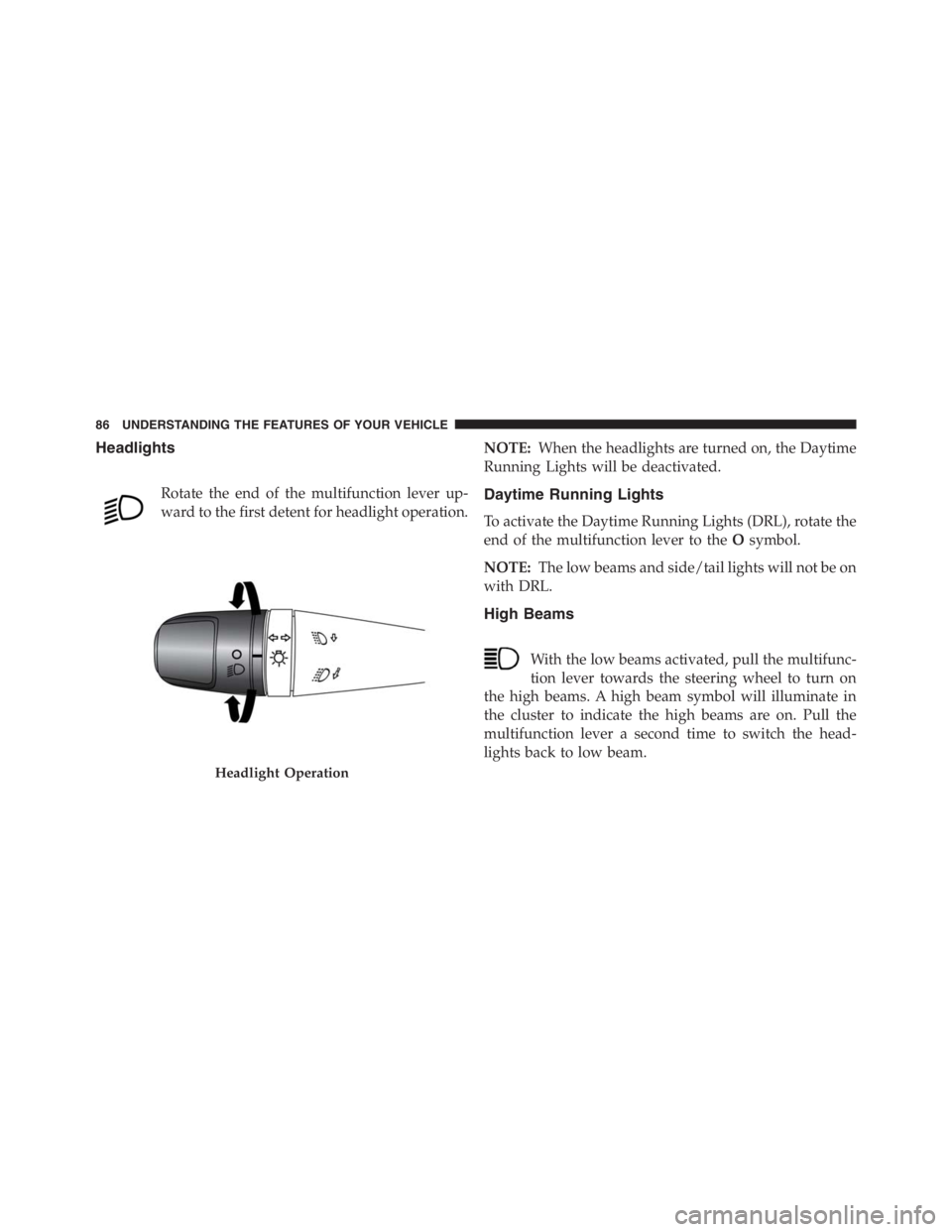
Rotate the end of the multifunction lever up-
ward to the first detent for headlight operation.NOTE:When the headlights are turned on, the Daytime
Running Lights will be deactivated.Daytime Running Lights
To activate the Daytime Running Lights (DRL), rotate the
end of the multifunction lever to theOsymbol.
NOTE:The low beams and side/tail lights will not be on
with DRL.
High Beams
With the low beams activated, pull the multifunc-
tion lever towards the steering wheel to turn on
the high beams. A high beam symbol will illuminate in
the cluster to indicate the high beams are on. Pull the
multifunction lever a second time to switch the head-
lights back to low beam.
Headlight Operation
86 UNDERSTANDING THE FEATURES OF YOUR VEHICLE
Page 90 of 348
Activation
Remove the key or turn the ignition to the OFF/LOCK
position, and pull the multifunction lever toward the
steering wheel, within two minutes. Each time the lever
is pulled, the activation of the lights will be extended by
30 seconds. The activation of the lights can be extended to
a maximum of 210 seconds.
Deactivation
Pull the multifunction lever toward the steering wheel
and hold it for more than two seconds.
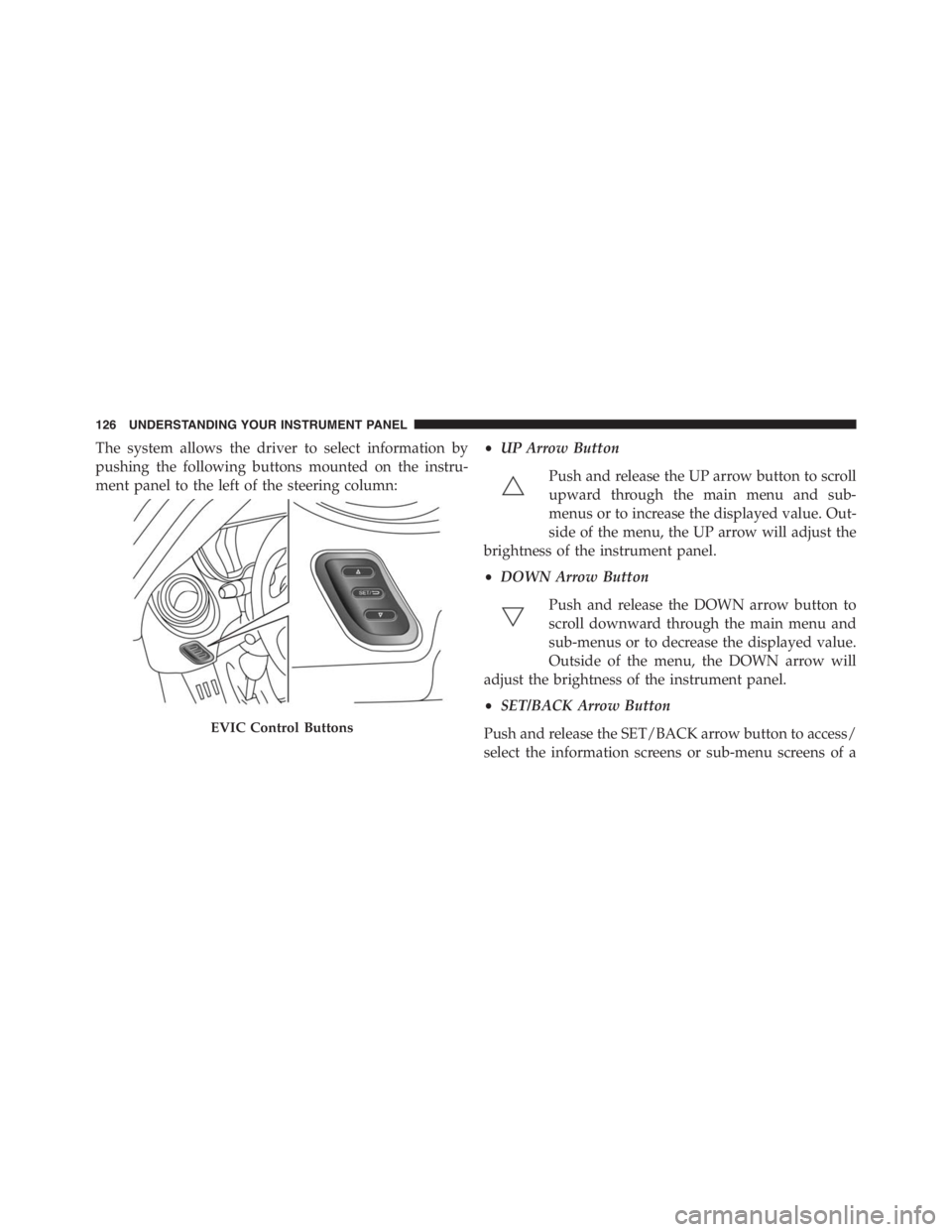
Dimmer Controls
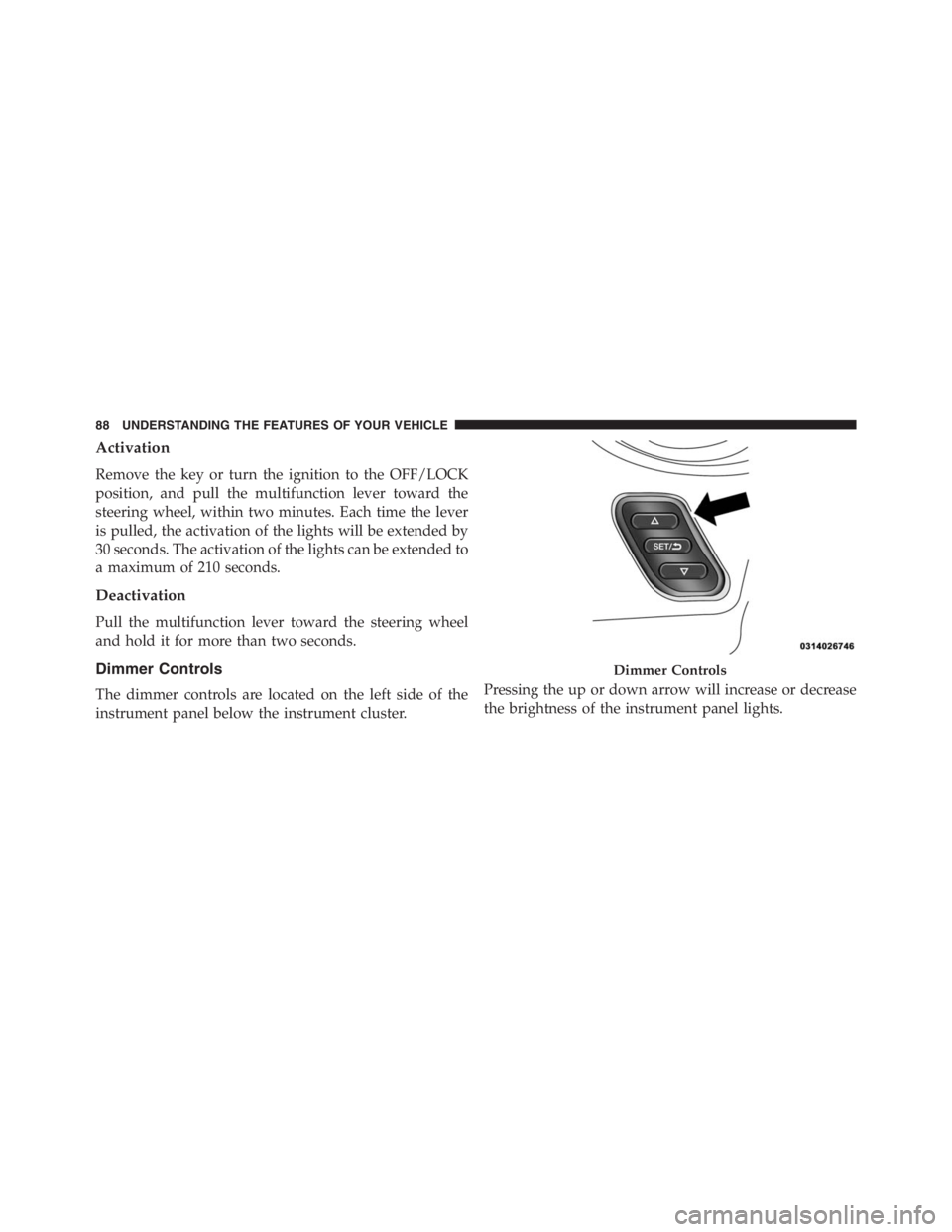
The dimmer controls are located on the left side of the
instrument panel below the instrument cluster.Pressing the up or down arrow will increase or decrease
the brightness of the instrument panel lights.
Dimmer Controls
88 UNDERSTANDING THE FEATURES OF YOUR VEHICLE
Page 92 of 348
Interior Light Timing (Center Position)
There are four different modes of operation that can be
activated in this position:
•When one door is opened a three minute timer is
activated.
•When the key is removed from the ignition (within
two minutes of the ignition being turned off), a 10
second timer is activated.
•When the doors are unlocked with the Key Fob a 10
second timer is activated.
•When the doors are locked with the Key Fob the lights
will turn off.
WINDSHIELD WIPERS AND WASHERS
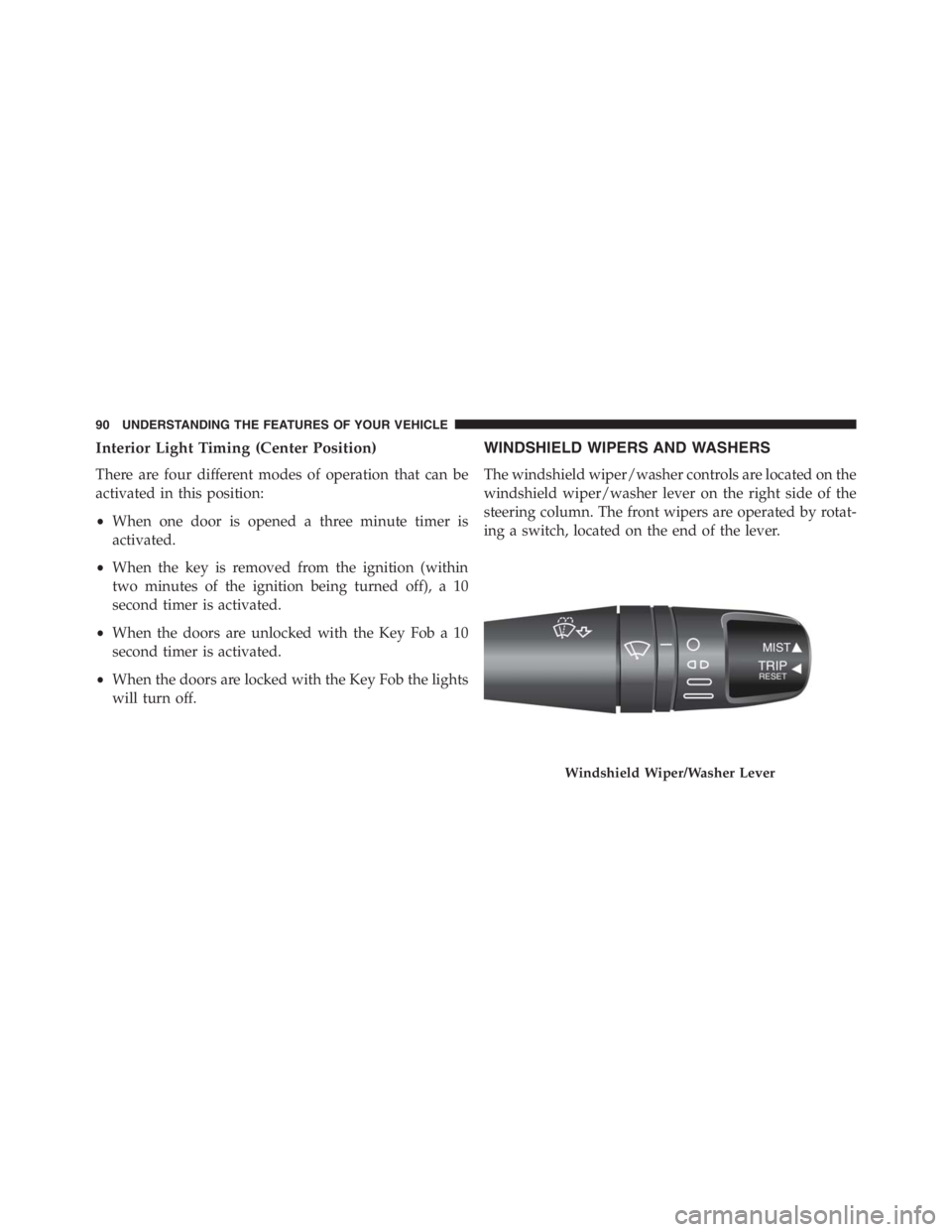
The windshield wiper/washer controls are located on the
windshield wiper/washer lever on the right side of the
steering column. The front wipers are operated by rotat-
ing a switch, located on the end of the lever.
Windshield Wiper/Washer Lever
90 UNDERSTANDING THE FEATURES OF YOUR VEHICLE
Page 94 of 348
WARNING!
Sudden loss of visibility through the windshield
could lead to a collision. You might not see other
vehicles or other obstacles. To avoid sudden icing of
the windshield during freezing weather, warm the
windshield with defroster before and during wind-
shield washer use.
TILT/TELESCOPING STEERING COLUMN
This feature allows you to tilt the steering column
upward or downward. It also allows you to lengthen or
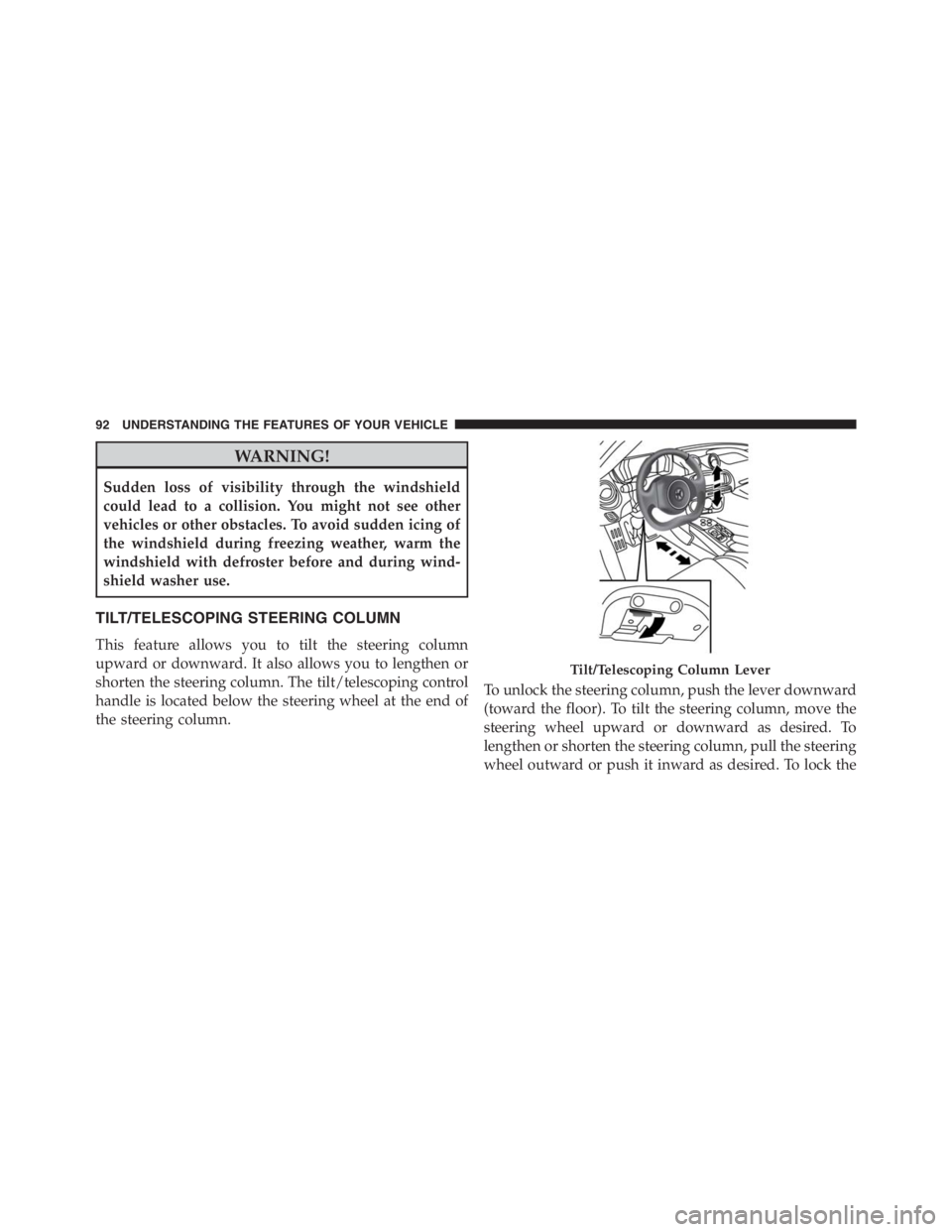
shorten the steering column. The tilt/telescoping control
handle is located below the steering wheel at the end of
the steering column.To unlock the steering column, push the lever downward
(toward the floor). To tilt the steering column, move the
steering wheel upward or downward as desired. To
lengthen or shorten the steering column, pull the steering
wheel outward or push it inward as desired. To lock the
Tilt/Telescoping Column Lever
92 UNDERSTANDING THE FEATURES OF YOUR VEHICLE
Page 95 of 348
steering column in position, push the lever upward until
fully engaged.
WARNING!
Do not adjust the steering column while driving.
Adjusting the steering column while driving or driv-
ing with the steering column unlocked, could cause
the driver to lose control of the vehicle. Failure to
follow this warning may result in serious injury or
death.
ELECTRONIC SPEED CONTROL — IF EQUIPPED
When engaged, the Electronic Speed Control takes over
accelerator operations at speeds greater than 18 mph
(30 km/h) up to the maximum speed of 105 mph
(170 km/h).
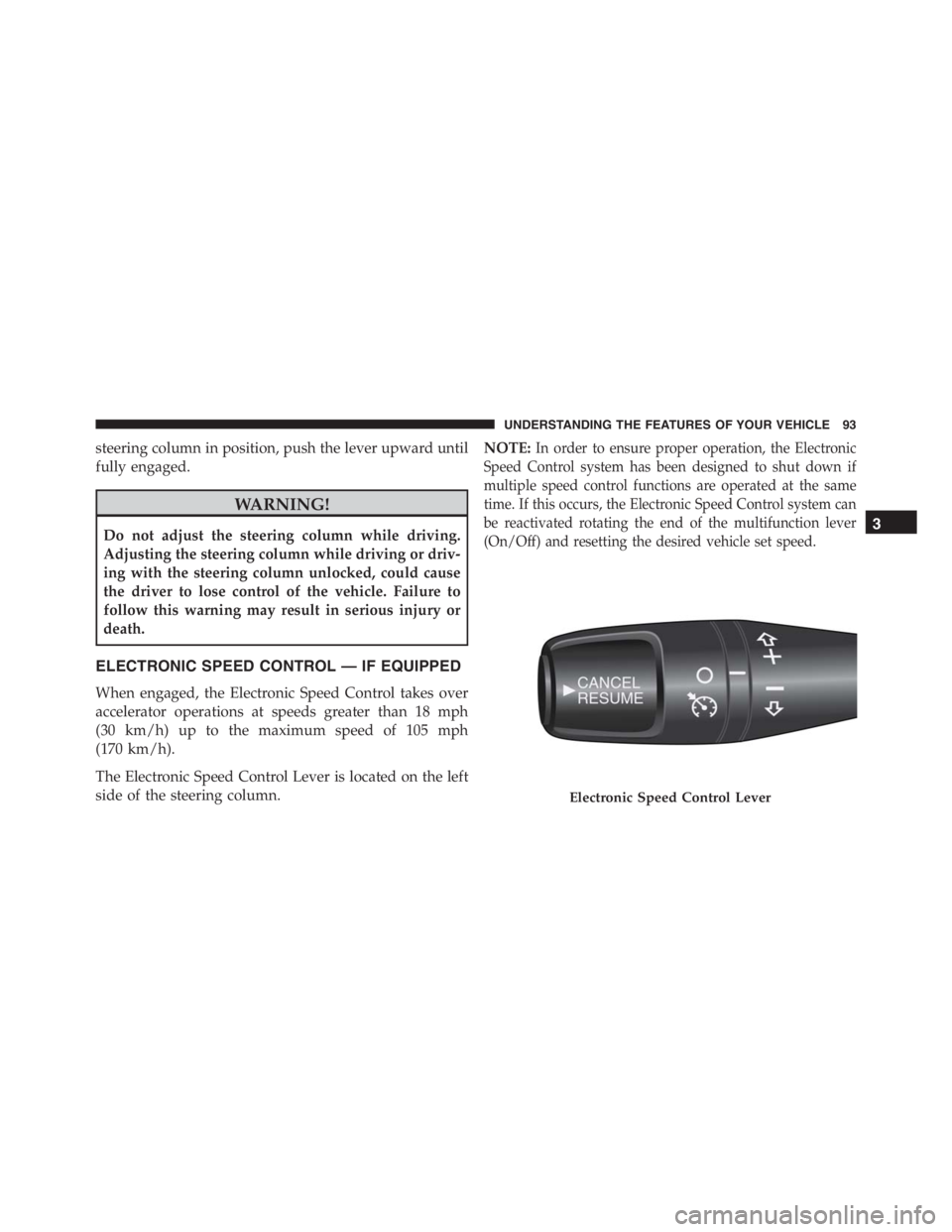
The Electronic Speed Control Lever is located on the left
side of the steering column.NOTE:
In order to ensure proper operation, the Electronic
Speed Control system has been designed to shut down if
multiple speed control functions are operated at the same
time. If this occurs, the Electronic Speed Control system can
be reactivated rotating the end of the multifunction lever
(On/Off) and resetting the desired vehicle set speed.
Electronic Speed Control Lever
3
UNDERSTANDING THE FEATURES OF YOUR VEHICLE 93
Page 128 of 348
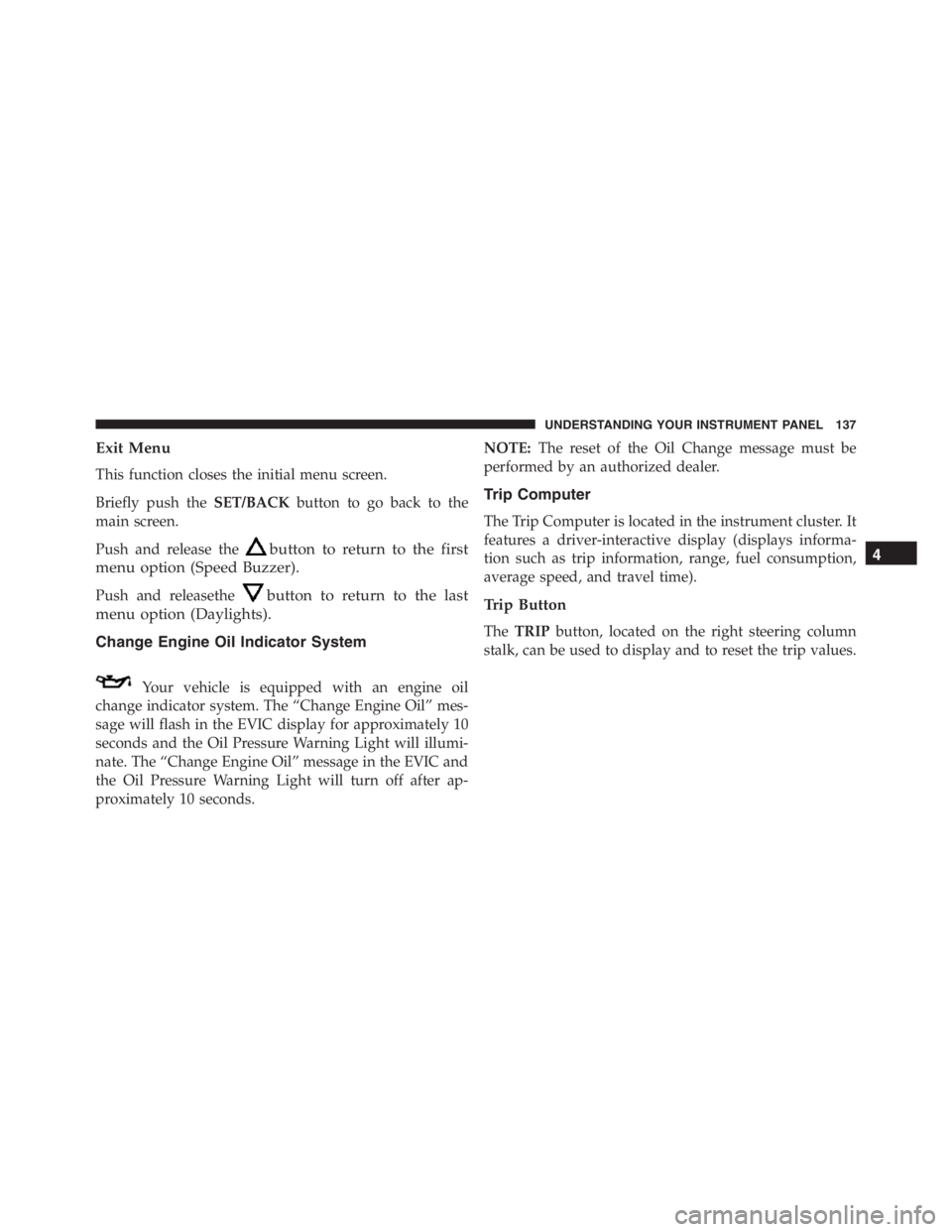
The system allows the driver to select information by
pushing the following buttons mounted on the instru-
ment panel to the left of the steering column:•UP Arrow Button
Push and release the UP arrow button to scroll
upward through the main menu and sub-
menus or to increase the displayed value. Out-
side of the menu, the UP arrow will adjust the
brightness of the instrument panel.
•DOWN Arrow Button
Push and release the DOWN arrow button to
scroll downward through the main menu and
sub-menus or to decrease the displayed value.
Outside of the menu, the DOWN arrow will
adjust the brightness of the instrument panel.
•SET/BACK Arrow Button
Push and release the SET/BACK arrow button to access/
select the information screens or sub-menu screens of a
EVIC Control Buttons
126 UNDERSTANDING YOUR INSTRUMENT PANEL
Page 139 of 348
Exit Menu
This function closes the initial menu screen.
Briefly push theSET/BACKbutton to go back to the
main screen.
Push and release the
button to return to the first
menu option (Speed Buzzer).
Push and releasethebutton to return to the last
menu option (Daylights).
Change Engine Oil Indicator System
Your vehicle is equipped with an engine oil
change indicator system. The “Change Engine Oil” mes-
sage will flash in the EVIC display for approximately 10
seconds and the Oil Pressure Warning Light will illumi-
nate. The “Change Engine Oil” message in the EVIC and
the Oil Pressure Warning Light will turn off after ap-
proximately 10 seconds.NOTE:The reset of the Oil Change message must be
performed by an authorized dealer.
Trip Computer
The Trip Computer is located in the instrument cluster. It
features a driver-interactive display (displays informa-
tion such as trip information, range, fuel consumption,
average speed, and travel time).
Trip Button
TheTRIPbutton, located on the right steering column
stalk, can be used to display and to reset the trip values.
4
UNDERSTANDING YOUR INSTRUMENT PANEL 137
Page 156 of 348
STARTING PROCEDURES
Before starting your vehicle, adjust your seat, adjust both
inside and outside mirrors, and fasten your seat belts.
WARNING!
•Never leave children alone in a vehicle, or with
access to an unlocked vehicle.
•Allowing children to be in a vehicle unattended is
dangerous for a number of reasons. A child or
others could be seriously or fatally injured. Chil-
dren should be warned not to touch the parking
brake, brake pedal or the transmission gear selec-
tor.
•Do not leave the Key Fob in or near the vehicle (or
in a location accessible to children). A child could
operate power windows, other controls, or move
the vehicle.
Automatic Transmission
To start the engine press the brake pedal: the system
engages NEUTRAL (N) automatically.
After the starting procedure, FIRST (1st) gear or RE-
VERSE (R) can be engaged.
Irrespective of the mode selected (AUTO/MANUAL), to
engage FIRST (1st) gear or REVERSE (R), it is necessary
to press the brake pedal and press the 1 button on the
transmission control panel (or the�+�steering wheel
stalk) to engage FIRST (1st) gear or the R button to
engage REVERSE (R).
When FIRST (1st) gear is engaged, the system sets itself to
AUTO mode.
NEUTRAL (N) can be engaged again by pressing the N
button with the brake pedal pressed.
154 STARTING AND OPERATING