Page 72 of 402
SUPPLEMENTAL AIR BAG
WARNING LIGHT
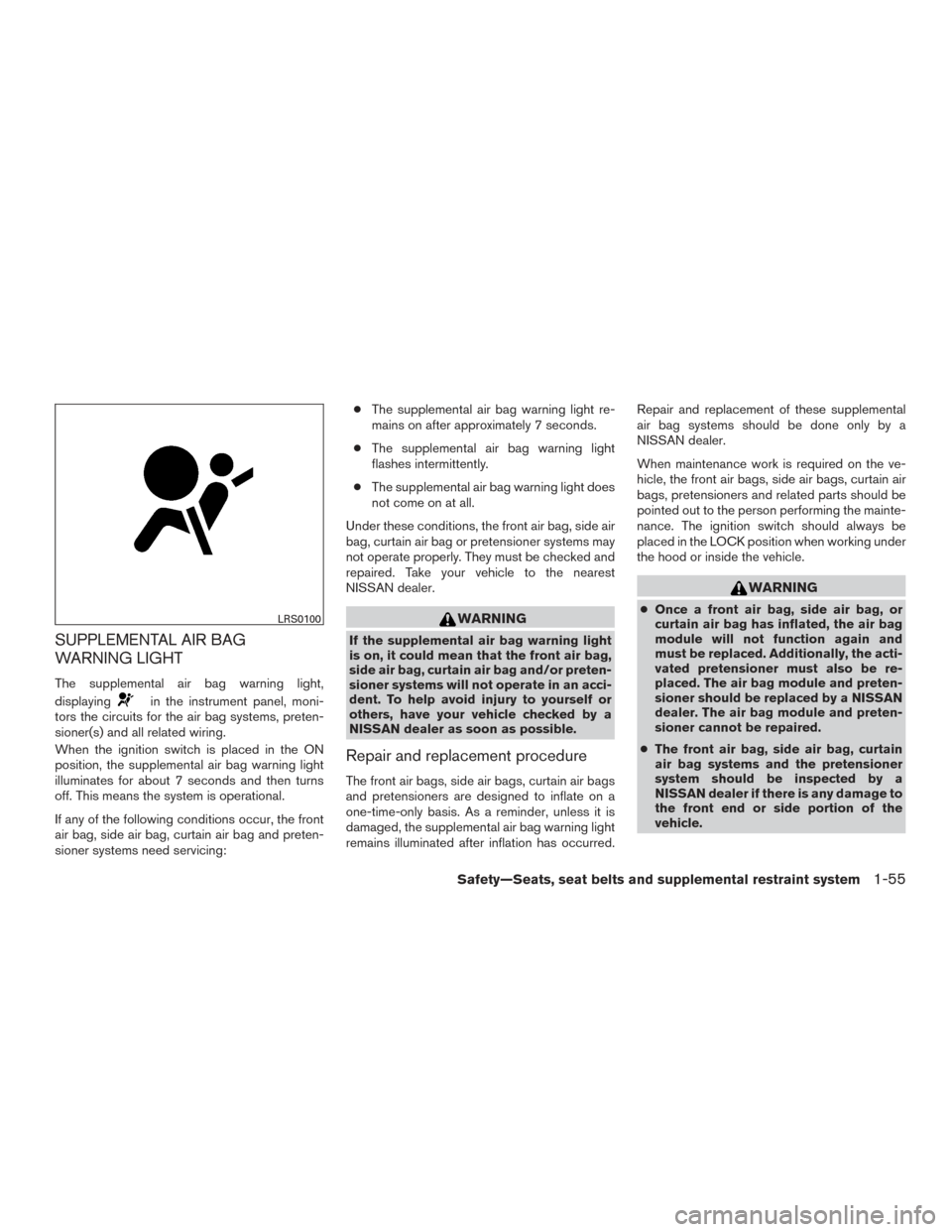
The supplemental air bag warning light,
displaying
in the instrument panel, moni-
tors the circuits for the air bag systems, preten-
sioner(s) and all related wiring.
When the ignition switch is placed in the ON
position, the supplemental air bag warning light
illuminates for about 7 seconds and then turns
off. This means the system is operational.
If any of the following conditions occur, the front
air bag, side air bag, curtain air bag and preten-
sioner systems need servicing: ●
The supplemental air bag warning light re-
mains on after approximately 7 seconds.
● The supplemental air bag warning light
flashes intermittently.
● The supplemental air bag warning light does
not come on at all.
Under these conditions, the front air bag, side air
bag, curtain air bag or pretensioner systems may
not operate properly. They must be checked and
repaired. Take your vehicle to the nearest
NISSAN dealer.
WARNING
If the supplemental air bag warning light
is on, it could mean that the front air bag,
side air bag, curtain air bag and/or preten-
sioner systems will not operate in an acci-
dent. To help avoid injury to yourself or
others, have your vehicle checked by a
NISSAN dealer as soon as possible.
Repair and replacement procedure
The front air bags, side air bags, curtain air bags
and pretensioners are designed to inflate on a
one-time-only basis. As a reminder, unless it is
damaged, the supplemental air bag warning light
remains illuminated after inflation has occurred. Repair and replacement of these supplemental
air bag systems should be done only by a
NISSAN dealer.
When maintenance work is required on the ve-
hicle, the front air bags, side air bags, curtain air
bags, pretensioners and related parts should be
pointed out to the person performing the mainte-
nance. The ignition switch should always be
placed in the LOCK position when working under
the hood or inside the vehicle.
WARNING
●
Once a front air bag, side air bag, or
curtain air bag has inflated, the air bag
module will not function again and
must be replaced. Additionally, the acti-
vated pretensioner must also be re-
placed. The air bag module and preten-
sioner should be replaced by a NISSAN
dealer. The air bag module and preten-
sioner cannot be repaired.
● The front air bag, side air bag, curtain
air bag systems and the pretensioner
system should be inspected by a
NISSAN dealer if there is any damage to
the front end or side portion of the
vehicle.LRS0100
Safety—Seats, seat belts and supplemental restraint system1-55
Page 77 of 402
1. Headlight/fog light (if so equipped)/turnsignal switch (P. 2-27)
2. Steering wheel switch for trip
computer, audio control and
Bluetooth® Hands-free Phone System
(if so equipped) (P. 4-93, 4-67)
3. Driver’s supplemental air bag/Horn
(P. 1-44, 2-31)
4. Meters and gauges (P. 2-3)
5. Cruise control main/set switches
(P. 5-24)
6. Windshield wiper/washer switch
(P. 2-26)
7. Vent (P. 4-15)
8. Hazard warning flasher switch (P. 6-2)
9. Audio system (P. 4-27)
10. Passenger’s supplemental air bag
(P. 1-44)
11. Glove box (P. 2-38)
12. Front passenger air bag status light
(P. 2-20)
13. Shift lever (P. 5-17)
14. Climate control (P. 4-16)
15. Ignition switch (if so equipped)/
Push-button ignition switch (if so
equipped) (P. 5-8, 5-10)
16. Telescopic steering (P.3-28)
LIC3145
INSTRUMENT PANEL
2-2Instruments and controls
Page 79 of 402
SPEEDOMETER AND ODOMETER
This vehicle is equipped with a speedometer and
odometer. The speedometer is located on the
right side of the meter cluster. The odometer is
located within the vehicle information display.
Speedometer
The speedometer indicates the vehicle speed.
Odometer/Twin trip odometer
The odometer�2and the twin trip odometer�1
are displayed when the ignition switch is placed
in the ON position.
The odometer records the total distance the ve-
hicle has been driven.
The twin trip odometer records the distance of
individual trips.
To switch between the odometer and the twin trip
odometers press the
button on the steer-
ing wheel.
LIC2255LIC3050
2-4Instruments and controls
Page 81 of 402
The low tire pressure warning light remains illu-
minated until the tires are inflated to the recom-
mended COLD tire pressure. The CHECK TIRE
PRES warning message is displayed each time
the ignition switch is placed in the ON position as
long as the low tire pressure warning light re-
mains illuminated. For additional information, re-
fer to “Low tire pressure warning light” in the
“Instruments and controls” section, “Tire Pres-
sure Monitoring System (TPMS)” in the “Starting
and driving” and “Wheels and tires” section in the
“Maintenance and do-it-yourself” section of this
manual.
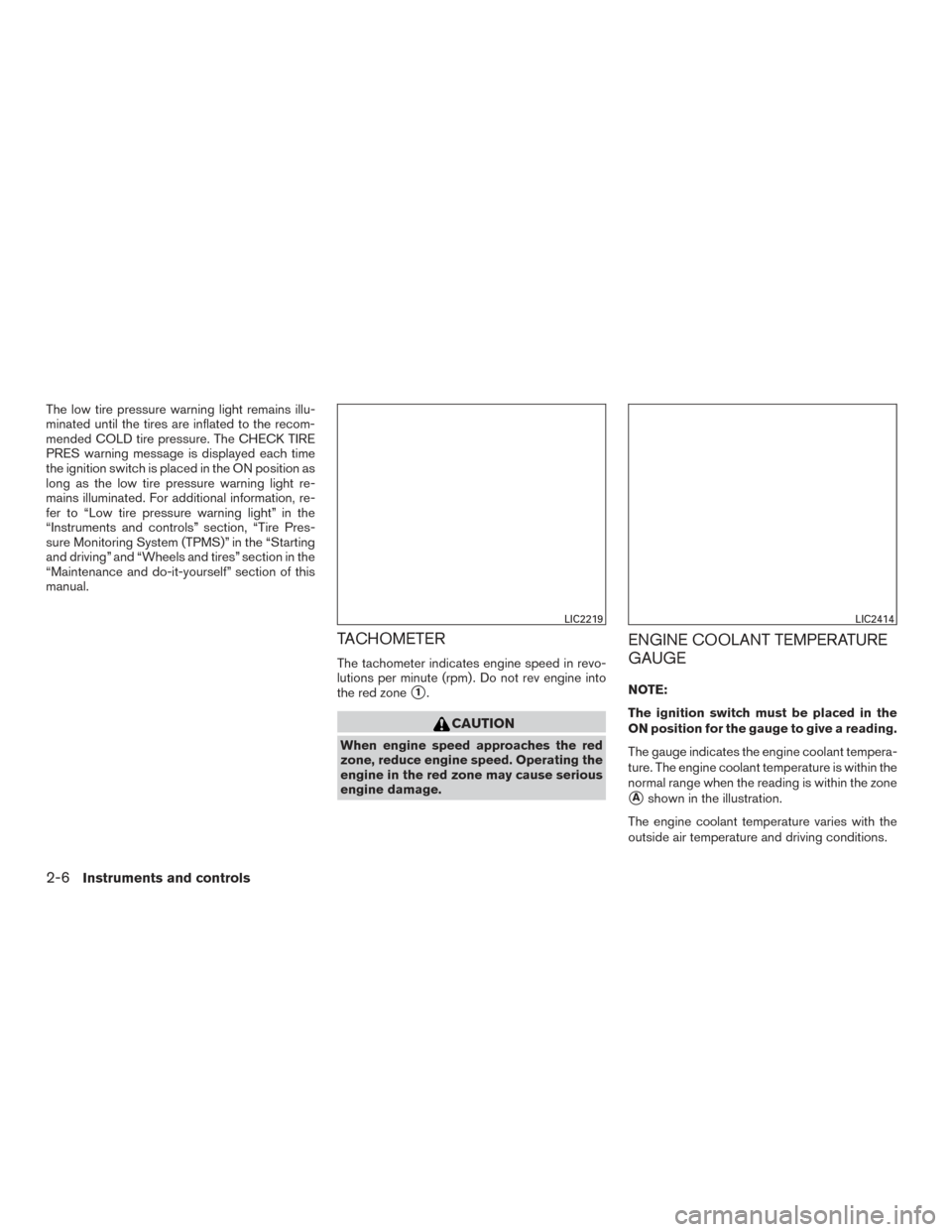
TACHOMETER
The tachometer indicates engine speed in revo-
lutions per minute (rpm) . Do not rev engine into
the red zone
�1.
CAUTION
When engine speed approaches the red
zone, reduce engine speed. Operating the
engine in the red zone may cause serious
engine damage.
ENGINE COOLANT TEMPERATURE
GAUGE
NOTE:
The ignition switch must be placed in the
ON position for the gauge to give a reading.
The gauge indicates the engine coolant tempera-
ture. The engine coolant temperature is within the
normal range when the reading is within the zone
�Ashown in the illustration.
The engine coolant temperature varies with the
outside air temperature and driving conditions.
LIC2219LIC2414
2-6Instruments and controls
Page 82 of 402
CAUTION
If the gauge indicates a coolant tempera-
ture near the hot (H) end of the normal
range, reduce vehicle speed to decrease
the temperature. If the gauge is over the
normal range, stop the vehicle as soon as
safely possible. If the engine is over-
heated, continued operation of the vehicle
may seriously damage the engine. For ad-
ditional information, refer to “If your ve-
hicle overheats” in the “In case of emer-
gency” section for immediate action
required
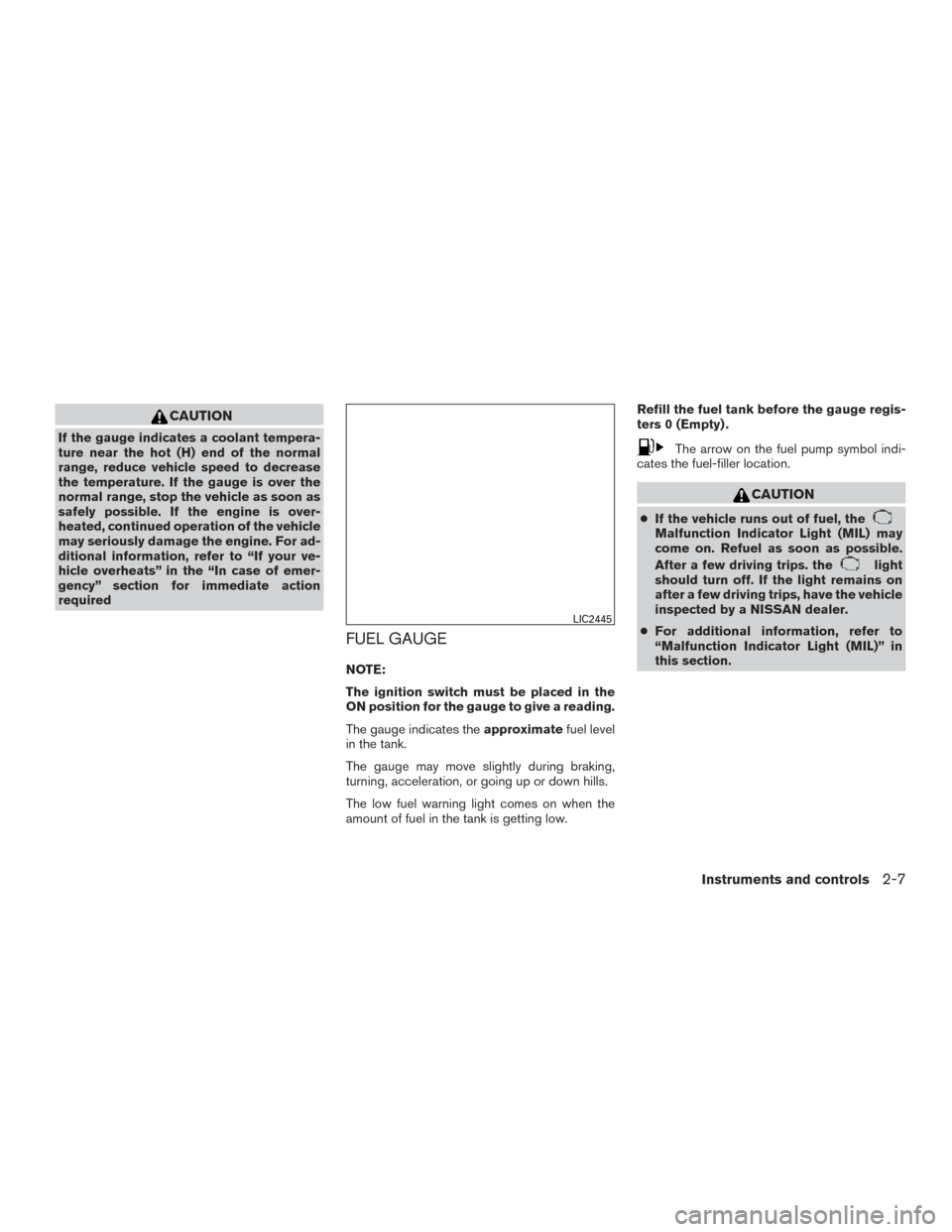
FUEL GAUGE
NOTE:
The ignition switch must be placed in the
ON position for the gauge to give a reading.
The gauge indicates theapproximatefuel level
in the tank.
The gauge may move slightly during braking,
turning, acceleration, or going up or down hills.
The low fuel warning light comes on when the
amount of fuel in the tank is getting low. Refill the fuel tank before the gauge regis-
ters 0 (Empty) .
The arrow on the fuel pump symbol indi-
cates the fuel-filler location.
CAUTION
● If the vehicle runs out of fuel, theMalfunction Indicator Light (MIL) may
come on. Refuel as soon as possible.
After a few driving trips. the
light
should turn off. If the light remains on
after a few driving trips, have the vehicle
inspected by a NISSAN dealer.
● For additional information, refer to
“Malfunction Indicator Light (MIL)” in
this section.
LIC2445
Instruments and controls2-7
Page 83 of 402
TRIP COMPUTER
When the ignition switch is placed in the ON
position, the modes of the trip computer can be
selected by pressing the
button on the
steering wheel. The following modes can be se-
lected:
● Trip A
● Trip B
● ECO Pedal Indicator
● Instant fuel economy
● Average fuel economy
● Average speed
● Distance to empty
● Trip computer reset
Trip symbol: A or B
Trip A
Measures the distance of one specific trip
�1.
Trip B
Measures the distance of a second specific trip.
ECO Pedal Indicator Display
Use the ECO Pedal Indicator�1for improving
fuel economy.
When the ECO Pedal Indicator bar is in the green
range, it displays the recommended accelerator
pedal position to optimize fuel economy.
If the ECO Pedal Indicator bar is out of green
range, the vehicle will not provide optimized fuel
economy.
NOTE:
The ECO Pedal Indicator’s bar is not displayed
when the cruise control is in operation.
LIC3146LIC2659
2-8Instruments and controls
Page 85 of 402
NOTE:
When driving uphill or rounding curves, the
fuel in the tank shifts, which may momen-
tarily change the display.
Trip computer reset
To reset Trip A, Trip B, AVG/mpg, or AVG/mph,
go to the desired mode on the trip computer and
hold the
button on the steering wheel for
more than 3 seconds.
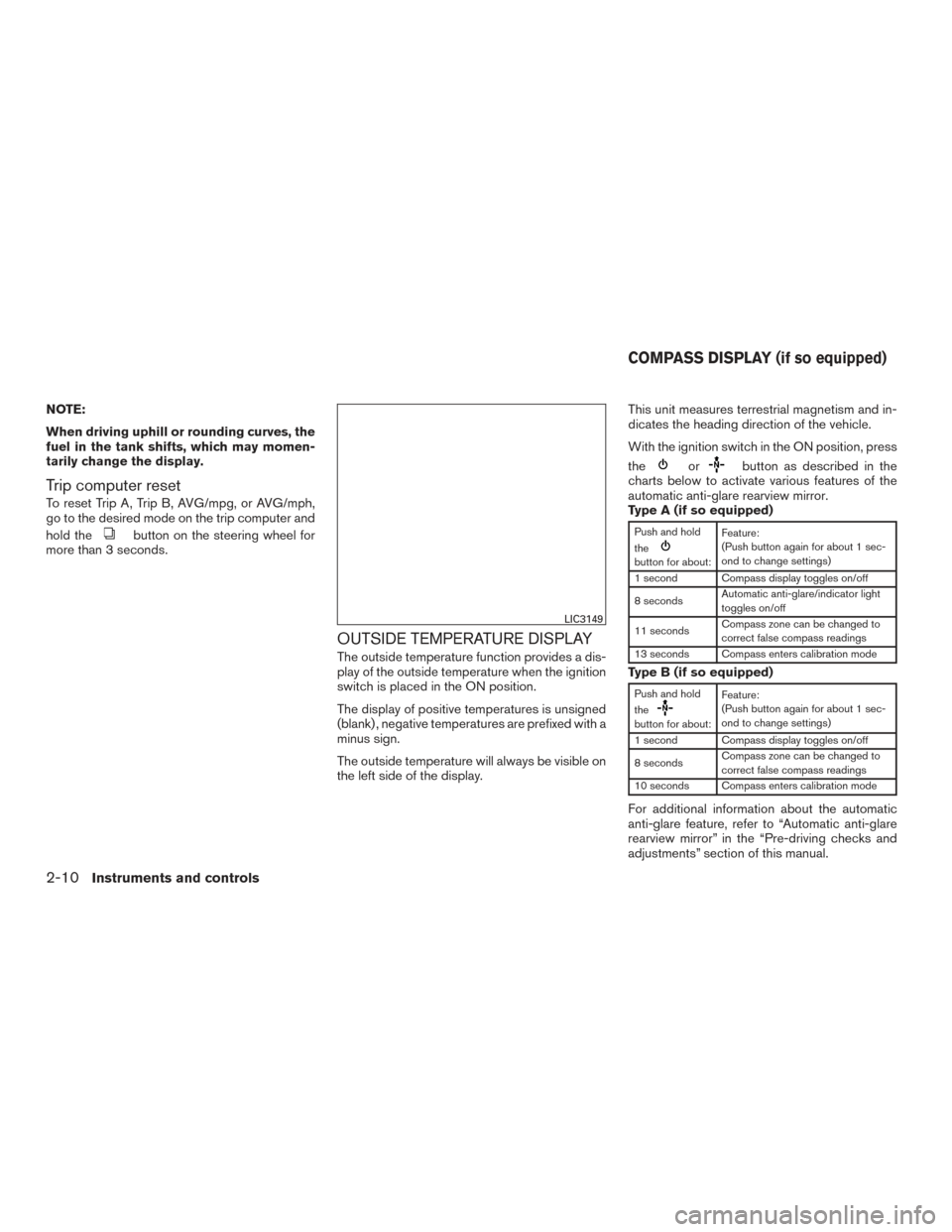
OUTSIDE TEMPERATURE DISPLAY
The outside temperature function provides a dis-
play of the outside temperature when the ignition
switch is placed in the ON position.
The display of positive temperatures is unsigned
(blank) , negative temperatures are prefixed with a
minus sign.
The outside temperature will always be visible on
the left side of the display. This unit measures terrestrial magnetism and in-
dicates the heading direction of the vehicle.
With the ignition switch in the ON position, press
the
orbutton as described in the
charts below to activate various features of the
automatic anti-glare rearview mirror.
Type A (if so equipped)
Push and hold
the
button for about: Feature:
(Push button again for about 1 sec-
ond to change settings)
1 second Compass display toggles on/off
8 seconds Automatic anti-glare/indicator light
toggles on/off
11 seconds Compass zone can be changed to
correct false compass readings
13 seconds Compass enters calibration mode
Type B (if so equipped)
Push and hold
the
button for about: Feature:
(Push button again for about 1 sec-
ond to change settings)
1 second Compass display toggles on/off
8 seconds Compass zone can be changed to
correct false compass readings
10 seconds Compass enters calibration mode
For additional information about the automatic
anti-glare feature, refer to “Automatic anti-glare
rearview mirror” in the “Pre-driving checks and
adjustments” section of this manual.
LIC3149
COMPASS DISPLAY (if so equipped)
2-10Instruments and controls
Page 86 of 402
COMPASS DISPLAY
Push theorbutton for about 1 sec-
ond when the ignition switch is placed in the ON
position to toggle the compass direction display
�1on or off. The display will indicate the direction
that the vehicle is heading.
N: North
E: East
S: South
W: West
If the display reads “C”, calibrate the compass by
driving the vehicle in three complete circles at
less than 5 mph (8 km/h). You can also calibrate the compass by driving
your vehicle on your everyday route. The com-
pass will be calibrated once it has tracked three
complete circles.
Type A (if so equipped)
WIC0904
Type B (if so equipped)
LIC1487
Instruments and controls2-11