Page 124 of 506
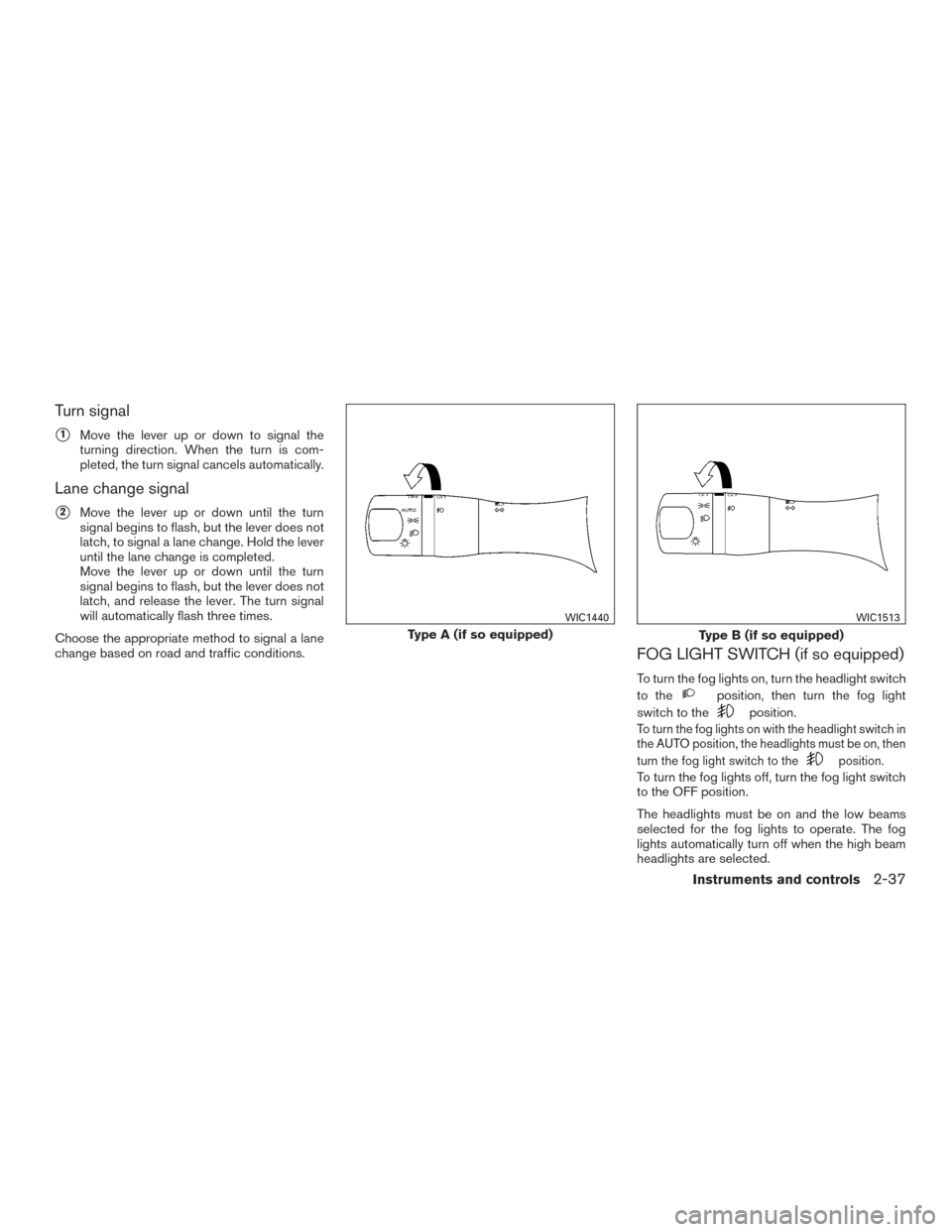
Turn signal
�1Move the lever up or down to signal the
turning direction. When the turn is com-
pleted, the turn signal cancels automatically.
Lane change signal
�2Move the lever up or down until the turn
signal begins to flash, but the lever does not
latch, to signal a lane change. Hold the lever
until the lane change is completed.
Move the lever up or down until the turn
signal begins to flash, but the lever does not
latch, and release the lever. The turn signal
will automatically flash three times.
Choose the appropriate method to signal a lane
change based on road and traffic conditions.
FOG LIGHT SWITCH (if so equipped)
To turn the fog lights on, turn the headlight switch
to the
position, then turn the fog light
switch to the
position.
To turn the fog lights on with the headlight switch in
the AUTO position, the headlights must be on, then
turn the fog light switch to the
position.
To turn the fog lights off, turn the fog light switch
to the OFF position.
The headlights must be on and the low beams
selected for the fog lights to operate. The fog
lights automatically turn off when the high beam
headlights are selected.
Type A (if so equipped)
WIC1440
Type B (if so equipped)
WIC1513
Instruments and controls2-37
Page 131 of 506
CAUTION
●The outlet and plug may be hot during
or immediately after use.
● Only certain power outlets are designed
for use with a cigarette lighter unit. Do
not use any other power outlet for an
accessory lighter. See your NISSAN
dealer for additional information.
● Do not use with accessories that exceed
a 12 volt, 120W (10A) power draw.
● Do not use double adapters or more
than one electrical accessory. ●
Use power outlets with the engine run-
ning to avoid discharging the vehicle
battery.
● Avoid using power outlets when the air
conditioner, headlights or rear window
defroster is on.
● Before inserting or disconnecting a
plug, be sure the electrical accessory
being used is turned OFF. ●
Push the plug in as far as it will go. If
good contact is not made, the plug may
overheat or the internal temperature
fuse may open.
● When not in use, be sure to close the
cap. Do not allow water or any other
liquid to contact the outlet.
Center Console (if so equipped)
LIC2408
Cargo Area (if so equipped)
LIC2236
2-44Instruments and controls
Page 132 of 506
120V OUTLET (if so equipped)
CAUTION
●The outlet and plug may be hot during
or immediately after use.
● Use power outlets with the engine run-
ning to avoid discharging the vehicle
battery.
● Do not use double adaptors or more
than one electrical accessory. ●
Avoid using power outlets when the air
conditioner, headlights or rear window
defroster is on.
● Before inserting or disconnecting a
plug, be sure the electrical accessory
being used is turned OFF.
● Push the plug in as far as it will go. If
good contact is not made, the plug may
overheat or the internal temperature
fuse may open.
● When not in use, be sure to close the
cap. Do not allow water or any other
liquid to contact the outlet.
MAP POCKETS
2nd Row
LIC2407
Front Console
LIC2392
STORAGE
Instruments and controls2-45
Page 145 of 506
When the ON switch�1is pressed, the footwell
lights (if so equipped) , step lights (if so
equipped) , map lights and rear personal lights
will automatically turn on and stay on for a period
of time when:
● The doors are unlocked by the Intelligent
Key, a key or the request switch (if so
equipped) while all doors are closed and the
ignition switch is in the OFF position.
● When individually pushed.
When the OFF switch
�2is pushed, the interior
lights do not illuminate. NOTE:
The footwell lights and step lights illumi-
nate when the driver and passenger doors
are open regardless of the interior light
switch position. These lights will turn off
automatically after a period of time while
doors are open to prevent the battery from
becoming discharged.
CAUTION
Do not use for extended periods of time
with the engine stopped. This could result
in a discharged battery.
CONSOLE LIGHT
The console light will turn on whenever the park-
ing lights or headlights are illuminated.
The console light brightness can be adjusted
with the illumination brightness control.
LIC2302LIC2303
INTERIOR LIGHT
2-58Instruments and controls
Page 169 of 506
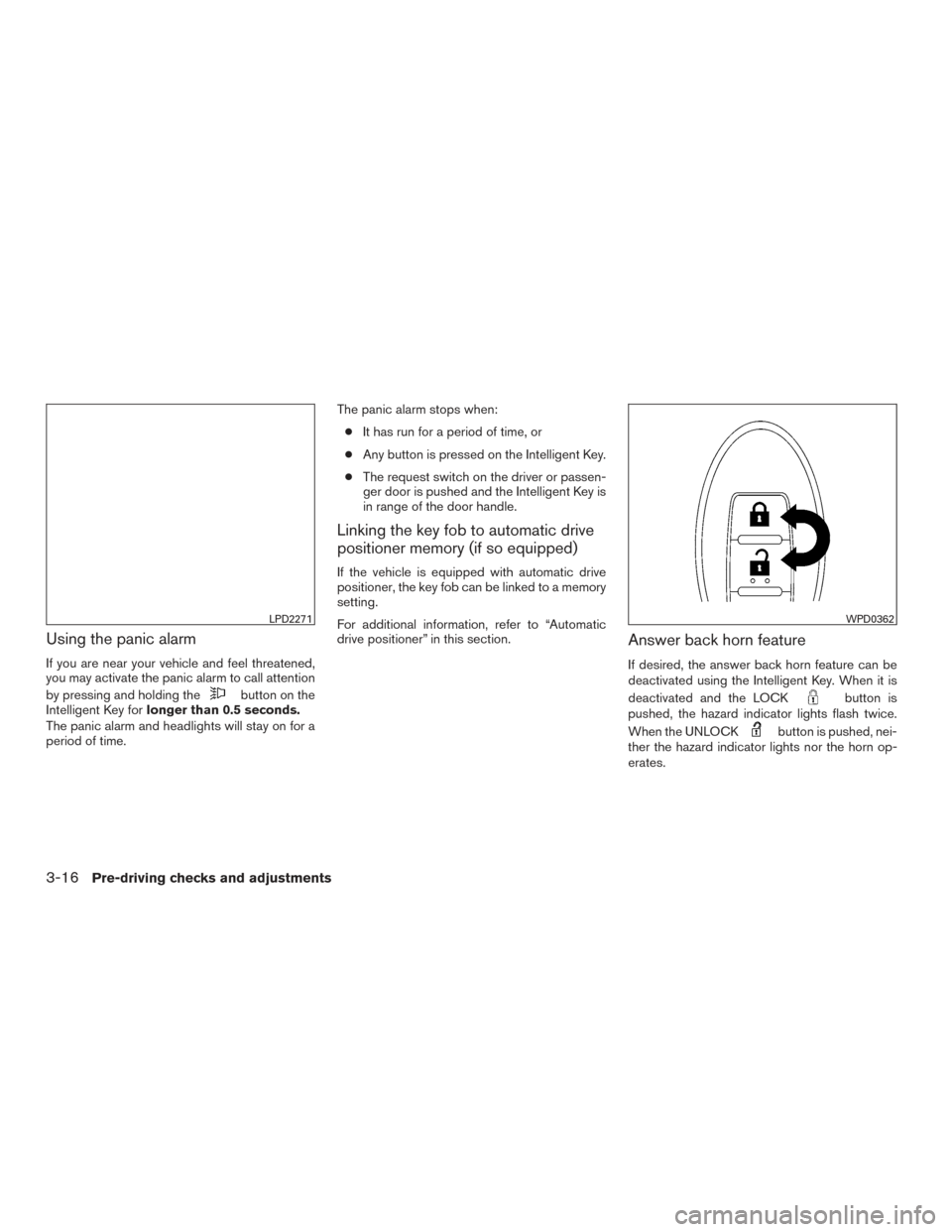
Using the panic alarm
If you are near your vehicle and feel threatened,
you may activate the panic alarm to call attention
by pressing and holding the
button on the
Intelligent Key for longer than 0.5 seconds.
The panic alarm and headlights will stay on for a
period of time. The panic alarm stops when:
● It has run for a period of time, or
● Any button is pressed on the Intelligent Key.
● The request switch on the driver or passen-
ger door is pushed and the Intelligent Key is
in range of the door handle.
Linking the key fob to automatic drive
positioner memory (if so equipped)
If the vehicle is equipped with automatic drive
positioner, the key fob can be linked to a memory
setting.
For additional information, refer to “Automatic
drive positioner” in this section.
Answer back horn feature
If desired, the answer back horn feature can be
deactivated using the Intelligent Key. When it is
deactivated and the LOCK
button is
pushed, the hazard indicator lights flash twice.
When the UNLOCK
button is pushed, nei-
ther the hazard indicator lights nor the horn op-
erates.
LPD2271WPD0362
3-16Pre-driving checks and adjustments
Page 186 of 506
�1To block glare from the front, swing down the
sun visor.
�2To block glare from the side, remove the sun
visor from the center mount and swing the
visor to the side.
�3Slide the extension sun visor in or out as
needed.
CAUTION
● Do not store the sun visor before return-
ing the extension to its original
position.
● Do not pull the extension sun visor forc-
ibly downward.
VANITY MIRRORS
To access the vanity mirror, pull the sun visor
down and flip open the mirror cover. Some vanity
mirrors are illuminated and turn on when the
mirror cover is open.
REARVIEW MIRROR (if so equipped)
Use the night position�1to reduce glare from
the headlights of vehicles behind you at night.
Use the day position
�2when driving in daylight
hours.
WARNING
Use the night position only when neces-
sary, because it reduces rear view clarity.
LPD2067WPD0126
MIRRORS
Pre-driving checks and adjustments3-33
Page 187 of 506
AUTOMATIC ANTI-GLARE
REARVIEW MIRROR (if so equipped)
The inside mirror is designed so that it automati-
cally dims during night time conditions and ac-
cording to the intensity of the headlights of the
vehicle following you. The automatic anti-glare
feature is activated when the ignition switch is in
the ON position.
The indicator light will illuminate when the auto-
matic anti-glare feature is operating.
NOTE:
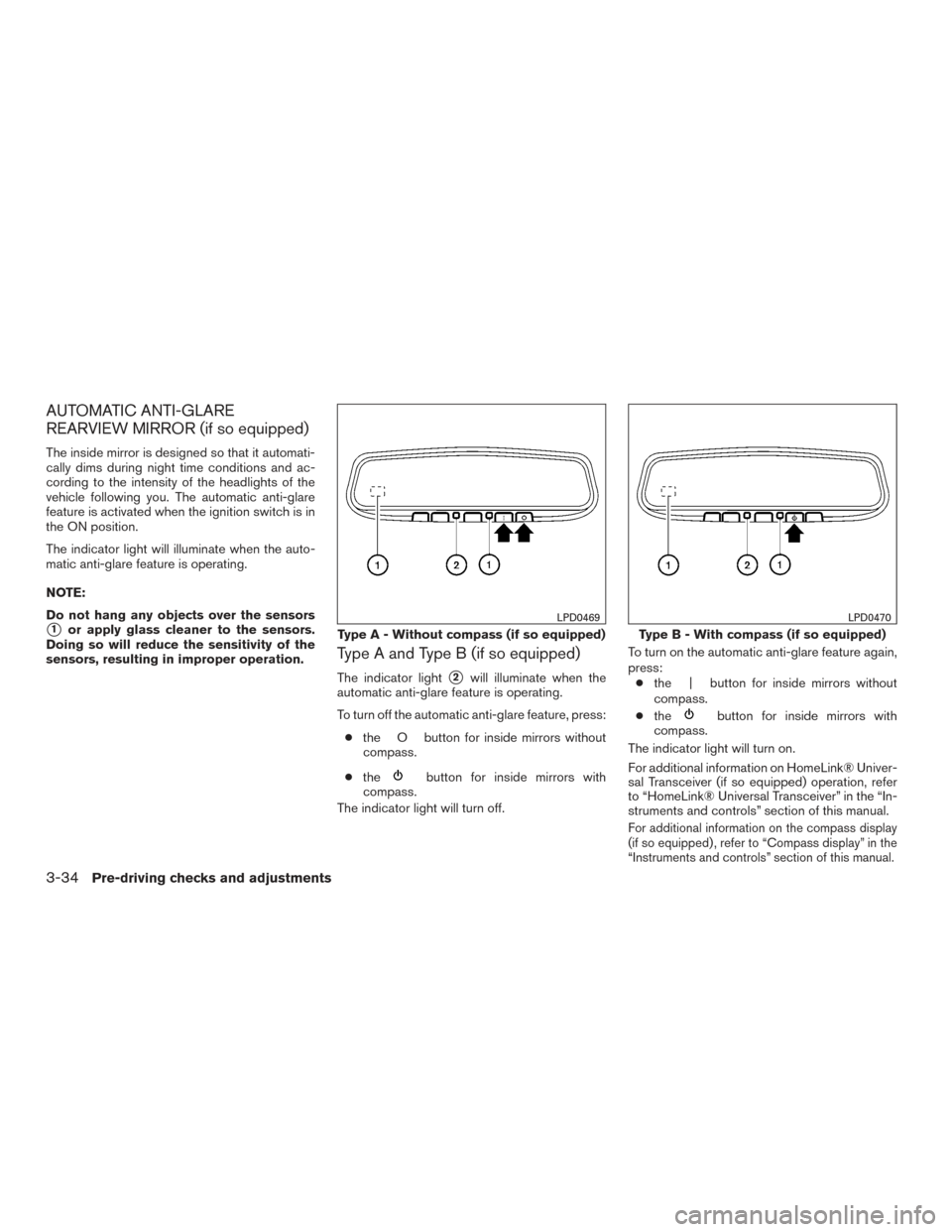
Do not hang any objects over the sensors
�1or apply glass cleaner to the sensors.
Doing so will reduce the sensitivity of the
sensors, resulting in improper operation.
Type A and Type B (if so equipped)
The indicator light�2will illuminate when the
automatic anti-glare feature is operating.
To turn off the automatic anti-glare feature, press:
● the O button for inside mirrors without
compass.
● the
button for inside mirrors with
compass.
The indicator light will turn off. To turn on the automatic anti-glare feature again,
press:
● the | button for inside mirrors without
compass.
● the
button for inside mirrors with
compass.
The indicator light will turn on.
For additional information on HomeLink® Univer-
sal Transceiver (if so equipped) operation, refer
to “HomeLink® Universal Transceiver” in the “In-
struments and controls” section of this manual.
For additional information on the compass display
(if so equipped) , refer to “Compass display” in the
“Instruments and controls” section of this manual.
Type A - Without compass (if so equipped)
LPD0469
Type B - With compass (if so equipped)
LPD0470
3-34Pre-driving checks and adjustments
Page 426 of 506
8 Maintenance and do-it-yourself
Maintenance requirements..........................8-2
General maintenance ..............................8-2
Explanation of general maintenance items .........8-2
Maintenance precautions ...........................8-5
Engine compartment check locations ................8-6
Engine cooling system .............................8-7
Checking engine coolant level ...................8-8
Changing engine coolant ........................8-8
Engine oil .........................................8-9
Checking engine oil level ........................8-9
Changing engine oil ........................... 8-10
Changing engine oil filter .......................8-11
Continuously Variable Transmission (CVT) fluid ......8-12
Power steering fluid ............................... 8-12
Brake fluid ....................................... 8-13
Windshield-washer fluid ........................... 8-13
Windshield-washer fluid reservoir ...............8-13
Battery .......................................... 8-14
Jump starting ................................. 8-16
Variable voltage control system (if so equipped) ......8-16
Drive belt ........................................ 8-17
Spark plugs ...................................... 8-17Replacing spark plugs
......................... 8-17
Air cleaner ....................................... 8-18
In-cabin microfilter ............................. 8-18
Windshield wiper blades .......................... 8-19
Cleaning ..................................... 8-19
Replacing .................................... 8-19
Brakes .......................................... 8-20
Fuses ........................................... 8-21
Engine compartment ........................... 8-21
Passenger compartment .......................8-22
Battery replacement .............................. 8-23
NISSAN Intelligent Key® .......................8-24
Lights ........................................... 8-25
Headlights .................................... 8-25
Fog lights (if so equipped) ......................8-25
Exterior and interior lights .......................8-26
Wheels
and tires ................................. 8-29
Tire pressure .................................. 8-29
Tire labeling ................................... 8-32
Types of tires .................................. 8-35
Tire chains .................................... 8-36
Changing wheels and tires .....................8-36