2015 NISSAN GT-R manual
[x] Cancel search: manualPage 10 of 23
8
OUTSIDE MIRROR CONTROL SWITCH
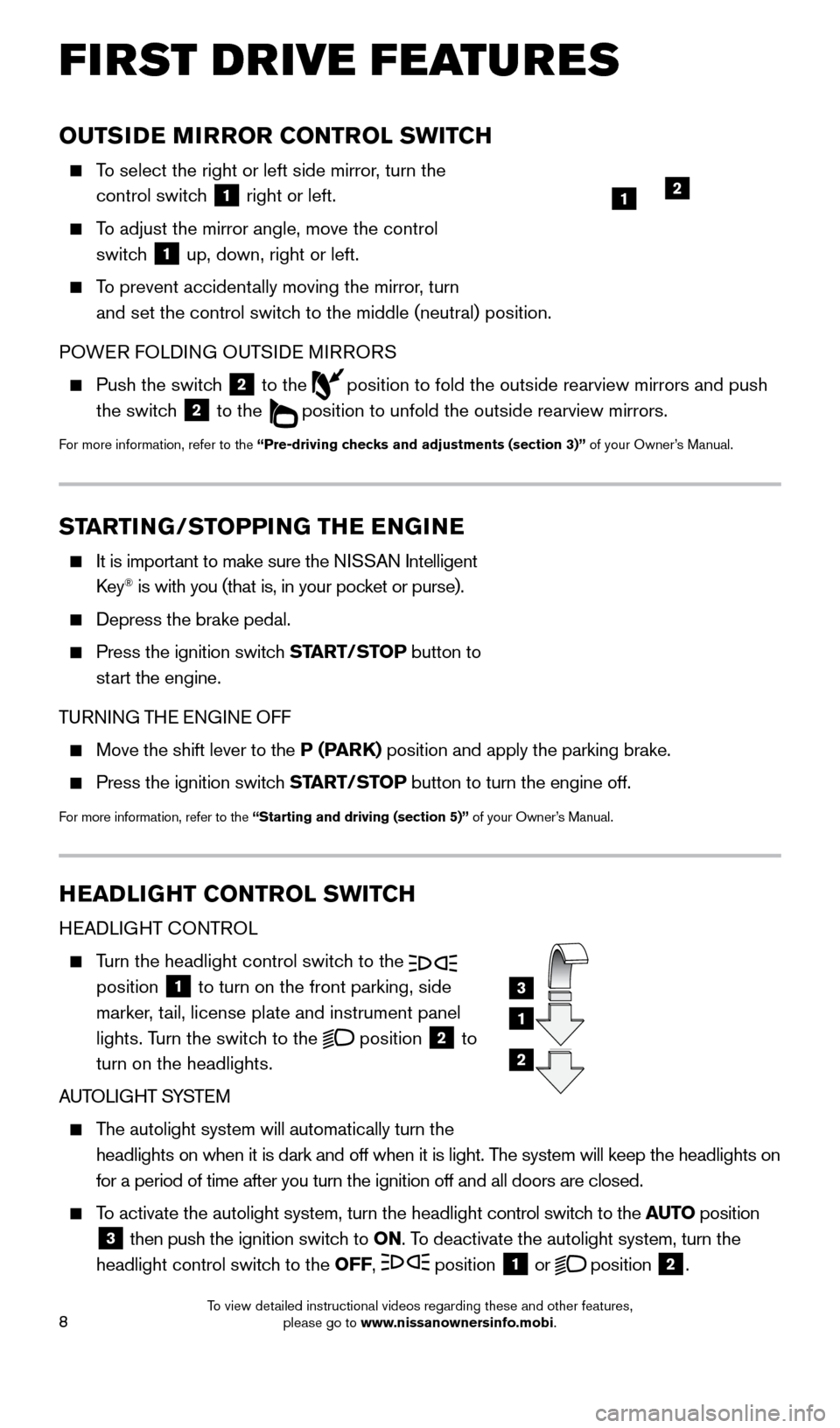
To select the right or left side mirror, turn the control switch
1 right or left.
To adjust the mirror angle, move the control
switch
1 up, down, right or left.
To prevent accidentally moving the mirror, turn
and set the control switch to the middle (neutral) position.
POWER FOLDING OUTSIDE MIRRORS
Push the switc h
2 to the
position to fold the outside rearview mirrors and push
the switch
2 to the
position to unfold the outside rearview mirrors.
For more information, refer to the “Pre-driving checks and adjustments (section 3)” of your Owner’s Manual.
HEADLIGHT CONTROL SWITCH
HEADLIGHT CONTROL
Turn the headlight control switch to the
position 1 to turn on the front parking, side
marker, tail, license plate and instrument panel
lights. Turn the switch to the
position
2 to
turn on the headlights.
AUTOLIGHT SYSTEM
The autolight system will automatically turn the
headlights on when it is dark and off when it is light. The system will keep the headlights on
for a period of time after you turn the ignition off and all doors are c\
losed.
To activate the autolight system, turn the headlight control switch to the AUTO position
3 then push the ignition switch to
ON. To deactivate the autolight system, turn the
headlight control switch to the OFF, position 1 or
position
2.
3
1
2
FIRST DRIVE FEATURES
1
STARTING/STOPPING THE ENGINE
It is import ant to make sure the NISSAN Intelligent
Key® is with you (that is, in your pocket or purse).
Depress the brake pedal.
Press the ignition switc h START/STOP button to
start the engine.
TURNING THE ENGINE OFF
Move the shift lever to the P (PARK) position and apply the parking brake.
Press the ignition switch START/STOP button to turn the engine off.
For more information, refer to the “Starting and driving (section 5)” of your Owner’s Manual.
2
1655184_15b_GTR_QRGText-Insert_062414.indd 86/24/14 9:06 AM
To view detailed instructional videos regarding these and other features, please go to www.nissanownersinfo.mobi.
Page 11 of 23
9
WINDSHIELD WIPER AND WASHER SWITCH
The ignition switch must be in the ON position to activate the windshield wipers.
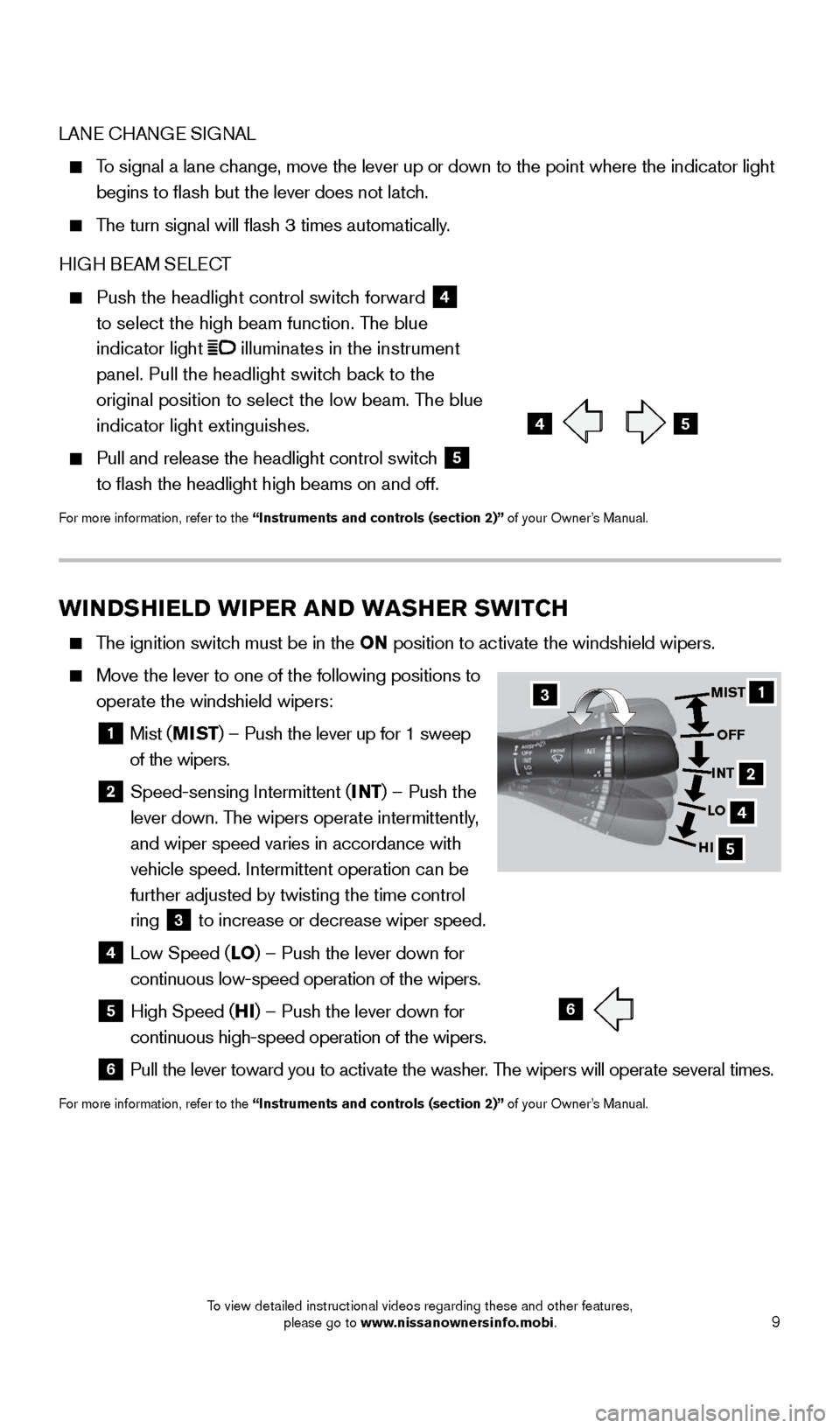
Move the lever to one of the following positions to
operate the windshield wipers:
1 Mist ( MIST) – Push the lever up for 1 sweep
of the wipers.
2 Speed-sensing Intermittent ( INT) – Push the
lever down. The wipers operate intermittently,
and wiper speed varies in accordance with
vehicle speed. Intermittent operation can be
further adjusted by twisting the time control
ring
3 to increase or decrease wiper speed. 4 Low Speed (
LO) – Push the lever down for
continuous low-speed operation of the wipers.
5 High Speed ( HI) – Push the lever down for
continuous high-speed operation of the wipers.
6 Pull the lever toward you to activate the washer . The wipers will operate several times.
For more information, refer to the “Instruments and controls (section 2)” of your Owner’s Manual.
LANE CHANGE SIGNAL
To signal a lane change, move the lever up or down to the point where the indicator light
begins to flash but the lever does not latch.
The turn signal will flash 3 times automatically.
HIGH BEAM SELECT
Push the headlight control switc h forward 4
to select the high beam function. The blue
indicator light
illuminates in the instrument
panel. Pull the headlight switch back to the
original position to select the low beam. The blue
indicator light extinguishes.
Pull and release the headlight control switc h 5
to flash the headlight high beams on and off.
For more information, refer to the “Instruments and controls (section 2)” of your Owner’s Manual.
45
6
1
4
5
MIST
OFF
INT
LO
HI
2
3
1655184_15b_GTR_QRGText-Insert_062414.indd 96/24/14 9:06 AM
To view detailed instructional videos regarding these and other features, please go to www.nissanownersinfo.mobi.
Page 12 of 23
10
FIRST DRIVE FEATURES
AUTOMATIC CLIMATE CONTROLS
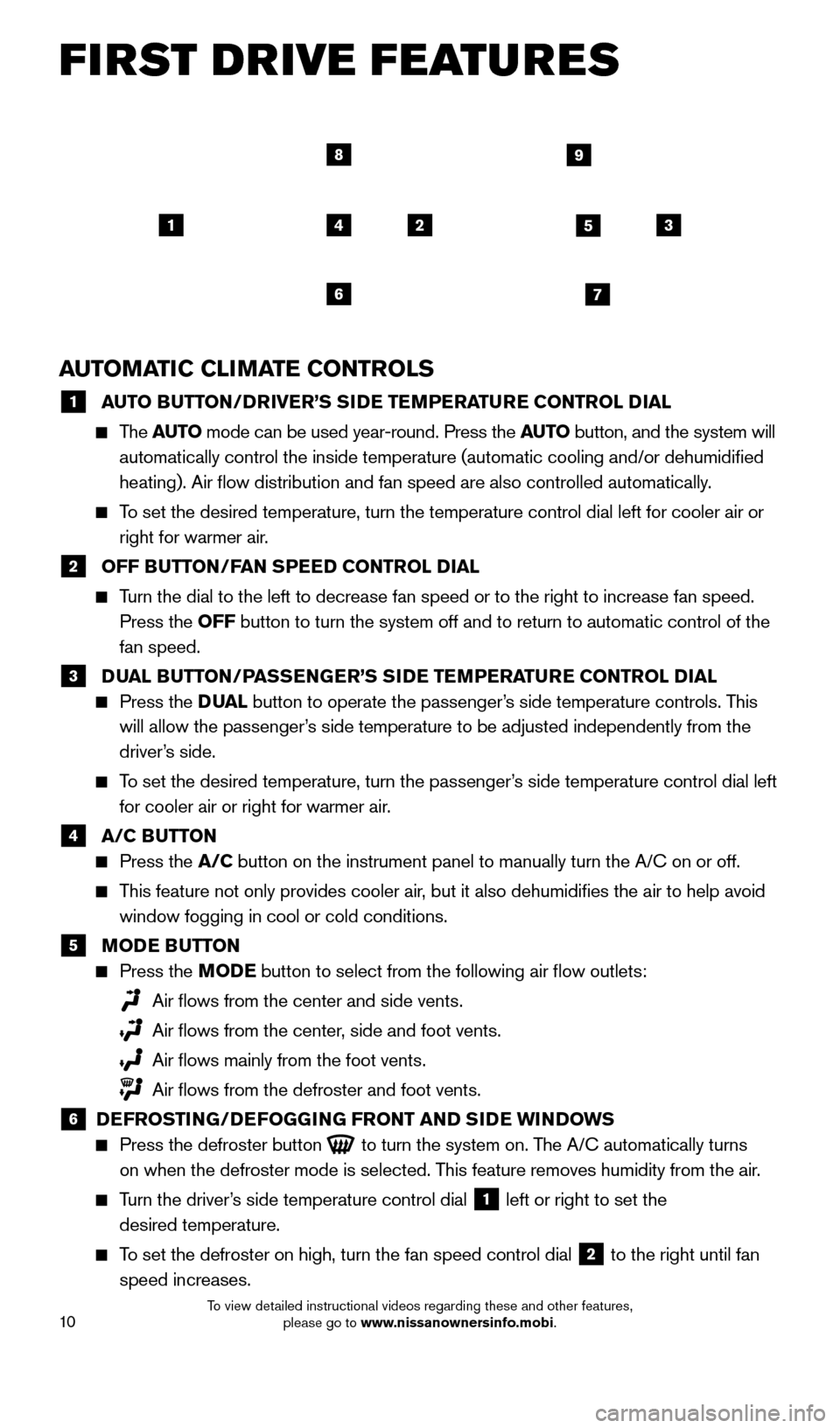
1 A UTO BUTTON/DRIVER’S SIDE TEMPERATURE CONTROL DIAL The
AUTO mode can be used year-round. Press the AUTO button, and the system will
automatically control the inside temperature (automatic cooling and/or \
dehumidified
heating). Air flow distribution and fan speed are also controlled aut\
omatically.
To set the desired temperature, turn the temperature control dial left fo\
r cooler air or right for warmer air.
2 OFF B UTTON/FAN SPEED CONTROL DIAL Turn the dial to the left to decrease fan speed or to the right to increa\
se fan speed.
Press the OFF button to turn the system off and to return to automatic control of the\
fan speed.
3 D UAL BUTTON/PASSENGER’S SIDE TEMPERATURE CONTROL DIAL
Press the D UAL button to operate the passenger’s side temperature controls. This
will allow the passenger’s side temperature to be adjusted independently from the
driver’s side.
To set the desired temperature, turn the passenger’s side temperature control dial left for cooler air or right for warmer air.
4 A/C B UTTON
Press the A/C button on the instrument panel to manually turn the A/C on or off.
This feature not only provides cooler air, but it also dehumidifies the air to help avoid
window fogging in cool or cold conditions.
5 M ODE BUTTON
Press the MODE button to select from the following air flow outlets:
Air flows from the center and side vents.
Air flows from the center , side and foot vents.
Air flows mainly from the foot vents.
Air flows from the defroster and foot vents.
6 D EFROSTING/DEFOGGING FRONT AND SIDE WINDOWS
Press the defroster button
to turn the system on. The A/C automatically turns
on when the defroster mode is selected. This feature removes humidity from the air.
Turn the driver’s side temperature control dial 1 left or right to set the
desired temperature.
To set the defroster on high, turn the fan speed control dial 2 to the right until fan
speed increases.
145
67
89
23
1655184_15b_GTR_QRGText-Insert_062414.indd 106/24/14 9:06 AM
To view detailed instructional videos regarding these and other features, please go to www.nissanownersinfo.mobi.
Page 13 of 23
11
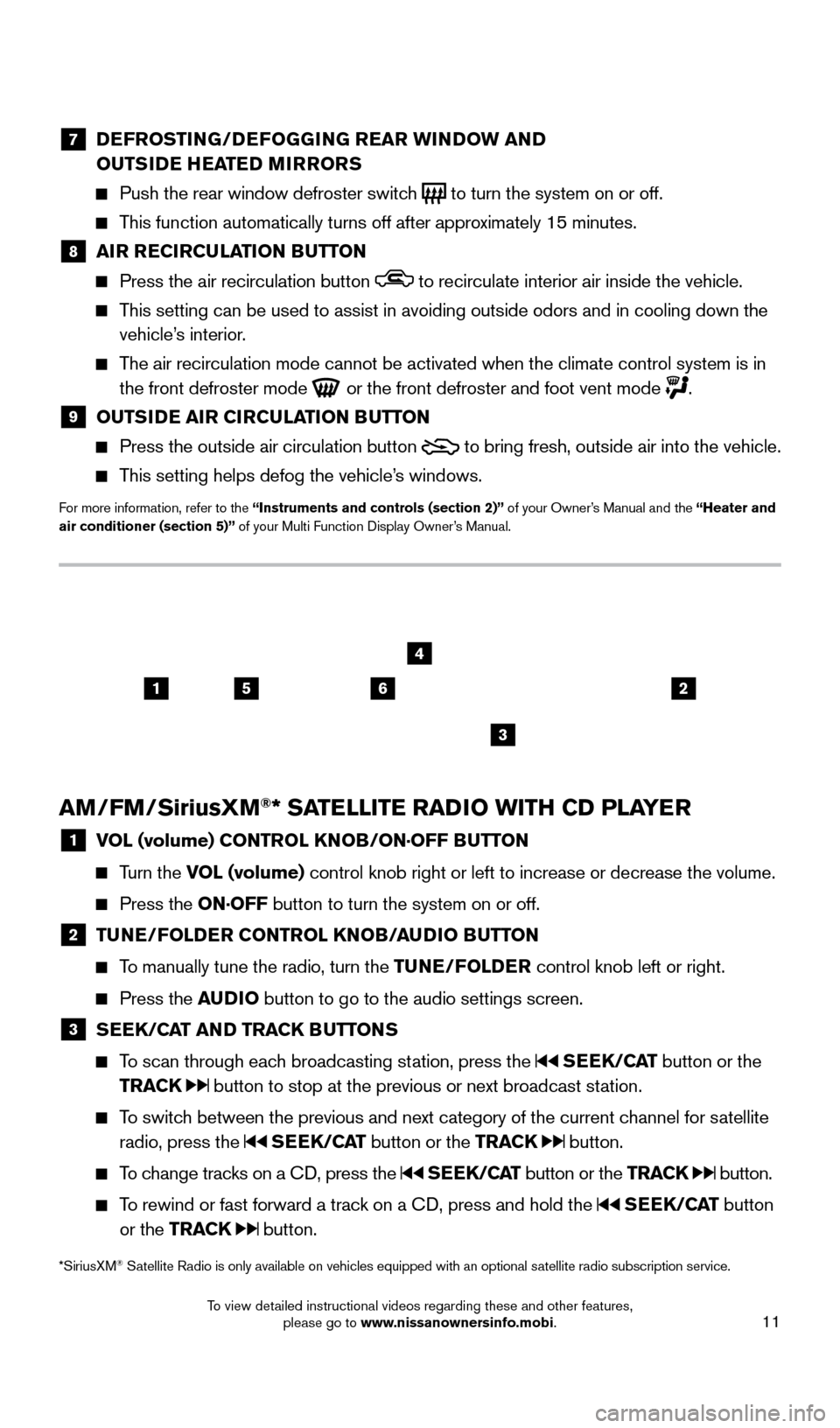
7 DEFROSTING/DEFOGGING REAR WINDOW AND
OUTSIDE HEATED MIRRORS
Push the rear window defroster switc h
to turn the system on or off.
This function automatically turns off after approximately 15 minutes.
8 AI R RECIRCULATION BUTTON Press the air recirculation button to recirculate interior air inside the vehicle.
This setting can be used to assist in avoiding outside odors and in cooli\
ng down the
vehicle’s interior.
The air recirculation mode cannot be activated when the climate control s\
ystem is in the front defroster mode
or the front defroster and foot vent mode .
9 OUTS IDE AIR CIRCULATION BUTTON Press the outside air circulation button
to bring fresh, outside air into the vehicle.
This setting helps defog the vehicle’s windows.
For more information, refer to the “Instruments and controls (section 2)” of your Owner’s Manual and the “Heater and
air conditioner (section 5)” of your Multi Function Display Owner’s Manual.
AM/FM/SiriusXM®* SATELLITE RADIO WITH CD PLAYER
1 V OL (volume) CONTROL KNOB/ON·OFF BUTTON
Turn the VOL (volume) control
knob right or left to increase or decrease the volume.
Press the ON·OFF button to turn the system on or off.
2 TUNE/FOLDER CONTROL KNOB/AUDIO BUTTON
To manually tune the radio, turn the TUNE/FOLDER
control knob left or right.
Press the AUDIO button to go to the audio settings screen.
3 SEEK/CAT AND TRACK BUTTONS
To scan through each broadcasting station, press the
SEEK/CAT button or the
TRACK
button to stop at the previous or next broadcast station.
To switch between the previous and next category of the current channel for satellite radio, press the
SEEK/CAT button or the TRACK button.
To change tracks on a CD, press the SEEK/CAT button or the TRACK button.
To rewind or fast forward a track on a CD, press and hold the SEEK/CAT button
or the TRACK
button.
2156
3
4
*SiriusXM® Satellite Radio is only available on vehicles equipped with an optional s\
atellite radio subscription service.
1655184_15b_GTR_QRGText-Insert_062414.indd 116/24/14 9:06 AM
To view detailed instructional videos regarding these and other features, please go to www.nissanownersinfo.mobi.
Page 14 of 23

12
FIRST DRIVE FEATURES
CRUISE CONTROL
The cruise control system enables you to set a constant cruising speed above 25 mph (40 km/h).
The system will automatically maintain the set speed until you tap the brake pedal, accelerate,
cancel or turn the system off.
To activate the cruise control, push the ON/OFF
switch
1. The CRUISE indicator light in the
instrument panel will illuminate.
To set a cruising speed, accelerate the vehicle to
the desired speed, push the COAST/SET switch
2 and release. The SET indicator light
in the instrument panel will illuminate. Take your foot off the accelerator pedal. Your vehicle
will maintain the set speed.
To reset at a faster cruising speed, push and hold the RES/ACCEL switch
3. When
the vehicle attains the desired speed, release the switch.
To reset at a slower cruising speed, push and hold the COAST/SET switch 2.
Release the switch when the vehicle slows to the desired speed.
To turn cruise control off without erasing the set speed, push the CANCEL switch 4.
The SET indicator light in the instrument panel will extinguish.
To turn off cruise control, push the ON/OFF switch
1. Both the CRUISE indicator
light and the SET indicator light in the instrument panel will extinguish.
For more information, refer to the “Starting and driving (section 5)” of your Owner’s Manual.
1
2
3
4
4 STATION PRESET BUTTONS
Six stations can be set for the AM band, 12 for the FM band and 18 for satellite radio.
To store a station in a preset, you must first select a radio band by pressing the
AM•FM button
5 or
S AT button 6 then tune to the desired AM, FM or satellite
radio station.
Then press and hold the desired station preset button (1-6) until the sound is briefly
muted. The station indicator will then display, and the sound will resume. Programing
is now complete.
To retrieve a previously set station, select the radio band where the preset was stored
then press the corresponding station select button (1-6).
For more information, refer to the “Audio system (section 3)” of your Multi Function Display Owner’s Manual.
1655184_15b_GTR_QRGText-Insert_062414.indd 126/24/14 9:06 AM
To view detailed instructional videos regarding these and other features, please go to www.nissanownersinfo.mobi.
Page 15 of 23
13
SYSTEM GUIDE
DRIVE COMPUTER
The drive computer is located in the vehicle information display
1 at the bottom of
the tachometer.
Press the button
2 to cycle through the
following modes on the vehicle information display:
• M
PG – Displays the current fuel economy.
• M
PH – Displays the current vehicle speed.
•
C
RUISE/MPH – Displays the set cruise
control status.
•
MP
G/MPH – Displays the average fuel
economy and average speed since the last reset.
—
T
o reset, push and hold the
button 3 for more than 1 second. Both the
average fuel economy and average speed are reset at the same time.
•
T
IME/MILES – Displays the elapsed time and distance driven since the last reset.
—
T
o reset, push and hold the
button 3 for more than 1 second. Both elapsed
time and distance driven are reset at the same time.
•
RAN
GE – Displays the estimated distance the vehicle can be driven before refueling.
•
OUTS
IDE TEMP – Displays the outside air temperature.
•
S
ETTING – Allows you to set reminders or preferences for alerts, maintenance\
intervals or language displays in the system.
—
Press the button 3 to cycle through the various
SETTING modes.
—
Press the button 2 to choose the selected mode.
—
T
o return to the previous setting screen, push and hold the
button 2 for
more than 1 second.
• W
ARNING – Displays when a warning is present.
—
Use the button 3 to select “Detail,” then confirm with the button 2.
When there are multiple warnings, push the
button 2 to cycle through all
of them. To return to the initial warning, push and hold the
button 2 for
more than 1 second.
For more information, refer to the “Instruments and controls (section 2)” of your Owner’s Manual.
1
2
3
1655184_15b_GTR_QRGText-Insert_062414.indd 136/24/14 9:06 AM
To view detailed instructional videos regarding these and other features, please go to www.nissanownersinfo.mobi.
Page 16 of 23

14
BLUETOOTH® HANDS-FREE PHONE SYSTEM
A cellular telephone should not be used
while driving so full attention may be given to
vehicle operation.*
Before using the hands-free feature, you need to
setup or connect the system to recognize your
compatible cellular phone(s). Five Bluetooth
®-
enabled phones can be connected. After set-up,
the system automatically connects with a
connected phone when the ignition is in the ACC
or ON position as long as the phone is on and in the vehicle.
Bluetooth® Streaming Audio allows you to use a compatible Bluetooth® phone to play
audio files on your device. Your compatible cellular phone can be connected to the
vehicle’s audio system, allowing audio files to play through the vehicle’s speakers.
SYSTEM OPERATING TIPS
Press the button to interrupt the voice prompts at any time and speak a command \
after the tone.
The “Help” command can be used to hear a list of available commands\
at any time.
Reduce bac kground noise as much as possible by closing windows and pointing
HVAC vents away from the ceiling.
Speak naturally without long pauses and without raising your voice.
When speaking Phonebook names, please be aware some phones require the la\
st name to be spoken before the first name. For example, “Michael Smith” may be
spoken as “Smith Michael”.
To cancel a Voice Recognition session, simply wait 5 seconds, say “Cancel” or “Quit”, or press and hold the
button for 5 seconds.
If the Voice Recognition system does not recognize your voice commands, train the system using the Voice Adaptation Mode. See your Owner’s Manual for
detailed information.
For more detailed information and instructions, refer to your cellular phone’s Owner’s Manual and visit www.nissanusa.com/bluetooth.
CONNECTING PROCEDURE
The vehicle must be stationary when connecting the phone.
1.
Press the PHONE button on the control panel
1 or press the
button on the steering wheel
and touch the “Connect Phone” key. 1
SYSTEM GUIDE
*Some jurisdictions prohibit the use of cellular telephones while drivin\
g.
1655184_15b_GTR_QRGText-Insert_062414.indd 146/24/14 9:06 AM
To view detailed instructional videos regarding these and other features, please go to www.nissanownersinfo.mobi.
Page 17 of 23

15
2. Initiate connecting from the phone.
•
T
he connecting procedure varies
according to each cellular phone model.
For detailed connecting instructions and
a list of compatible phones, please visit
www.nissanusa.com/bluetooth.
•
W
hen prompted for a PIN code, enter “1234”
from the handset. (The PIN code is assigned by
NISSAN and cannot be changed.)
3.
W
hen the connecting is complete, the screen will
return to the Phone menu display.
PHONEBOOK SETUP
Depending on your cellular phone, the system
may automatically download your cellular
phone’s entire phonebook to the vehicle’s Bluetooth
® system.
If the phonebook does not download automatically, up to 40 entries can be manually downloaded.
To manually download entries:
1. P
ress the
button and select the “Quick
Dial” key.
2
.
S
elect the “Add New” key at the top of
the display. There are different methods
to input a phone number. Select 1 of the
following options:
•
“
Copy from Call History”- to save a number
from the Outgoing, Incoming or Missed
Calls lists.
•
“
Copy from the Phonebook”- to save a
number that has been downloaded from your
handset to the vehicle.
•
“
Enter Number by Keypad”- to input the number and name manually.
MAKING A CALL
To make a call, follow this procedure:
1
.
Press the
button on the steering wheel.
The Phone menu will appear on the control
panel display.
2
.
S
elect the “Quick Dial”, “Call History”,
“Phonebook” or “Dial Number” key.
3
.
S
elect the desired entry from the list.
4
.
S
elect “Call” to start dialing the number.
1655184_15b_GTR_QRGText-Insert_062414.indd 156/24/14 9:06 AM
To view detailed instructional videos regarding these and other features, please go to www.nissanownersinfo.mobi.