17
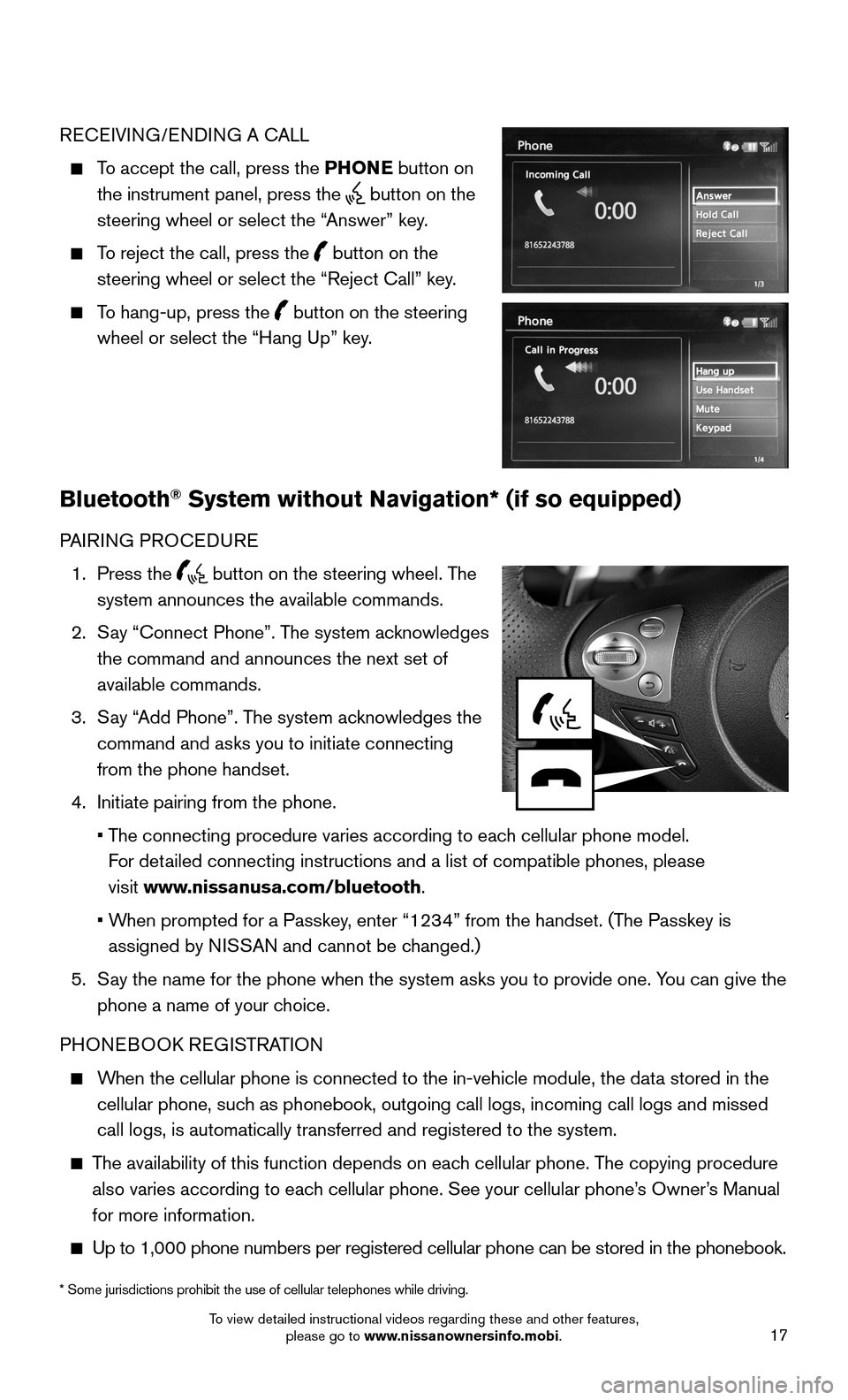
RECEIVING/ENDING A CALL
To accept the call, press the PHONE button on
the instrument panel, press the button on the
steering wheel or select the “Answer” key.
To reject the call, press the button on the
steering wheel or select the “Reject Call” key.
To hang-up, press the button on the steering
wheel or select the “Hang Up” key.
Bluetooth® System without Navigation* (if so equipped)
PAIRING PROCEDURE
1. Press the button on the steering wheel. The
system announces the available commands.
2. Say “Connect Phone”. The system acknowledges
the command and announces the next set of
available commands.
3. Say “Add Phone”. The system acknowledges the
command and asks you to initiate connecting
from the phone handset.
4. Initiate pairing from the phone.
• The connecting procedure varies according to each cellular phone model.
For detailed connecting instructions and a list of compatible phones, please
visit www.nissanusa.com/bluetooth.
• When prompted for a Passkey, enter “1234” from the handset. (The Passkey is
assigned by NISSAN and cannot be changed.)
5. Say the name for the phone when the system asks you to provide one. You can give the
phone a name of your choice.
PHONEBOOK REGISTRATION
When the cellular phone is connected to the in-vehicle module, the data stored in the
cellular phone, such as phonebook, outgoing call logs, incoming call logs and missed
call logs, is automatically transferred and registered to the system.
The availability of this function depends on each cellular phone. The copying procedure
also varies according to each cellular phone. See your cellular phone’s Owner’s Manual
for more information.
Up to 1,000 phone numbers per registered cellular phone can be stored in\
the phonebook.
* Some jurisdictions prohibit the use of cellular telephones while drivi\
ng.
To view detailed instructional videos regarding these and other features, please go to www.nissanownersinfo.mobi.
18
1
23
4567891011
1213
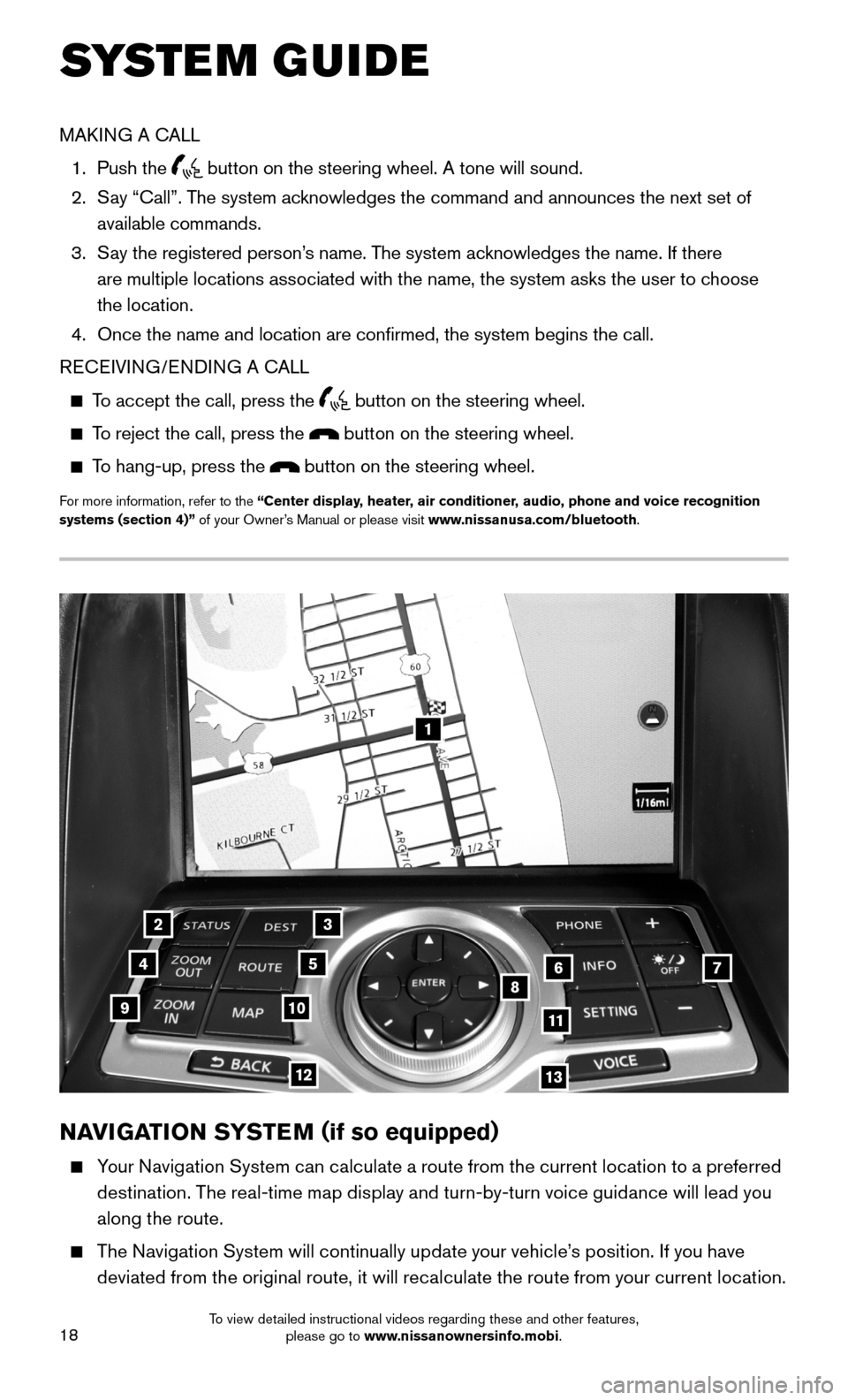
NAVIGATION SYSTEM (if so equipped)
Your Navigation System can calculate a route from the current location to a preferred
destination. The real-time map display and turn-by-turn voice guidance will lead you
along the route.
The Navigation System will continually update your vehicle’s position. If you have
deviated from the original route, it will recalculate the route from your current location.
SYSTEM GUIDE
MAKING A CALL
1. Push the button on the steering wheel. A tone will sound.
2. Say “Call”. The system acknowledges the command and announces the next set of
available commands.
3. Say the registered person’s name. The system acknowledges the name. If there
are multiple locations associated with the name, the system asks the use\
r to choose
the location.
4. Once the name and location are confirmed, the system begins the call.
RECEIVING/ENDING A CALL
To accept the call, press the button on the steering wheel.
To reject the call, press the button on the steering wheel.
To hang-up, press the button on the steering wheel.
For more information, refer to the “Center display, heater, air conditioner, audio, phone and voice recognition systems (section 4)” of your Owner’s Manual or please visit www.nissanusa.com/bluetooth.
To view detailed instructional videos regarding these and other features, please go to www.nissanownersinfo.mobi.