Page 287 of 960

2872-4. Using other driving systems
2
When driving
LX570_OM_OM60L96U_(U) ● Parallel parking assist mode information
• There is a possibility that parallel pa rking guidance may not be given
when backing up at a very slow speed.
• If the back door is opened during parallel parking guidance, parallel
parking assist will be interrupted and canceled. Stop the vehicle,
shift the shift lever out of the “R ” position, and restart the operation
from .
● Canceling parallel parking assist Select .
● Vehicles equipped with intuitive parking assist
If intuitive parking assist detects an object while you attempt to park in
a parking space on the left, the bl ack and yellow vertical pole could be
obscured by intuitive parking assist disp lay. In this even t, turn intuitive
parking assist switch off ( P. 251), and operate the vehicle while
checking the safety of the surrounding area direct visually and with
mirror. After the operation, turn the switch on.
● If the message “Steering wheel turned too far, please return.” is dis-
played
The steering wheel has been turned too far, and the system cannot
function. Return the steering wheel to its original position.
If the message is displayed before th e outline is posi tioned over the
desired parking space, it is likely th at the vehicle is too far away from
the shoulder. Check that there is a gap of approximately 3 ft. (1 m)
between your vehicle and the parked vehicle. STEP 1
Page 300 of 960
3002-4. Using other driving systems
LX570_OM_OM60L96U_(U) CAUTION ●
In low temperatures, the screen may darken or the image may become faint. The
image could distort when the vehicle is moving, or you may become unable to
see the image on the screen. Be sure to check direct visually and with the mirrors
all around the vehicl e before proceeding.●
If the tire sizes are changed, the position of the guide lines displayed on the
screen may change. ●
The camera uses a special lens. The di stances between objects and pedestrians
that appear in the image displayed on the screen will differ from the actual dis-
tances. ( P. 292)■
When using the perpendicu lar parking assist screen
Estimated course line display mode: If the steering wheel is straight and the vehicle
width extension guide lines and the estima ted course lines are not in alignment,
have the vehicle inspecte d by your Lexus dealer.
Page 303 of 960
3032-4. Using other driving systems
2
When driving
LX570_OM_OM60L96U_(U) Wide view front & side monitor
: If equippedThis system can display th e wide view front monitor and the side monitor
separately or at the same time.
The wide view front monitor uses a super-wide angle le ns to display on
screen the areas to the left and righ t of the vehicle and the blind spots to
the front of the vehicle. This system helps the driver check for approaching
cars, bicycles and pedestrians when at intersections with poor visibility.
The side monitor uses a camera instal led in the passenger’s side outside
rear view mirror to display on screen the area to the fron t-right of the vehi-
cle, helping the driver check this area.
On/off The simultaneous display screen
is displayed when the VIEW
switch is pressed.
Page 314 of 960

3142-4. Using other driving systems
LX570_OM_OM60L96U_(U) ■
The wide view front & side monitor can be operated when ●
The “ENGINE START STOP” switch is in IGNITION ON mode.●
The vehicle speed is less than approximately 6 mph (10 km/h).■
Automatic system cancelation
In the following situations, the system is canceled automatically. ●
When the vehicle speed exceeds approximately 7 mph (12 km/h). ●
When the shift lever is in “R”.■
When the outside rear view mirrors have been folded
The side monitor screen can be displayed even if the outside rear view mirrors have
been folded. In this case, there will be a slight difference between the image dis-
played when the outside rear view mirrors are extended and when the outside rear
view mirrors have been folded.
If the side monitor is displayed while the outside rear view mirrors are folded, you
cannot check the area near the front edge of the vehicle as the base of the outside
rear view mirrors wi ll be in the way.■
When switched to from the Lexus parking assist monitor
If the wide view front & side monitor is
switched to from the Lexus parking assist
monitor, the icon display area will flash to
inform the driver that the currently displayed
area is the front or side. The icon display area
will continue to flash until the screen is turned
off.
Page 318 of 960

3182-4. Using other driving systems
LX570_OM_OM60L96U_(U) CAUTION■
Conditions which may affect the wide view front & side monitor system ●
If the front of the vehicle or the passenger side outside rear view mirror is hit, the
camera’s position and mounting angle may change. Contact your Lexus dealer. ●
Rapid temperature changes, such as when hot water is poured on the vehicle in
cold weather, may cause the system to function abnormally. ●
If the camera lens is dirty, it cannot tr ansmit a clear image. Rinse with water and
wipe with a soft cloth. If extremely dirty, wash with a mild cleanser and rinse. ●
The displayed image may be darker and mo ving images may be slightly distorted
when the system is cold. ●
Situations unsuitable for wide view front & side monitor
• On icy or slick road surfaces, or in snow.
• When using tire chains or emergency tires.
• On roads that are not flat or stra ight, such as curves or slopes.●
If the tires are changed, th e position of the guide li nes displayed on the screen
may be incorrect. When changing the tires, consult your Lexus dealer. ●
Depending on the circumstances of the vehicle (number of passengers, amount
of luggage, etc.), the position of the guide lines displayed on the screen may
change. Be sure to check visually behind and all around the vehicle before pro-
ceeding. ●
When washing the vehicle, do not apply intensive bursts of water to the camera
or camera area. Doing so may resu lt in the camera malfunctioning.
Page 396 of 960

3962-5. Driving information
LX570_OM_OM60L96U_(U) ■
Matching trailer ball height to trailer coupler height
■
Before towing
Check that the following conditions are met: ●
Ensure that your vehicle’s ti res are properly inflated. ( P. 895)●
Trailer tires are inflated according to the trailer manufacturer’s recommenda-
tion. ●
All trailer lights work as required by law. ●
All lights work each time you connect them. ●
The trailer ball is set at the proper height for the coupler on the trailer. ●
The trailer is level when it is hitched.
Do not drive if the trailer is not level, and check for improper tongue weight,
overloading, worn suspensi on, or other possible causes.●
The trailer cargo is securely loaded. ●
The rear view mirrors conform to all appl icable federal, state/provincial or local
regulations. If they do no t, install rear view mirrors appropriate for towing pur-
poses. No matter which class of tow hitch applies,
for a more safe trailer hookup, the trailer ball
setup must be the proper height for the cou-
pler on the trailer.
Trailer ball
Coupler
Page 402 of 960
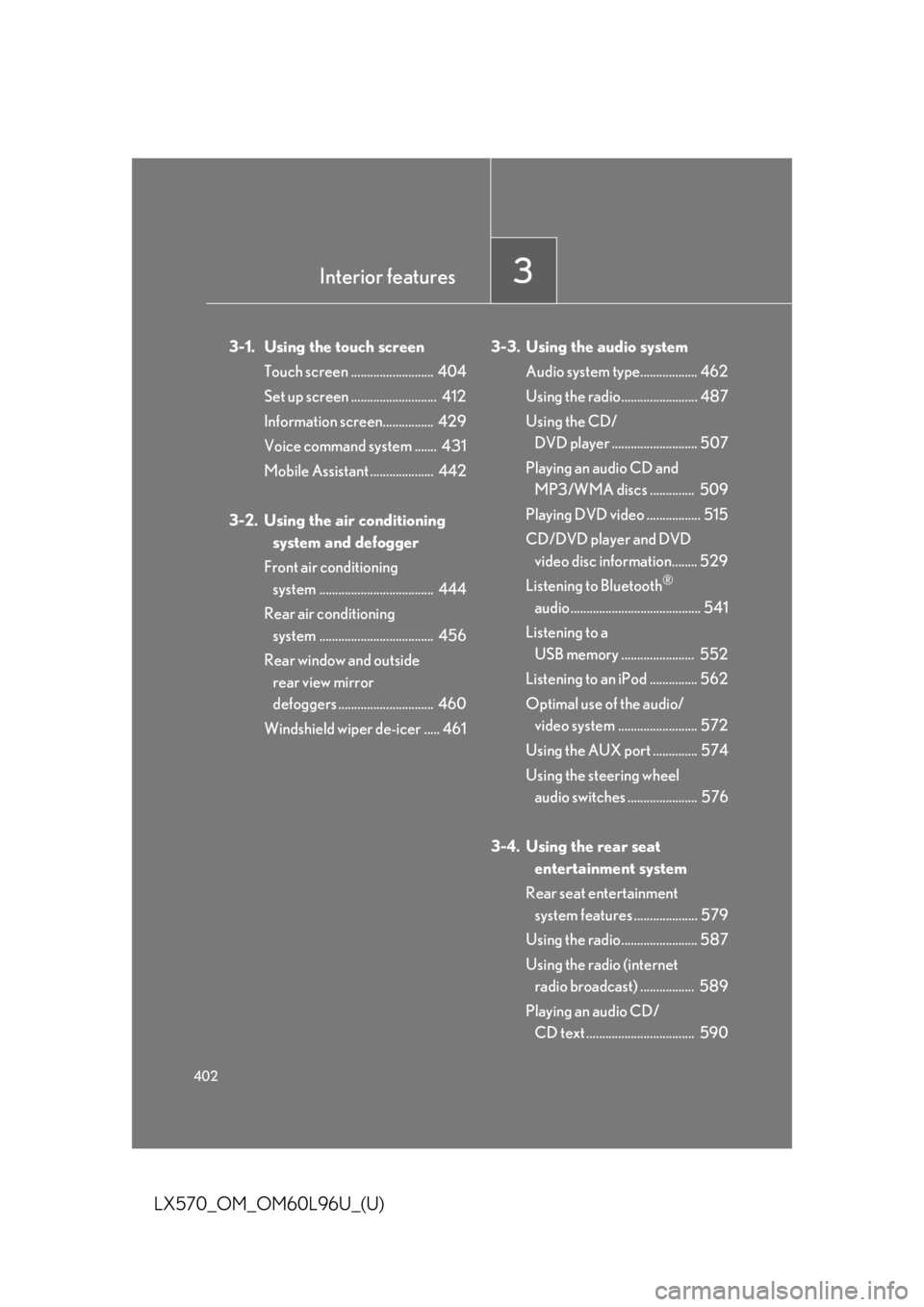
402
LX570_OM_OM60L96U_(U) 3-1. Using the touch screen
Touch screen .......................... 404
Set up screen ........................... 412
Information screen................ 429
Voice command system ....... 431
Mobile Assistant .................... 442
3-2. Using the air conditioning
system and defogger
Front air conditioning
system .................................... 444
Rear air conditioning
system .................................... 456
Rear window and outside
rear view mirror
defoggers .............................. 460
Windshield wiper de-icer ..... 461 3-3. Using the audio system
Audio system type.................. 462
Using the radio........................ 487
Using the CD/
DVD player ........................... 507
Playing an audio CD and
MP3/WMA discs .............. 509
Playing DVD video ................. 515
CD/DVD player and DVD
video disc information........ 529
Listening to Bluetooth ®
audio......................................... 541
Listening to a
USB memory ....................... 552
Listening to an iPod ............... 562
Optimal use of the audio/
video system ......................... 572
Using the AUX port .............. 574
Using the steering wheel
audio switches ...................... 576
3-4. Using the rear seat
entertainment system
Rear seat entertainment
system features .................... 579
Using the radio........................ 587
Using the radio (internet
radio broadcast) ................. 589
Playing an audio CD/
CD text .................................. 590Interior features
3
Page 403 of 960

Interior features
3
403
LX570_OM_OM60L96U_(U) Playing WMA/
MP3 discs ............................... 591
Playing a Bluetooth ®
audio........................................ 593
Playing a USB memory......... 596
Playing iPod ............................ 598
Playing DVD video ............... 600
DVD player and DVD
video disc information ....... 609
Using the video mode ............. 611
3-5. Using the hands-free system
(for cellular phone)
Hands-free system
(for cellular phone) .............. 616
Using a Bluetooth ®
phone ...................................... 625
Setting the hands-free
system (for cellular
phone)..................................... 648
Setting the Bluetooth ®
........ 673
3-6. Using the interior lights
Interior lights list ..................... 686
• Interior lights ............................ 687
• Personal lights ........................ 688
• Luggage compartment
light.............................................. 689 3-7. Using the storage features
List of storage features ........ 690
• Glove box .................................. 691
• Console box............................. 692
• Overhead console ................ 693
• Cup holders ............................. 694
• Bottle holders .......................... 696
• Card holder.............................. 697
• Auxiliary boxes ....................... 697
3-8. Other interior features
Cool box ................................... 699
Sun visors .................................. 701
Vanity mirrors ......................... 702
Ashtrays.................................... 703
Cigarette lighter.................... 704
Power outlets .......................... 705
Heated steering wheel ........ 707
Seat heaters and
ventilators ............................. 709
Armrest ..................................... 712
Assist grips ................................ 713
Floor mats ................................. 714
Luggage compartment
features .................................... 716
Garage door opener ............. 718
Safety Connect ...................... 726

