Page 316 of 695
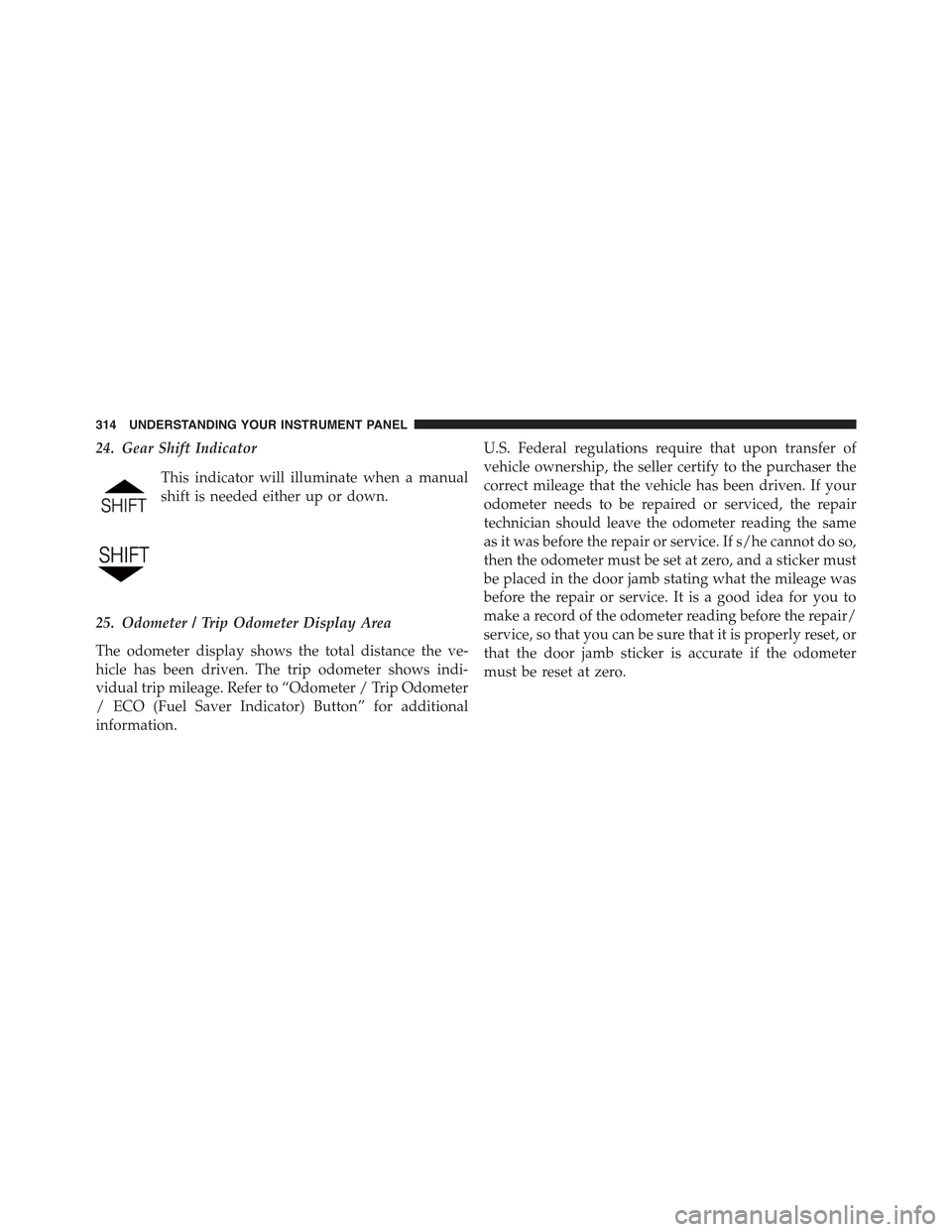
24. Gear Shift Indicator
This indicator will illuminate when a manual
shift is needed either up or down.
25. Odometer / Trip Odometer Display Area
The odometer display shows the total distance the ve-
hicle has been driven. The trip odometer shows indi-
vidual trip mileage. Refer to “Odometer / Trip Odometer
/ ECO (Fuel Saver Indicator) Button” for additional
information.
U.S. Federal regulations require that upon transfer of
vehicle ownership, the seller certify to the purchaser the
correct mileage that the vehicle has been driven. If your
odometer needs to be repaired or serviced, the repair
technician should leave the odometer reading the same
as it was before the repair or service. If s/he cannot do so,
then the odometer must be set at zero, and a sticker must
be placed in the door jamb stating what the mileage was
before the repair or service. It is a good idea for you to
make a record of the odometer reading before the repair/
service, so that you can be sure that it is properly reset, or
that the door jamb sticker is accurate if the odometer
must be reset at zero.
314 UNDERSTANDING YOUR INSTRUMENT PANEL
Page 317 of 695

Vehicle Odometer Messages
When the appropriate conditions exist, the following
odometer messages will display:
ECO.....................Fuel Saver Indicator
door.............................Door Ajar
gATE........................Swing Gate Ajar
LoW tirE....................LowTirePressure
HOTOIL...........Transmission Oil Temperature
Above Normal Limits
gASCAP......................Fuel Cap Fault
noFUSE..........................Fuse Fault
CHAngE OIL..............OilChange Required
NOTE:If the vehicle is equipped with the optional
Electronic Vehicle Information Center (EVIC) in the in-
strument cluster, all the messages will only be displayed
in the EVIC display. For additional information, refer to
“Electronic Vehicle Information Center — If Equipped”.
ECO (Fuel Saver Indicator) — If Equipped
The ECO indicator will illuminate when you are driving
in a fuel efficient manner and can be used to modify
driving habits in order to increase fuel economy.
LoW tirE
When the appropriate condition exists, the odometer dis-
play will toggle between LoW and tirE for three cycles.
“HOTOIL” Transmission Temperature Warning Message
The “HOTOIL” cluster message will appear in the odom-
eter accompanied with a chime to indicate that there is
excessive transmission fluid temperature that might oc-
cur with severe usage such as trailer towing. It may also
4
UNDERSTANDING YOUR INSTRUMENT PANEL 315
Page 318 of 695

occur when operating the vehicle in a high torque
converter slip condition, such as 4-wheel drive operation
(e.g., snow plowing, off-road operation). If this “HOT-
OIL” message turns on, stop the vehicle and run the
engine at idle or faster with the transmission in NEU-
TRAL until the message turns off.
CAUTION!
Continuous driving with the Transmission Tempera-
ture “HOTOIL” Warning message illuminated will
eventually cause severe transmission damage or
transmission failure.
WARNING!
If the Transmission Temperature “HOTOIL” Warn-
ing message is illuminated and you continue operat-
ing the vehicle, in some circumstances you could
cause the fluid to boil over, come in contact with hot
engine or exhaust components and cause a fire.
gASCAP
If the vehicle diagnostic system determines that the fuel
filler cap is loose, improperly installed, or damaged, a
“gASCAP” message will display in the odometer display
area. Tighten the fuel filler cap properly and press the
TRIP ODOMETER button to turn off the message. If the
problem continues, the message will appear the next time
the vehicle is started.
316 UNDERSTANDING YOUR INSTRUMENT PANEL
Page 320 of 695

26. Hill Decent Indicator
This indicator shows when the Hill Descent
Control (HDC) feature is turned on. The lamp
will be on solid when HDC is armed. HDC can
only be armed when the transfer case is in the
“4WD LOW” position and the vehicle speed is less then
30 mph (48 km/h). If these conditions are not met while
attempting to use the HDC feature, the HDC indicator
light will flash on/off.
27. Cruise Indicator
This indicator shows when the electronic speed
control system is turned on.
28. Tire Pressure Monitoring Telltale Light
Each tire, including the spare (if provided),
should be checked monthly when cold and
inflated to the inflation pressure recommended
by the vehicle manufacturer on the vehicle
placard or tire inflation pressure label. (If your vehicle
has tires of a different size than the size indicated on the
vehicle placard or tire inflation pressure label, you should
determine the proper tire inflation pressure for those
tires.)
As an added safety feature, your vehicle has been
equipped with a Tire Pressure Monitoring System
(TPMS) that illuminates a low tire pressure telltale when
one or more of your tires is significantly under-inflated.
Accordingly, when the low tire pressure telltale illumi-
nates, you should stop and check your tires as soon as
possible, and inflate them to the proper pressure. Driving
on a significantly under-inflated tire causes the tire to
overheat and can lead to tire failure. Under-inflation also
reduces fuel efficiency and tire tread life, and may affect
the vehicle’s handling and stopping ability.
Please note that the TPMS is not a substitute for proper
tire maintenance, and it is the driver ’s responsibility to
318 UNDERSTANDING YOUR INSTRUMENT PANEL
Page 325 of 695
Control Buttons
The Compass/Temperature control buttons are located
on the left spoke of the steering wheel.
Push and release the STEP button on the steering wheel
to access the options in the Compass display.
NOTE:The system will display the last known outside
temperature when starting the vehicle and may need to
be driven several minutes before the updated tempera-
ture is displayed. Engine temperature can also affect the
displayed temperature; therefore, temperature readings
are not updated when the vehicle is not moving.
The following displays can be reset or changed:
•Compass/Temperature
•AVG ECO (changes to present fuel economy)
•ET (will reset display)
•DTE (distance to empty)
These messages can be cycled through by pushing the
STEP button on the steering wheel. To reset the AVG ECO
or ET, push and hold the STEP button for approximately
three seconds.
Mini-Trip Control Buttons
4
UNDERSTANDING YOUR INSTRUMENT PANEL 323
Page 328 of 695

•Magnetic materials should be kept away from the top
of the center of the instrument panel. This is where the
compass sensor is located.
Average Fuel Economy / Distance To Empty (DTE)
/ Elapsed Time
•Average Fuel Economy
Shows the average fuel economy since the last reset.
When the fuel economy is reset, the digits will go blank
while the history information is erased. The averaging
will restart when enough new distance and fuel data is
accumulated.
•Distance To Empty (DTE)
Shows the estimated distance that can be traveled with
the fuel remaining in the tank. This estimated distance is
determined by a weighted average of the instantaneous
and average fuel economy, according to the current fuel
tank level. DTE cannot be reset.
•Elapsed Time
Shows the total elapsed time of travel since the last reset.
Elapsed time will increment when the ignition switch is
in the RUN or START positions. The elapsed timer
displays minutes:seconds. After 59minutes:59seconds, it
displays hours:minutes:seconds.
Trip Conditions
Trip Odometer (ODO) / ECO (Fuel Saver Indicator)
— If Equipped
This display shows the distance traveled since the last
reset. Push and release the right button (on the instru-
ment cluster) to switch from odometer to Trip A or Trip B
or to ECO. Push and hold the right button while the
odometer/trip odometer is displayed to reset.
326 UNDERSTANDING YOUR INSTRUMENT PANEL
Page 329 of 695
Trip A
Shows the total distance traveled for trip A since the last
reset.
Trip B
Shows the total distance traveled for trip B since the last
reset.
ECO (Fuel Saver Indicator) — If Equipped
The ECO indicator will illuminate when you are driving
in a fuel efficient manner and can be used to modify
driving habits in order to increase fuel economy.
ELECTRONIC VEHICLE INFORMATION CENTER
(EVIC) — IF EQUIPPED
The Electronic Vehicle Information Center (EVIC) fea-
tures a driver-interactive display that is located in the
instrument cluster.
Trip Display Button
4
UNDERSTANDING YOUR INSTRUMENT PANEL 327
Page 330 of 695
This system conveniently allows the driver to select a
variety of useful information by pushing the switches
mounted on the steering wheel. The EVIC consists of the
following:
•Compass Heading (N, S, E, W, NE, NW, SE, SW)
•Outside Temperature (°F or °C)
•Digital Speedometer
•Vehicle Info
•ECO Display
•Fuel Economy
•Miles/kilometers To Empty
•Timer
•Display Units Selection
•System Warnings (Door Ajar, etc.)
•Personal Settings (Customer-Programmable Features)
•Tire Pressure Monitor System — If Equipped
Electronic Vehicle Information Center (EVIC)
328 UNDERSTANDING YOUR INSTRUMENT PANEL


