Page 64 of 132
STEERING WHEEL AUDIO CONTROLS
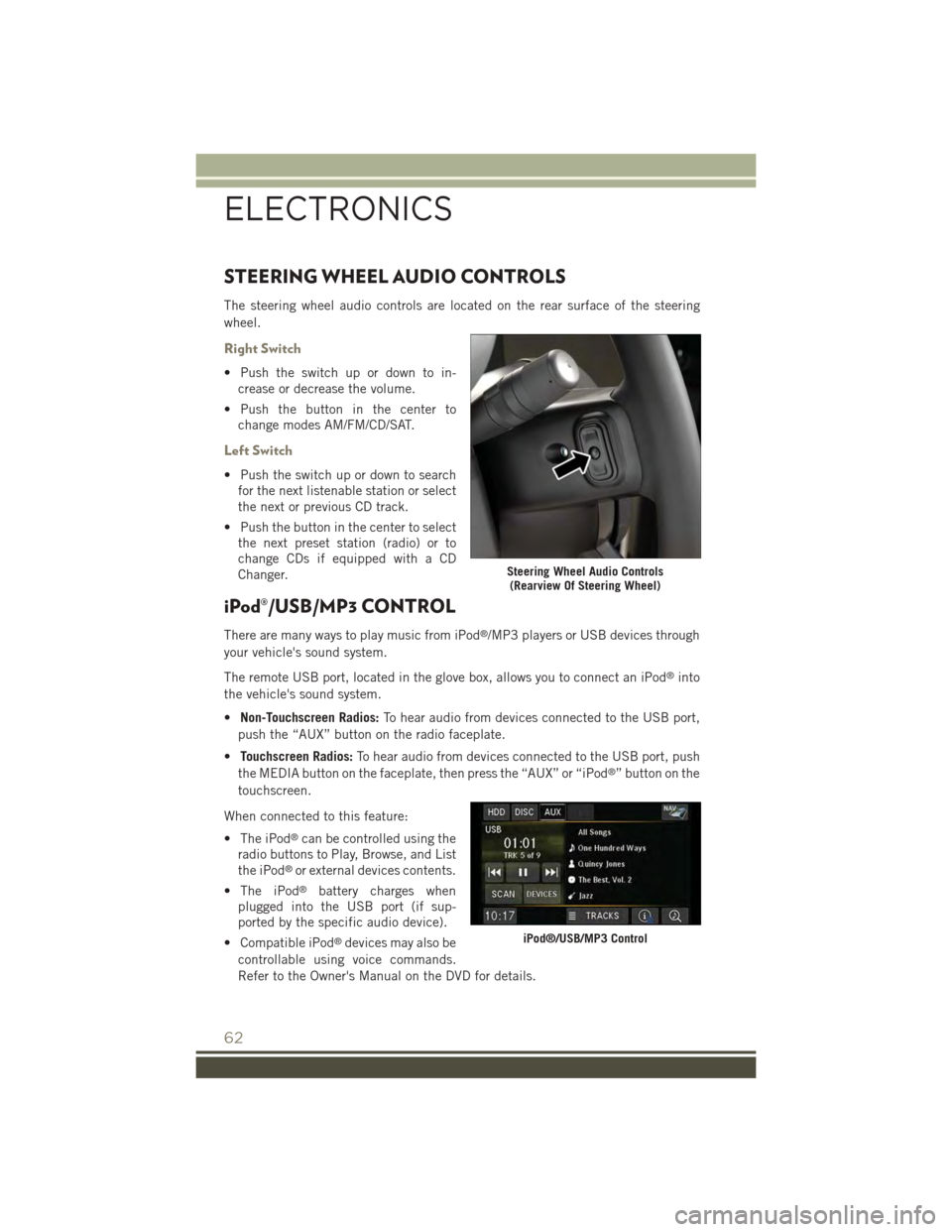
The steering wheel audio controls are located on the rear surface of the steering
wheel.
Right Switch
• Push the switch up or down to in-
crease or decrease the volume.
• Push the button in the center to
change modes AM/FM/CD/SAT.
Left Switch
• Push the switch up or down to search
for the next listenable station or select
the next or previous CD track.
• Push the button in the center to select
the next preset station (radio) or to
change CDs if equipped with a CD
Changer.
iPod®/USB/MP3 CONTROL
There are many ways to play music from iPod®/MP3 players or USB devices through
your vehicle's sound system.
The remote USB port, located in the glove box, allows you to connect an iPod®into
the vehicle's sound system.
•Non-Touchscreen Radios:To hear audio from devices connected to the USB port,
push the “AUX” button on the radio faceplate.
•Touchscreen Radios:To hear audio from devices connected to the USB port, push
the MEDIA button on the faceplate, then press the “AUX” or “iPod®” button on the
touchscreen.
When connected to this feature:
• The iPod®can be controlled using the
radio buttons to Play, Browse, and List
the iPod®or external devices contents.
• The iPod®battery charges when
plugged into the USB port (if sup-
ported by the specific audio device).
• Compatible iPod®devices may also be
controllable using voice commands.
Refer to the Owner's Manual on the DVD for details.
Steering Wheel Audio Controls(Rearview Of Steering Wheel)
iPod®/USB/MP3 Control
ELECTRONICS
62
Page 70 of 132
Voice Text Reply
If equipped with Uconnect®Voice Command, your Uconnect®430N/730N radio
may be able to play incoming Short Message Service (SMS) messages (text mes-
sages) through the vehicle's sound system. It also allows you to respond by selecting
from various predefined phrases.
NOTE:
Not all phones are compatible with this feature. Refer to the phone compatibility list
at UconnectPhone.com. Connected mobile phones must be bluetooth-compatible
and paired with your radio.
• Push the “Voice Command” buttonand after the BEEP, say “SMS” to get
started.
NOTE:
To access the tutorial, push the “Voice Command” button. After the BEEP,
say “tutorial.” Push any button on the faceplate or press any button on the
touchscreen to cancel the tutorial.
WARNING!
Any voice commanded system should be used only in safe driving conditions
following applicable laws regarding phone use. Your attention should be focused
on safely operating the vehicle. Failure to do so may result in a collision causing
you and others to be severely injured or killed.
Bluetooth® STREAMING AUDIO
If equipped with Uconnect®Voice Command, your Bluetooth®-equipped iPod®
devices, cell phones or other media players, may also be able to stream music to your
vehicle's speakers. Your connected device must be Bluetooth®-compatible, and
paired with your radio (see Uconnect®Phone for pairing instructions).
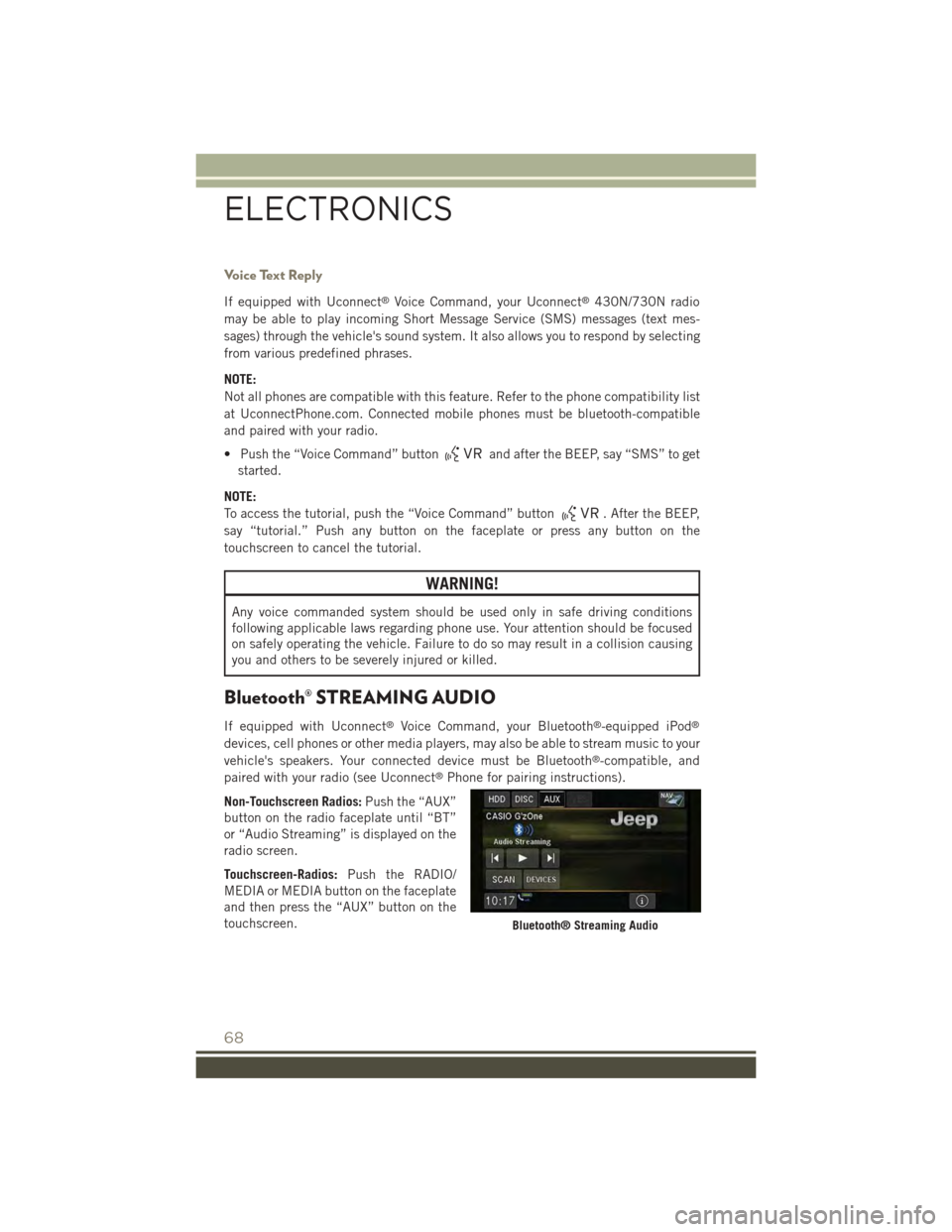
Non-Touchscreen Radios:Push the “AUX”
button on the radio faceplate until “BT”
or “Audio Streaming” is displayed on the
radio screen.
Touchscreen-Radios:Push the RADIO/
MEDIA or MEDIA button on the faceplate
and then press the “AUX” button on the
touchscreen.Bluetooth® Streaming Audio
ELECTRONICS
68
Page 129 of 132

Navigation Voice Prompt Volume . . .54
New Vehicle Break-In Period.....27
Occupant Restraints..........15
Oil Change Indicator . . . . . . . . . .86
Oil, Engine . . . . . . . . . . .106, 108
Capacity..............106
Change Interval.........108
Checking.............108
Disposal..............108Filter............106, 108Filter Disposal..........108Materials Added to........108Recommendation.....106, 108Viscosity.............108Oil Filter, Selection..........108Oil Pressure Light...........81OutletPower................76Overheating, Engine..........87
Paint Care . . . . . . . . . . . . . . .108Panic Alarm...............10Phone (Pairing).............63Phone (Uconnect®)..........63Placard, Tire and LoadingInformation.............115PowerInverter...............75Outlet (Auxiliary ElectricalOutlet)...............76Seats . . . . . . . . . . . . . . . .22Power Steering Fluid.........107Power Sunroof.............34Power Transfer Unit..........107Preparation for Jacking........88Programmable Electronic Features . .70
Radio Operation.....39,41,44,49Rain Sensitive Wiper System.....29Rear Seat, Folding...........24Rear Wiper/Washer...........29Refrigerant...............108Remote Keyless Entry (RKE)Arm The Alarm...........12Disarm The Alarm.........12Lock The Doors...........10Panic Alarm............10
Remote Keyless Entry (RKE) . . .10
Unlock The Doors.........10
Remote Starting
How To Use Remote Start.....11
Key Fob . . . . . . . . . . . . . . .11
Remote Starting System.....11
Remote Starting System........11
Replacement Bulbs..........118
Reporting Safety Defects.......120
Restraint, Head.............21Roll Over Warning . . . . . . . . . . . .5
Satellite Radio(Uconnect®studios) . . .40, 42, 45Schedule, Maintenance . . . . . . .108Seat Belt Maintenance . . . . . . . .108Seat BeltsAdjustable Shoulder Belt.....13Pretensioners...........13Reminder . . . . . . . . . . . . . .85Seat Belt Warning . . . . . . . . .13Seats...................22Adjustment . . . . . . . . . . . . .22Heated...............25Height Adjustment........23Manual . . . . . . . . . . . . . . .22Power................22Rear Folding............24Security Alarm.............86Arm The System..........12Disarm The System........12Security Alarm...........12Selection of Coolant (Antifreeze) . .106Shift Lever Override..........98Signals, Turn............29,86SIRIUS Travel Link...........57Spare Tire . . . . . . . . .88,116, 117Spark Plugs . . . . . . . . . . . . . .106Speed ControlAccel/Decel............30Cancel...............31Resume...............31Set . . . . . . . . . . . . . . . . .30StartingRemote . . . . . . . . . . . . . . .11SteeringTi l t C o l u m n . . . . . . . . . . . . . 2 6Steering Wheel Audio Controls....62
INDEX
127