2015 JEEP PATRIOT odometer
[x] Cancel search: odometerPage 374 of 572

appear in the odometer. Press and release the Trip
Odometer button located on the instrument cluster to
clear this message.
In this mode, ESC and TCS, except for the “limited slip”
feature described in the TCS section, are turned off until
the vehicle reaches a speed of 35 mph (56 km/h). At
35 mph (56 km/h) the system returns to “Partial Off”
mode, as described above. TCS remains off. When the
vehicle speed drops below 30 mph (48 km/h) the ESC
system shuts off. ESC is deactivated at low vehicle speeds
so that it will not interfere with off-road driving however,
ESC function returns to provide the stability feature at
speeds above 35 mph (56 km/h). The#ESC OFF Indicator
Light#will always be illuminated when ESC is off.
To turn ESC on again, momentarily press the “ESC Off”
switch. This will restore the “ESC On” mode of operation.
NOTE:The “ESC OFF” message will display and an
audible chime will sound when the shift lever is placed
into the PARK position from any other position, and then
moved out of the PARK position. This will occur even if
the message was previously cleared.
WARNING!
With the ESC in the%Full Off%mode, the engine
torque reduction and stability features are disabled.
In an emergency evasive maneuver, the ESC system
will not engage to assist in maintaining stability.
“ESC Off” mode is intended for off-highway or
off-road use only.
372 STARTING AND OPERATING
Page 400 of 572
WARNING!
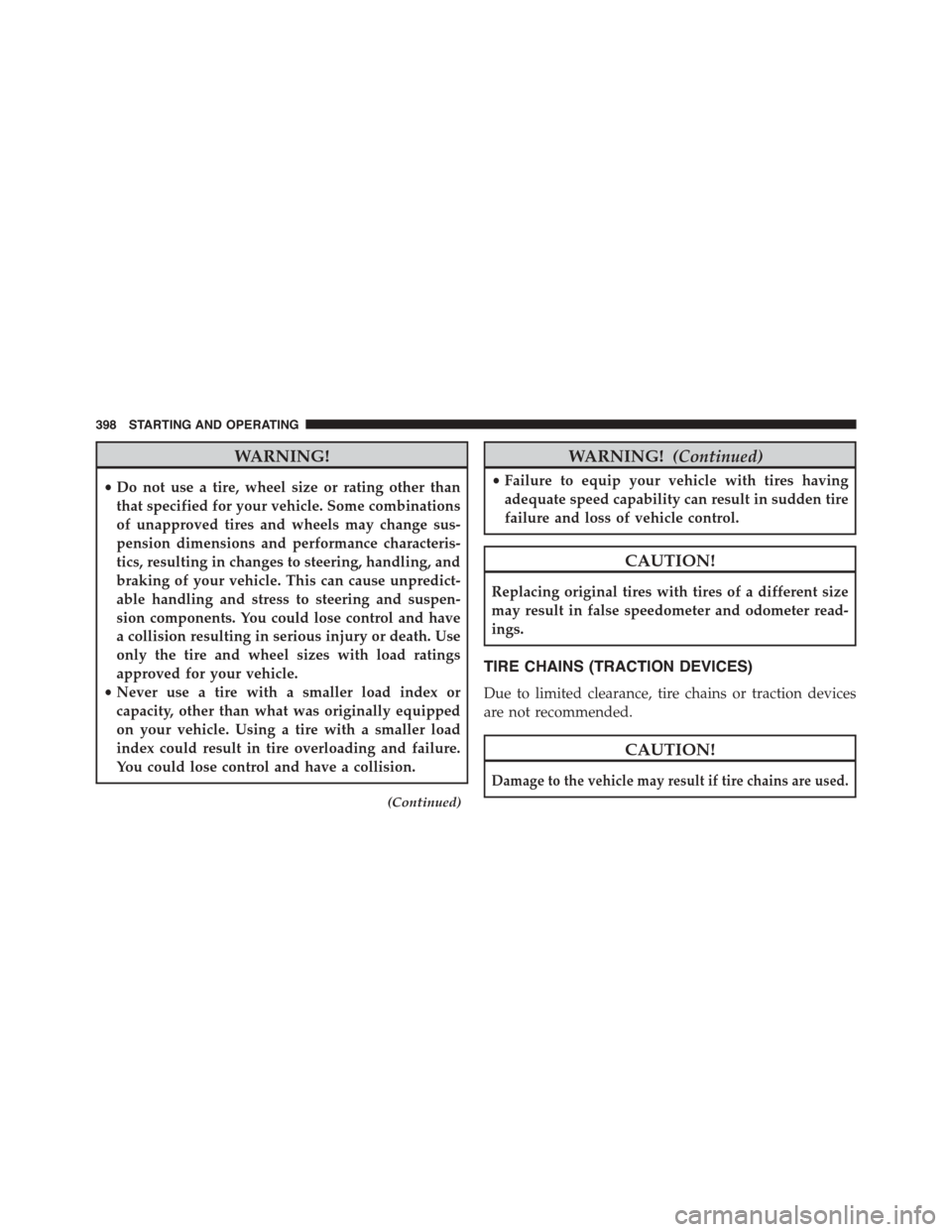
•Do not use a tire, wheel size or rating other than
that specified for your vehicle. Some combinations
of unapproved tires and wheels may change sus-
pension dimensions and performance characteris-
tics, resulting in changes to steering, handling, and
braking of your vehicle. This can cause unpredict-
able handling and stress to steering and suspen-
sion components. You could lose control and have
a collision resulting in serious injury or death. Use
only the tire and wheel sizes with load ratings
approved for your vehicle.
•Never use a tire with a smaller load index or
capacity, other than what was originally equipped
on your vehicle. Using a tire with a smaller load
index could result in tire overloading and failure.
You could lose control and have a collision.
(Continued)
WARNING!(Continued)
•Failure to equip your vehicle with tires having
adequate speed capability can result in sudden tire
failure and loss of vehicle control.
CAUTION!
Replacing original tires with tires of a different size
may result in false speedometer and odometer read-
ings.
TIRE CHAINS (TRACTION DEVICES)
Due to limited clearance, tire chains or traction devices
are not recommended.
CAUTION!
Damage to the vehicle may result if tire chains are used.
398 STARTING AND OPERATING
Page 417 of 572

WARNING!(Continued)
•Never add fuel when the engine is running. This is
in violation of most state and federal fire regula-
tions and may cause the MIL to turn on.
•A fire may result if gasoline is pumped into a
portable container that is inside of a vehicle. You
could be burned. Always place gas containers on
the ground while filling.
NOTE:
•When the fuel nozzle “clicks” or shuts off, the fuel tank
is full.
•Tighten the gas cap about¼turn until you hear one
click. This is an indication that cap is properly tight-
ened.
•If the gas cap is not tightened properly, the MIL will
come on. Be sure the gas cap is tightened every time
the vehicle is refueled.
Loose Fuel Filler Cap Message
If the vehicle diagnostic system determines that the fuel
filler cap is loose or improperly installed, a “gASCAP”
message will be displayed in the Odometer/Trip Odom-
eter in the instrument cluster. Refer to “Instrument
Cluster Description” in “Understanding Your Instrument
Panel” for further information. Tighten the fuel filler cap
properly and press the odometer/trip odometer RESET
button to turn the message off. If the problem continues,
the message will appear the next time the vehicle is
started. Refer to “Onboard Diagnostic System” in “Main-
taining Your Vehicle” for further information.
5
STARTING AND OPERATING 415
Page 481 of 572

ONBOARD DIAGNOSTIC SYSTEM — OBD II
Your vehicle is equipped with a sophisticated onboard
diagnostic system called OBD II. This system monitors
the performance of the emissions, engine, and automatic
transmission control systems. When these systems are
operating properly, your vehicle will provide excellent
performance and fuel economy, as well as engine emis-
sions well within current government regulations.
If any of these systems require service, the OBD II system
will turn on the “Malfunction Indicator Light” (MIL). It
will also store diagnostic codes and other information to
assist your service technician in making repairs. Al-
though your vehicle will usually be drivable and not
need towing, see your authorized dealer for service as
soon as possible.
CAUTION!
•Prolonged driving with the MIL on could cause
further damage to the emission control system. It
could also affect fuel economy and driveability.
The vehicle must be serviced before any emissions
tests can be performed.
•If the MIL is flashing while the engine is running,
severe catalytic converter damage and power loss
will soon occur. Immediate service is required.
Loose Fuel Filler Cap Message
After fuel is added, the vehicle diagnostic system can
determine if the fuel filler cap is possibly loose or
improperly installed. A “gASCAP” message will be dis-
played in the instrument cluster. Tighten the gas cap until
a#clicking#sound is heard. This is an indication that the
gas cap is properly tightened. Press the trip odometer
RESET button to turn off the message. If the problem
7
MAINTAINING YOUR VEHICLE 479
Page 534 of 572

MAINTENANCE SCHEDULE
Your vehicle is equipped with an automatic oil change
indicator system. The oil change indicator system will
remind you that it is time to take your vehicle in for
scheduled maintenance.
Based on engine operation conditions, the oil change
indicator message will illuminate. This means that ser-
vice is required for your vehicle. Operating conditions
such as frequent short-trips, trailer tow, extremely hot or
cold ambient temperatures will influence when the
“Change Oil” or “Oil Change Required” message is
displayed. Severe Operating Conditions can cause the
change oil message to illuminate as early as 3,500 miles
(5,600 km) since last reset. Have your vehicle serviced as
soon as possible, within the next 500 miles (805 km).
On Electronic Vehicle Information Center (EVIC)
equipped vehicles, “Oil Change Required” will be dis-
played in the EVIC and a single chime will sound,
indicating that an oil change is necessary.
On Non-EVIC equipped vehicles, “Change Oil” will flash
in the instrument cluster odometer and a single chime
will sound, indicating that an oil change is necessary.
Your authorized dealer will reset the oil change indicator
message after completing the scheduled oil change. If a
scheduled oil change is performed by someone other
than your authorized dealer, the message can be reset by
referring to the steps described under “Instrument Clus-
ter Descriptions” or “Electronic Vehicle Information Cen-
ter (EVIC)” in “Understanding Your Instrument Panel”
for further information.
NOTE:Under no circumstances should oil change inter-
vals exceed 10,000 miles (16,000 km) or twelve months,
whichever comes first.
Severe Duty All Models
Change Engine Oil at 4000 miles (6,500 km) if the vehicle
is operated in a dusty and off road environment. This
type of vehicle use is considered Severe Duty.
532 MAINTENANCE SCHEDULES
Page 558 of 572

Power Steering.........................356
Fluids, Lubricants And Genuine Parts...........527
Fog Lights..............................168
Folding Rear Seat.........................162
Folding Rear Seat (Sedan)...................162
Four Wheel Drive.........................346
Systems..............................346
Four Wheel Drive Operation.................346
Freeing A Stuck Vehicle.....................466
Fuel...................................409
Adding..............................413
Additives.............................411
Capacity.............................526
Clean Air.............................410
Ethanol..............................410
Filler Cap (Gas Cap).....................413
Gasoline..............................409
Gauge...............................218
Light................................218
Materials Added........................411
Methanol.............................410
Octane Rating..........................409
Requirements..........................409
Tank Capacity..........................526
Fueling................................413
Fuses..................................516
Garage Door Opener (HomeLink®)............182
Gas Cap (Fuel Filler Cap)...................413
Gasoline, Clean Air........................410
Gasoline (Fuel)...........................409
Gasoline, Reformulated.....................410
Gauges
Coolant Temperature.....................218
Fuel.................................218
Odometer.............................218
Tachometer............................218
GearRanges.............................330
556 INDEX
Page 562 of 572

Lumbar Support..........................157
Maintenance Free Battery....................487
Maintenance Procedures....................482
Maintenance Schedule......................532
Malfunction Indicator Light (Check Engine).......218
Manual, Service..........................546
Manual Transaxle
Fluid Level Check.......................508
Lubricant Selection......................509
Manual Transmission......................324
Fluid Level Check.......................508
Frequency Of Fluid Change................508
Lubricant Selection......................508
Map/Reading Lights.......................171
Master Cylinder (Brakes)....................501
Methanol...............................410
Mini-Trip Computer.......................232
Mirrors................................109
Automatic Dimming.....................110
Electric Powered........................112
Exterior Folding........................111
Heated...............................112
Outside..............................111
Rearview.............................109
Vanity...............................113
Modifications/Alterations, Vehicle...............8
Monitor, Tire Pressure System................400
MOPAR® Parts...........................481
MTBE/ETBE............................410
Multi-Function Control Lever.................167
New Vehicle Break-In Period..................99
Occupant Restraints........................40
Octane Rating, Gasoline (Fuel)................409
Odometer...............................218
Tr i p . . . . . . . . . . . . . . . . . . . . . . . . . . . . . . . ..218
560 INDEX
Page 569 of 572

Tread Wear Indicators......................395
Trip Computer...........................232
Trip Odometer...........................218
Trip Odometer Reset Button..................218
Turn Signals.............................169
UCI Connector...........................293
Uconnect®
Advanced Phone Connectivity..............132
Operation.............................115
Phone Call Features.....................123
Phone Features.........................127
Things You Should Know About Your Uconnect®
Phone...............................134
Uconnect® 130
Operating Instructions Auxiliary Mode........275
Operating Instructions CD Mode............270
Operating Instructions Radio Mode..........267
Playing MP3 Files.......................272
Uconnect® 130 With Satellite Radio
Multimedia Satellite Radio.................262
Operating Instructions CD Mode............282
Operating Instructions Radio Mode..........276
Playing MP3 Files.......................284
Uconnect® (Hands-Free Phone)...............113
Understanding Your Instrument Panel...........216
Uniform Tire Quality Grades.................547
Universal Consumer Interface (UCI) Connector . . . .293
Universal Transmitter......................182
Unleaded Gasoline........................409
Untwisting Procedure, Seat Belt................52
Vanity Mirrors...........................113
Variance, Compass........................244
Vehicle Certification Label...................416
Vehicle Identification Number (VIN).............7
Vehicle Loading..........................382
Vehicle Modifications/Alterations...............8
10
INDEX 567