Page 163 of 636

3. Once the profile has been recalled, push and release
the SET (S) button on the memory switch.
4. Within five seconds, push and release button (1) or (2)
accordingly. “Memory Profile Set” (1 or 2) will display
in the instrument cluster.
5. Push and release the LOCK button on the RKE trans-
mitter within 10 seconds.
NOTE:Your RKE transmitters can be unlinked to your
memory settings by pushing the SET (S) button, and
within 10 seconds, followed by pushing the UNLOCK
button on the RKE transmitter.
Memory Position Recall
NOTE:The vehicle must be in PARK to recall memory
positions. If a recall is attempted when the vehicle is not
in PARK, a message will be displayed in the Driver
Information Display (DID).Driver One Memory Position Recall
•To recall the memory settings for driver one using the
memory switch , push MEMORY button number 1 on
the memory switch.
•To recall the memory settings for driver one using the
RKE transmitter, push the UNLOCK button on the
RKE transmitter linked to memory position 1.
Driver Two Memory Position Recall
•To recall the memory setting for driver two using the
memory switch, push MEMORY button number 2 on
the memory switch.
•To recall the memory settings for driver two using the
RKE transmitter, push the UNLOCK button on the
RKE transmitter linked to memory position 2.
A recall can be cancelled by pushing any of the MEMORY
buttons during a recall (S, 1, or 2). When a recall is
3
UNDERSTANDING THE FEATURES OF YOUR VEHICLE 161
Page 171 of 636
If your vehicle is not equipped with a touchscreen, this
feature can be programmed through the Driver Informa-
tion Display (DID). Refer to “Driver Information Display
(DID)” in “Understanding Your Instrument Panel” for
further information.
Parking Lights And Panel Lights
To turn on the parking lights and instrument
panel lights, rotate the headlight switch clockwise.
To turn off the parking lights, rotate the headlight switch
back to the O (Off) position.
Fog Lights — If Equipped
The fog lights are turned on by rotating the headlight
switch to the parking light or headlight position and
pushing in the headlight rotary control.The fog lights will operate only when the parking lights
are on or when the vehicle headlights are on low beam.
An indicator light located in the instrument cluster will
illuminate when the fog lights are on. The fog lights will
Fog Light Operation
3
UNDERSTANDING THE FEATURES OF YOUR VEHICLE 169
Page 191 of 636

WARNING!(Continued)
•The ACC system:
•Does not react to pedestrians, oncoming vehicles,
and stationary objects (e.g., a stopped vehicle in a
traffic jam or a disabled vehicle).
•Cannot take street, traffic, and weather condi-
tions into account, and may be limited upon
adverse sight distance conditions.
•Does not always fully recognize complex driving
conditions, which can result in wrong or missing
distance warnings.
•Will bring the vehicle to a complete stop while
following a target vehicle and hold the vehicle
for 2 seconds in the stop position. If the target
vehicle does not start moving within two seconds
the ACC system will display a message that the
system will release the brakes and that the
(Continued)
WARNING!(Continued)
brakes must be applied manually. An audible
chime will sound when the brakes are released.
You should switch off the ACC system:
•When driving in fog, heavy rain, heavy snow, sleet,
heavy traffic, and complex driving situations (i.e.,
in highway construction zones).
•When entering a turn lane or highway off ramp;
when driving on roads that are winding, icy, snow-
covered, slippery, or have steep uphill or downhill
slopes.
•When towing a trailer up or down steep slopes.
•When circumstances do not allow safe driving at a
constant speed.
Adaptive Cruise Control (ACC) Operation
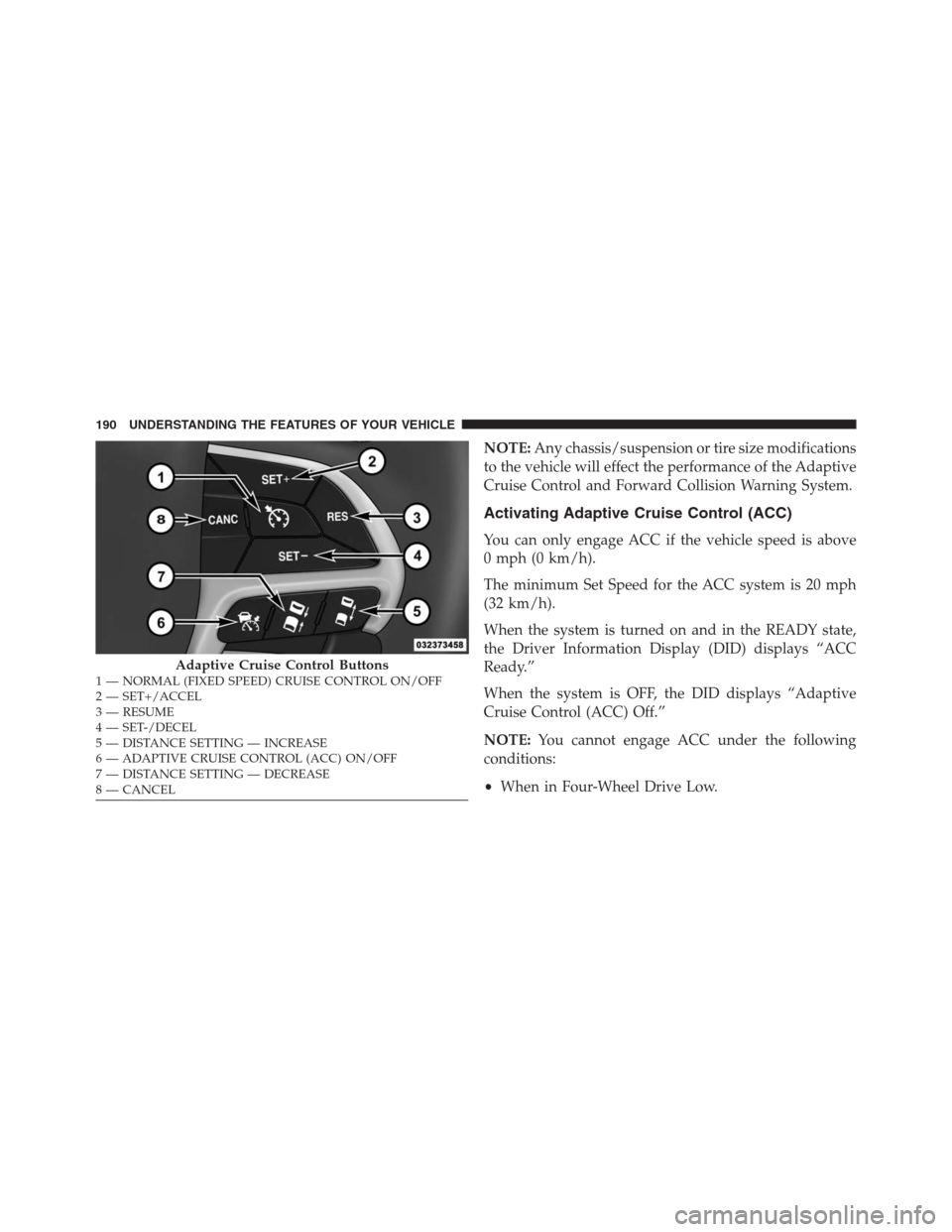
The speed control buttons (located on the right side of the
steering wheel) operates the ACC system.
3
UNDERSTANDING THE FEATURES OF YOUR VEHICLE 189
Page 192 of 636
NOTE:Any chassis/suspension or tire size modifications
to the vehicle will effect the performance of the Adaptive
Cruise Control and Forward Collision Warning System.
Activating Adaptive Cruise Control (ACC)
You can only engage ACC if the vehicle speed is above
0 mph (0 km/h).
The minimum Set Speed for the ACC system is 20 mph
(32 km/h).
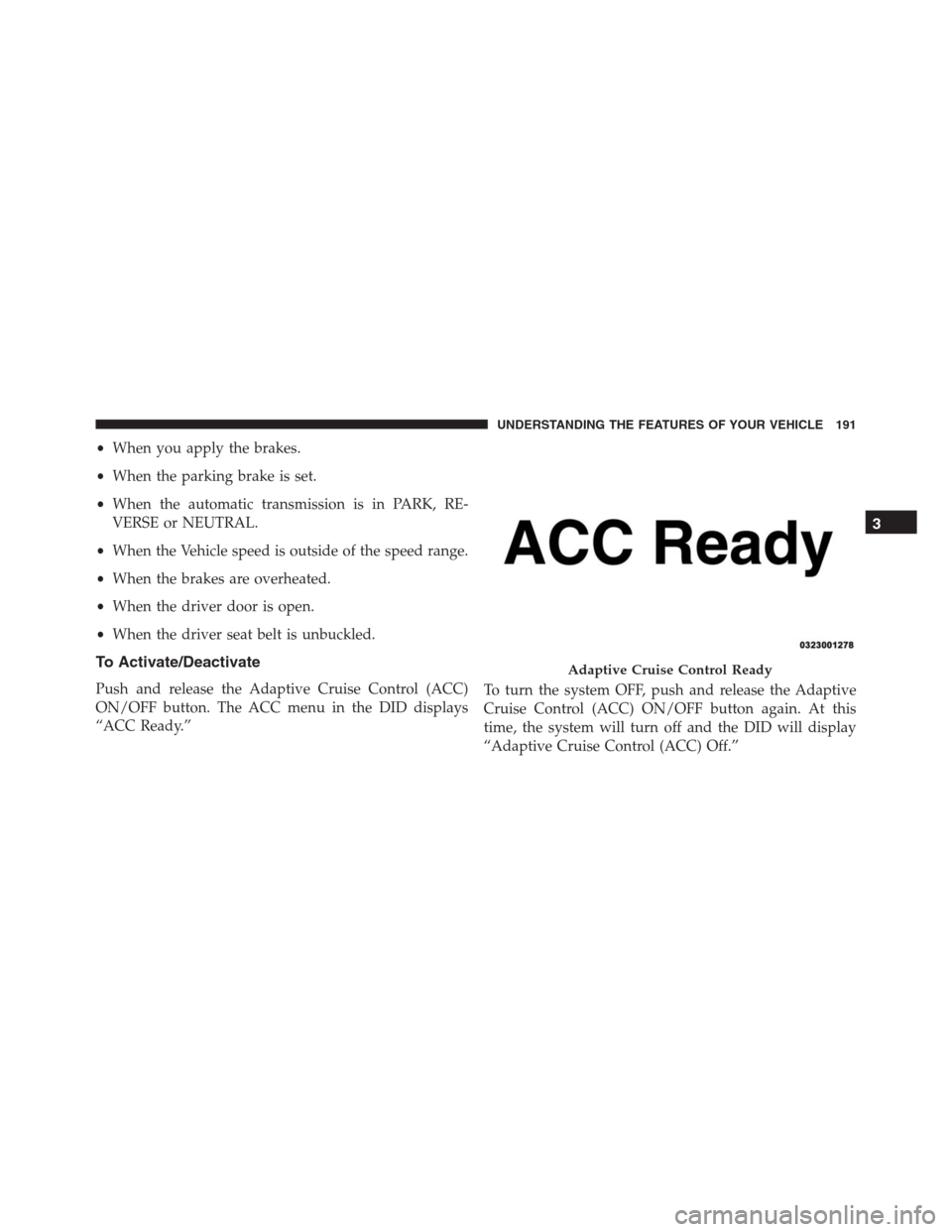
When the system is turned on and in the READY state,
the Driver Information Display (DID) displays “ACC
Ready.”
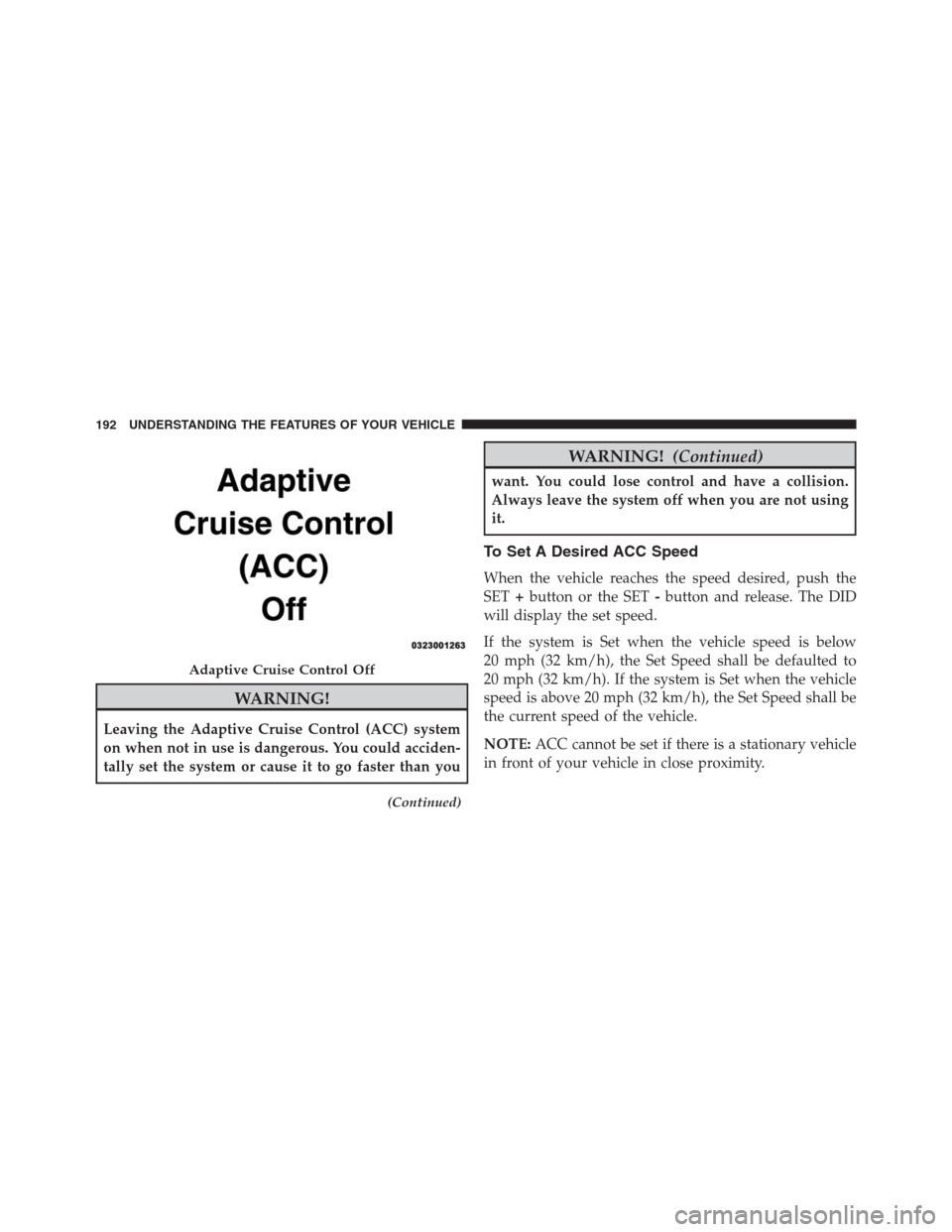
When the system is OFF, the DID displays “Adaptive
Cruise Control (ACC) Off.”
NOTE:You cannot engage ACC under the following
conditions:
•When in Four-Wheel Drive Low.
Adaptive Cruise Control Buttons1 — NORMAL (FIXED SPEED) CRUISE CONTROL ON/OFF
2 — SET+/ACCEL
3 — RESUME
4 — SET-/DECEL
5 — DISTANCE SETTING — INCREASE
6 — ADAPTIVE CRUISE CONTROL (ACC) ON/OFF
7 — DISTANCE SETTING — DECREASE
8 — CANCEL 190 UNDERSTANDING THE FEATURES OF YOUR VEHICLE
Page 193 of 636
•When you apply the brakes.
•When the parking brake is set.
•When the automatic transmission is in PARK, RE-
VERSE or NEUTRAL.
•When the Vehicle speed is outside of the speed range.
•When the brakes are overheated.
•When the driver door is open.
•When the driver seat belt is unbuckled.
To Activate/Deactivate
Push and release the Adaptive Cruise Control (ACC)
ON/OFF button. The ACC menu in the DID displays
“ACC Ready.”To turn the system OFF, push and release the Adaptive
Cruise Control (ACC) ON/OFF button again. At this
time, the system will turn off and the DID will display
“Adaptive Cruise Control (ACC) Off.”
Adaptive Cruise Control Ready
3
UNDERSTANDING THE FEATURES OF YOUR VEHICLE 191
Page 194 of 636
WARNING!
Leaving the Adaptive Cruise Control (ACC) system
on when not in use is dangerous. You could acciden-
tally set the system or cause it to go faster than you
(Continued)
WARNING!(Continued)
want. You could lose control and have a collision.
Always leave the system off when you are not using
it.
To Set A Desired ACC Speed
When the vehicle reaches the speed desired, push the
SET+button or the SET-button and release. The DID
will display the set speed.
If the system is Set when the vehicle speed is below
20 mph (32 km/h), the Set Speed shall be defaulted to
20 mph (32 km/h). If the system is Set when the vehicle
speed is above 20 mph (32 km/h), the Set Speed shall be
the current speed of the vehicle.
NOTE:ACC cannot be set if there is a stationary vehicle
in front of your vehicle in close proximity.
Adaptive Cruise Control Off
192 UNDERSTANDING THE FEATURES OF YOUR VEHICLE
Page 195 of 636
Remove your foot from the accelerator pedal. If you do
not, the vehicle may continue to accelerate beyond the set
speed. If this occurs:
•The message “DRIVER OVERRIDE” will display in
the DID.
•The system will not be controlling the distance be-
tween your vehicle and the vehicle ahead. The vehicle
speed will only be determined by the position of the
accelerator pedal.
To Cancel
The following conditions cancel the system:
•The brake pedal is applied.
•The CANCEL button is pushed.
•An Anti-Lock Brake System (ABS) event occurs.•The shift lever/gear selector is removed from the
Drive position.
•The Electronic Stability Control/Traction Control Sys-
tem (ESC/TCS) activates.
•The vehicle parking brake is applied.
•Driver seatbelt is unbuckled at low speeds.
•Driver door is opened at low speeds.
•A Trailer Sway Control (TSC) event occurs.
•The driver switches ESC to full-off mode.To Turn Off
The system will turn off and clear the set speed in
memory if:
•The Adaptive Cruise Control (ACC) ON/OFF button
is pushed.
3
UNDERSTANDING THE FEATURES OF YOUR VEHICLE 193
Page 196 of 636
•The Normal (Fixed Speed) Electronic Speed Control
ON/OFF button is pushed.
•The ignition is turned OFF.
•You switch to Four-Wheel Drive Low.
To Resume
If there is a set speed in memory push the RES (resume)
button and then remove your foot from the accelerator
pedal. The DID will display the last set speed.
NOTE:
•If your vehicle stays at standstill for longer than two
seconds, then the system will cancel and the brake
force will be ramped-out. The driver will have to apply
the brakes to keep the vehicle at a standstill.
•ACC cannot be resumed if there is a stationary vehicle
in-front of your vehicle in close proximity.
WARNING!
The Resume function should only be used if traffic
and road conditions permit. Resuming a set speed
that is too high or too low for prevailing traffic and
road conditions could cause the vehicle to accelerate
or decelerate too sharply for safe operation. Failure to
follow these warnings can result in a collision and
death or serious personal injury.
To Vary The Speed Setting
To Increase Speed
While ACC is set, you can increase the set speed by
pushing the SET+button.
The drivers preferred units can be selected through the
instrument panel settings if equipped. Refer to “Under-
standing Your Instrument Panel” for more information.
194 UNDERSTANDING THE FEATURES OF YOUR VEHICLE