2015 JEEP GRAND CHEROKEE instrument panel
[x] Cancel search: instrument panelPage 27 of 120

•RIGHT Arrow Button
Push and release the RIGHT arrow button to
access the information screens or sub-menu
screens of a main menu item.
•BACK/LEFT Arrow Button
Push and release the LEFT arrow button to
access the information screens or sub-menu
screens of a main menu item.
•OK Button
Push the OK button to access/select the information
screens or sub-menu screens of a main menu item. Push
and hold the OK arrow button for two seconds to reset
displayed/selected features that can be reset.
DID Displays
When the appropriate conditions exist, the DID displays
the following messages:•System Setup Unavailable – Vehicle Not in Park
•System Setup Unavailable – Vehicle in Motion
•Exhaust Filter XX% Full Safely Drive at Highway
Speeds To Remedy
•Exhaust Filter Full – Power Reduced See Dealer
•Exhaust Service Required – See Dealer Now
•Exhaust System – Filter XX% Full Service Required See
Dealer
•Exhaust System – Regeneration In Process Exhaust
Filter XX% Full
•Exhaust System – Regeneration Completed
•Engine Will Not Restart in XXXX mi DEF Low Refill
Soon
•Engine Will Not Restart in XXXX mi Refill DEF
3
UNDERSTANDING YOUR INSTRUMENT PANEL 25
Page 28 of 120

•Engine Will Not Restart Refill DEF
•Service DEF System See Dealer
•Incorrect DEF Detected See Dealer
•Engine Will Not Restart in XXX mi Service DEF See
Dealer
•Engine Will Not Restart Service DEF System See
Dealer
Engine Oil Life Reset
Oil Change Required
Your vehicle is equipped with an engine oil change
indicator system. The “Oil Change Required” message
will display in the DID for five seconds after a single
chime has sounded, to indicate the next scheduled oil
change interval. The engine oil change indicator systemis duty cycle based, which means the engine oil change
interval may fluctuate, dependent upon your personal
driving style.
Unless reset, this message will continue to display each
time you cycle the ignition to the ON/RUN position. To
turn off the message temporarily, push and release the
OK button. To reset the oil change indicator system (after
performing the scheduled maintenance), refer to the
following procedure.
Oil Change Reset Procedure
1. Without pushing the brake pedal, push and release the
ENGINE START/STOP button and place the ignition
to the ON/RUN position (do not start the engine).
2. Fully push the accelerator pedal, slowly, three times
within 10 seconds.
26 UNDERSTANDING YOUR INSTRUMENT PANEL
Page 29 of 120

3. Without pushing the brake pedal, push and release the
ENGINE START/STOP button once to return the
ignition to the OFF/LOCK position.
NOTE:If the indicator message illuminates when you
start the vehicle, the oil change indicator system did not
reset. If necessary, repeat this procedure.
Fuel Filter Life Reset
The cluster will display the “Fuel System Service Re-
quired – See Dealer” or “Service Fuel Filter” message
when the fuel filter maintenance life is less than 5%. To
verify if this is a fuel filter change event, go to the “Fuel
Filter Life” screen in the “Vehicle Info” menu. When this
message appears, dealers should replace the fuel filters.
NOTE:Use the steering wheel DID controls for the
following procedure(s)
1. Without pushing the brake pedal, cycle the ignition to
the ON/RUN position (do not start the engine.)2. Push and release theDOWNarrow button to scroll
downward through the main menu to “Vehicle Info”.
3. Push and release theRIGHTarrow button to access
the ”Fuel Filter Life” screen.
4. Push and hold theOKbutton for one second to access
the ”Fuel Filter Life Reset” screen.
5. Push and release theDOWNarrow button to select
“Yes”, then press and release the OK button to select
reset of the Fuel Filter Life.
6. Push and release theUparrow button to exit the DID
screen.
NOTE:If the indicator message illuminates when you
start the vehicle, the fuel filter indicator system did not
reset. If necessary, repeat this procedure.
3
UNDERSTANDING YOUR INSTRUMENT PANEL 27
Page 30 of 120
DID Amber Telltales
This area will show reconfigurable amber caution tell-
tales. These telltales include:
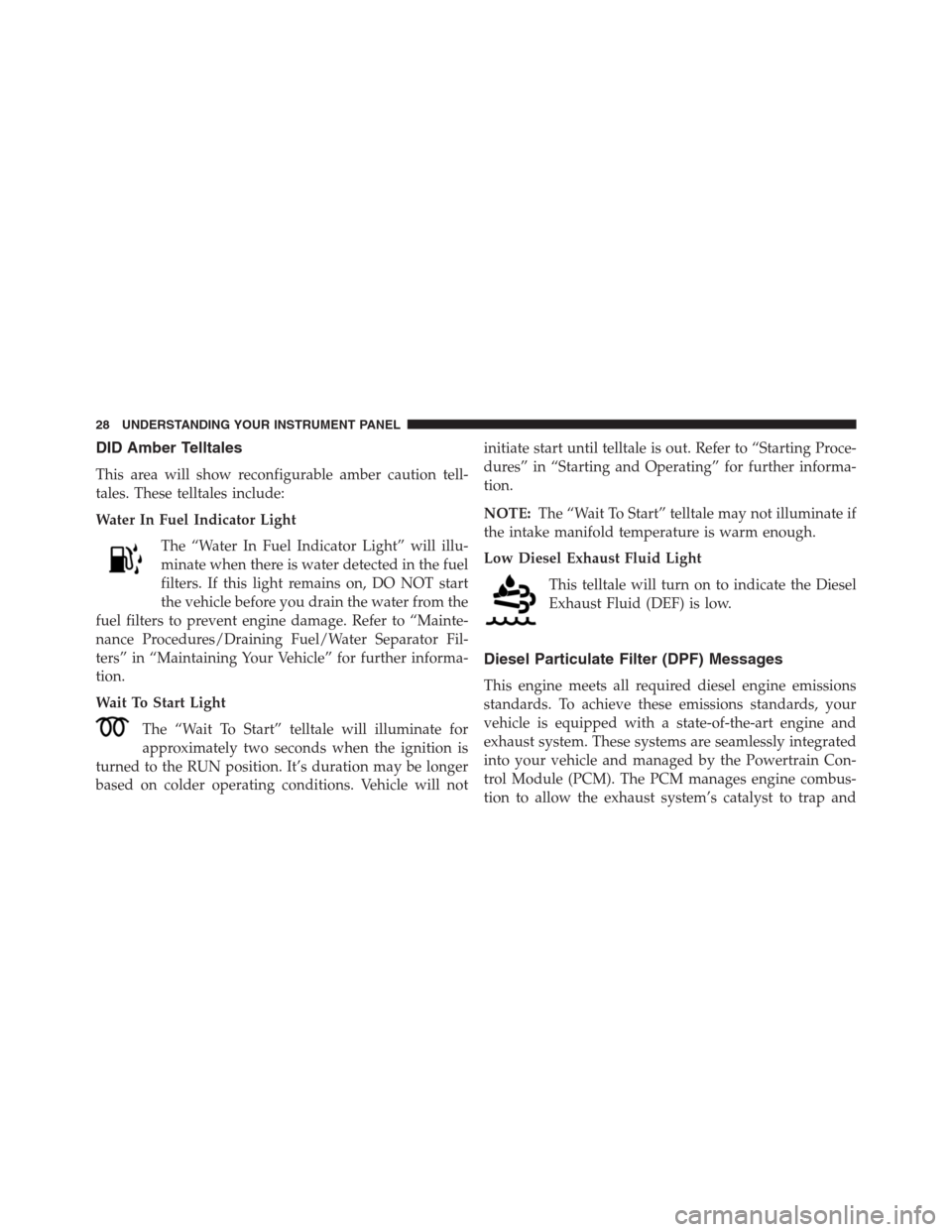
Water In Fuel Indicator Light
The “Water In Fuel Indicator Light” will illu-
minate when there is water detected in the fuel
filters. If this light remains on, DO NOT start
the vehicle before you drain the water from the
fuel filters to prevent engine damage. Refer to “Mainte-
nance Procedures/Draining Fuel/Water Separator Fil-
ters” in “Maintaining Your Vehicle” for further informa-
tion.
Wait To Start Light
The “Wait To Start” telltale will illuminate for
approximately two seconds when the ignition is
turned to the RUN position. It’s duration may be longer
based on colder operating conditions. Vehicle will notinitiate start until telltale is out. Refer to “Starting Proce-
dures” in “Starting and Operating” for further informa-
tion.
NOTE:The “Wait To Start” telltale may not illuminate if
the intake manifold temperature is warm enough.
Low Diesel Exhaust Fluid Light
This telltale will turn on to indicate the Diesel
Exhaust Fluid (DEF) is low.
Diesel Particulate Filter (DPF) Messages
This engine meets all required diesel engine emissions
standards. To achieve these emissions standards, your
vehicle is equipped with a state-of-the-art engine and
exhaust system. These systems are seamlessly integrated
into your vehicle and managed by the Powertrain Con-
trol Module (PCM). The PCM manages engine combus-
tion to allow the exhaust system’s catalyst to trap and
28 UNDERSTANDING YOUR INSTRUMENT PANEL
Page 31 of 120
burn Particulate Matter (PM) pollutants, with no input or
interaction on your part.
WARNING!
A hot exhaust system can start a fire if you park over
materials that can burn. Such materials might be
grass or leaves coming into contact with your exhaust
system. Do not park or operate your vehicle in areas
where your exhaust system can contact anything that
can burn.
Your vehicle has the ability to alert you to additional
maintenance required on your vehicle or engine. Refer to
the following messages that may be displayed on your
Driver Information Display (DID):
•Exhaust Filter XX% Full Safely Drive at Highway
Speeds to Remedy— This message will be displayed
on the Driver Information Display (DID) if the exhaust
particulate filter reaches 80% of its maximum storagecapacity. Under conditions of exclusive short duration
and low speed driving cycles, your diesel engine and
exhaust after-treatment system may never reach the
conditions required to cleanse the filter to remove the
trapped PM. If this occurs, the “Exhaust Filter XX%
Full Safely Drive at Highway Speeds to Remedy”
message will be displayed in the DID. If this message
is displayed, you will hear one chime to assist in
alerting you of this condition. By simply driving your
vehicle at highway speeds for up to 20 minutes, you
can remedy the condition in the particulate filter
system and allow your diesel engine and exhaust
after-treatment system to cleanse the filter to remove
the trapped PM and restore the system to normal
operating condition.
•Exhaust System — Regeneration In Process Exhaust
Filter XX% Full— This message indicates that the3
UNDERSTANDING YOUR INSTRUMENT PANEL 29
Page 32 of 120

Diesel Particulate Filter (DPF) is self-cleaning. Main-
tain your current driving condition until regeneration
is completed.
•Exhaust System — Regeneration Completed— This
message indicates that the Diesel Particulate Filter
(DPF) self-cleaning is completed. If this message is
displayed, you will hear one chime to assist in alerting
you of this condition.
•Exhaust Service Required — See Dealer Now— This
messages indicates regeneration has been disabled due
to a system malfunction. At this point the engine
Powertrain Control Module (PCM) will register a fault
code, the instrument panel will display a MIL light.
CAUTION!
See your authorized dealer, as damage to the exhaust
system could occur soon with continued operation.•Exhaust Filter Full — Power Reduced See Dealer—
This message indicates the PCM has derated the
engine to limit the likelihood of permanent damage to
the after-treatment system. If this condition is not
corrected and a dealer service is not performed, exten-
sive exhaust after-treatment damage can occur. To
correct this condition it will be necessary to have your
vehicle serviced by your local authorized dealer.
NOTE:Failing to follow the oil change indicator, chang-
ing your oil and resetting the oil change indicator by 0
miles remaining will prevent the diesel exhaust filter
from performing it’s cleaning routine. This will shortly
result in a Malfunction Indicator Light (MIL) and re-
duced engine power. Only an authorized dealer will be
able to correct this condition.
30 UNDERSTANDING YOUR INSTRUMENT PANEL
Page 33 of 120

CAUTION!
See your authorized dealer, as damage to the exhaust
system could occur soon with continued operation.
Diesel Exhaust Fluid (DEF) Warning Messages
Your vehicle will begin displaying warning messages
when the DEF level reaches a driving range of approxi-
mately 1500 miles. If the following warning message
sequence is ignored, your vehicle may not restart unless
DEF is added with in the displayed mileage shown in the
DID message.
•Engine Will Not Restart in XXXX mi DEF Low Refill
Soon— This message will display when DEF driving
range is less than 1500 miles, DEF fluid top off is
required with in the displayed mileage. The message
will be displayed in the DID during vehicle start up
with the current allowed mileage and accompanied bya single chime. The remaining mileage can be pulled
up anytime by way of the “Messages” list within the
DID
•Engine Will Not Restart in XXXX mi Refill DEF—
This message will display when DEF driving range is
less than 311 miles. It is also displayed at 249 miles, 186
miles, and 124 miles. Continuous Display starts at 124
miles. DEF fluid top off is required with in the dis-
played mileage. The message will be displayed in the
DID during vehicle start up with an updated distance
mileage, and it will be accompanied by a single chime.
Stating at 100 miles, remaining range will be continu-
ously displayed while operating the vehicle. Chimes
will also accompany the 75, 50 and 25 mile remaining
distances. The DEF Low telltale will be on continu-
ously until DEF fluid is topped off.
•Engine Will Not Restart Refill DEF— This message
will display when the DEF driving range is less than 1
3
UNDERSTANDING YOUR INSTRUMENT PANEL 31
Page 34 of 120

mile, DEF fluid top off is required or the engine will
not restart. The message will be displayed in the DID
during vehicle start up, and it will be accompanied by
a single chime. The DEF Low telltale will be illumi-
nated continuously until DEF fluid tank is filled with a
minimum of two gallons of DEF.
Diesel Exhaust Fluid (DEF) Fault Warning
Messages
There are different messages which are displayed if the
vehicle detects that the DEF system has been filled with
a fluid other than DEF, has experienced component
failures, or when tampering has been detected.
When the DEF system needs to be serviced the following
warnings will display:
•Service DEF System See Dealer— This message will
display when the fault is initially detected and eachtime the vehicle is started. The message will be accom-
panied by a single chime and the Malfunction Indica-
tor Light. We recommend you drive to your nearest
authorized dealer and have your vehicle serviced
immediately. If not corrected in 30 miles, vehicle will
enter the “Engine Will not restart in XXXmi Service
DEF See dealer” warning stage and message.
•Incorrect DEF Detected See Dealer— This message
will display if the DEF system has detected the incor-
rect fluid has been introduced to the DEF tank. The
message will be accompanied by a single chime. We
recommend you drive to your nearest authorized
dealer and have your vehicle serviced immediately. If
not corrected in 30 miles, vehicle will enter the Engine
Will not restart in XXX mi Service DEF See dealer
warning stage and message.
32 UNDERSTANDING YOUR INSTRUMENT PANEL